PimEyes’ technology has been genuinely impressive as it searches billions of web images to find matches that show where your photos have been posted without your knowledge. But the platform is not completely free. After you have used your limit, it shows blurred results that you can’t click unless you pay for a subscription. This is when finding the best free PimEyes alternative becomes necessary for people wanting reverse face search features without pinching their pockets. Let’s jump right in!
Best FREE PimEyes Alternative (2026)
Now you do not have to hit the paywall every time you wish to see how your own pictures are being used.
1. TapTapSee

TapTapSee helps blind or low-vision folks by snapping photos or videos with your phone’s camera, then naming objects aloud via VoiceOver. Double-tap right for pics, left for video. Runs on CloudSight API to ID stuff from any angle in seconds.
2. Bing Image Search

Bing’s image search stepped up big time with the new Bing powered by ChatGPT AI. Beyond finding pictures, now you can type a description and generate brand new images from scratch. Launched back in 2007, but the AI boost makes it a fresh contender.
3. Yandex
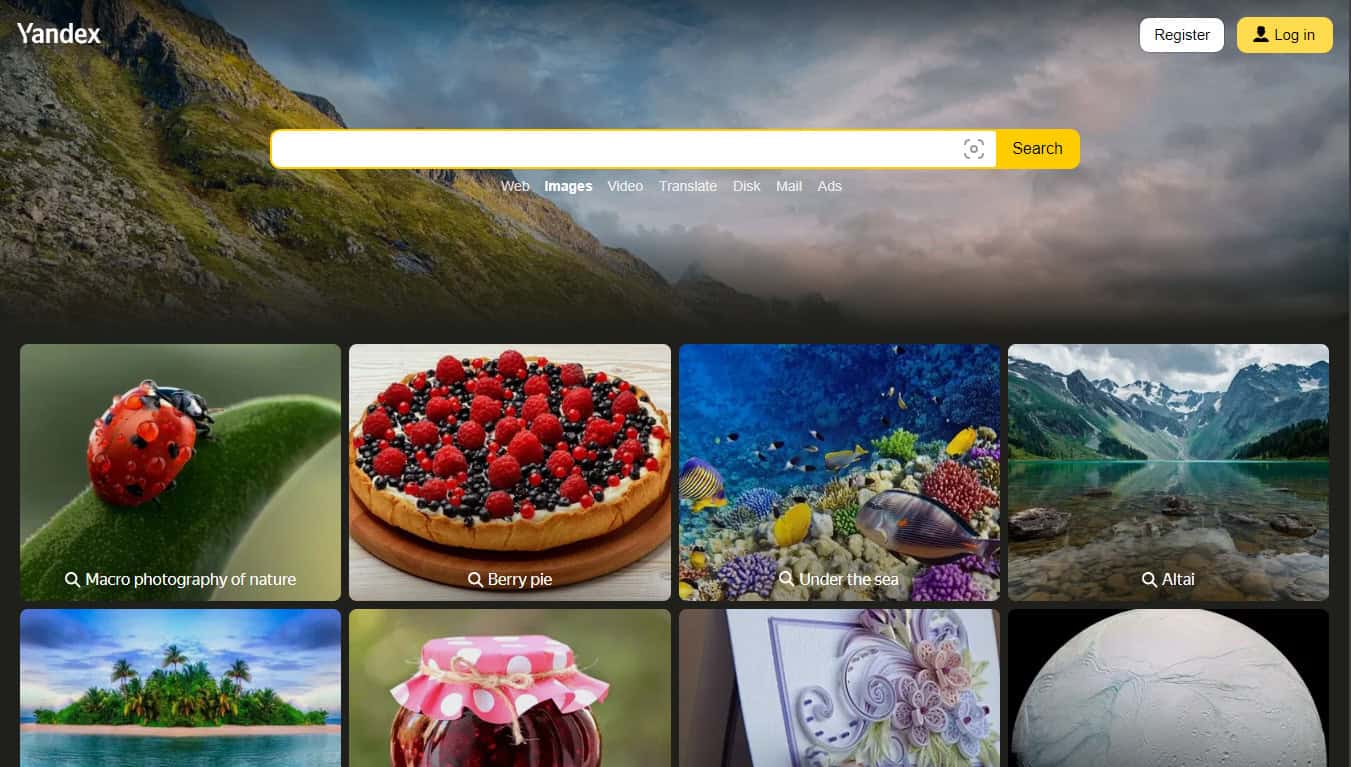
Yandex works like Google or Bing for images. Just type what you want, and results pop up quickly. It goes further with built-in maps, shopping, navigation, and ads all in one spot. Solid choice if you need more than straight picture hunts.
4. Berify
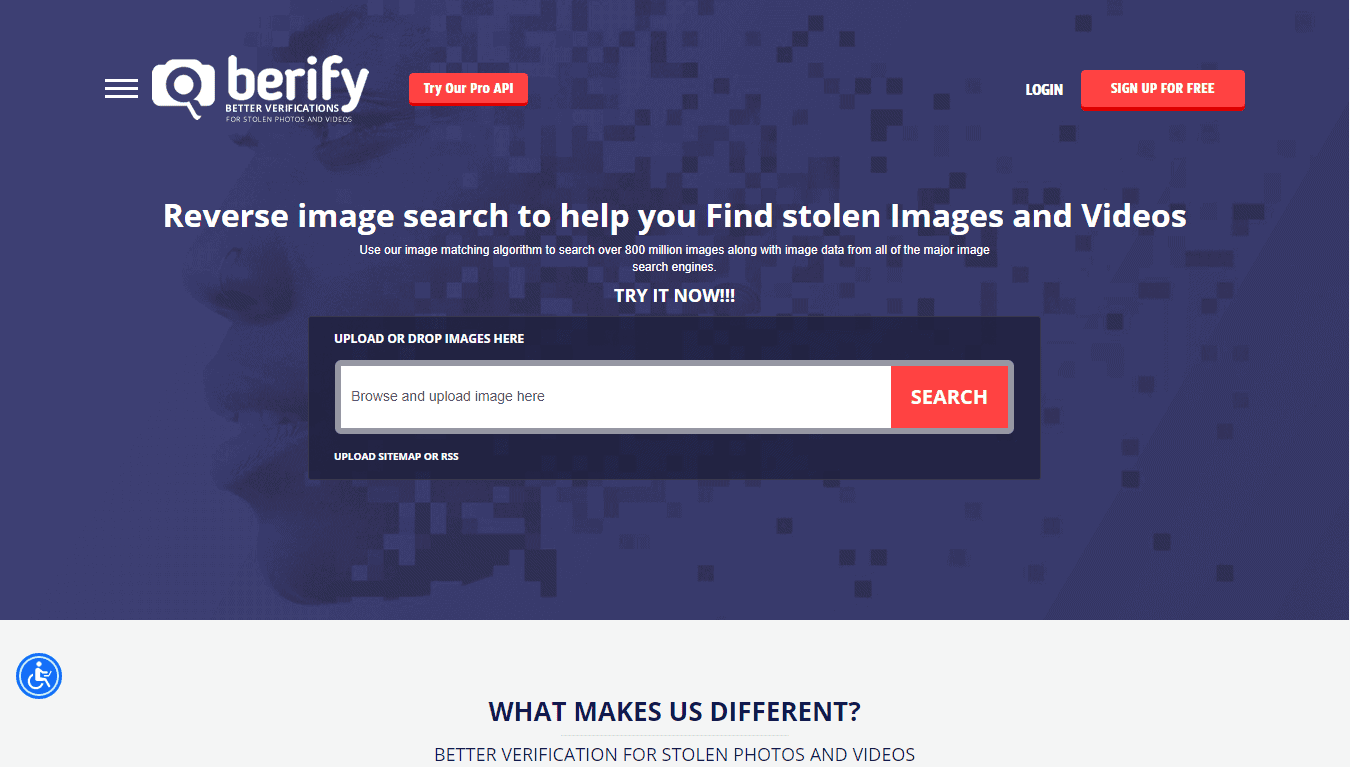
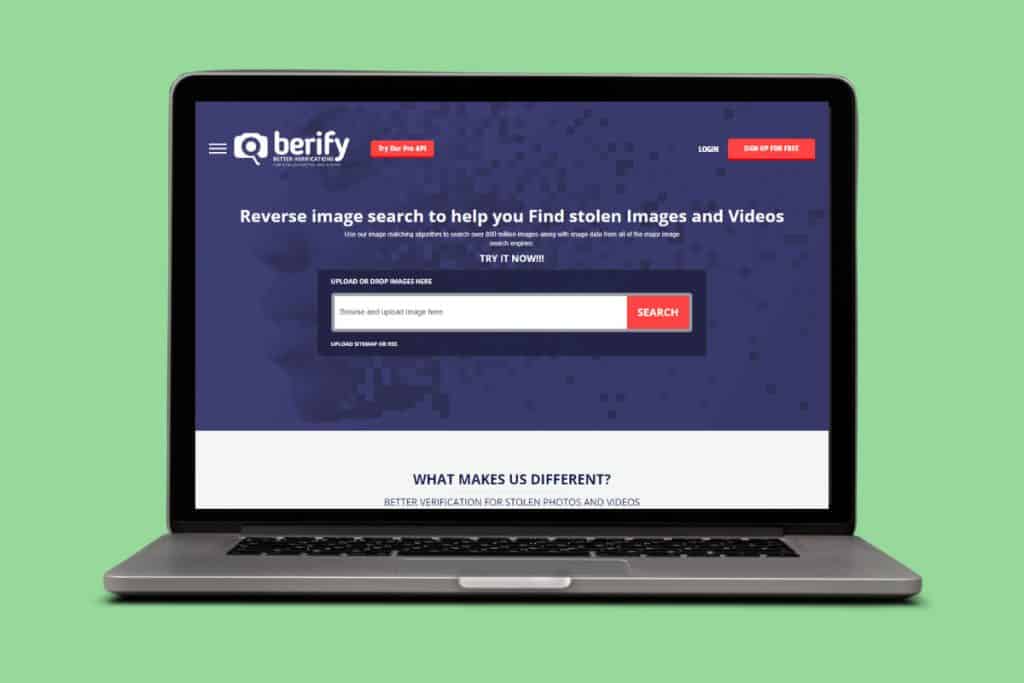
Berify shines as a free reverse image tool, perfect for spotting stolen photos or videos from its massive 800 million+ file database. Just upload your picture to this best free PimEyes alternative, and it digs up matches fast. Great odds you’ll track down exactly what you’re after.
5. TinEye

TinEye boasts the world’s quickest and most precise image recognition tech. You can paste a URL or upload a photo to track matches, verify images, or hunt for copies across the web. It packs extras like color searches, label matching, and mobile recognition too.
6. Google Image Search
Google Images tops the list for easy facial recognition thanks to its giant database tied right into the main Google engine. No caps on searches or image types, just lightning-fast and spot-on results every time. Hard to beat for quick hunts, making it one of the best free PimEyes alternative.
7. Flickr

Flickr lets you upload your own photos and share them with specific groups or friends you pick. Beyond that, it holds a huge stash of pictures anyone can search through by just typing what you’re after in the box. Tons of free stuff to browse.
8. Betaface

Betaface digs deep into facial analysis with stuff like biometric measurements and spotting known faces or pulling traits from unknowns for later matches. It handles photos, videos, objects, and even offers custom dev work. Strong on precision recognition.
9. PicTriev

PicTriev does face recognition in a fun way by matching your photo to look-alike celebrities all over the web. Upload a picture or paste its URL, and it also guesses things like your age or gender. Pretty neat to see which movie star you resemble most.
10. Yahoo Image Search

Yahoo’s image search keeps it dead simple: type whatever you’re hunting for, and results roll in fast. Being one of the oldest search engines around, it pulls from a massive pile of data that rivals even the big names. Reliable for all kinds of visuals, making it one of the best free PimEyes alternative.
11. Getty Images

Getty lets you search by text or upload an image to find matches, all focused purely on photos and video. Most are royalty-free for grabs, though premium perks unlock stunning 4K clips. Stock media heaven if you need pro-quality stuff.
12. Openverse

Openverse, built by the WordPress crew, indexes 700 million CC-licensed images plus audio clips for free discovery. They pull from providers hosting open content, making it all searchable on their site. Perfect for creators needing the best free PimEyes alternative and royalty-free visuals.
13. Pinterest

Pinterest doubles as a visual search engine and idea hub where folks share daily life snaps, goals, bucket lists, and inspirations. Type what you’re after or click through related pins. Bookmark anything to save for later, building your own collections over time.
14. Facecheck.ID

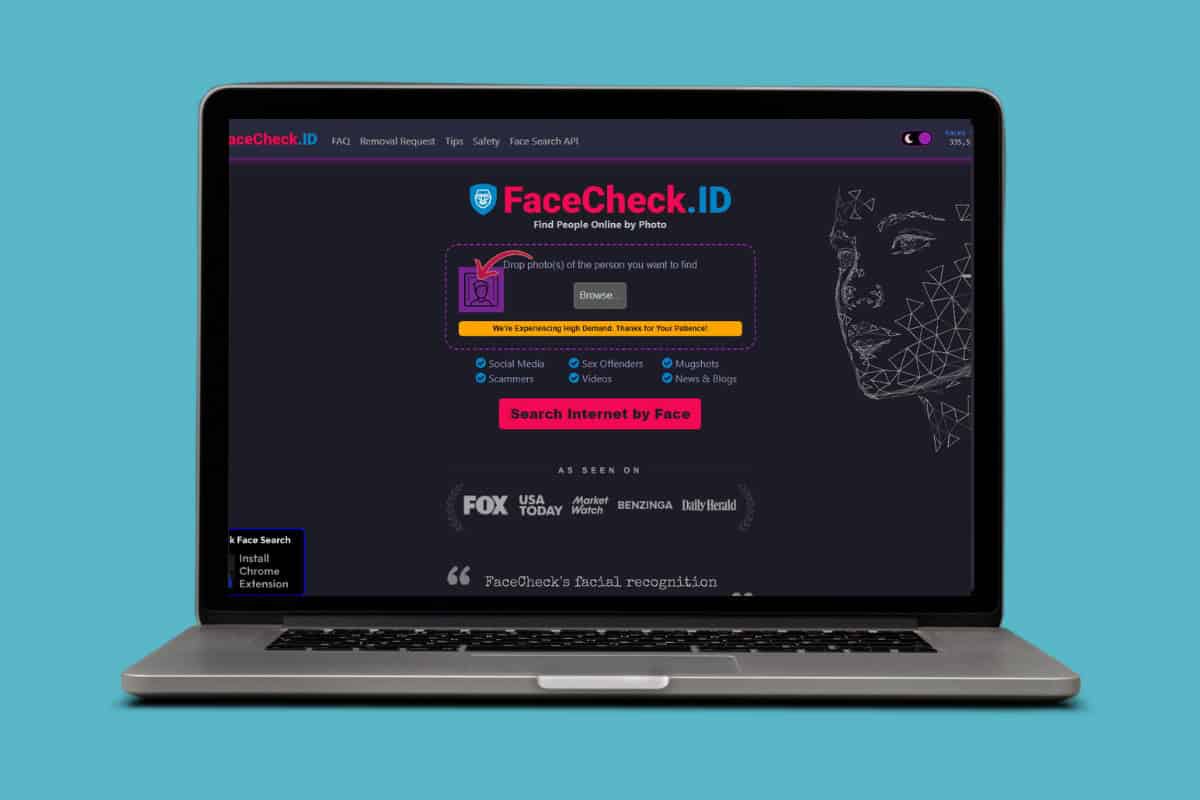
Facecheck.ID specializes in facial recognition to track people from your photos across social media, news sites, and blogs. Spot scammers, check mugshots, or verify if someone’s real before things go south. Keeps you and your family safer by flagging potential risks early.
15. Social Catfish Reverse Image Search
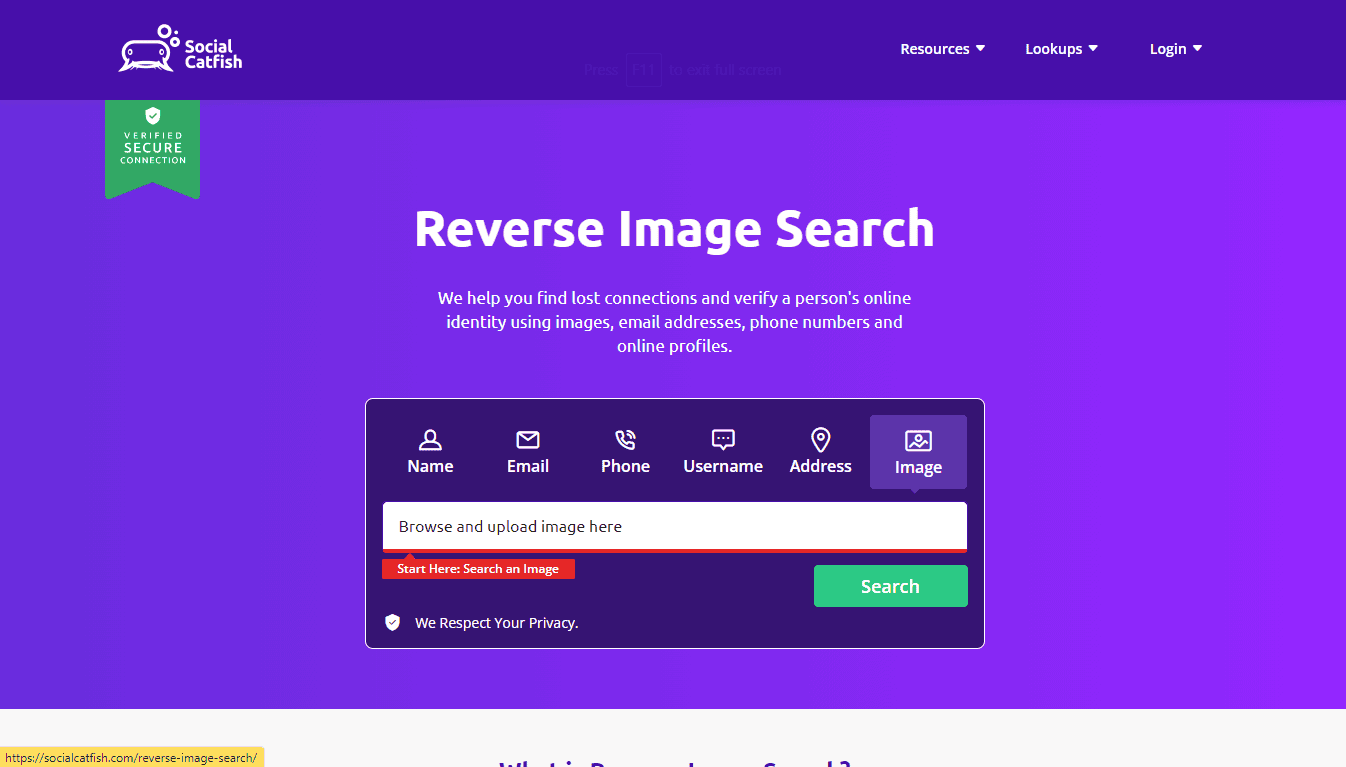
Social Catfish goes beyond basic picture hunts like Berify, letting you track down names, emails, phones, usernames, or addresses too. Upload an image to spot duplicates, research products, or chase copyrighted stuff. Mostly it’s about reconnecting with lost contacts by following their online footprints.
16. Amazon Rekognition
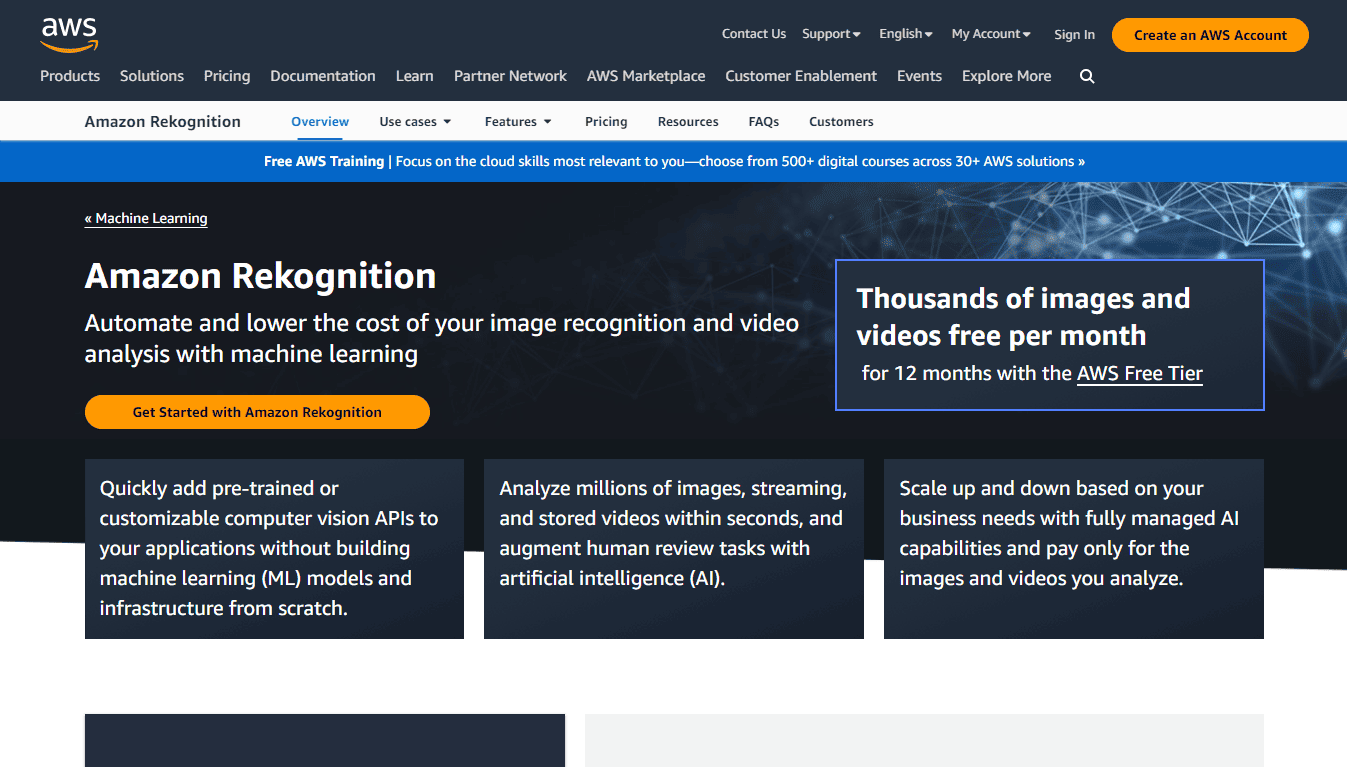
Amazon Rekognition uses deep learning to pick out people, text, objects, scenes, or activities in images without working like typical search tools. Feed it big databases, and it matches precisely what you need. More for devs building apps than casual lookups, making it one of the best free PimEyes alternative.
17. EyeEm Vision

EyeEm Vision blends algorithms and deep learning to not just spot objects but read emotions and concepts in photos. Trained on tons of data, it finds content matches for buyers or shooters. Goes deeper than surface-level image grabs.
18. LeafSnap

LeafSnap nails plant ID by scanning leaf shapes, veins, and bark patterns against a database of over 32,000 species worldwide. Snap a pic, and it tells you exactly what you’re looking at. Handy for hikers, gardeners, or anyone curious about greenery, making it one of the best free PimEyes alternative.
19. ScreenShop
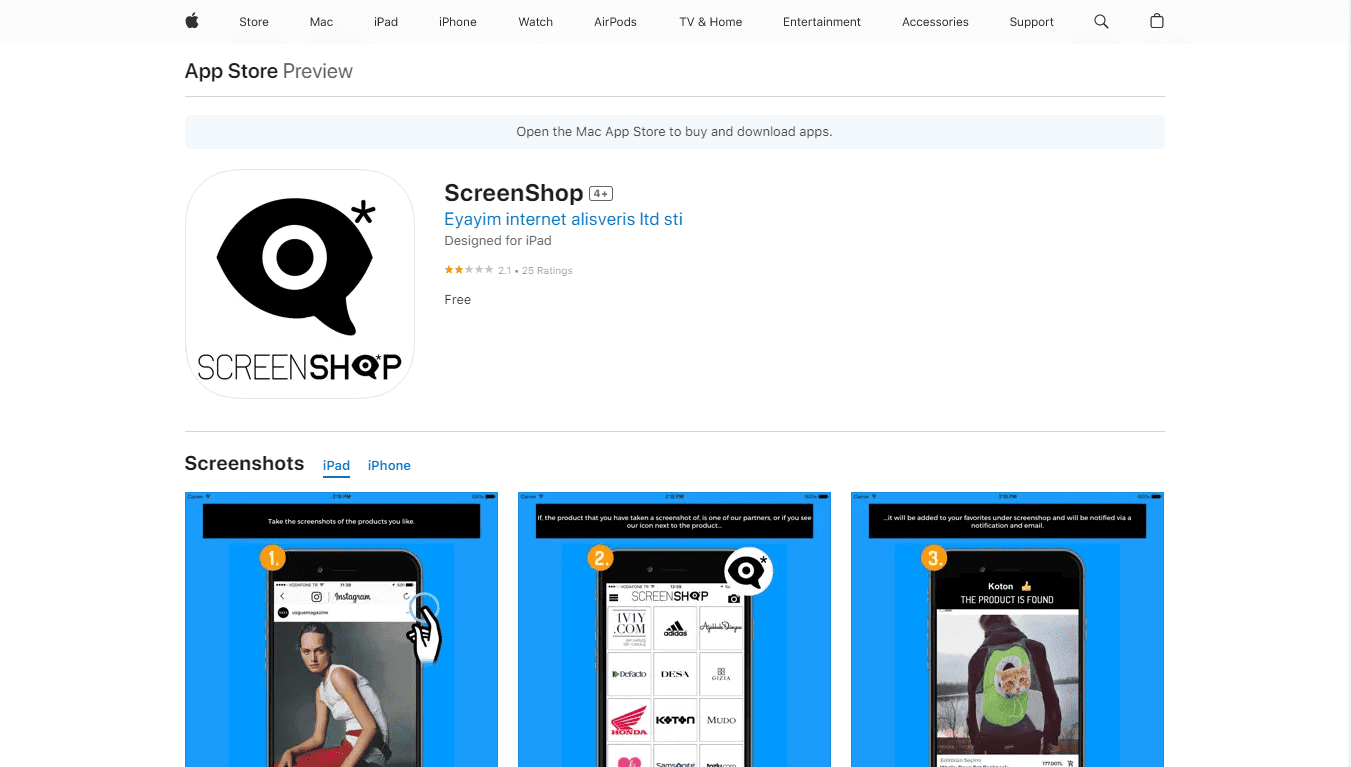
ScreenShop is an amazing free photo recognition search engine for clothes. The idea behind this is to take screenshots of whatever clothes are displayed on your social media apps or any website. These images can then be uploaded to the app, and it will find you those clothes if it is from one of its partners.
20. CalorieMama

CalorieMama makes tracking meals effortless with deep learning. Snap a pic of your food, and it breaks down nutrition facts, calories, and global cuisines instantly. Perfect for anyone logging eats without typing every detail.
21. Google Lens
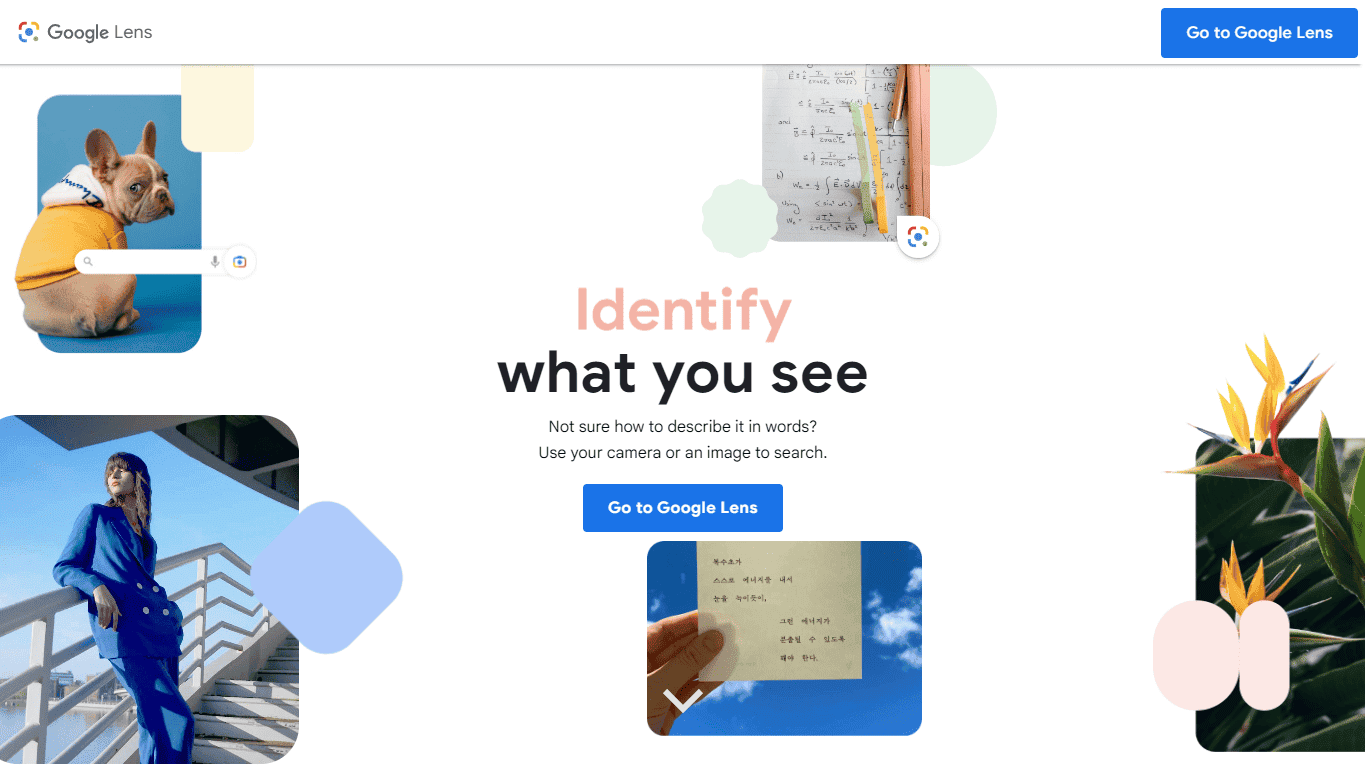
Google Lens goes way beyond basic image searches. Younger folks use it to grab text for copying, translate languages on the fly, or even scan homework for quick answers. It spots plants, animals, and more too. Grab it on iOS or Android through the Google app, Camera, or Photos.
22. Snapchat

Snapchat’s camera does more than selfies. Since 2018, point it at Amazon products or barcodes, hold the screen, and it searches instantly. Fun bonus feature tucked into the social app everyone already has, making it one of the best free PimEyes alternative.
23. Vivino

Vivino zeroes in on wine lovers. Snap a bottle label, and it pulls up details, ratings, prices, and pairing ideas. Filter by red, white, sparkling, rose, region, or budget to find the perfect match. Handy for picking wines that go great with your meal.
Also Read: 17 Best Apps for Identifying Trees
Now you will no longer have a difficult time figuring out the best free PimEyes alternative after following this guide. For more helpful tips and tricks, stay tuned, and feel free to share your suggestions in the comments below.