
Android users now have two main types of AI assistants in 2026.
First, there is the default phone assistant that you can activate with a power button long‑press or swipe gesture (where Google is actively moving users from Google Assistant to Gemini).
The second type is standalone AI apps that you open like any other app such as ChatGPT, Claude, Copilot, and Perplexity. These are especially good for search, research, and writing tasks.
Editor’s note: App prices and features change quickly. Always double‑check the latest details on the Google Play Store and official help pages before subscribing.
The best AI assistants for Android (2026)
Editor’s picks (2026)
- Best overall: ChatGPT (OpenAI) – strong writing, multimodal, broad ecosystem
- Best for Android integration: Google Gemini – deep system hooks, Gemini Live voice experience
- Best for research: Perplexity – search‑style answers with citations, can act as a default assistant on Android
- Best offline: ToolNeuron – offline / local models for private queries
- Best for writing: Claude – long, coherent, thoughtful writing on mobile
Quick comparison table
| App | Best for | Top features (short) | Free? | Paid plan (typical) |
|---|---|---|---|---|
| ChatGPT | Overall, writing & brainstorming | GPT‑4.1, voice, images, file uploads, custom GPTs | Yes | Plus / Team / Enterprise subscriptions |
| Google Gemini | Android‑native voice & integration | Gemini Live, camera & screen sharing, power‑button gesture, app actions | Yes | Gemini Advanced / Workspace add‑ons |
| Microsoft Copilot | Microsoft ecosystem & productivity | Bing search, Office/Edge integration, image generation | Yes | Copilot Pro / Microsoft 365 bundles |
| Claude | Thoughtful writing & analysis | Long‑context model, document understanding, friendly tone | Yes | Claude Pro / Team |
| Perplexity | Research with sources + default assistant | Web answers with citations, Perplexity Assistant, default‑assistant gesture | Yes | Pro tier with better models |
| DeepSeek | Fast, low‑cost LLM with strong reasoning | Latest DeepSeek models, fast responses, photo tools, frequent updates | Yes | In‑app upgrades (varies) |
| Grok | Real‑time web content & X/Twitter context | Grok model, web access, X integration | Yes | Premium tiers via X |
| Pi | Friendly, conversational coaching | Always‑on chat companion, emotional support tools | Yes | Optional subscription |
| You.com | Research answers with sources | Result pages, multiple perspectives, citations | Yes | Pro / Plus tiers |
| Poe | Many models in one | Access to multiple bots (OpenAI, Anthropic, others), community bots | Yes | Poe subscription |
| Google Assistant | Legacy phone & smart‑home control | Voice commands, routines, smart‑home; migrating to Gemini during 2026 | Yes | Free |
| Amazon Alexa | Smart‑home control & Echo ecosystem | Skills, Echo devices, Alexa+ rollout in 2026 | Yes | Alexa+ subscription (phasing in) |
| Microsoft SwiftKey | Keyboard‑level Copilot | AI suggestions as you type, quick prompts, inline rewriting | Yes | Optional premium |
| Notion AI | Notes, docs & project work | AI inside workspaces: summarise, rewrite, organise | No | Included in certain Notion plans |
| Grammarly (Superhuman) | Grammar & clarity on Android | On‑device keyboard + AI rewrites; rebranding toward “Superhuman” experience | Yes | Premium subscription |
| QuillBot | Paraphrasing & academic writing | Rewrite, summarise, citation‑friendly tools | Yes | Premium subscription |
| Otter.ai | Meeting notes & transcription | Live transcription, speaker labels, AI summaries | Yes | Pro / Business |
| Taskade | Tasks, docs & mind‑maps with AI | AI workflows, outlines, project collaboration | Yes | Pro / Unlimited |
| Brave Leo | Private browser assistant | Built into Brave, focuses on privacy & local context | Yes | Browser‑bundled |
| Opera Aria | Assistant in Opera browser | Chat inside browser, page‑aware help | Yes | Free |
| Perplexity AI Browser | All‑in‑one AI browser & assistant | “Comet” browser with built‑in Perplexity assistant | Yes | Pro add‑ons |
| ToolNeuron | Offline, privacy‑first assistant | Local LLMs, no cloud by default, on‑device processing | Yes | One‑time / in‑app tiers |
| PocketPal AI | Offline/local chats | On‑device models, exportable chats, minimal data collection | Yes | Local model packs |
| Character.AI | Roleplay & companions | Custom characters, roleplay, creative chatting | Yes | c.ai+ subscription |
| Replika | AI companion | Emotional support, avatar customisation, journaling | Yes | Pro subscription |
1. ChatGPT
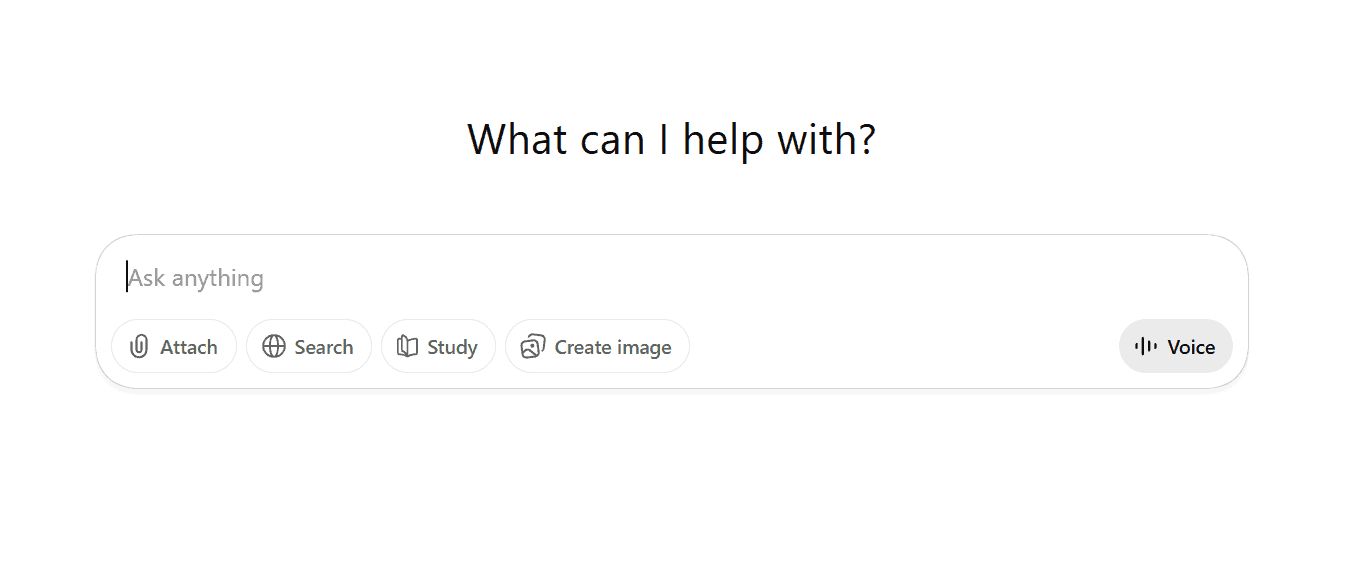
OpenAI’s flagship assistant app for chat, voice, images, and file‑based work, now a default “second brain” for many Android users.
Best for: Students, writers, creators, and professionals who need a general‑purpose AI that can write, brainstorm, and understand files. Users who want one app to cover most personal and work tasks.
Key features
- Chat with GPT‑5‑class models for general help, coding, and reasoning
- Voice conversations with natural voices; supports back‑and‑forth correction
- Image understanding (screenshots, photos) and generation
- File uploads (docs, PDFs, spreadsheets) for summarising and Q&A
- Custom “GPTs” tailored to tasks like coding, marketing, or studying
Pros
- Excellent at creative writing, ideation, and rewriting content
- Strong multimodal abilities with images and documents
- Huge ecosystem of tutorials, workflows, and third‑party integrations
- Solid free tier for casual users
Cons
- Android integration still app‑centric: may not be available as default assistant on all devices; behaviour varies by manufacturer and settings
Pricing: Free tier with limits and paid monthly subscriptions (Plus/Team/Enterprise tiers vary by region and features).
2. Google Gemini
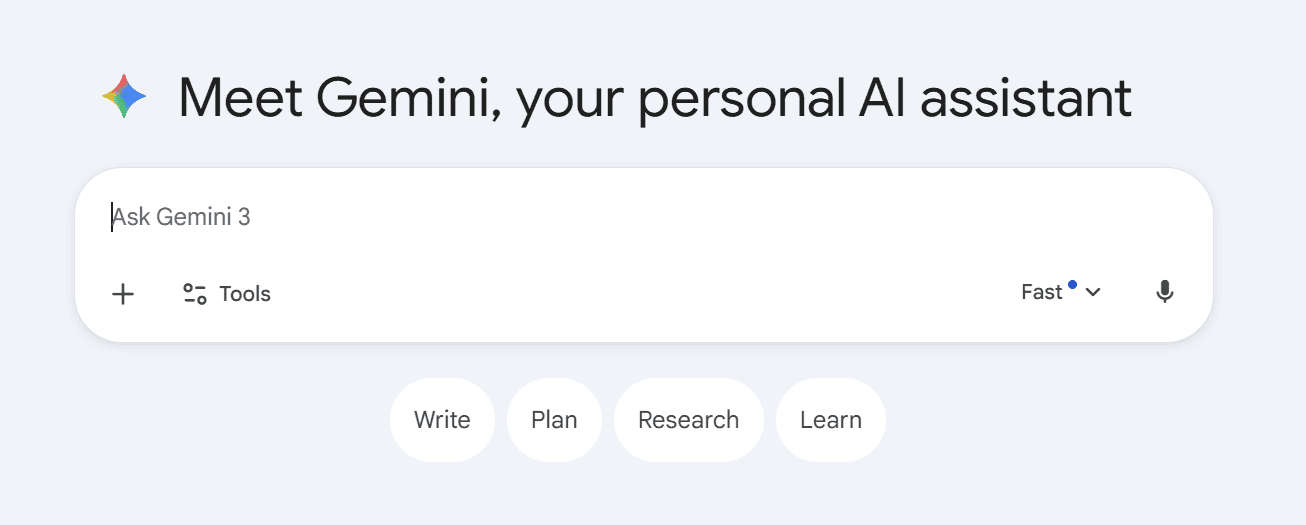
Google’s next‑generation AI assistant that is replacing Google Assistant as the default on many Android phones in 2026. Works both as a standalone app and as a system assistant.
Best for: Users deep in the Google ecosystem (Gmail, Docs, Calendar, Maps, YouTube). Anyone who wants their primary voice assistant to be tightly integrated with Android.
Key features
- Gemini Live: natural, free‑flowing voice conversations; interrupt mid‑sentence to correct or redirect
- Trigger via power‑button long‑press or gesture when set as default assistant
- Camera and screen‑sharing with Live for real‑time help (e.g., troubleshooting, learning skills, brainstorming visuals)
- Deep integration with Google apps (Maps, Calendar, Gmail, YouTube, etc.)
- Works across phone, Chrome, and other Google surfaces
Pros
- Best system‑level integration on Android today
- Gemini Live is fast and feels more conversational than classic voice assistants
- Familiar “Hey Google / Gemini” invocation in many regions
- Free access to Live for Android users in supported languages
Cons
- Migration from Google Assistant is ongoing; behaviour varies by device and region
- Some advanced capabilities gated behind Gemini Advanced / Workspace plans
- Strong reliance on Google account data; privacy‑sensitive users may prefer alternatives
Pricing: Core experience free. Paid plans include Gemini Advanced and workspace add‑ons via Google One / Workspace
3. Microsoft Copilot
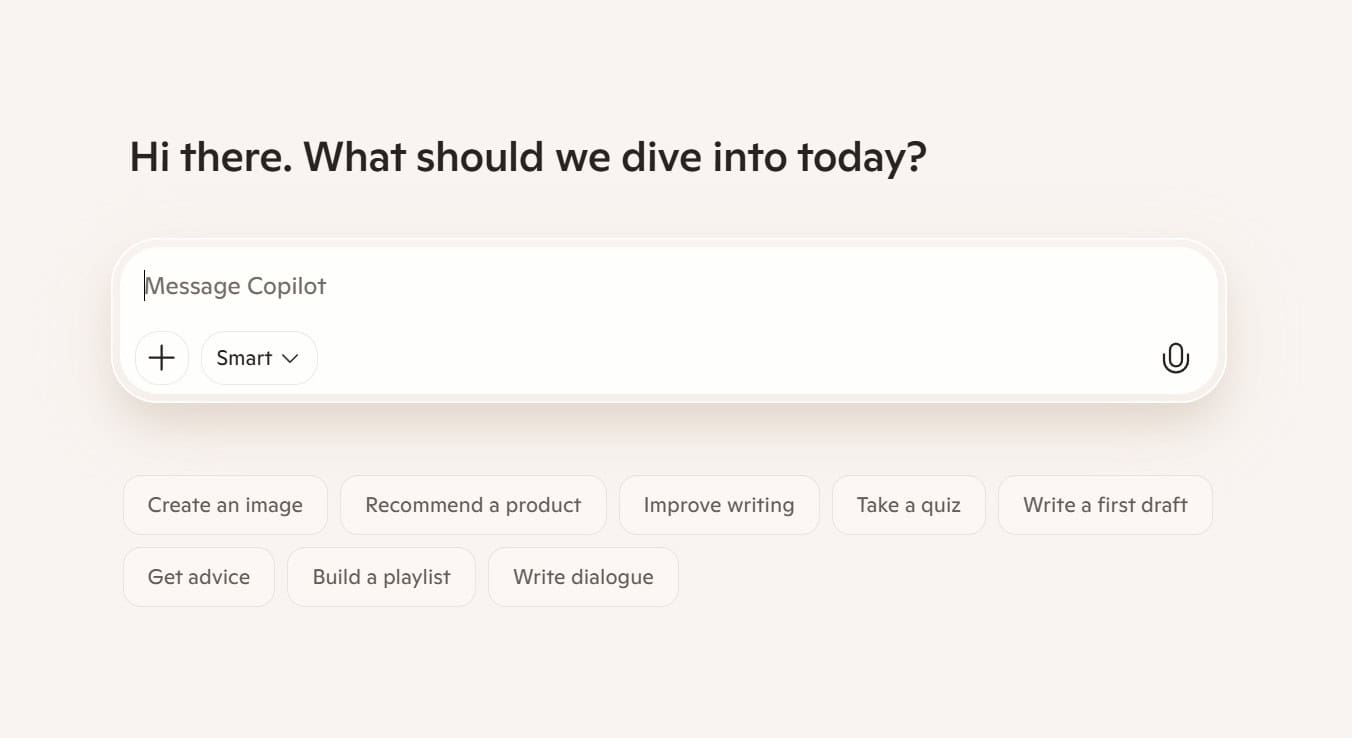
Microsoft’s AI assistant powered by advanced models, integrated into Bing, Edge, and Microsoft 365, with a dedicated Android app.
Best for: Professionals and students who live in Microsoft 365. Users who want AI baked into their documents, spreadsheets, and presentations.
Key features
- Chat interface for search, summaries, and coding
- Strong document and email support when paired with Microsoft 365
- Image generation and editing via integrated image models
- Works alongside Edge on Android for browsing‑aware help
Pros
- Ideal if you use Outlook, Word, Excel, PowerPoint, OneDrive regularly
- Good balance between search, productivity, and creative tasks
- Free tier usable for general queries and small tasks
Cons
- System‑level Android integration not as deep as Gemini
- Full power (e.g., document automation) requires Copilot Pro / Microsoft 365
- Interface can feel busier compared to focused assistants like Claude
Pricing: Free Copilot app. Paid Plan has Copilot Pro and Microsoft 365 subscriptions.
4. Claude
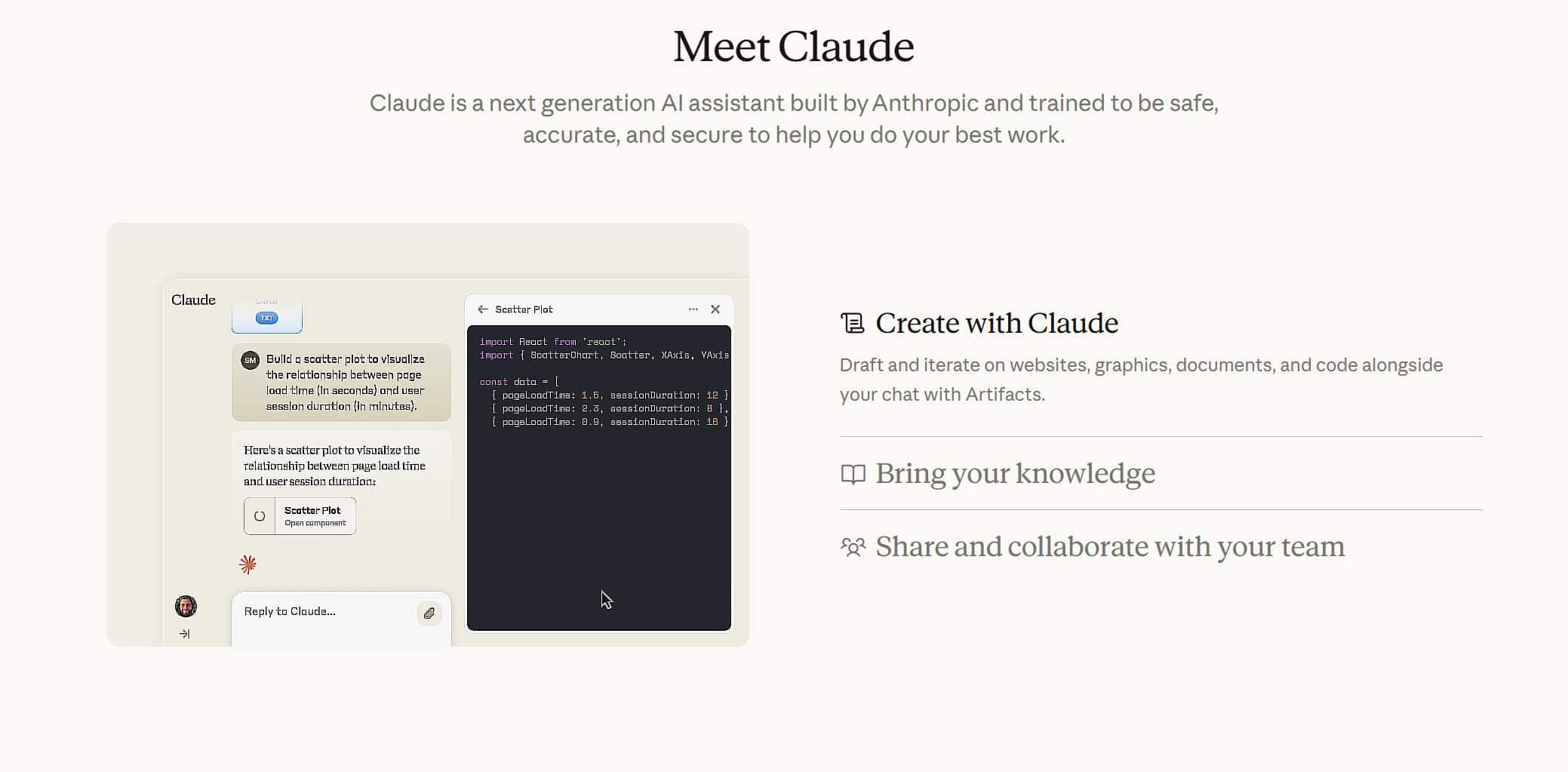
Anthropic’s AI assistant focused on safety and reasoning, now available as a polished Android app.
Best for: Writers, researchers, analysts, and founders who want high‑quality, thoughtful output. Users who frequently work with long documents on mobile.
Key features
- Long‑context model capable of digesting lengthy PDFs and documents
- Strong at structured writing (emails, essays, reports, technical docs)
- Friendly, careful conversational tone
- File uploads and multi‑document analysis
Pros
- Excellent for deep reasoning and long‑form writing
- Often produces cleaner, more human sounding drafts with fewer tangents
- Good for code review, planning, and decision‑making
Cons
- Primarily app‑centric; limited Android system integration
- Region availability and pricing vary
- Requires data connection (no offline use)
Pricing: Free tier with usage caps. Paid plan includes Claude Pro / Team plans
5. Perplexity
A research‑focused AI answer engine that gives you concise responses with citations, now with a dedicated Android assistant mode.
Best for: Anyone who wants a research assistant with sources. Users who want to replace Google Assistant/Gemini with a research‑centric default assistant.
Key features
- Search‑style answers with source citations and suggested follow‑ups
- Perplexity Assistant that can be set as your default Android assistant, triggered via gestures and power button
- Supports voice queries and app actions within a Perplexity overlay
- Pro tier access to stronger models and more web depth
Pros
- Best for “What’s the source?” style questions
- Official guide for enabling Android Assistant gestures and power‑button invocation
- Great for students, journalists, and knowledge workers
Cons
- Less focused on long creative writing than ChatGPT/Claude
- Heavy reliance on internet connectivity and live web access
- Free tier limits complex or heavy usage sessions
Pricing: Free with daily limits. Paid plan includes Perplexity Pro with more capacity and model options
6. DeepSeek
DeepSeek’s official Android AI assistant app, powered by its own models and frequently updated via APKMirror & Play Store.
Best for: Users who want cutting‑edge reasoning at a good price. Early adopters exploring alternatives beyond the big US players.
Key features
- Access to DeepSeek’s latest flagship models with strong reasoning benchmarks
- Photo capture with features like post‑capture cropping and image analysis
- Lightweight APK and broad device compatibility (Android 6.0+)
Pros
- Very fast and responsive even on mid‑range devices
- Frequent updates show active development and bugfixing
- Strong value if pricing remains competitive
Cons
- Ecosystem and integrations are younger than Google/Microsoft/OpenAI
- Documentation and support still maturing
- Region‑specific availability and language support vary
Pricing: Free app with potential in‑app upgrades or API‑linked features (varies by region)
7. Grok
xAI’s Grok model packaged into an Android app, tuned for real‑time web and social context.
Best for: Users active on X who want an AI tuned to web culture. Real‑time trends, memes, and quick takes.
Key features
- Grok model with live web and X/Twitter awareness
- Strong for trending topics, memes, and news commentary
- Conversational, somewhat irreverent tone
Pros
- Great if you already spend time on X (Twitter)
- Strong at real‑time topics and internet culture
- Distinct personality compared to more formal assistants
Cons
- Less suited to formal writing or enterprise workflows
- Privacy depends on X/xAI policies; some users may prefer more neutral branding
- System‑integration on Android still limited vs Gemini/Perplexity
Pricing: Free tier plus premium access (often bundled with X subscriptions)
8. Pi (Inflection AI)
A conversational AI focused on empathetic, supportive chat, not just task completion.
Best for: Users who want a gentler, coaching‑style assistant. Daily reflection, lightweight planning, and emotional support.
Key features
- Conversational, supportive tone for life topics and reflection
- Simple interface for daily check‑ins and planning
- Emphasis on safe, non‑judgmental dialogue
Pros
- Great for low‑pressure, daily conversations
- Helpful for planning, journaling, and thinking out loud
- Designed with emotional nuance in mind
Cons
- Not the best for heavy research or technical tasks
- Limited deep Android integration; mostly a standalone app
- Some users may prefer clearer functional boundaries vs “companion” role
Pricing: Free tier, may offer subscription upgrades
9. You.com
A research‑oriented AI and search engine with a focus on sources and result panes.
Best for: Users who want search + AI answer hybrids with visible sources. Students and researchers who like scanning multiple perspectives quickly.
Key features
- AI answers with links and multiple result perspectives
- Customisable search preferences (e.g., coding, academic, creative)
- Browser‑style UI rather than pure chat
Pros
- Strong for fact‑checking and comparing perspectives
- Good at mixing traditional search results with AI summaries
- Works well in a browser; Android app wrappers exist
Cons
- Less polished native Android integration than Perplexity
- Voice and default‑assistant features are limited
- Better for research than deep creative work
Pricing: Free tier and paid Pro/Plus tiers with more capabilities
10. Poe (Quora)
A hub app by Quora that lets you talk to many AI models and community bots in one place.
Best for: Power users who want one app for many AI models. Users who like experimenting and comparing outputs.
Key features
- Access to multiple AI models (OpenAI, Anthropic, and others; availability varies)
- Community‑created bots tuned for specific tasks
- Single interface to compare different models’ answers
Pros
- Great for A/B testing answers across models
- Community bots help with niche tasks (e.g., exam prep, language learning)
- Quick way to try top models without juggling many apps
Cons
- Requires understanding which bot/model to pick
- Some premium models locked behind Poe subscription
- No deep Android integration beyond standard notifications
Pricing: Free tier and Poe subscription for higher limits and premium models
11. Google Assistant
Google’s classic assistant that has powered Android voice for years, now gradually replaced or merged with Gemini through 2026.
Best for: Users on older devices or markets where Gemini is not fully rolled out. Smart‑home setups still optimised for classic Google Assistant.
Key features
- “Hey Google” commands for calls, navigation, timers, reminders
- Smart‑home control for Nest and compatible devices
- Routines for automation
Pricing: Free
12. Amazon Alexa
Amazon’s assistant app for Android, mainly used to control Echo devices and smart‑home setups, with Alexa+ AI experiences rolling out in 2026.
Best for: Users with Echo smart‑home setups. Those who want to configure routines and devices from Android.
Key features
- Manage Echo speakers, displays, and smart‑home devices
- Skills ecosystem for third‑party integrations
- Gradual rollout of more advanced “Alexa+” conversational features
Pricing: App free but Alexa+ features likely tied to Amazon subscriptions or hardware (varies)
13. Microsoft SwiftKey
A popular keyboard for Android that embeds Copilot AI directly into your typing experience.
Best for: Heavy typers who want AI help in any text field. Quick email and chat improvements without switching apps.
Key features
- AI suggestions and autocompletions as you type
- One‑tap prompts for rewriting, translating, or summarising text
- Syncs across devices with a Microsoft account
Pricing: Free with optional premium features
14. Notion AI
AI embedded in the Notion workspace app, used for notes, wikis, project docs, and planning.
Best for: Students, founders, and teams using Notion as their operating system. Turn everyday notes into structured documents quickly.
Key features
- Summarise long notes, meeting docs, and project pages
- Rewrite, expand, or translate text directly inside Notion
- Brainstorm pages and outline plans collaboratively
Pricing: Notion AI is typically an add‑on or included with certain Notion plans
15. Grammarly (rebranding toward Superhuman)
A grammar, clarity, and writing‑assistant keyboard and editor, with AI upgrades and a branding shift toward a more “superhuman” writing experience.
Best for: Students and professionals who want error‑free English. Email, LinkedIn, and document polishing on Android.
Key features
- Grammar, spelling, and clarity checking in any app
- AI rewrites to adjust tone, length, or formality
- Personalised suggestions over time
Pricing: Free basic checker and premium subscription for advanced AI rewriting
16. QuillBot
An AI paraphrasing and summarisation tool used heavily by students and researchers.
Best for: Students, researchers, and bloggers polishing drafts. Turning dense text into easier‑to‑read versions.
Key features
- Multiple paraphrasing modes (formal, simple, creative, etc.)
- Summariser for long articles and papers
- Citation‑friendly rewriting when used carefully
Pricing: Free with word limits and premium subscription
17. Otter.ai
A meeting‑focused assistant that records, transcribes, and summarises conversations.
Best for: Managers, sales, consultants, and students who attend many meetings/lectures. Anyone who wants auto‑generated minutes from Android.
Key features
- Live transcription of meetings and calls
- AI summaries and action items
- Team sharing and calendar integration
Pricing: Free with limited transcription minutes. Pro and Business plans
18. Taskade
A task, doc, and mind‑mapping app with built‑in AI for planning and workflows.
Best for: Teams, freelancers, and creators who want AI‑generated workflows and roadmaps.
Key features
- Generate task lists, mind maps, and project outlines with AI
- Collaborative documents and chat
- Cross‑platform sync
Pricing: Free and Pro and Unlimited plans
19. Brave Leo
The AI assistant built into the Brave browser, focused on privacy and locally optimised behaviour.
Best for: Users who want private, page‑aware help inside their browser.
Key features
- Page‑aware assistance (summaries, explanations) while you browse
- Emphasis on privacy and limiting data sharing
- Integrated into Brave on Android
Pricing: Free as part of Brave
20. Opera Aria
Opera’s AI assistant built into the Opera browser on Android.
Key features
- In‑browser chat for summarising and explaining pages
- Helps generate content while browsing
- Tied to an Opera account
Pricing: Free
Best for: Opera users who want lightweight AI while browsing without installing extra apps.
21. Perplexity Comet AI Browser & Assistant
An Android browser built around Perplexity’s AI engine, sometimes branded as a Comet/AI browser.
Best for: Users who want an AI‑first browser for learning and research on Android
Key features
- Built‑in Perplexity panel for research‑style answers with citations
- Page‑aware context for summarising and exploring related topics
- Syncs with your Perplexity account
Pricing: Free to use; Pro subscription shared with main Perplexity account
22. ToolNeuron
An Android assistant that runs local models on‑device, prioritising offline use and privacy.
Best for: Users who want maximum privacy and offline capability. Travellers and those with unreliable internet.
Key features
- Offline/local LLMs for many tasks
- Minimal or optional cloud calls
- Basic chat and possibly voice with no internet
Pricing: Often free base app plus one‑time model packs or in‑app purchases
23. PocketPal AI
Another offline‑oriented assistant focused on local models and privacy.
Best for: Users who want offline thinking space in parallel with cloud AI. Privacy advocates and technical users.
Key features
- Local and hybrid models with offline operation
- Exportable chat logs and simple UI
- Minimal telemetry by design
Pricing: Free base and Paid local model packs or upgrades
24. Character.AI
An AI companion platform focused on characters, roleplay, and creative conversations.
Best for: Users interested in companions and fiction, not practical productivity.
Key features
- Thousands of community‑created characters
- Roleplay, stories, and simulations
- Mobile app with notifications and ongoing chats
Pricing: Free and c.ai+ subscription for faster responses and premium perks
How to choose the right AI assistant on Android (2026)
Use these quick decision rules:
Want a default voice assistant (power button / gesture)?
- Start with Google Gemini (the main default for many phones in 2026).
- Consider Perplexity if you want research‑style answers with citations as your default assistant, its help centre shows how to set it via Android assistant settings.
- On some devices, ChatGPT or other apps may appear in the “default assistant” list, availability depends on device, Android version, and vendor
Want research with sources and citations?
- Perplexity as first choice.
- You.com as a second option if you prefer a search‑like results layout.
Want creative writing + general help?
- ChatGPT and Claude are the strongest picks.
- Copilot is a good option if you already use Microsoft 365.
Want privacy or offline use?
- ToolNeuron and PocketPal AI focus on offline/local models and minimal data sharing.
- Brave Leo and some local‑mode setups provide privacy‑oriented browsing help inside the browser.
Live in the Google ecosystem?
- Gemini should be your primary default assistant.
- Consider Perplexity or ChatGPT as secondary “open‑when‑needed” apps.
FAQ (People Also Ask)
Q1. What is the best free AI assistant for Android in 2026?
For most users, the best free all‑rounder is ChatGPT or Google Gemini, depending on whether you value deep Android integration (Gemini) or creative/writing power (ChatGPT). For research with sources, Perplexity is the strongest free option. If you care most about privacy/offline use, start with ToolNeuron or PocketPal AI.
Q2. Which AI assistant is best for Android integration: Gemini or Google Assistant?
In 2026, Gemini is gradually replacing Google Assistant as the main Android assistant. When set as default, Gemini supports features like Gemini Live, camera and screen sharing, and deeper integration with Google apps. Google Assistant still works well for smart‑home control and legacy routines, but Gemini is the better long‑term choice if you want new features and more powerful AI.
Also Read: 16+ Best NotebookLM Alternatives
If you only install one AI assistant on Android in 2026, choose ChatGPT as your all‑rounder, or Gemini if you want the deepest Android integration and voice.




Ahhh Sir. I am The Builder of ToolNeuron… and It is Completely Free NO Money required