As one of the biggest messaging platforms, most of us use WhatsApp daily to interact with family and businesses. Sending a text and waiting for a reply is an impatient game. We want to learn how to know if someone read a message in WhatsApp, so we don’t have to keep on waiting for their reply. Don’t worry, if you’re unsure, we will show you just the way to find out. Let’s get started!
How to Know if Someone Read a Message in WhatsApp
Now you don’t have to sit and wonder if someone is busy or saw your message. WhatsApp makes it very easy to find out.
- Open WhatsApp and click on the user message thread of your choice.
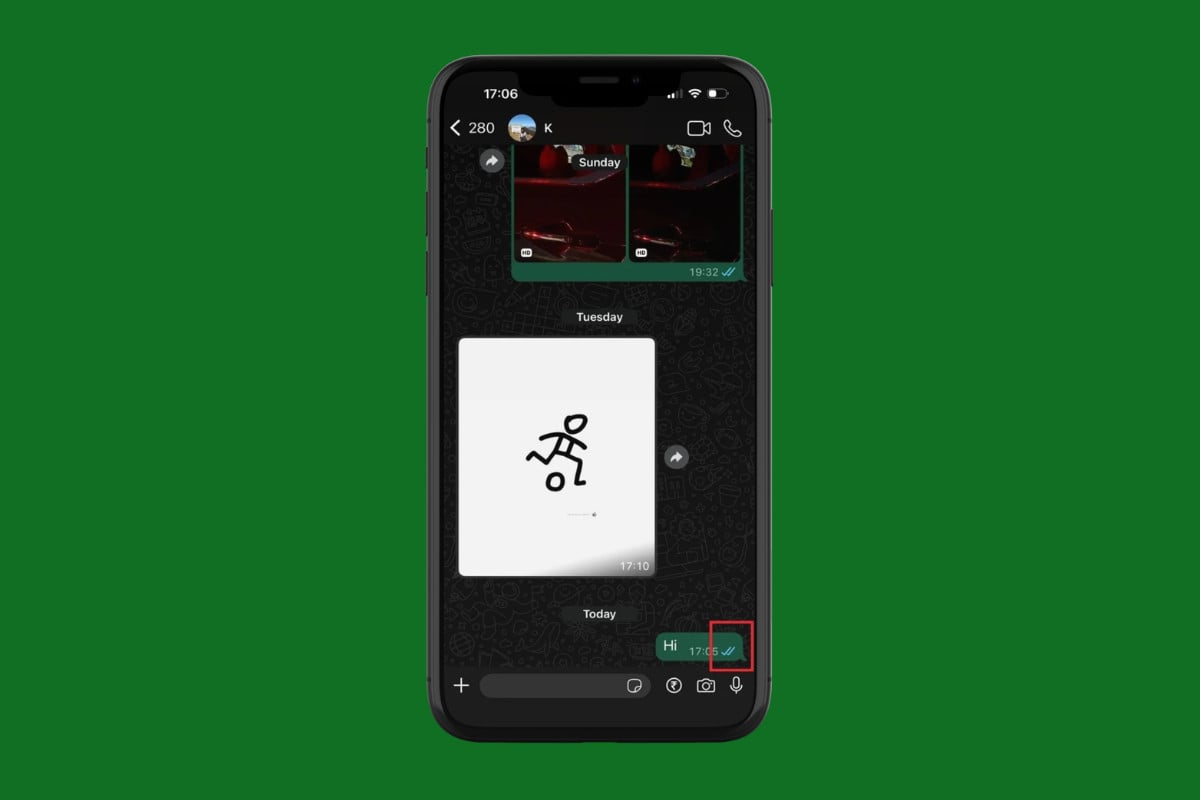
- Check for the double blue tick under your message.
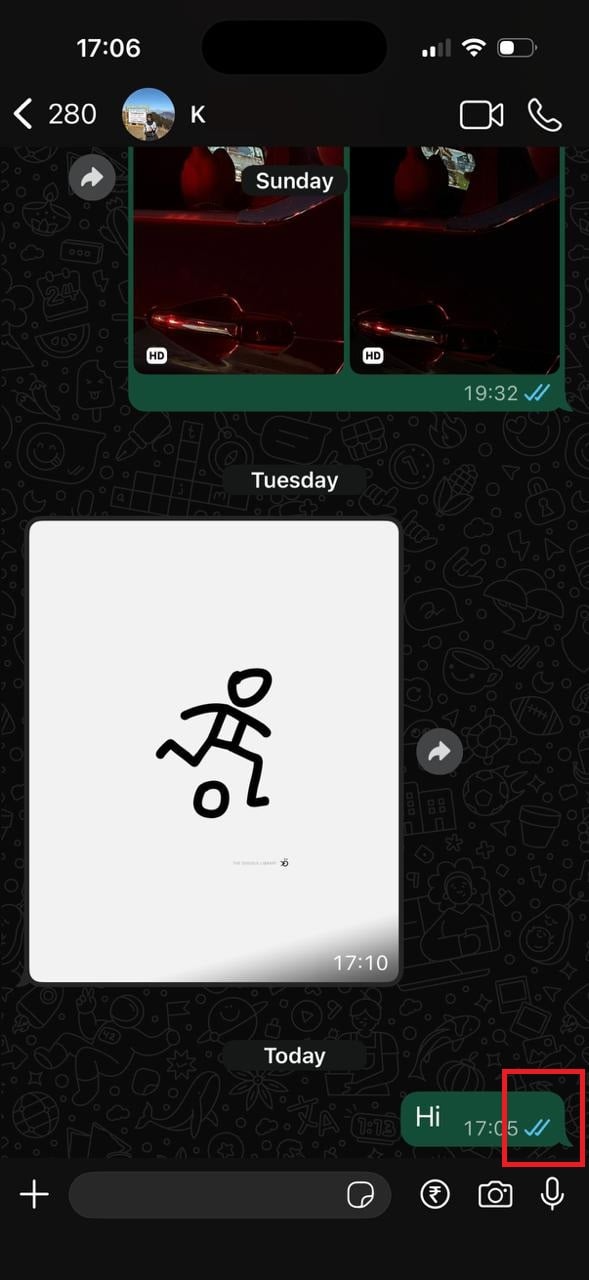
A blue tick indicates that the message has been delivered and seen by the recipient.
How to See Who Read Your Message in WhatsApp Group Chat
You can also individually check who has seen your message in a group chat:
- Open WhatsApp and click on the group chat thread of your choice.
- Long-press on your message.
- Select Info.
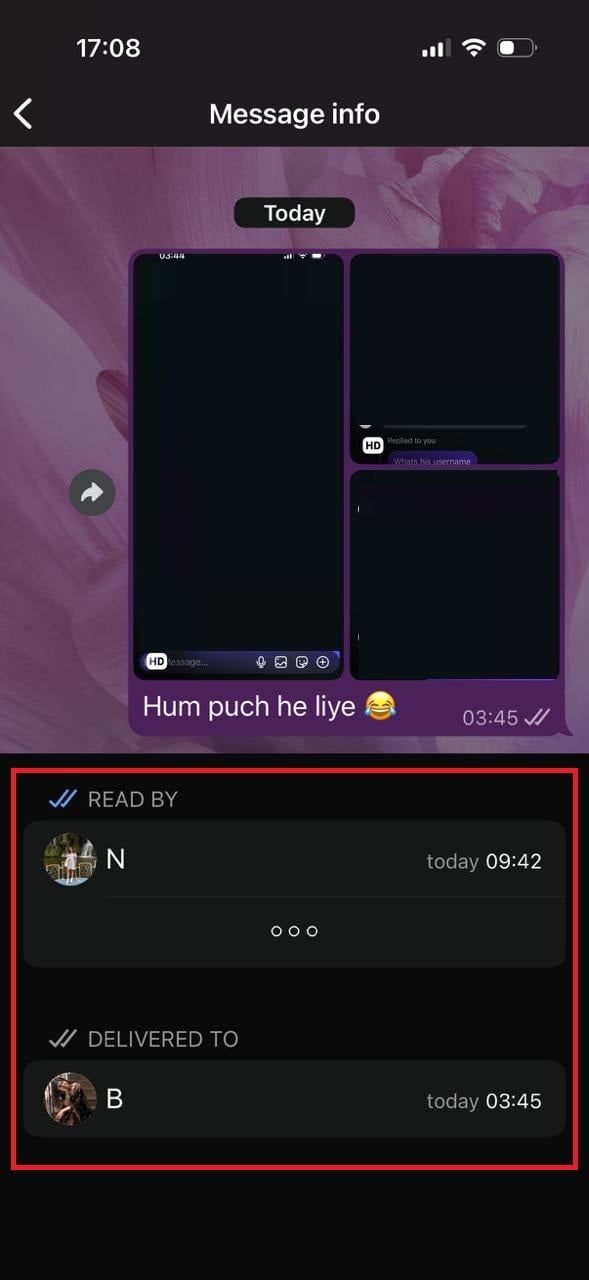
You will be able to see which members have seen the text.
How to Enable or Disable Read Receipts on WhatsApp
If others have disabled their read receipts, then you won’t be able to find out if they have seen the messages. Here’s how you can do the same:
- Open WhatsApp and tap on Settings from the bottom right corner.
- Tap on Privacy.
- Scroll down and turn the toggle off or on for Read receipts.
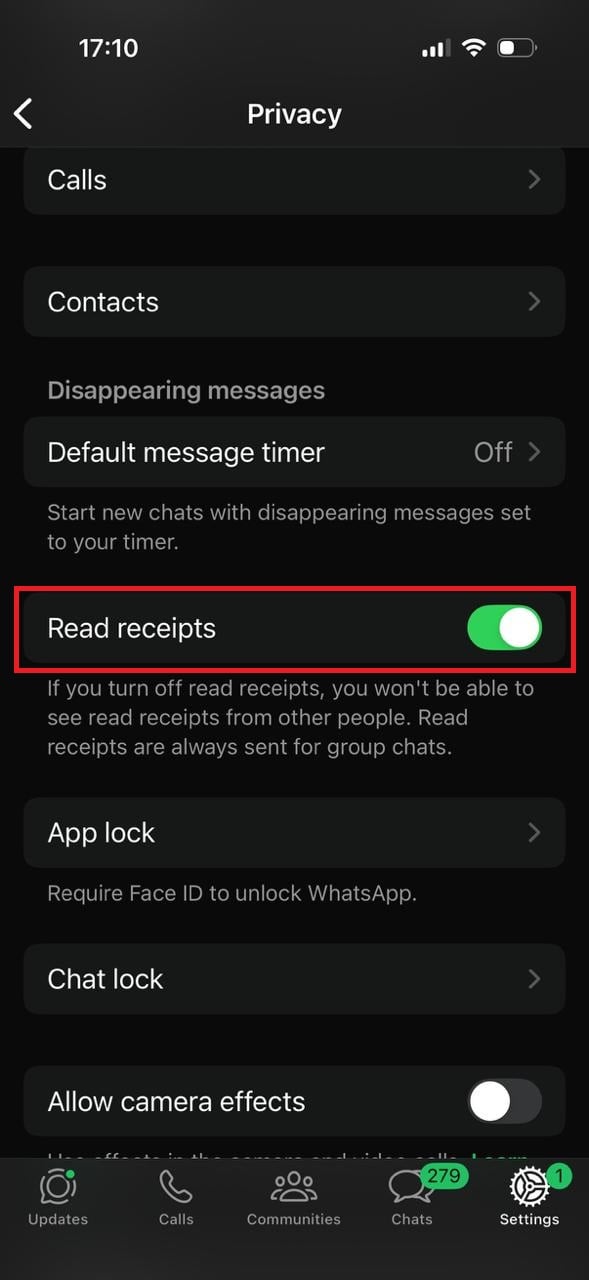
This way, you can control whether people know if you have seen their messages.
Also Read: WhatsApp Says Call Not Answered: Explained
Now that you have seen how to know if someone read a message in WhatsApp, we hope your doubts are cleared with the methods shown in this guide. Keep visiting TechCult to know the latest tech walkarounds. If you have any queries or suggestions, do reach out to us in the comment section.