Every person who has used YouTube has wanted to convert their videos into MP3 or MP4 at least once. Be it your favorite song or audiobook, using them directly from an offline playlist is much easier. Therefore, knowing the best YouTube to MP4 converter for your Windows/Mac desktop is a lifesaver. Let’s jump right in!
f for Windows/Mac (2026)
Save your own uploads for offline playback, or convert video files you already have into MP4 for better compatibility.
Important: Only download videos you own, have permission to use, or that are licensed for download. YouTube restricts downloading content unless authorized by the service or rights holders.
1. YTConverter
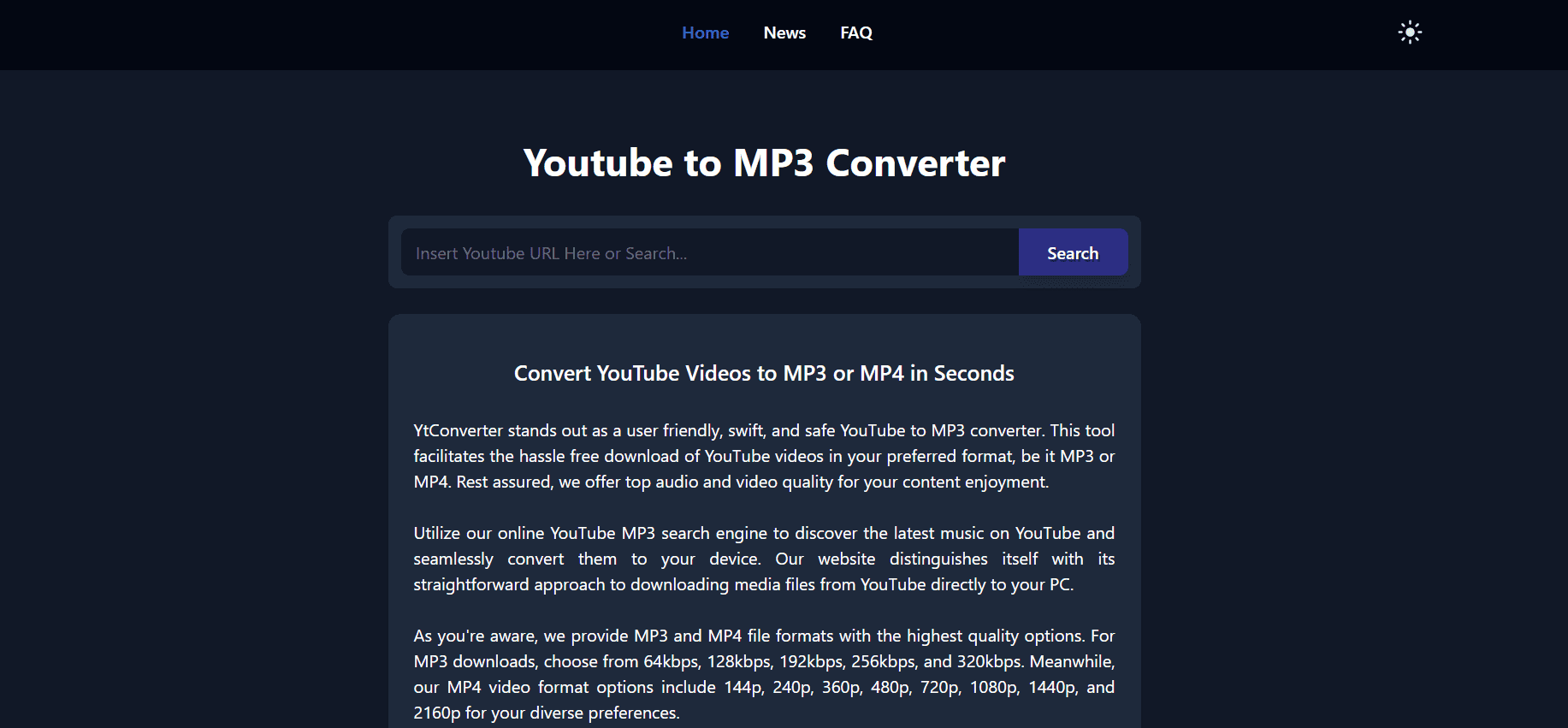
YTConverter ranks among the fastest YouTube downloader converters, and you don’t need to install anything to use it. You can grab content from your PC or just paste a direct URL link, and it flies through the process. It handles videos up to 45 minutes long and spits them out in Full HD with max frame rate, plus audio formats like MP3, AAC, or M4A.
2. ByClick Video Downloader
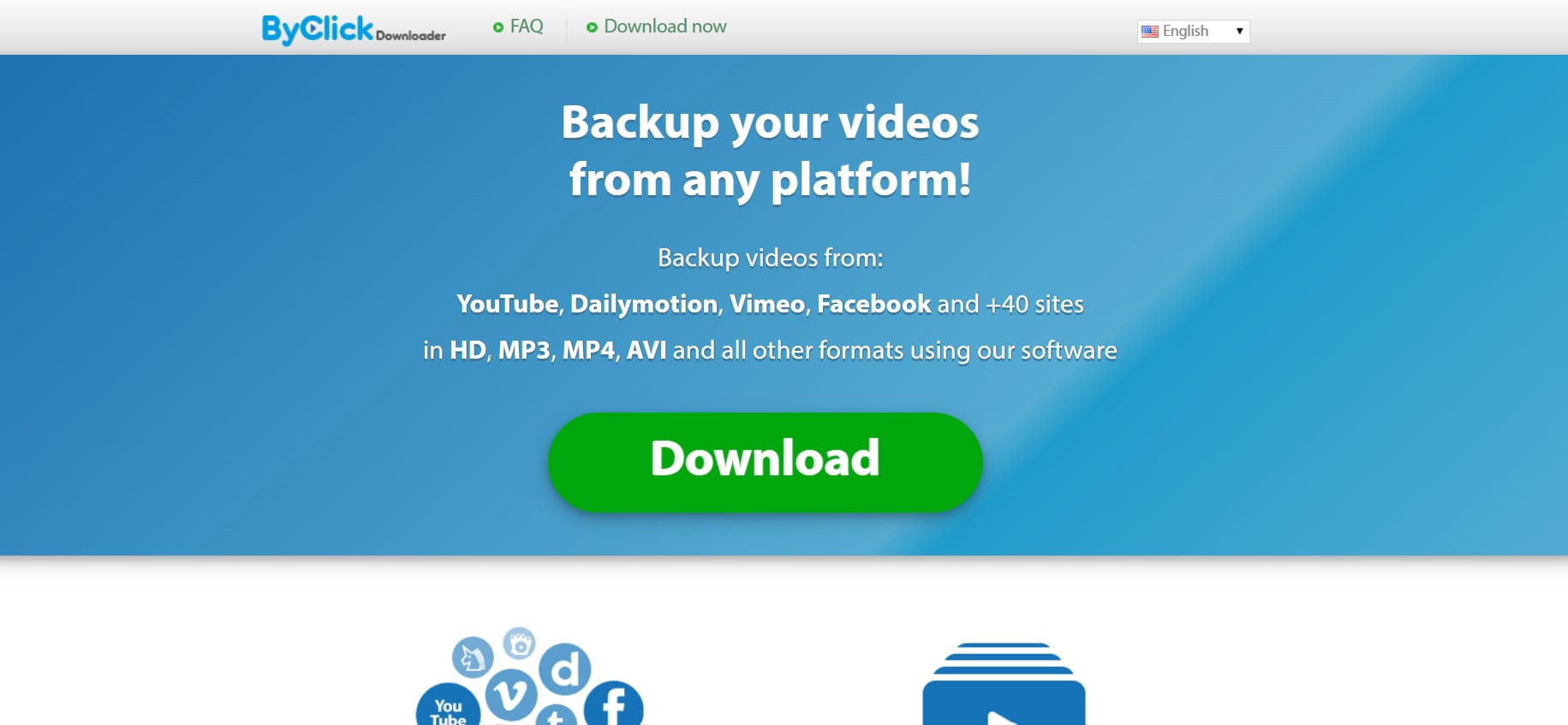
ByClick Video Downloader claims the top spot for grabbing videos from YouTube, Facebook, Dailymotion, Vimeo, and 40+ other sites in formats like HD, MP3, MP4, or AVI. Built for Windows, it downloads playlists, live videos, and subtitles too. Paste a URL or let it auto-detect videos while you browse. But remember, the free version lasts 24 hours, then you need their subscription.
3. Wave.Video

Wave.Video brings a full suite of video editing and converting tools online with an easy interface that covers everything from YouTube to MP4 or MP3. You can create, edit, host, and even live-stream alongside basic conversions in resolutions like 1080p, 720p, or 480p. It stands out for users who want to tweak and improve videos, too.
4. FreeConvert
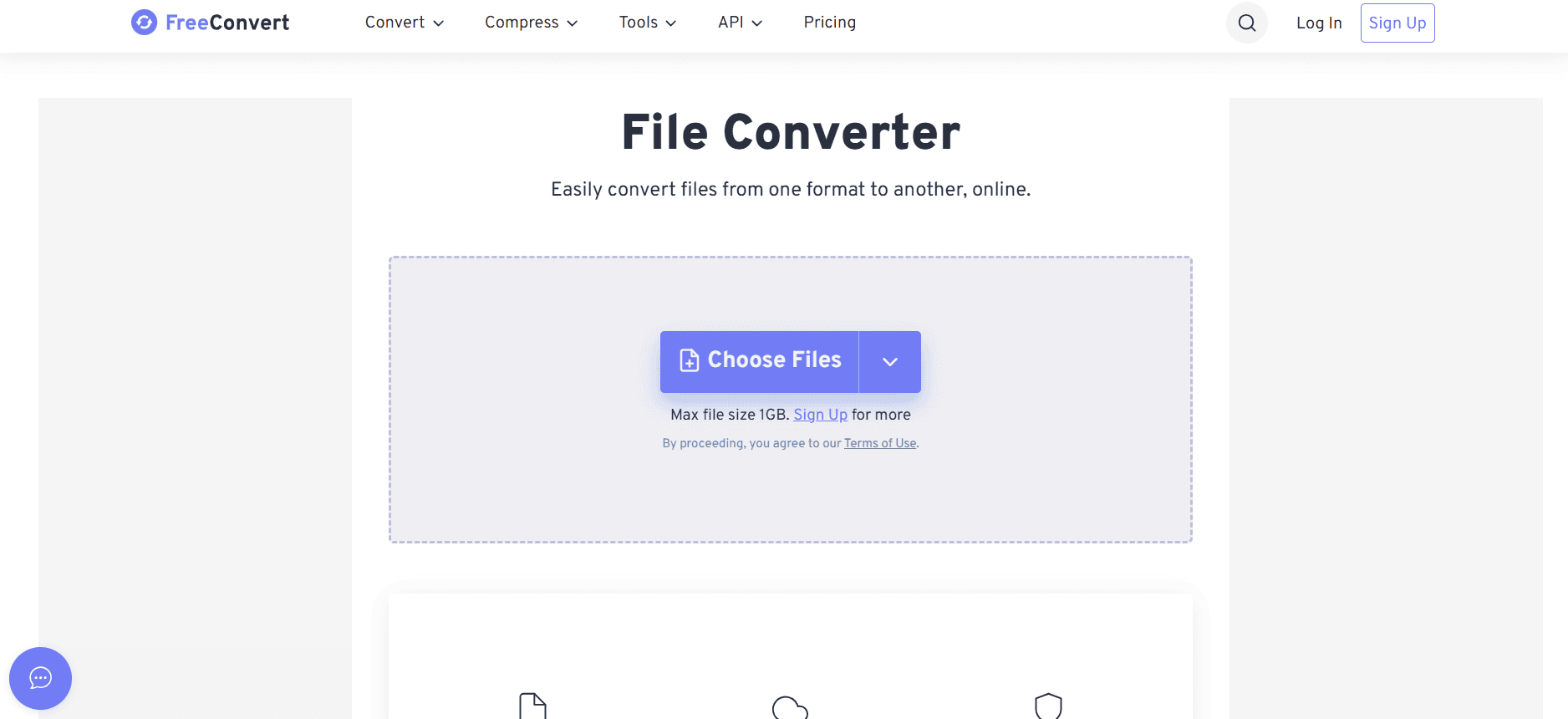
FreeConvert offers a straightforward way to turn YouTube videos into MP4 files with a 1GB size limit and basic editing option. Upload from your device, Dropbox, Google Drive, or URLs, and it handles batch processing to save time. The interface stays simple enough for anyone, letting you tweak bitrate, frame rate, and quality before converting.
Note: Its essentially an MP4 tool which fundamentally is a file converter (upload/from cloud/from URL).
5. WinX HD
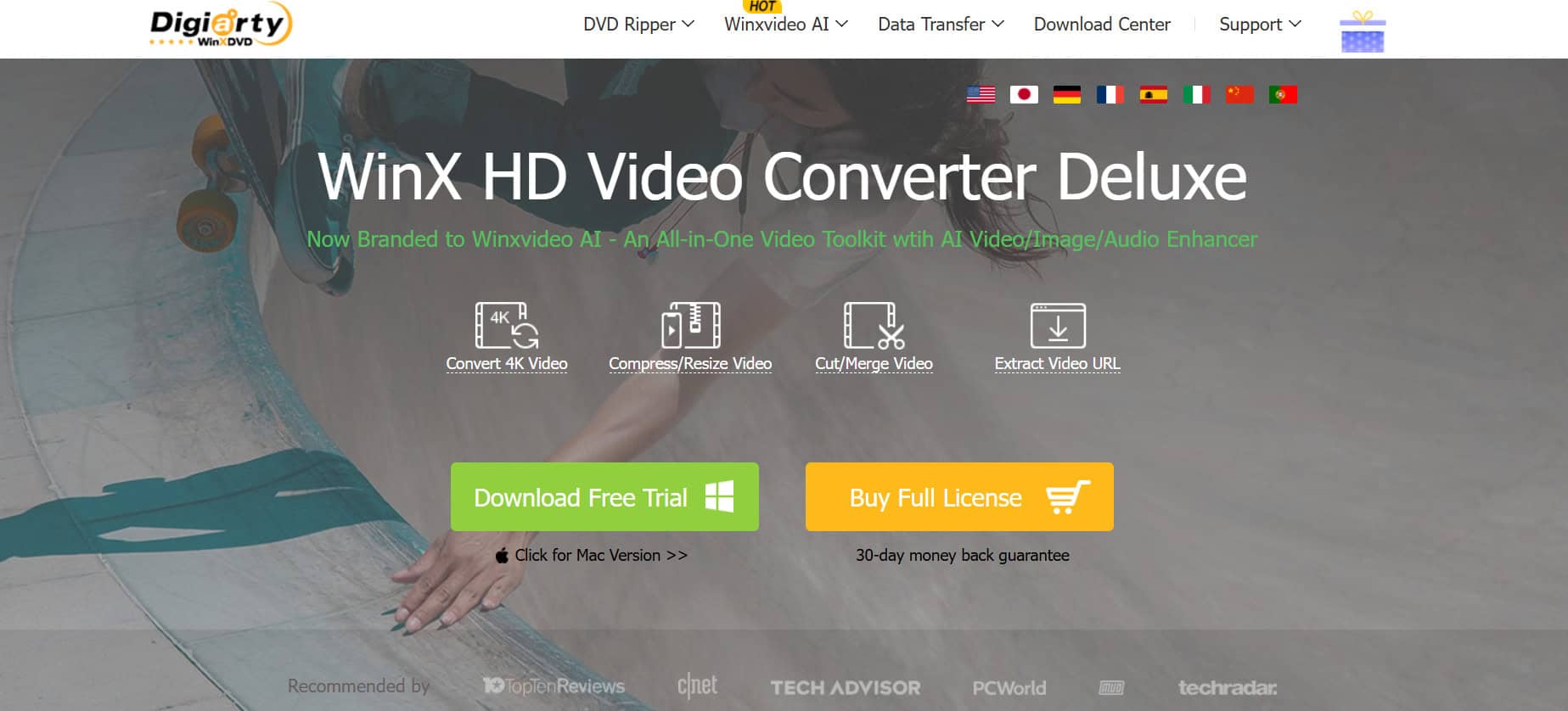
WinX HD shines as one of the best YouTube to MP4 converter for Windows/Mac, so you can watch offline on any device without internet. Just copy the YouTube URL, paste it in, pick MP4 format, and the program does the rest. You end up with high-quality files ready for playback anywhere, no fuss involved.
6. YTMP4 Conversion
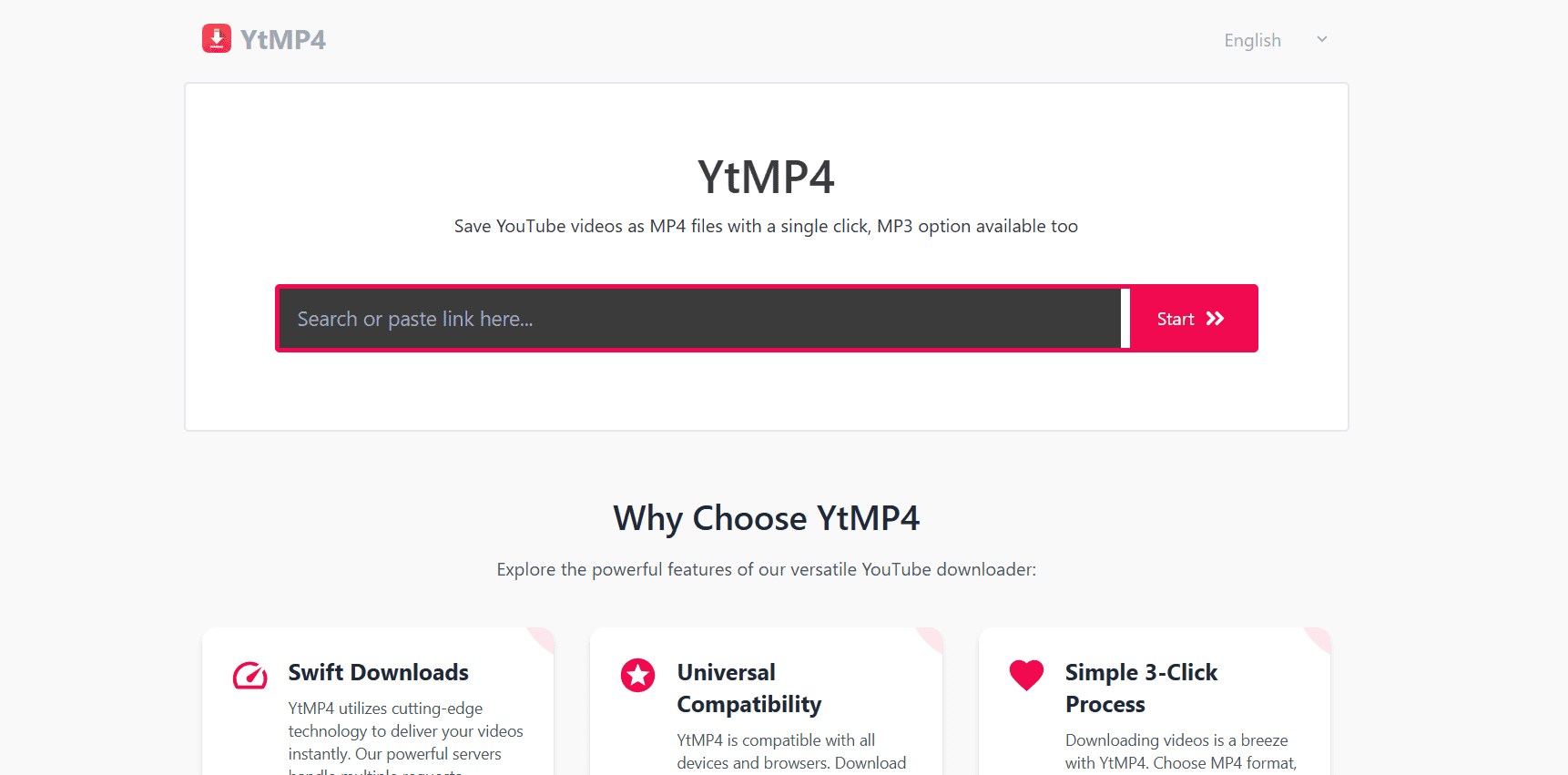
YTMP4 keeps things simple as a YouTube to MP4 converter with no software install or registration needed. Paste the YouTube URL into the search bar, hit convert, pick your video quality, and download. That basic process guarantees the fastest way to get YouTube videos saved in MP4 right to your device.
7. Clippa
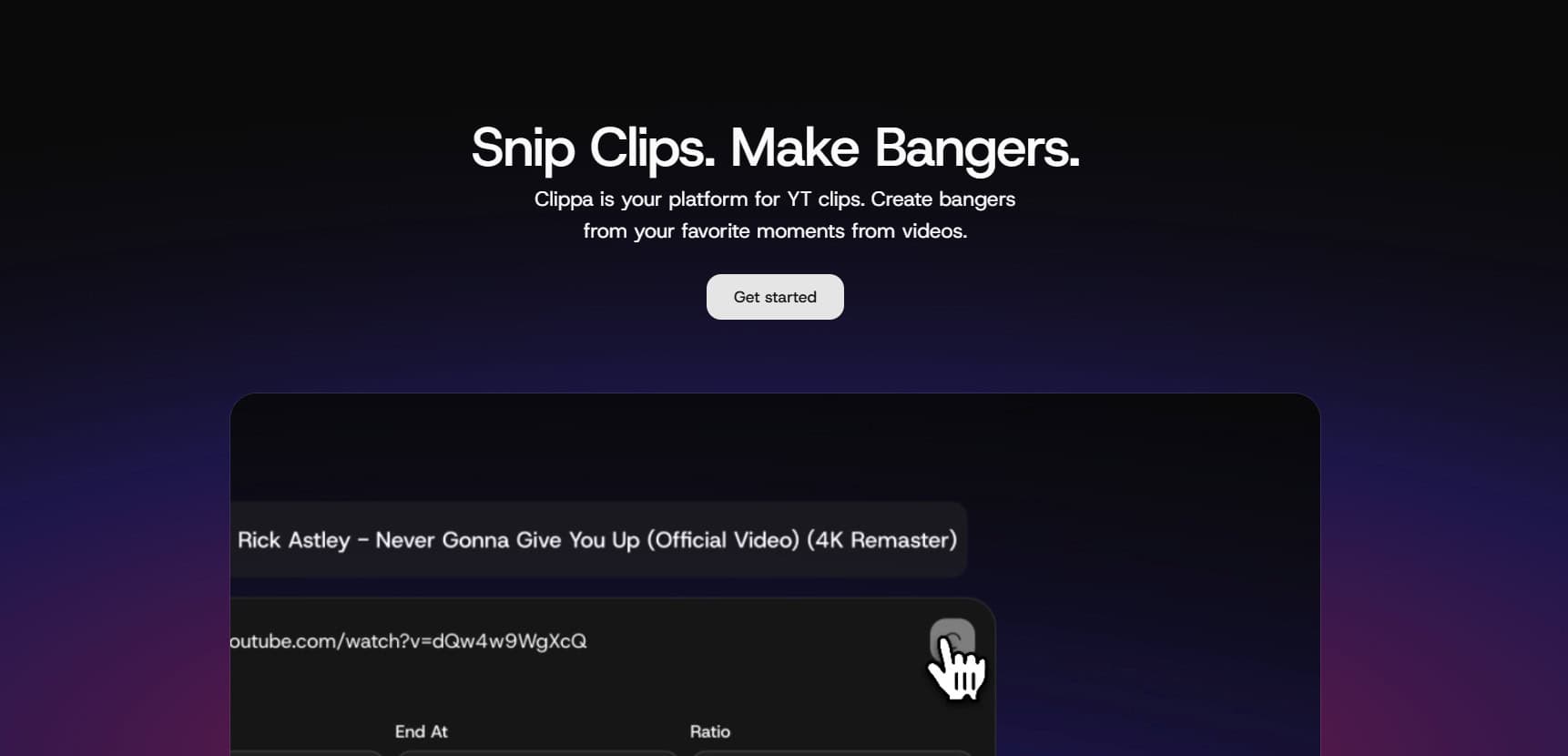
Clippa lets you record YouTube videos and convert them to MP4 or GIF, whether you’re building research clips, music video compilations, or lesson captures for offline use. It grabs both video and audio cleanly with fast conversion speeds that don’t lose quality. Batch processing from device uploads, Dropbox, Google Drive, or URLs saves a ton of time.
8. Zamzar
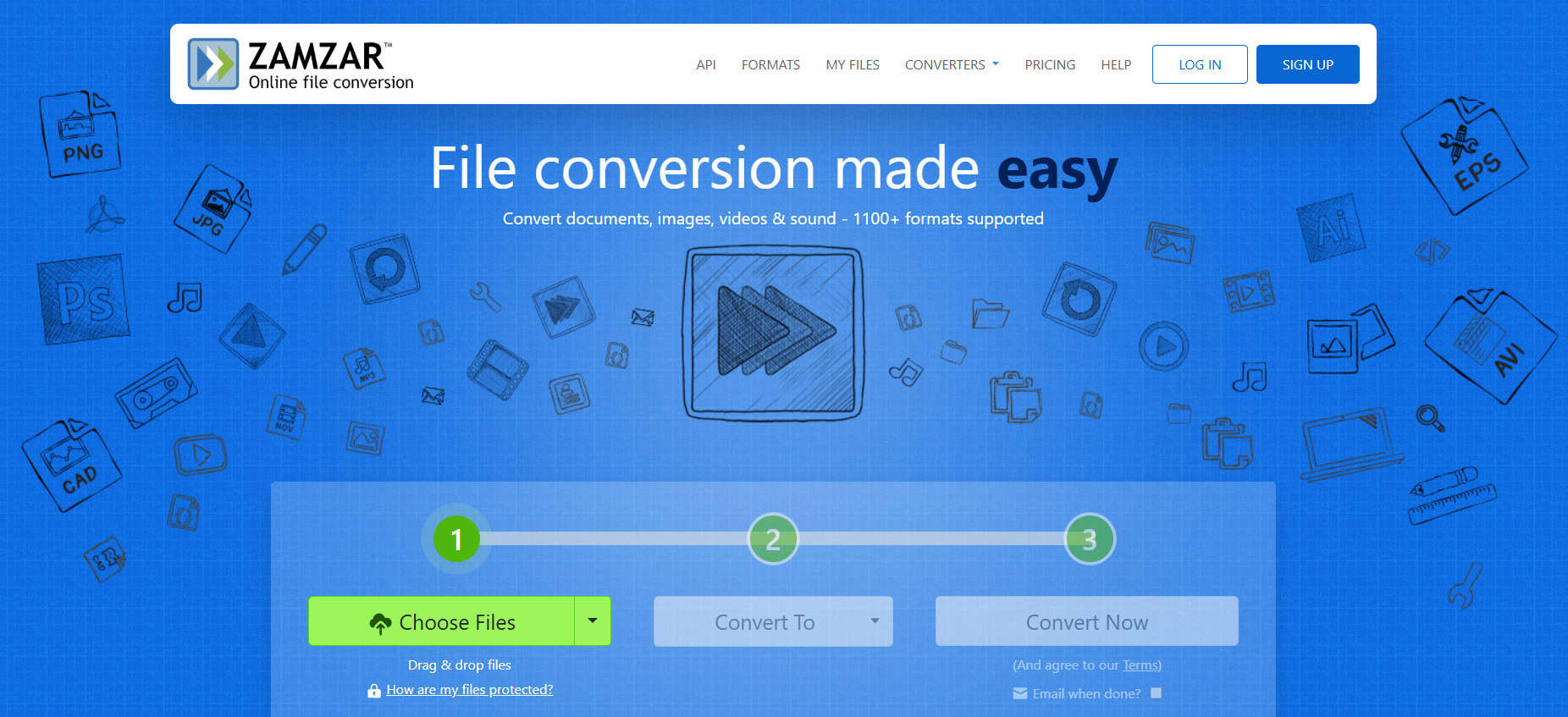
Zamzar ranks as a top online YouTube to MP4 converter that handles 27+ formats beyond just videos. You can also convert images, audio, and documents with a friendly interface that breaks everything down into 4 simple steps. Enter your email after uploading, and you get the converted file within 10 minutes. The built-in email service lets you share files easily with others. Free tier covers up to 100 MB files without signup, but registration unlocks the advanced stuff.
9. Wondershare Video Converter
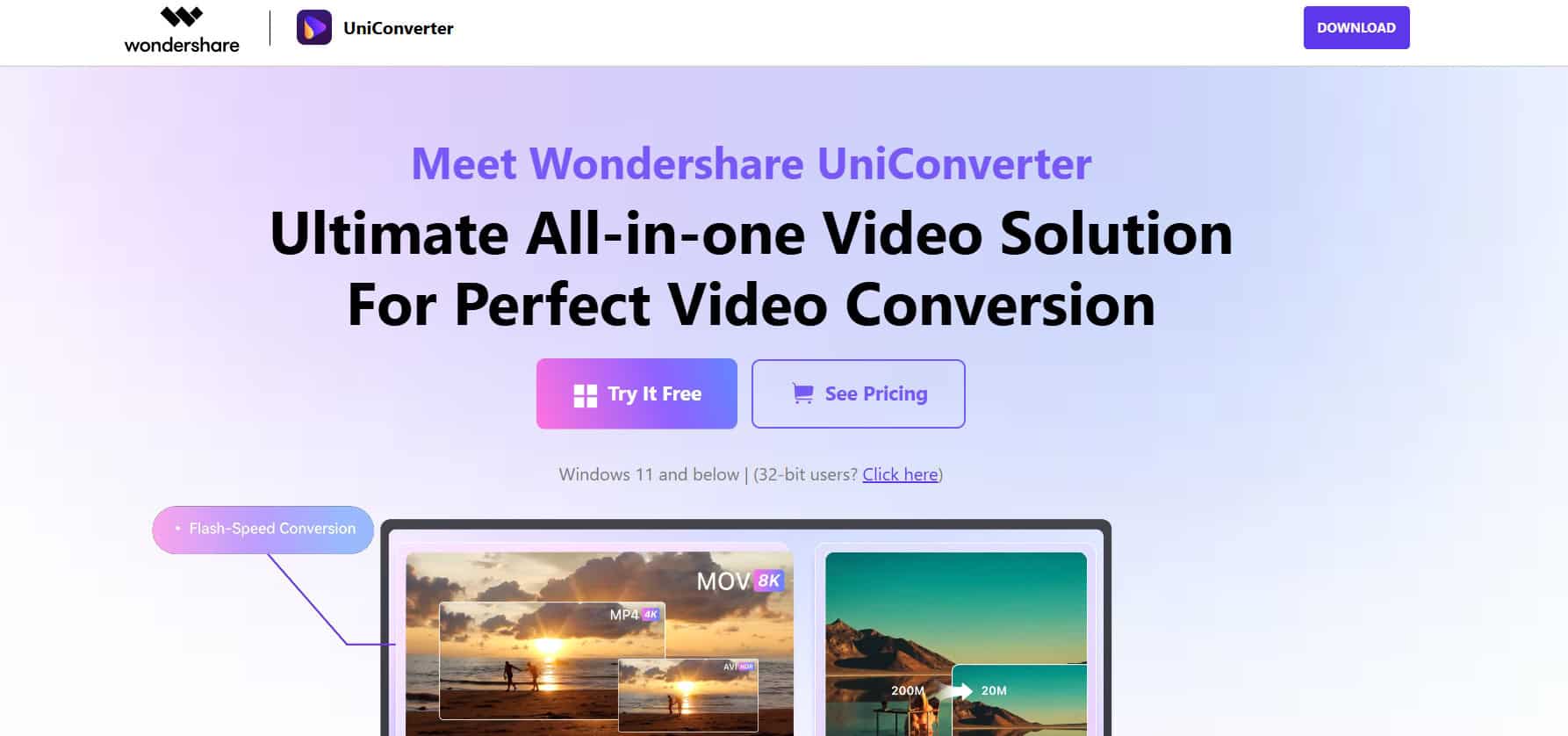
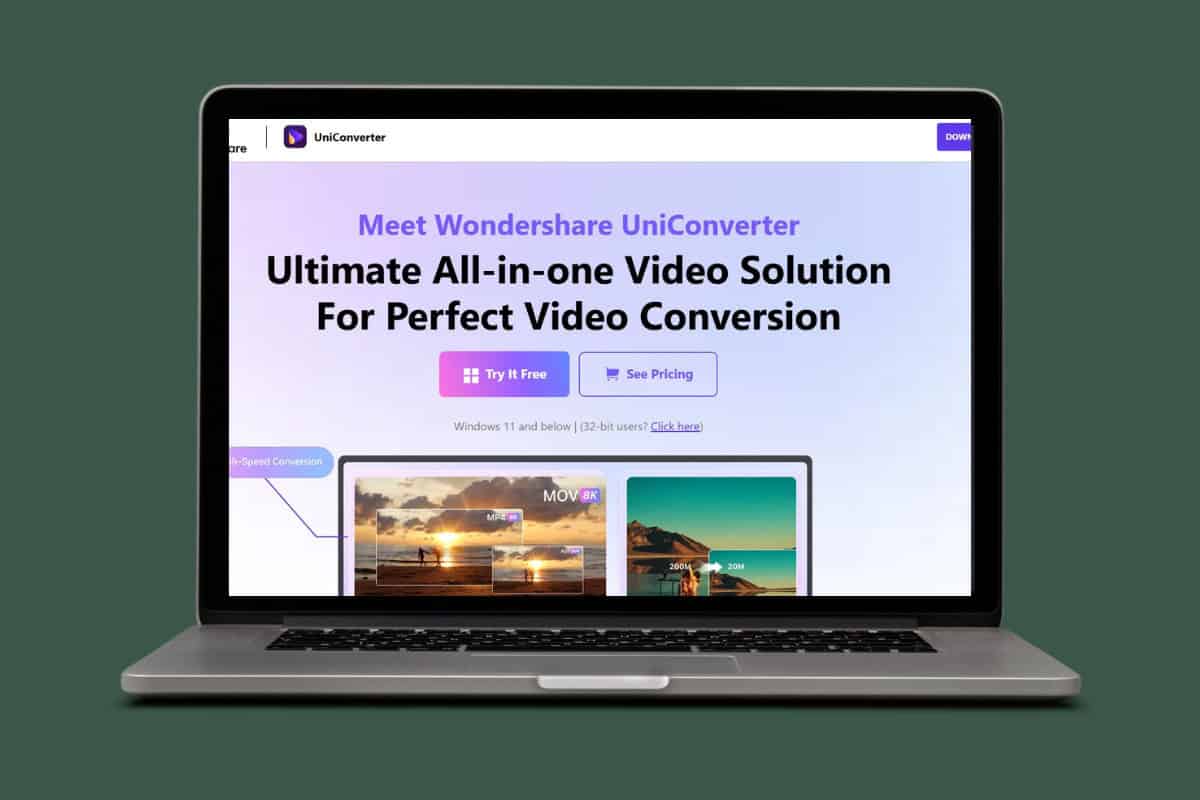
Wondershare Video Converter turns YouTube videos into MP4 while letting you record and burn movies too. It leads the pack for editing features like filters, cutting, cropping, and customization tools across 160 formats, including 4K. Share videos remotely without USB cables thanks to the High-Efficiency Video Codec that cuts file sizes in half compared to standard compression. Keeps UHD quality intact on any device, making it one of the best YouTube to MP4 converter for Windows/Mac.
10. Clip Converter
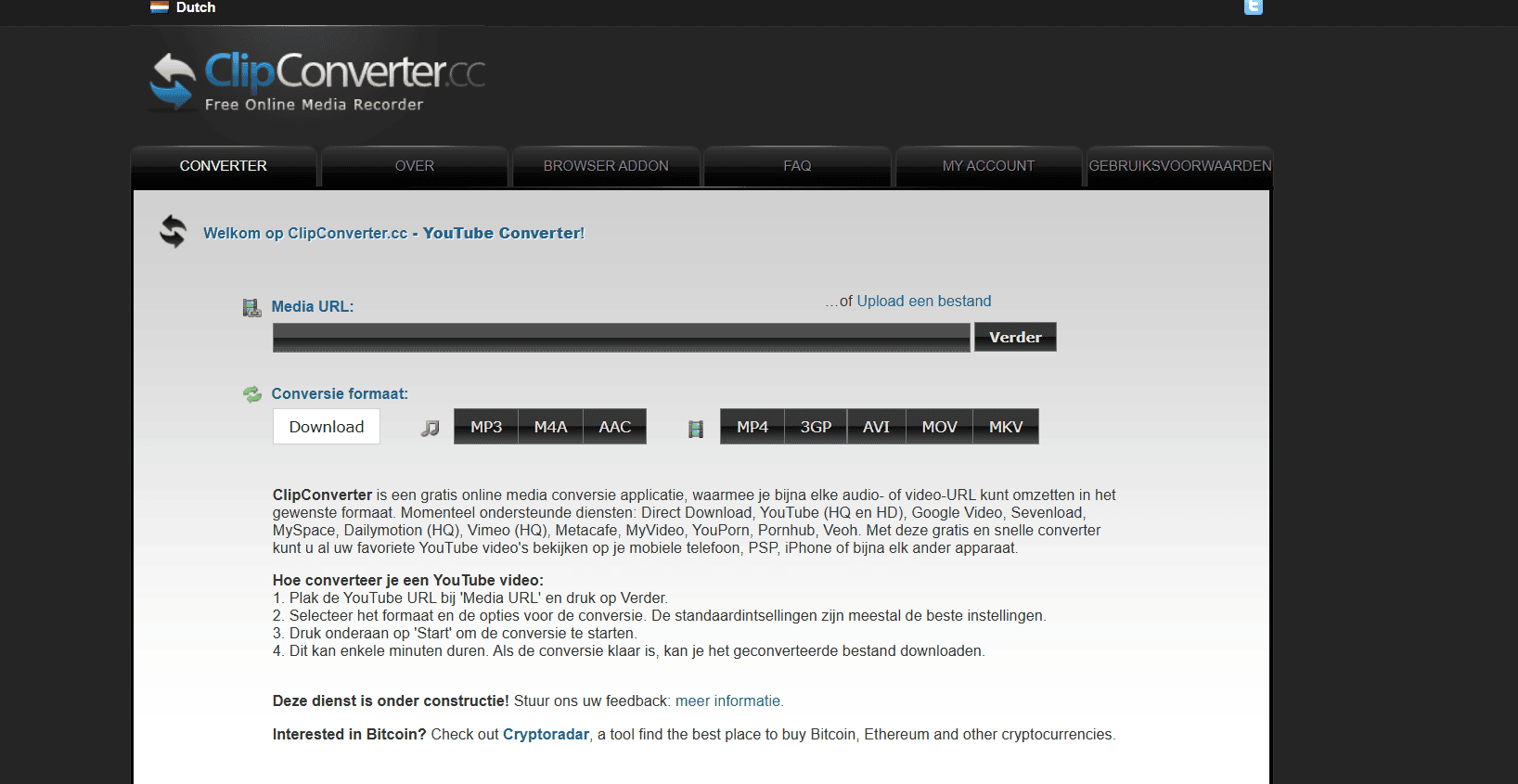
Clip Converter answers if you need the best free YouTube to MP4 option with video processing built right in. Convert single videos or batches at once using tools to trim, rotate, or strip audio while keeping HD, 720p, 1080p, or 4K quality. Even 2K YouTube videos come out perfect in MP4. The free version covers basic converting and editing, premium package opens advanced features.
11. KeepVid
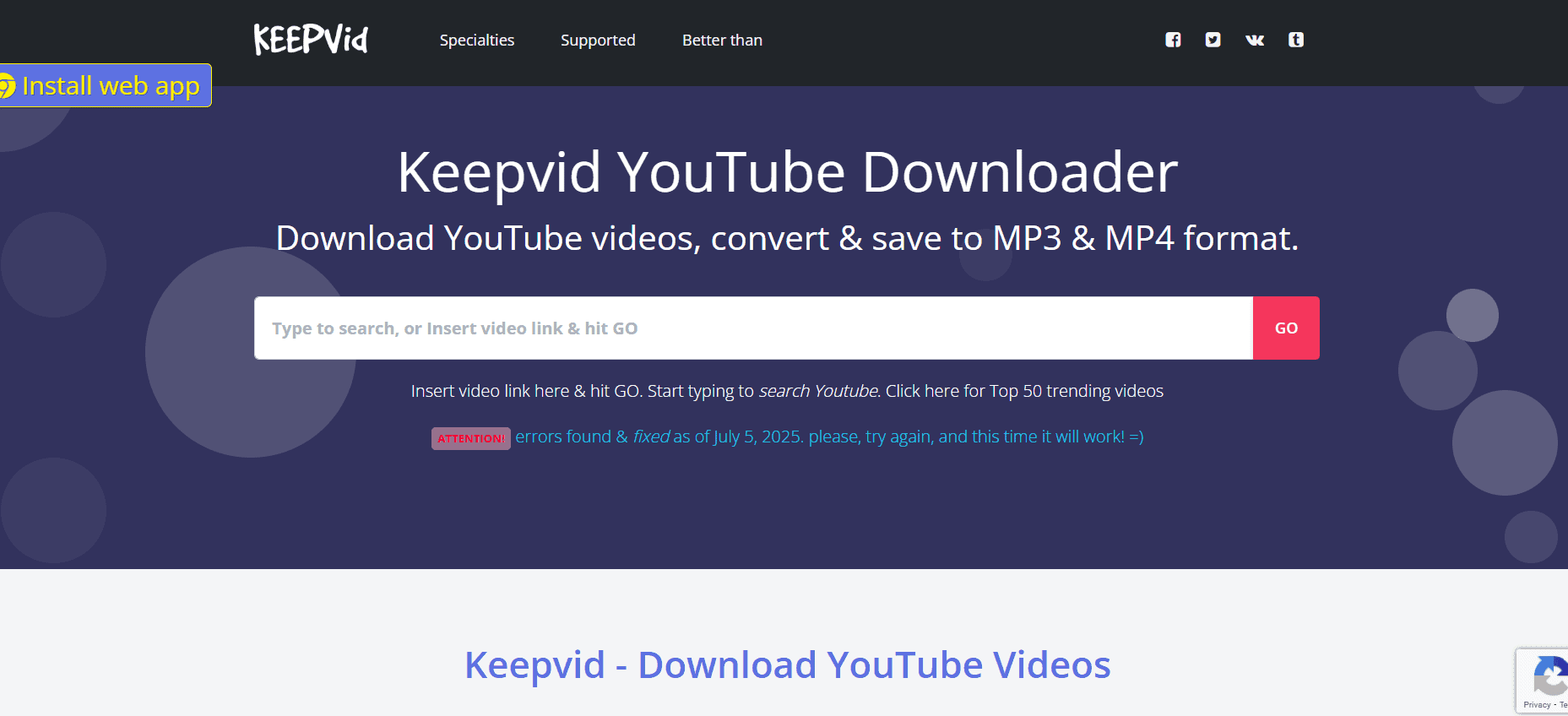
KeepVid pulls from over 10,000 sites like YouTube, DailyMotion, and Ted for MP4 conversions and other formats. Paste your video link and download in just a few minutes, then edit, boost sound, or add guides afterward. Stays one of the most straightforward services since it skips heavy extra tools that complicate things.
12. Any Video Converter
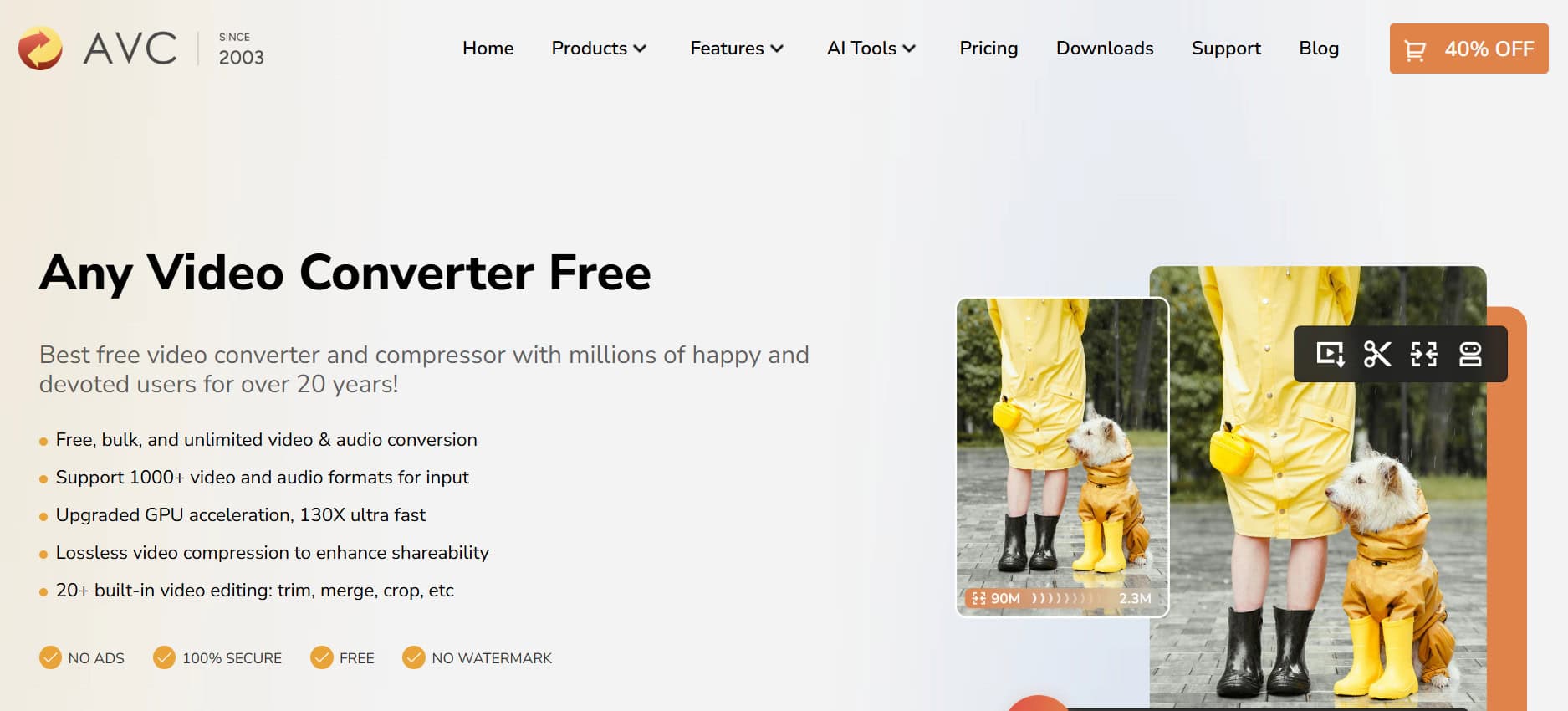
Any Video Converter turns videos into MP4 and other formats with a batch processing feature that handles up to 5 files at once. You save output wherever you want and tweak settings like auto-shutdown after jobs finish. The built-in MP4 editor lets you add effects, titles, or strip audio to personalize clips exactly how you need them. Conversion speeds stay high across the board.
13. ClipGrab
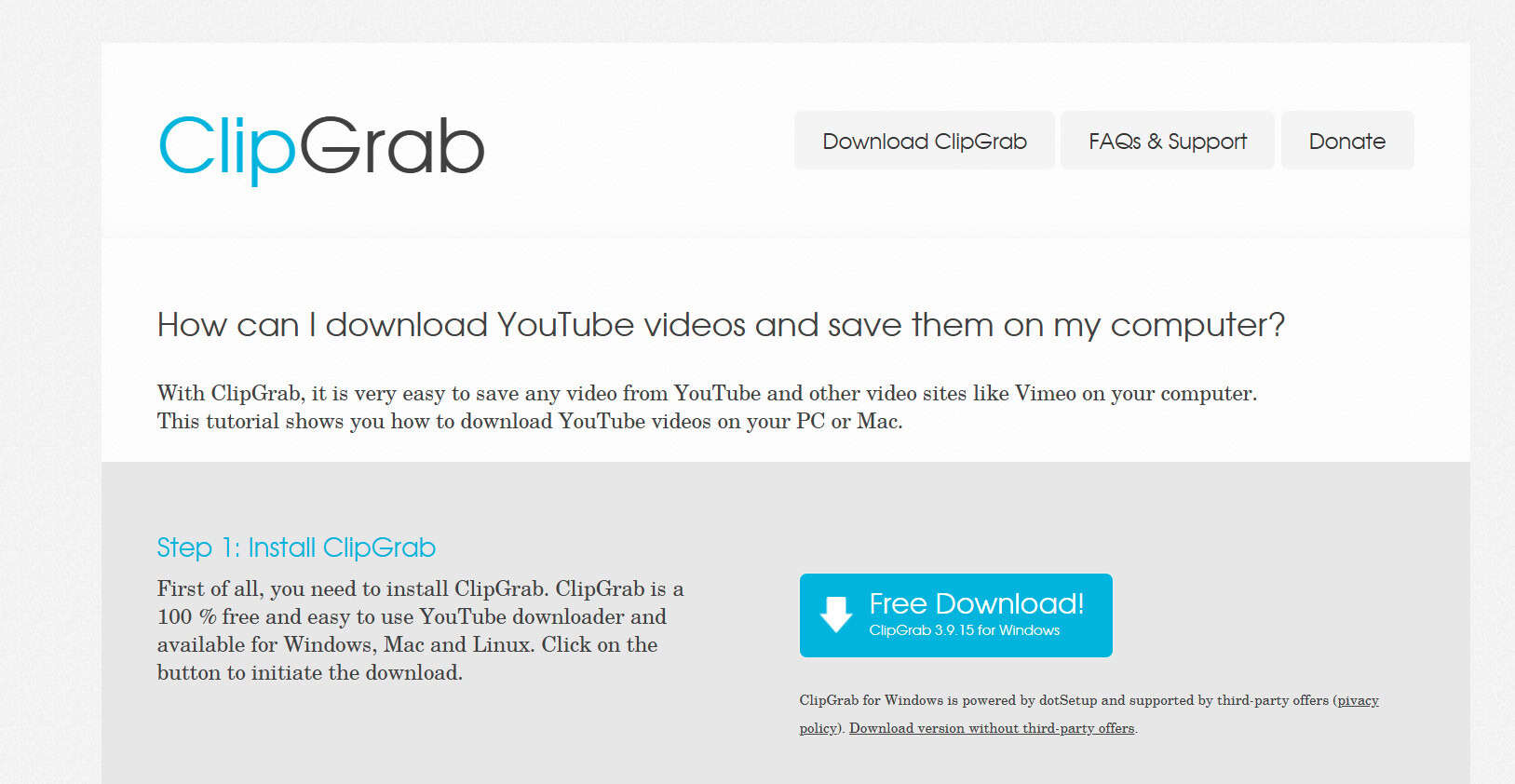
ClipGrab counts as one of the best YouTube to MP4 converter for Windows/Mac, especially for Mac users. It handles MP4 plus WMV, OGG Theora, and OGG Vorbis formats without trouble. Copy a link to your clipboard, and it pops up ready to download, or pull sound from one video and mix it into another.
14. 4K Video Downloader
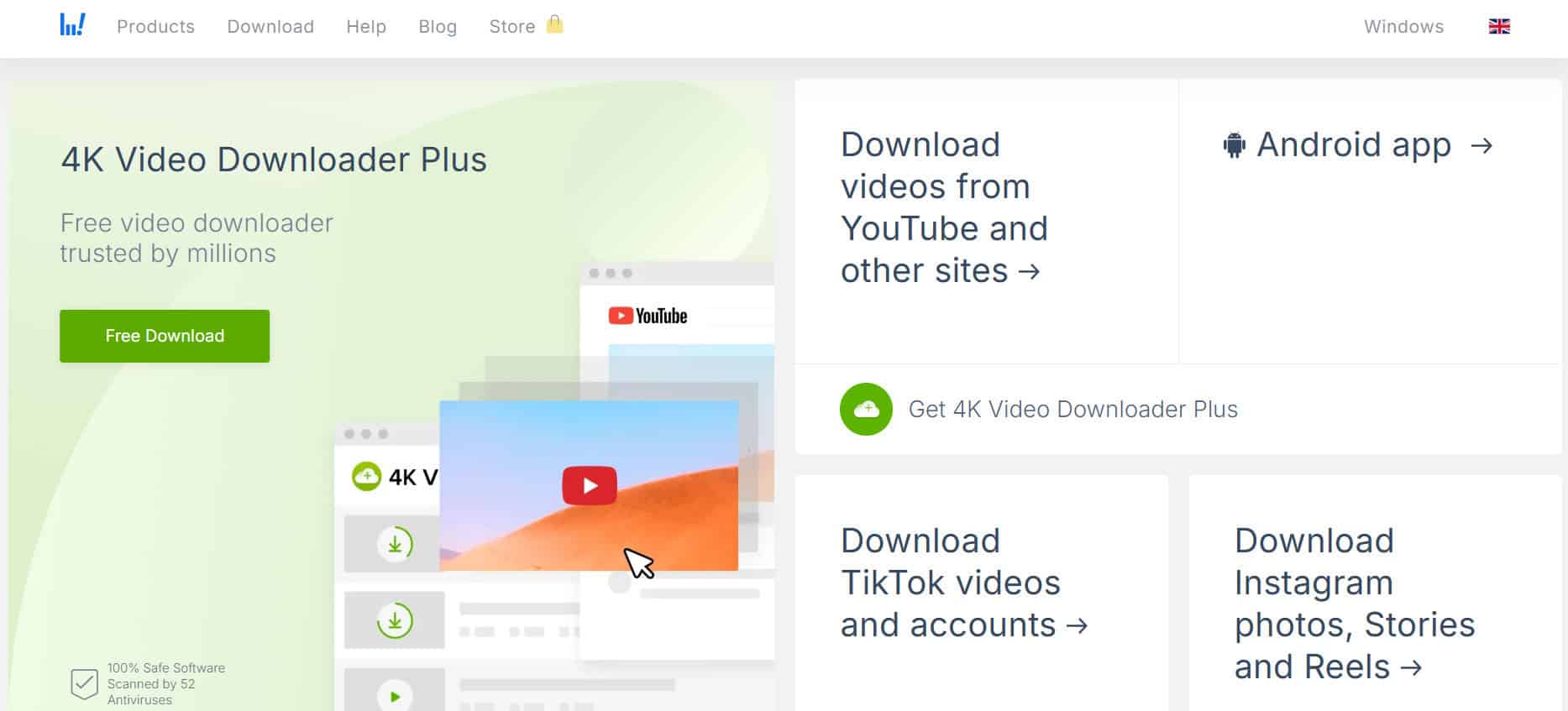
4K Video Downloader leads as a YouTube to MP4 converter that grabs 4K, 8K, 3D, and 360-degree videos for free. It pulls YouTube Mix, Watch Later lists, Likes, and even private playlists with the free version covering up to 24 playlists. Pick subtitles in 50 languages, paste your link, choose format and quality, then hit download. Simple as that after install.
15. aTube Catcher
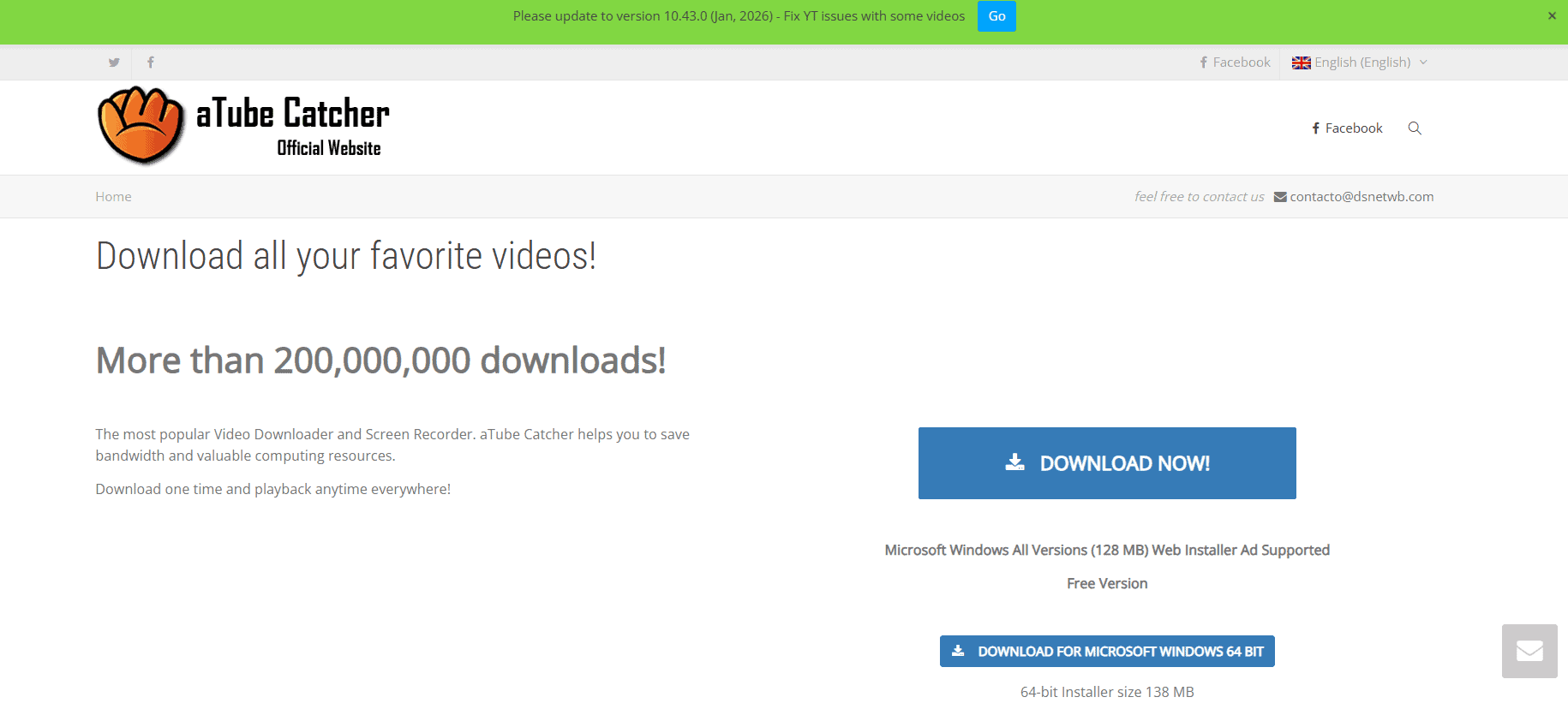
aTube Catcher makes a strong case as the best YouTube to MP4 converter with batch conversion and editing built in. It works across YouTube and tons of other platforms, spitting out files in MP4, WMV, 3GP, AVI, MP3, and more. Copy a video link or search directly, download, then convert fast. Bonus screen recording and disc burning options come along for VCD, DVD, or Blu-ray.
16. iTube Studio
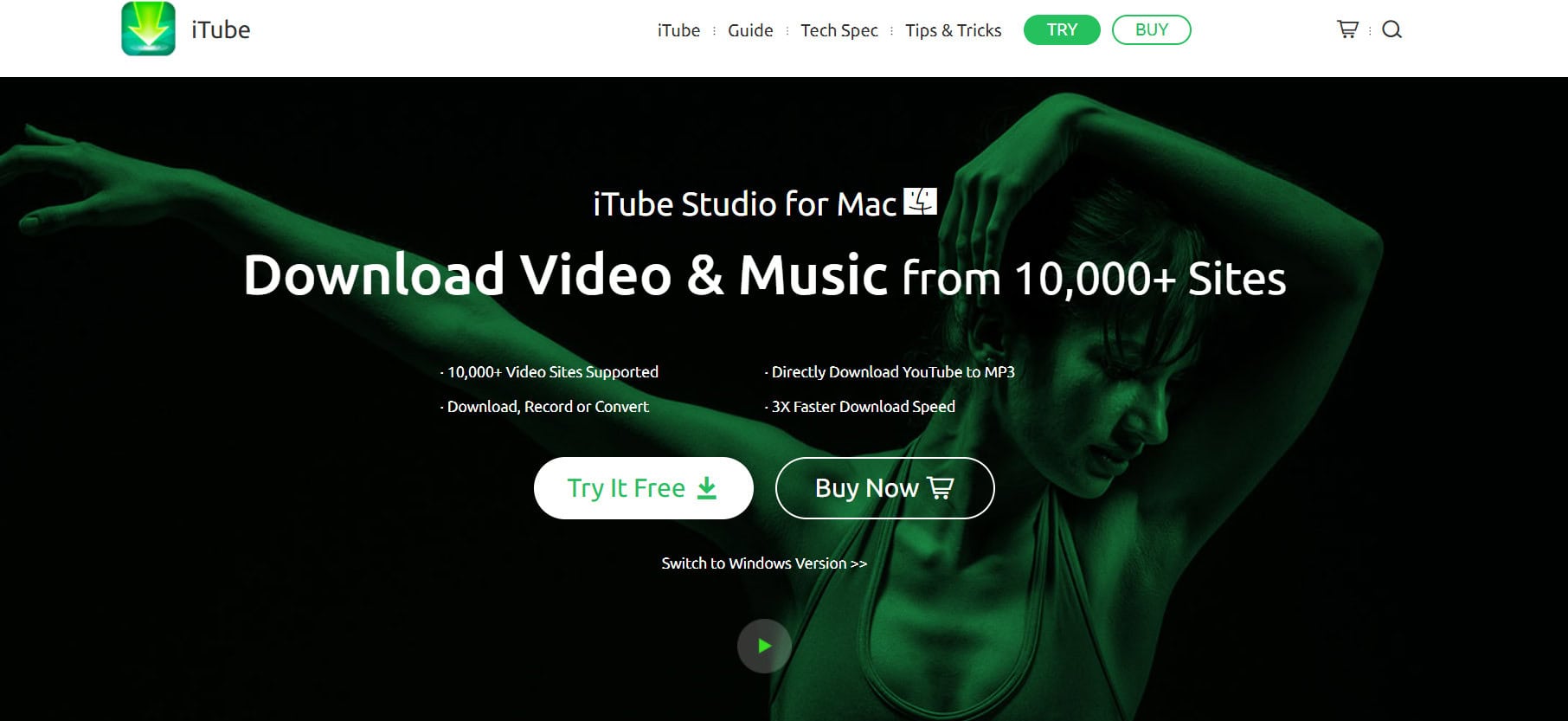
iTube Studio ranks high among free video converters for Windows and macOS, pulling from YouTube and similar sites with two easy methods. Drag and drop a link or use the browser plugin to auto-save videos straight to your PC. Batch convert while keeping quality high, then optimize for 100+ device profiles like tablets, phones, or game consoles. Handles any format except MP4 directly, making it one of the best YouTube to MP4 converter for Windows/Mac.
17. TurboScribe
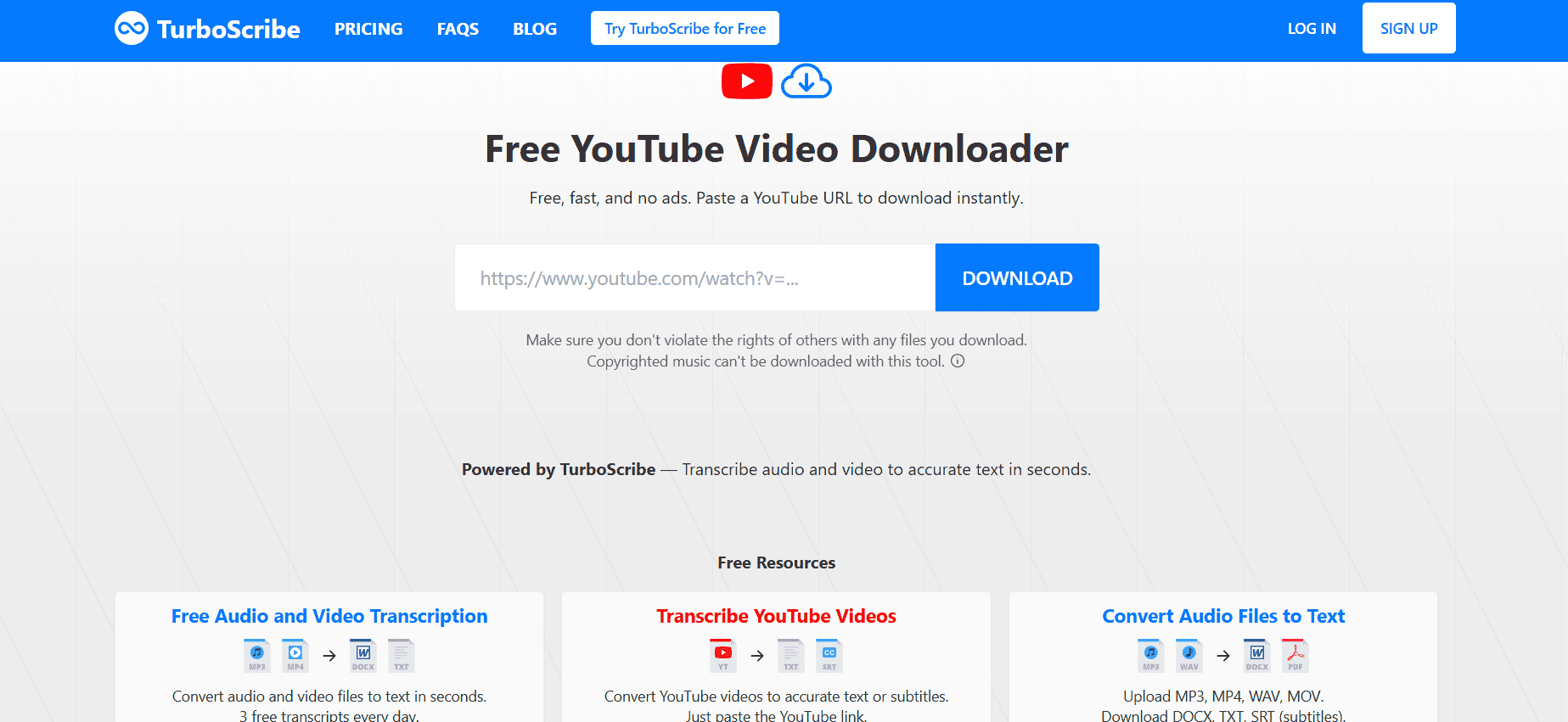
TurboScribe counts among the best free converters supporting MP4, MP3, FLV, MOV, 3GP, and AVI from YouTube, plus DailyMotion, Facebook, and College Humor. Grab videos for offline playback through a desktop program or mobile app in SD, HD, or Full HD. Bonus as an online downloader for copyright-free, ad-free content, too.
18. HitPaw Video Converter

HitPaw Video Converter covers YouTube to MP4 plus downloads and editing across four main tabs: Convert, Download, Edit, and Toolbox. Download section grabs social platform content fast while Convert handles file changes smoothly. The edit tab brings cropping, filters, watermarking, and other tweaks. Stands out for handling everything in one versatile package.
19. Free File Converter
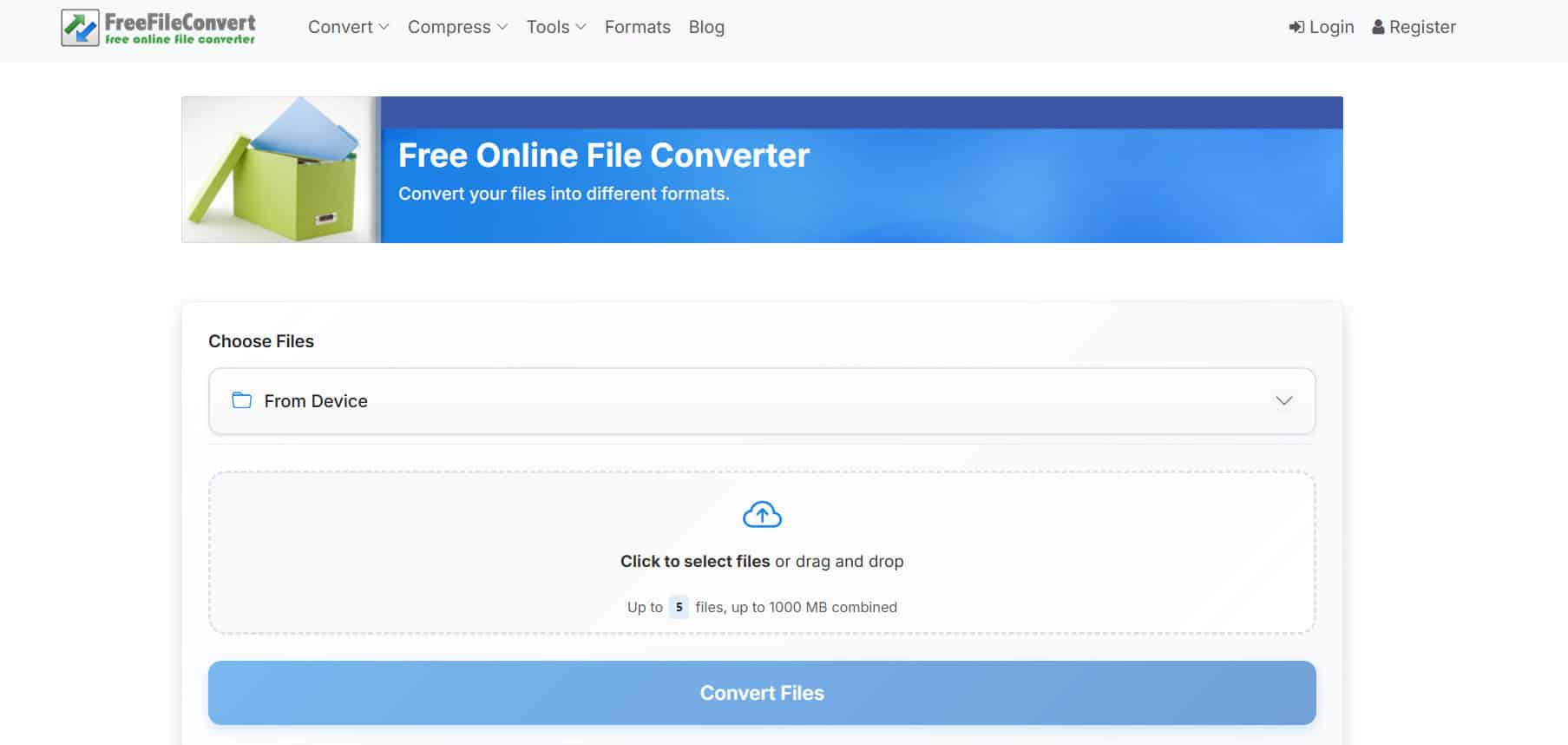
Free File Converter works across documents, archives, images, and audio beyond just YouTube to MP4 jobs. Paste a video link, pick MP4 format, and it finishes in seconds while processing up to 5 videos at the same time. Keeps the whole process dead simple for quick results.
Also Read: 13+ Best Instagram Private Account Viewer in 2026
Now that you have seen the best YouTube to MP4 converter for Windows/Mac, we hope your doubts are cleared with the methods shown in this guide. Keep visiting TechCult to know the latest tech walkarounds. If you have any queries or suggestions, do reach out to us in the comment section.