If you have a website for your business, you know how helpful analytics tools are. They help you make strategic business decisions by providing insightful information about how your audience interacts with your website. For a long time, Plausible has been ahead of the game. It offers privacy-friendly and crucial indicators like page visits and referral sources. But more platforms have been catching up or even going beyond the curve. Today, we will show you the best open source Plausible alternatives to help you out!

Best Open Source Plausible Alternatives
Maximize your online presence with your audience and watch how your traffic increases in no time!
1. Vemetric
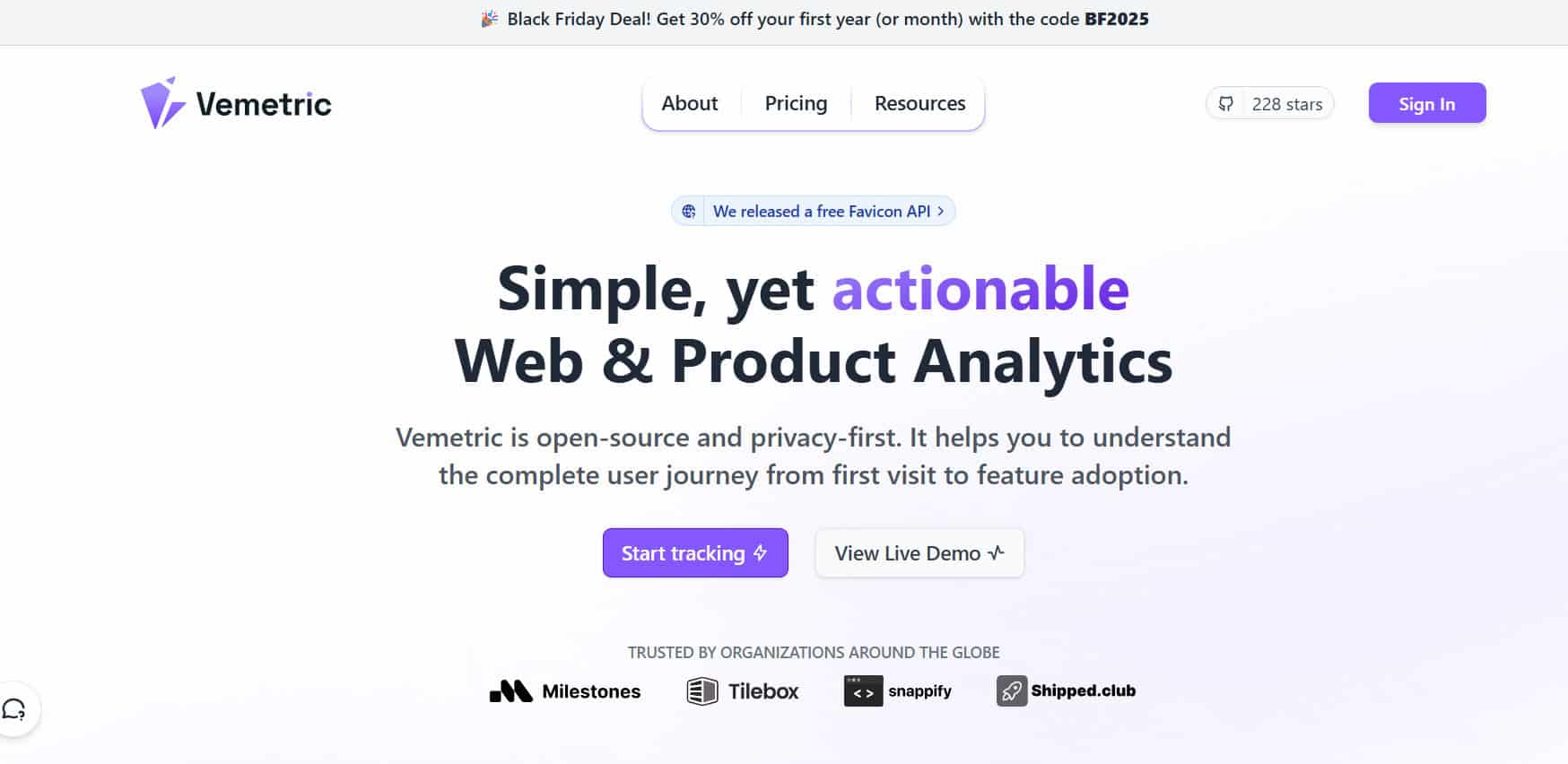
Vemetric makes it simple to see exactly how visitors move through your website. It uses both web stats and user behavior data, all in one place. They focus hard on privacy, which means you finally get to skip cookies unless you ask. The platform also hosts everything in the EU. So, if you’re a marketer or product manager who cares about data safety and GDPR, Vemetric has you covered!
Pricing: Free for up to 2,500 events; $5/month for 10,000 events.
2. Heap
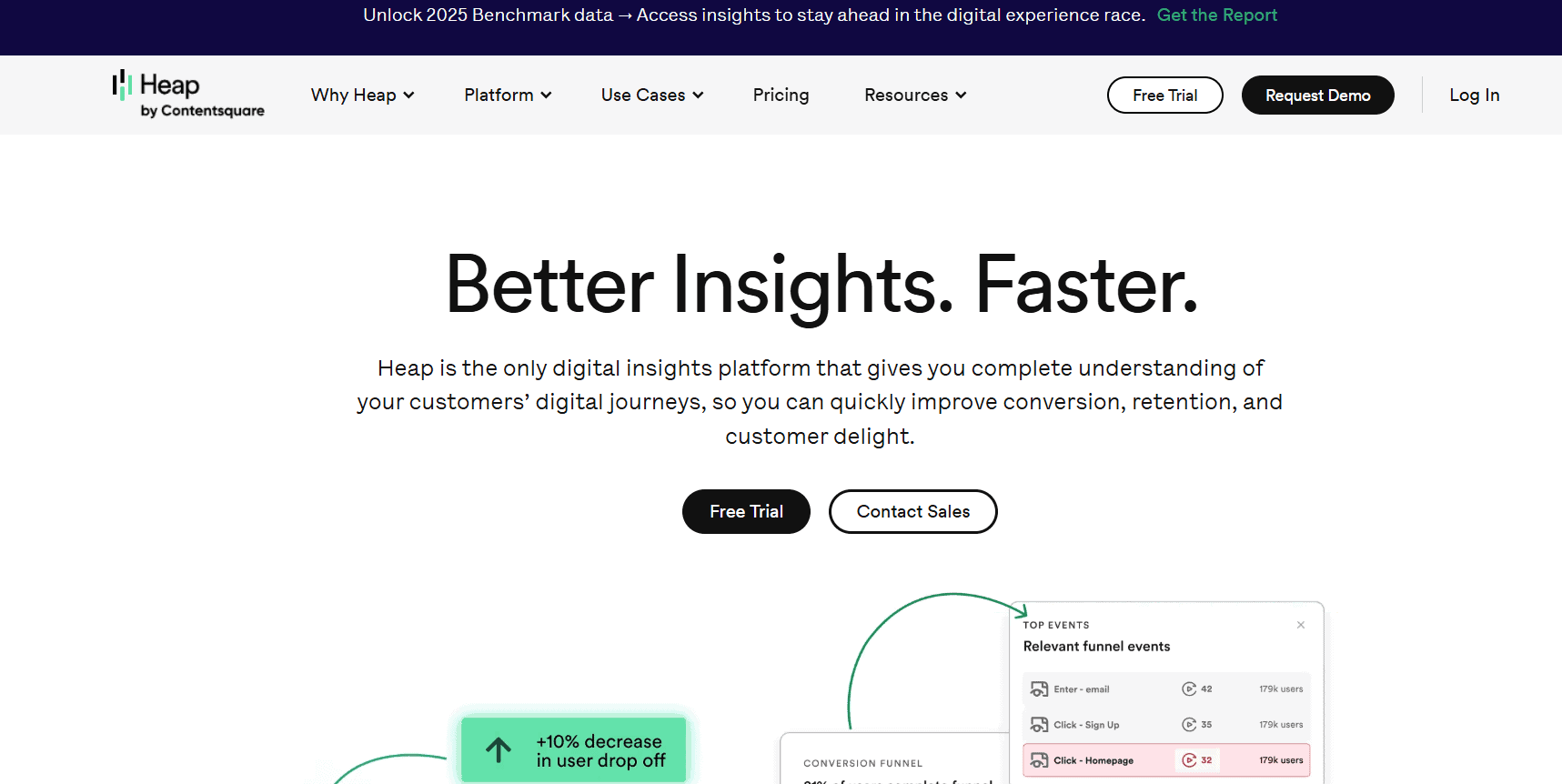
Heap is one of the best open source Plausible alternatives that lets you capture everything people do on your site or app automatically. In fact, there is no setup needed even to track clicks, form entries, page views, or even mouse movements! Additionally, the platform also lets you see how users move, where they get stuck, and replay their sessions. It’s awesome for product teams but takes some getting used to if you’re new to analytics.
Pricing: Free up to 10,000 sessions/month; custom plans available beyond that.
3. Matomo
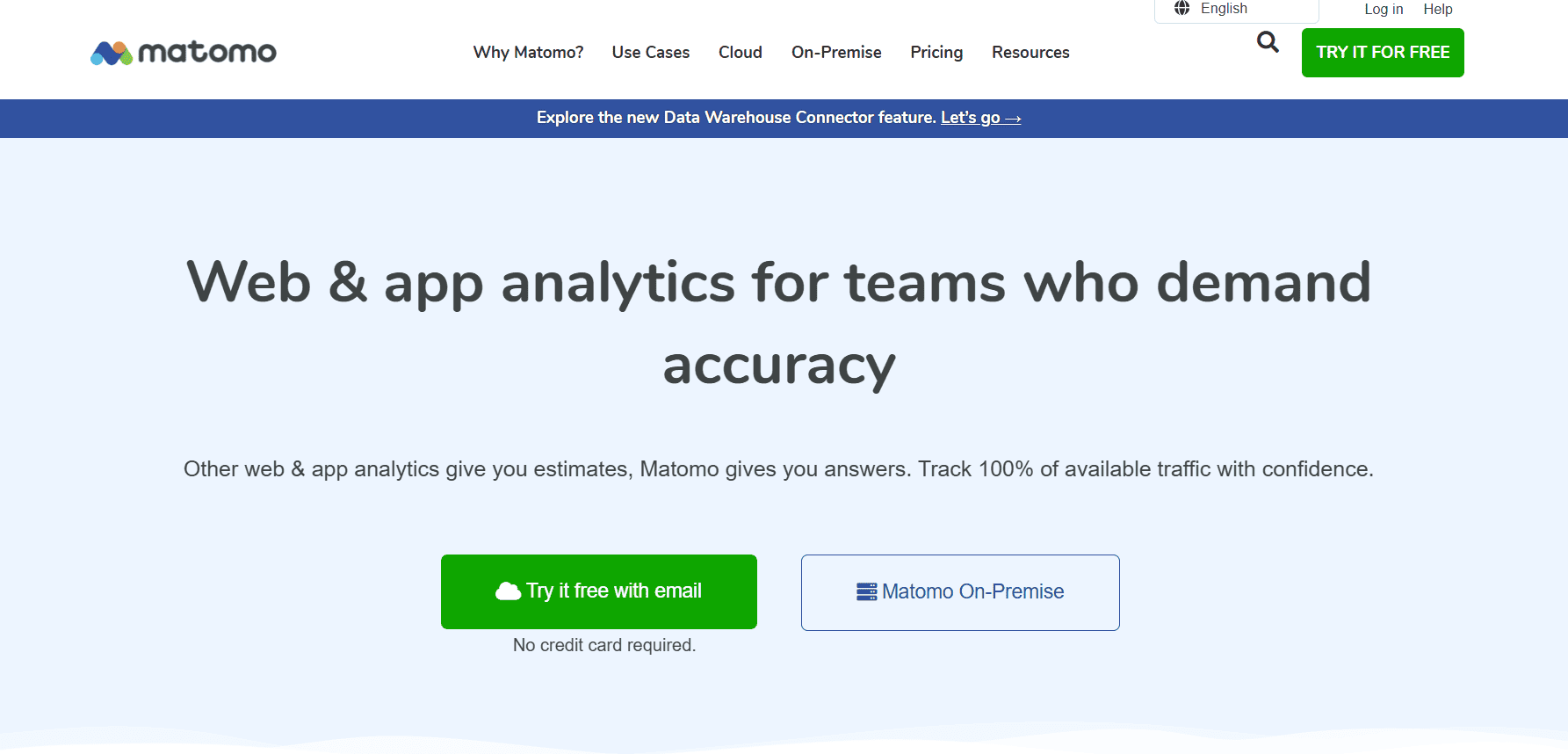
Matomo gives you full control of your analytics by letting you host everything yourself. You can track visitors, and that too, free from cookie consent. The platforms also offer tools like heatmaps and session recordings if you pick the paid plans. It may not be simple to set up for everyone, but if you want total data ownership, it’s a great choice.
Pricing: Free self-hosted; Cloud plan €22/month for 50,000 page views.
4. LogRocket
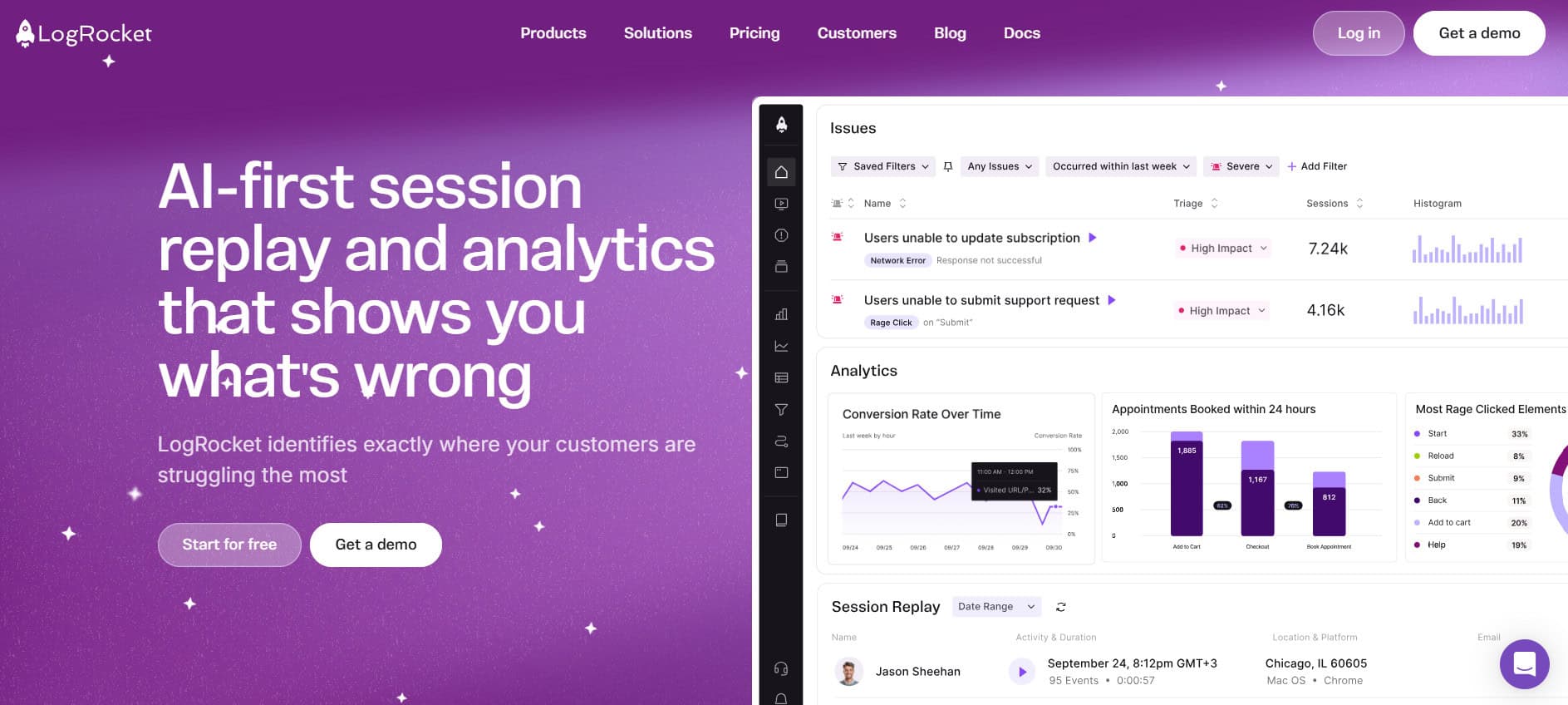
If you want to see exactly what users are doing on your site, LogRocket is like having eyes on every session. It lets you replay user sessions, double-check browser logs, and review network errors so you can quickly sort out bugs or tricky user journeys. It’s mostly a developer’s best friend, but customer support teams appreciate it too.
Pricing: Team plan starts at $69/month.
5. Fathom Analytics
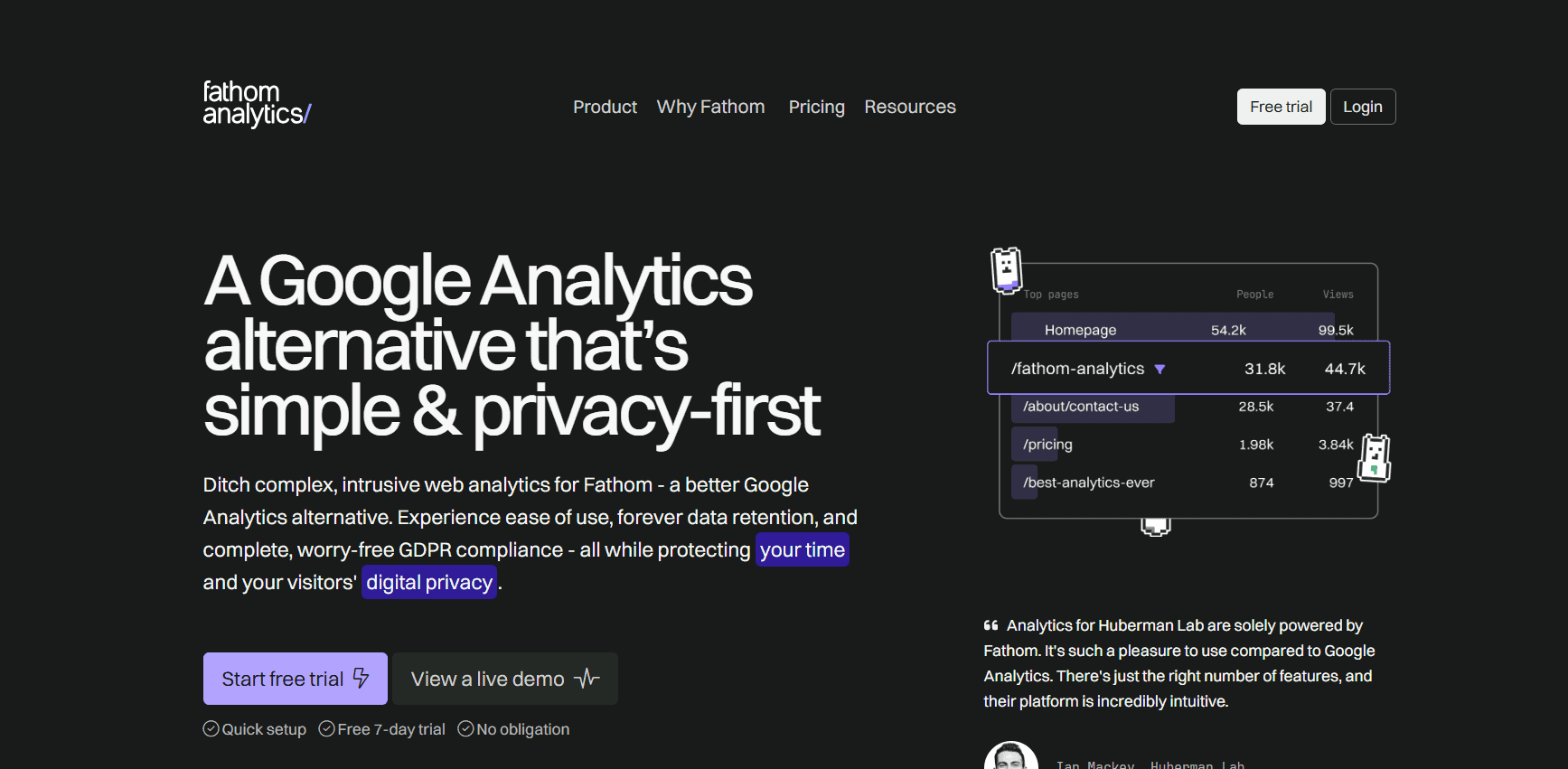
Fathom Analytics keeps things simple and private. It’s easy to check out real-time traffic and see which pages are hot, all without tracking users in creepy ways or breaking privacy laws like GDPR. However, we should tell you that it’s not the tool for deep-dive user analysis or building custom reports. Some power users might miss these features, but if you like clear data and basic features, this is a solid bet and one of the best open source alternatives for Plausible.
Pricing: Starts at $15/month.
6. Usermaven
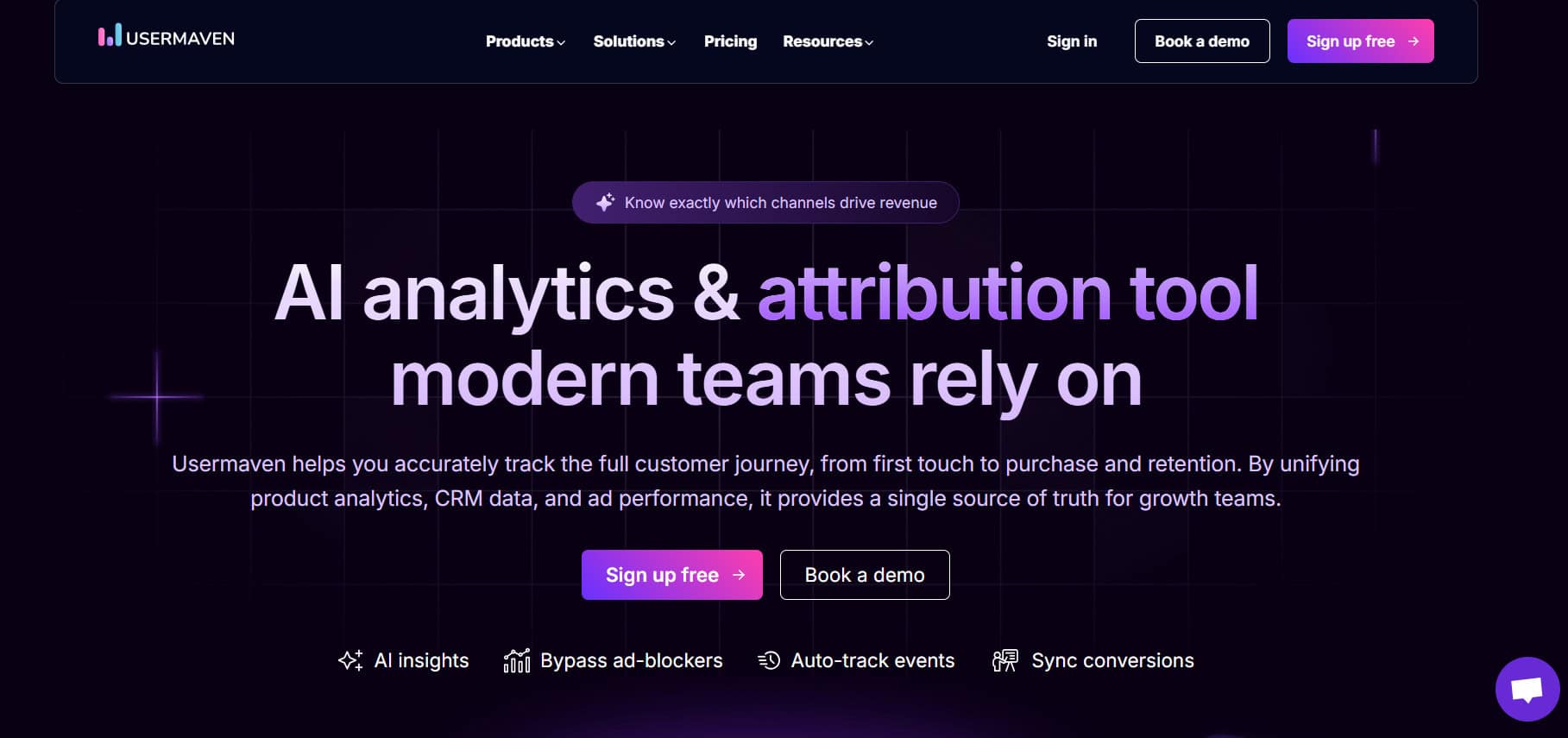
Usermaven is designed to give you big-picture insights but without invading your privacy. It also has an assistant called Maven AI, which lets you track website trends, map product usage, and analyze funnel numbers. Marketers get instant stats, and pricing is fair for both small businesses and big brands wanting serious analytics. It’s a good option if you like clean data and hate juggling plugins or complicated dashboards.
Pricing: Pro plan starts at $14/month; Premium $99/month; Enterprise plans are custom.
7. Kissmetrics
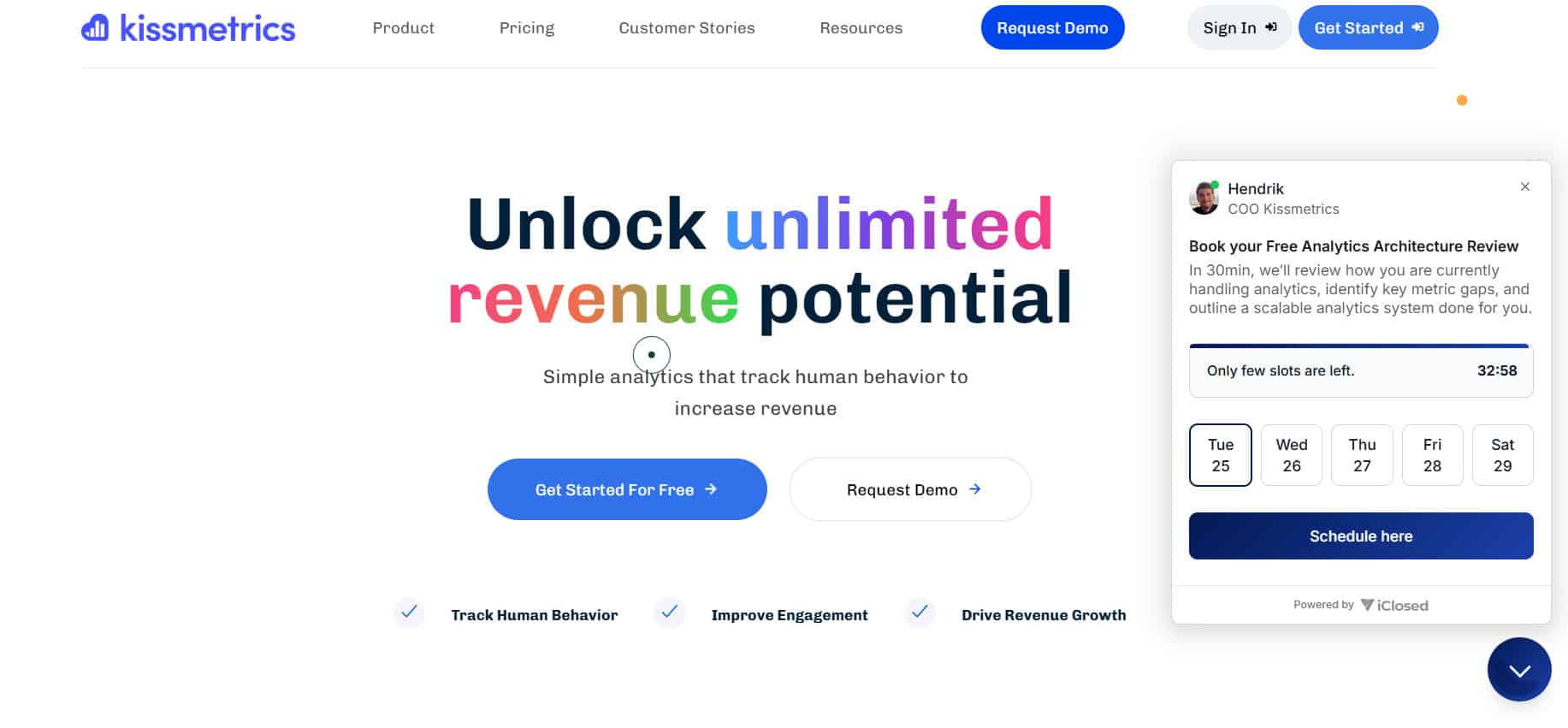
Kissmetrics helps you follow your users from their first click to becoming regular customers. If you want to see why people drop off or what gets them coming back, this shines for tracking conversions. It also excels in reporting and A/B testing, but feels a bit older in design and can get pricey as your business grows.
Pricing: Starts at $25.99/month.
8. Google Analytics

We cannot complete the list without mentioning Google Analytics. This hugely popular platform is packed with features and works well with almost anything. You get solid traffic, demographic, and conversion stats for free, but if you want big business features, GA 360 is super expensive. The interface can get confusing, and data sampling is common once your traffic grows.
Pricing: GA Standard is free; GA 360 starts at $12,500/month.
9. Adobe Analytics

Adobe Analytics is perfect fit for big companies struggling with too much data since it brings deep reporting and AI-powered insights. It offers smart segmentation, journey flows, and also blends nicely with other Adobe products. The downside is the price and technical setup; it’s not for anyone just looking to check visitor counts.
Pricing: All plans are custom from Select, Prime, or Ultimate.
10. Pirsch

Pirsch is a budget-friendly, privacy-first web analytics tool. It skips cookie banners and lets you see visitor and page view trends in a simple dashboard. While it’s great for small sites, ad blocker circumvention requires a bit of technical setup and it only tracks returning visitors for a day due to privacy.
Pricing: Starts at $6/month for 10,000 page views.
11. Umami

Umami is an open-source and basic web analytics tool with privacy as its top priority. It avoids cookies and collects anonymous data. You can self-host easily or use a managed cloud version. It tracks multiple sites, lets you export reports, and has simple event tracking. It’s one of the best open source Plausible alternatives, if you want analytics without frills.
Pricing: Free up to 100,000 events/month; paid from $20/month.
Also Read: 18+ Best Open Source Discord Alternatives
Now you will no longer have the best open source Plausible alternatives after following this guide. For more helpful tips and tricks, stay tuned, and feel free to share your suggestions in the comments below.