Discord has become an integral part of our social lives, thanks to its vast communities and servers. From gaming exchange to movie discussions, there are thousands of spaces to share your interests. But not everyone likes the platform’s layout or wishes to subscribe to its plans. If you’re on the lookout for other best open source alternatives, then you’re at the right place! Let’s find out.

Best Open Source Discord Alternatives
From free to paid platforms, you will find all the apps that cater to your needs.
1. Mattermost

Mattermost is all about flexible messaging for teams that are looking for control. Its impressive features marks the first as one of the best open source Discord alternatives. You can run it on your own hardware, select your cloud provider, or even make permissions. Its DevOps integrations keep workflows tight, and custom options allow you to build whatever fits your crew right.
Features:
- Self-hosting or private cloud for data ownership
- More security using permissions and high-site availability
- File sharing and threaded messaging for organized communication
- Plugs directly into Git, bots, and CI/CD pipelines
- Custom workflows and automation features
Pros:
- Enterprise-level security and compliance
- Better integration with developer tools
- Compliance reporting for projects
Cons:
- No video chat
- Complex for small or casual teams
- Takes some training for new members
Pricing: Professional plan at $10 /user /month if billed annually. Request a quote for the Enterprise and Enterprise Advanced plans.
2. Jitsi Meet
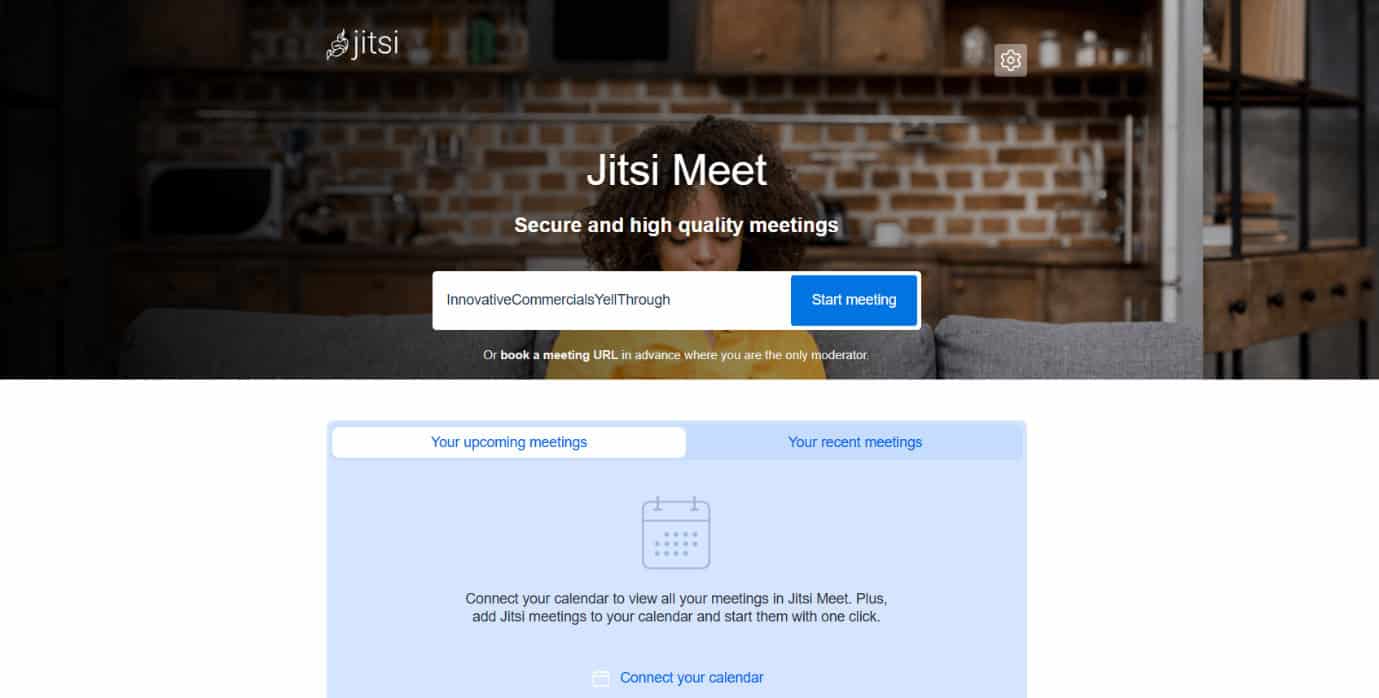
Jitsi Meet is all about bringing teams together with secure video calls. The best part is, you can use it without any sign-up. You get encrypted group meetings, screen sharing, and recordings. It even works right out of your browser or apps, making it one of the best open source Discord alternatives. Though it’s video-centric, Jitsi can be paired with other messaging platforms to round out your team’s remote toolkit and can be hosted privately or used in the cloud.
Features:
- End-to-end encrypted video calls
- Group meetings, recordings, and live streaming
- Browser-based plus mobile apps for easy access
- Screen sharing for presentations and collaboration
- Integration options for messaging or workflow tools
Pros:
- No account needed, just share a link and join
- Free and open source.
- Unlimited meeting time
- Can be customized or self-hosted
Cons:
- Not a purely text chat platform
- Best used with other messaging solutions
- Some advanced features need setup or integrations
Pricing: Free
3. Chanty
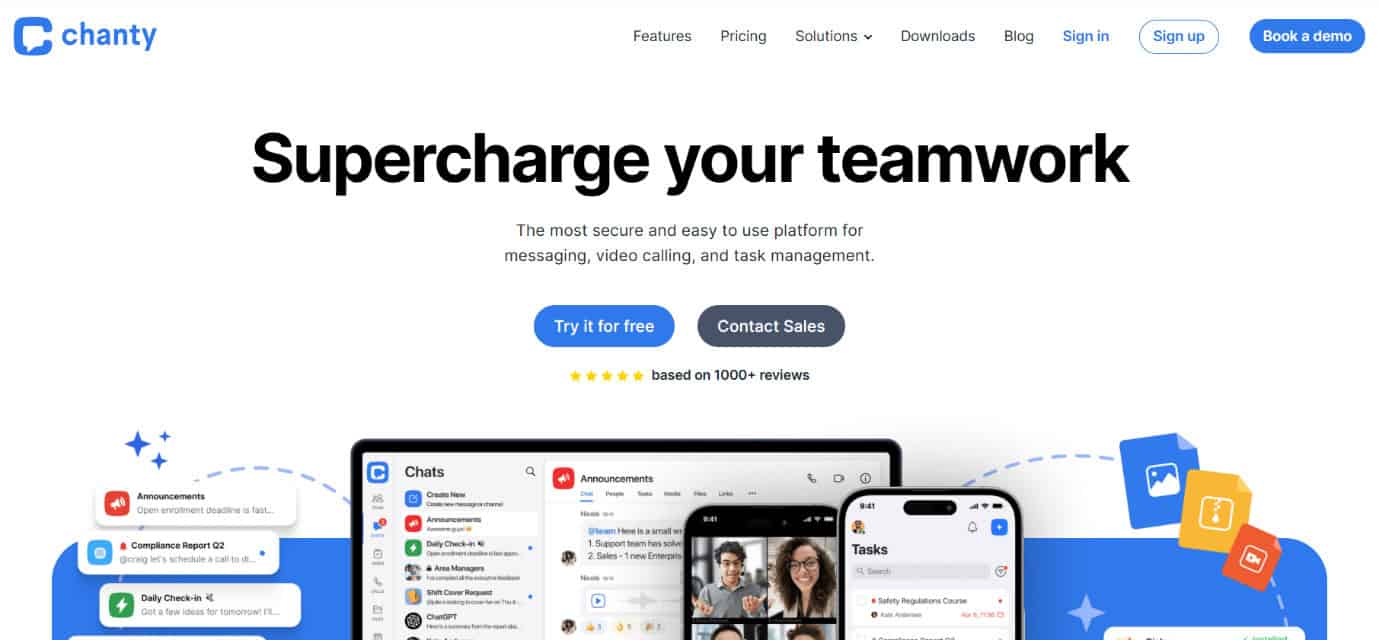
Chanty is perfect if your team loves keeping things simple and task-focused. This platform puts teamwork front and center. How? By blending messaging with task management. Its AI interface highlights all the tasks, while a teambook keeps messages, files, and activities in one place. It also supports private and group chats, voice and video calls, and hooks up with popular third-party apps to keep your workflow moving.
Features:
- AI-driven task management, which is fully combined into chat
- Public and private messaging with group and one-on-one calls
- Teambook for organization of tasks, messages, and files
- Third-party integrations to connect with other tools
- Simple interface
Pros:
- Great for teams who want to prioritize tasks while chatting
- Clean and user-friendly design
- Supports both voice and video communication
Cons:
- Limited advanced team collaboration features
- Video and voice calls might miss some enterprise alerts
- Smaller user database than major platforms
Pricing: Includes free membership and a $3/month business plan.
4. Microsoft Teams
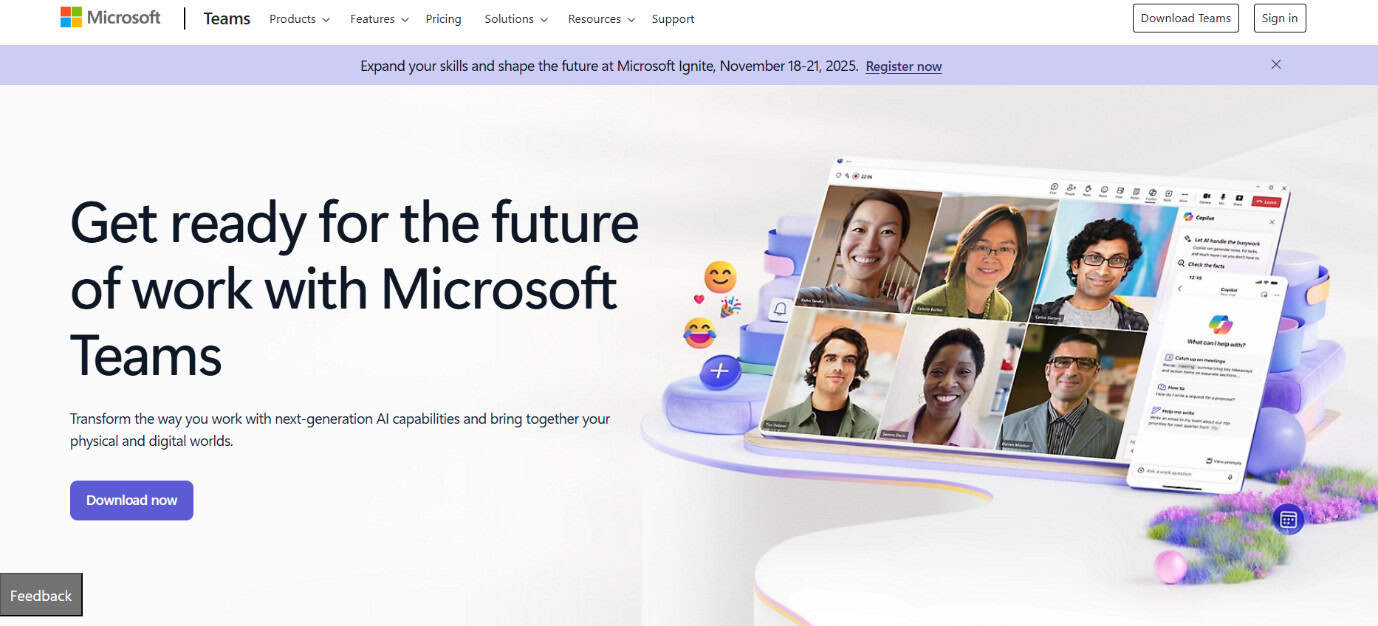
We have all heard about Microsoft Teams. It is a natural fit if your team relies on Microsoft’s suite of tools, deeply integrating chat, file sharing, and video conferencing. Group chat supports threaded conversations and edits. You can also easily schedule calls or tasks to keep your projects on track. Moreover, Teams plays well with OneDrive and all Office apps, making collaboration unified for those businesses already in Microsoft’s ecosystem.
Features:
- Interactive group chat with message editing and threads
- Audio, video calls, screen sharing, and meeting recording
- Full integration with Office 365 and OneDrive
- Threaded messaging for topic-specific discussions
Pros:
- Familiar interface for Microsoft product users
- Video conferencing option
- Scales well for teams of every size
- Free plan with unlimited message history and 5GB user storage
Cons:
- Extra features require paid subscriptions
- Can feel complex for smaller or non-Microsoft users
- Occasional syncing and notification delays have been reported
Pricing: The pricing includes a free plan, then Microsoft Teams Essentials at $4.00/month, and Microsoft 365 Business Basic at $6.00/month, with the highest tier being Microsoft 365 Business Standard at $12.50/month.
5. Pumble
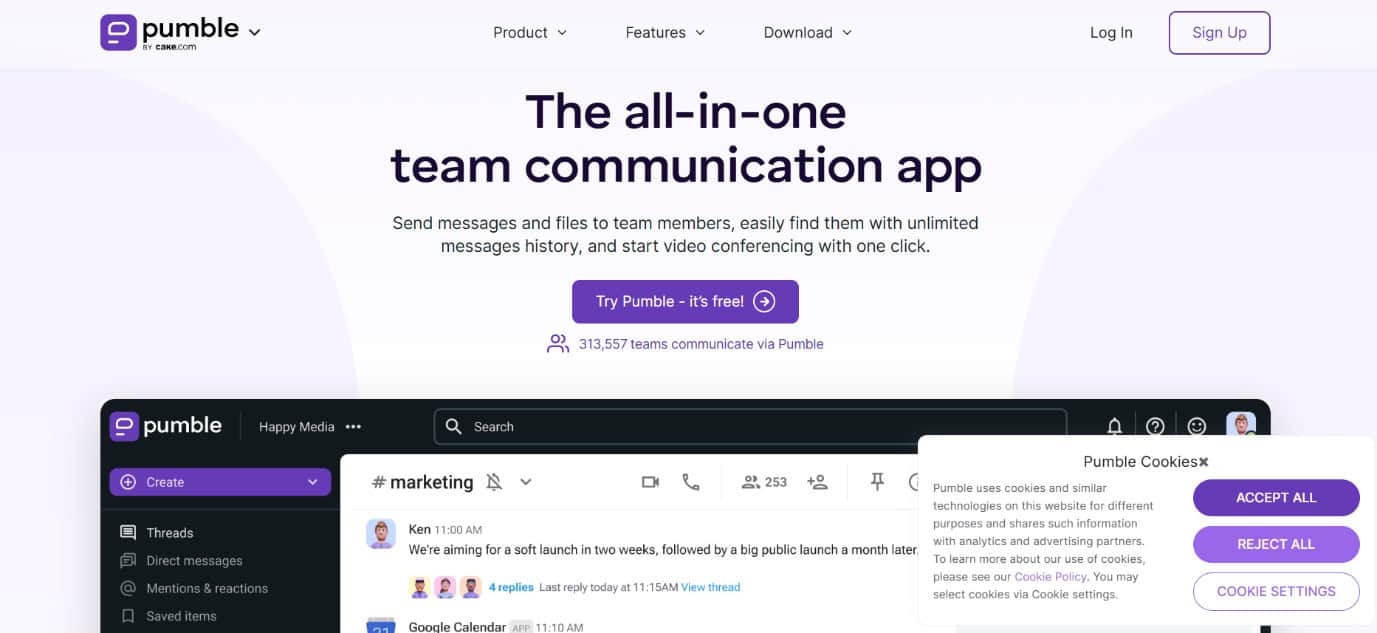
What’s unique with Pumble is its unlimited users, messages, and history, even on its free plan, compared to the competition. It takes up the best parts of email, MS Teams, and Discord to give teams a powerful toolset that feels comfortingly familiar. You get direct messaging, channels, threaded conversations, file sharing, and voice and video calls. Paid plans unlock the ability for screen sharing and admin tools to round out the experience for growing teams.
Features:
- Unlimited messages, users, and history on the free plan
- Channels, threads, and direct messaging
- Voice and video calling
- File sharing and collaboration with external guests
- Mobile apps on major platforms
Pros:
- Truly unlimited free usage for teams
- Supports guest collaboration outside your company
- Seamlessly covers voice, video, and text
Cons:
- Screen sharing and admin perks are paid-only
- Smaller user base and ecosystem
- Interface a bit less polished than big-name rivals
Pricing: There is a free plan available, Pro is at $2.49/month, Business administration at $3.99/month, and Enterprise at $6.99/month.
9. Tox
Tox is made for people who want total privacy online. Everything flows through a direct, peer-to-peer system, so there’s no middleman watching over your messages or calls. Encryption keep chats and files secure as you move between desktops and mobile devices. It isn’t packed with showy features, but is reliable if you care more about privacy than a busy interface.
Features:
- Peer-to-peer architecture for direct messaging
- End-to-end encryption for every conversation and file transfer
- Voice calls and group chats
- Works on Windows, macOS, Linux, Android, and iOS
- No central servers, boosting security and preventing data leaks
Pros:
- Maximum privacy with no single point of failure
- Open source and free to use
- Resistant to censorship and third-party tracking
Cons:
- Not designed for larger groups needing structured channels or administration
- Limited tool integrations
- User interface is basic compared to modern chat apps
Pricing: Free
10. Flowdock
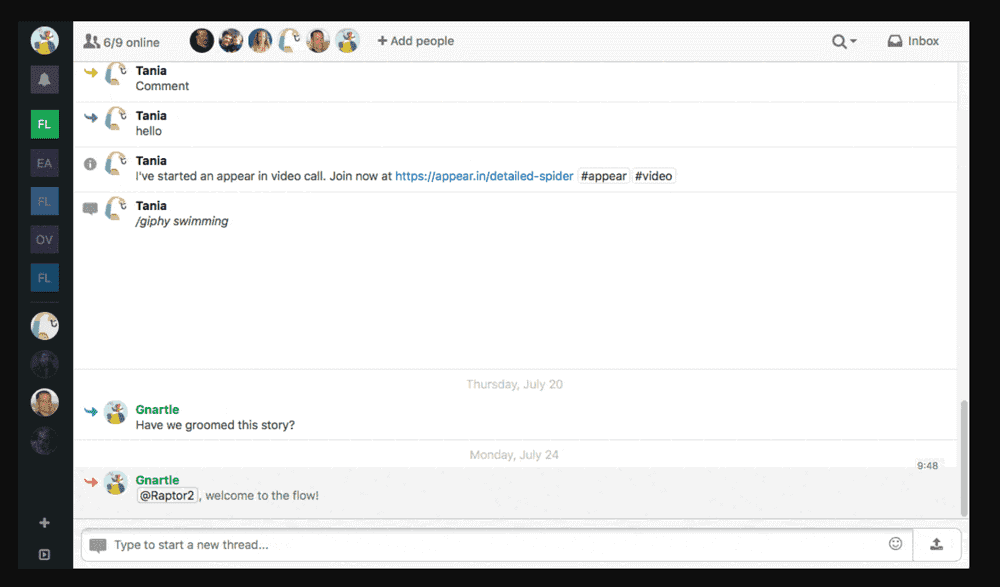
Flowdock started as a dev tool but evolved for project managers to needed more focus on collaboration. Conversations are color-coded threads, which help keep discussions neat even in busy teams. You also get screen sharing, video calls, and a shared inbox for team queries or client messages. An open API lets you hook in as many apps as you want, and that’s why it ranks as one of the best open source Discord alternatives.
Features:
- Threaded conversations organized with different colors
- Audio and video calls with screen sharing
- One-on-one private chats, which are called Flows
- Shared team inbox for centralized communication
- Unlimited integrations with an open API
Pros:
- Incomparable organization for thread-heavy teams
- Useful shared inbox to keep external communications visible
- Connects with many third-party apps
Cons:
- Paid-only, no free tier available
- User interface can feel messy
- Designed more for text discussions than video conferencing
Pricing: 30-day free trial; $3 per user per month.
11. Google Meet
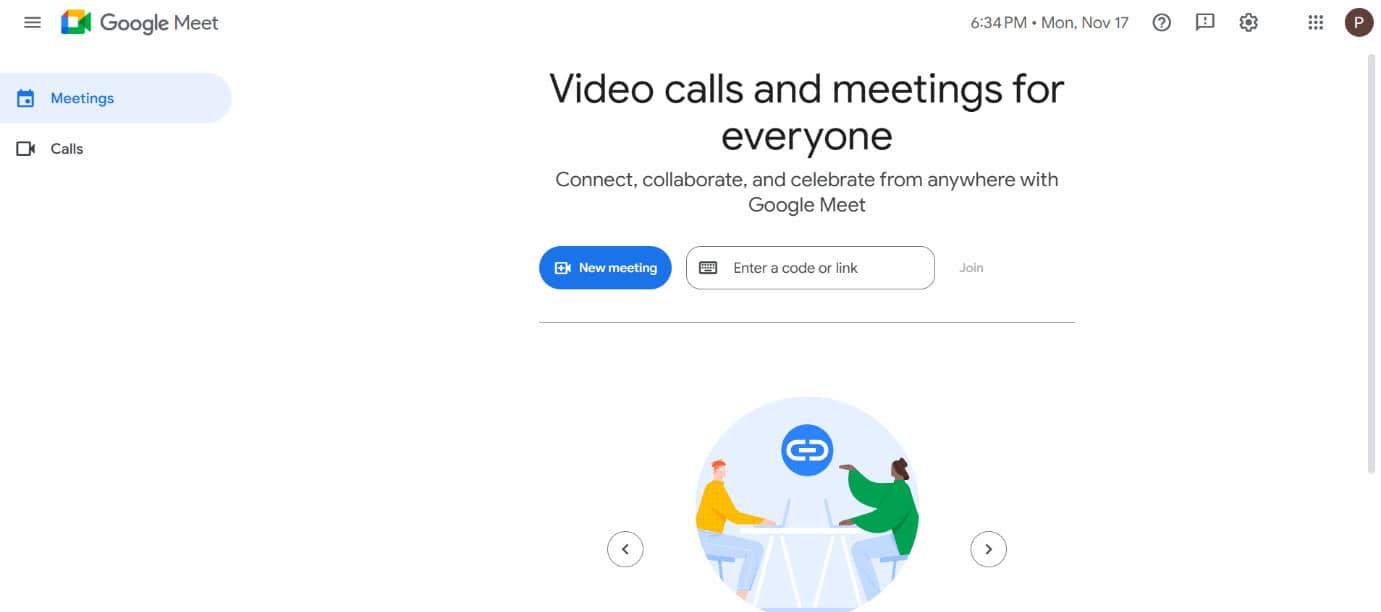
Another popular mention in this list is Google Meet. It works best when your team lives in Google Workspace. It’s a video-first platform with chat, file sharing, and direct messaging built in. The best part is that it is all wrapped with Google’s security features. You can set up meetings with call recording, breakout rooms, and screen sharing. The app also supports direct text chats and integrates with tools like HubSpot and Salesforce for business-friendly workflows.
Features:
- Secure video calls with recording and breakout rooms
- Direct and group chat options
- Integration with Google Workspace apps and third-party tools
- Two-factor authentication and single sign-on available
- Works across desktop and mobile platforms
Pros:
- Unified addition with Google’s ecosystem
- Enterprise-grade security
- Easy to host and join meetings without extra setup
Cons:
- Less focused on persistent text chat compared to Discord
- Breakout rooms can be tricky to manage for new users
- Some advanced features require Google Workspace subscriptions
Pricing: Free, $6 per user per month
12. Zulip
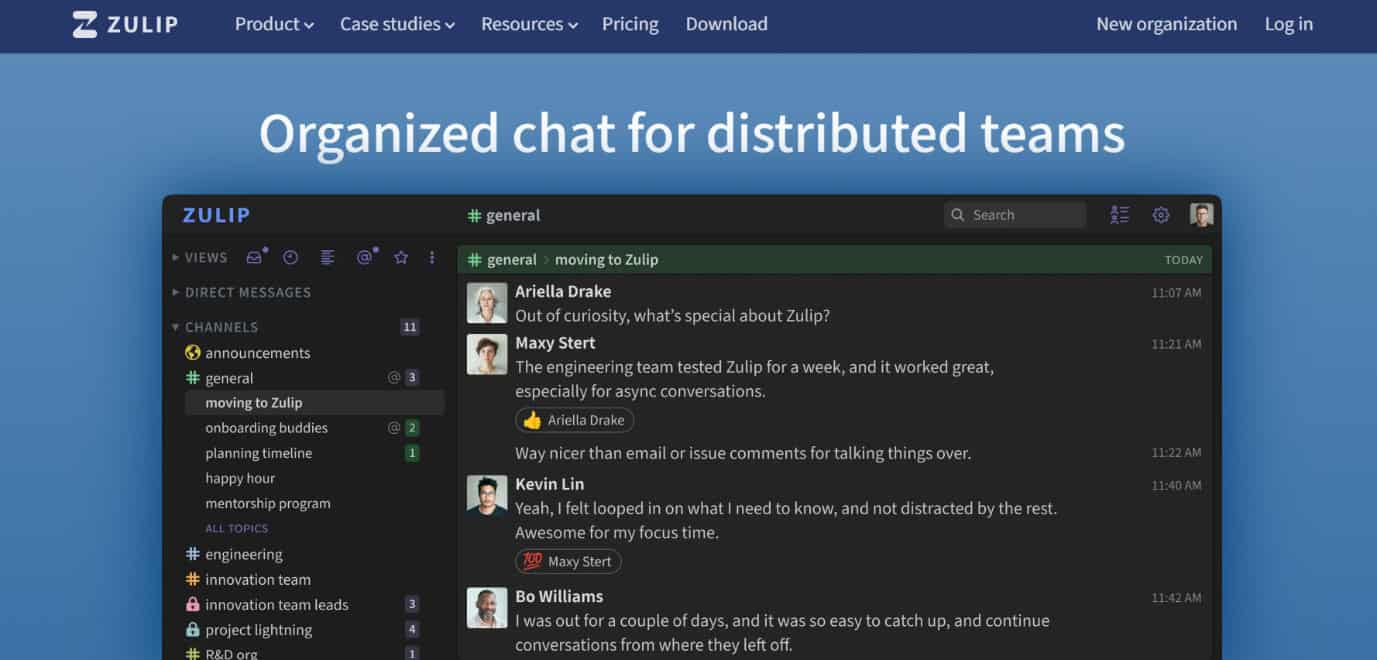
Zulip brings a neat twist to group chat by mixing real-time messages with an email-style thread structure. This makes it easy to keep every conversation on track! Teams can hash things out, joke around with emojis, and even share code or math equations, all while never missing a beat. All these plus points make it one of the best open source Discord alternatives.
Key Features:
- Streams and topics keep chats organized and searchable
- Markdown and LaTeX support for sharing technical details
- Drag-and-drop for fast file sharing
- Plenty of notification options for important updates
- Auth options from Google, GitHub, LDAP, and more
Pros:
- Tons of integration options with other tools
- Unique threading system for managing busy chats
- Welcoming, active open-source community
Cons:
- No built-in voice chat
- The mobile app could use more polish
- Some users want topic subscription options
Pricing: Free plan. Standard plan at $6.67 per month and Plus plan at $12 per month.
13. Let’s Chat

Let’s Chat is perfect for smaller teams who want a fuss-free, self-hosted chat app that just works. You get full control over where your data lives. It offers lots of privacy thanks to private rooms and a simple layout that helps everyone stay in the loop without distractions.
Key Features:
- Runs on your own server
- Private rooms with password protection
- Search feature for catching up on important chats
- Various authentication methods, including LDAP and Kerberos
- File sharing from local or cloud storage
Pros:
- Free and open source with no user limits
- Responsive and friendly development community
- Let’s you keep conversations organized by rooms or channels
Cons:
- Fewer unique features than bigger chat apps
- Limited customization if you want to change the look
- Doesn’t scale well for very large organizations
Pricing: Free plan.
14. Rocket.Chat
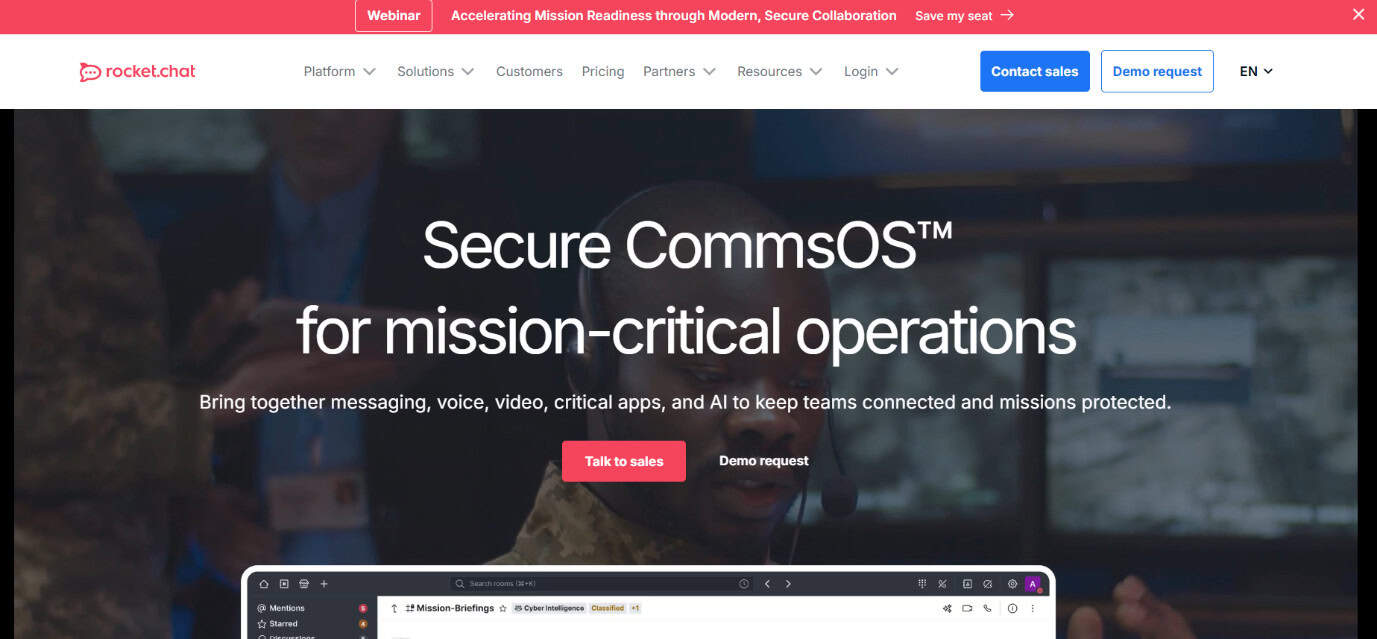
Rocket.Chat is a go-to choice for teams looking for fast but also secure messaging. Instead of slow emails, you can turn group conversations into instant messages, private channels, and searchable threads. Customizing is easy since the source code is open, and admins have control to tweak settings as needed. Plus, security is beefed up with features like end-to-end encryption and two-factor authentication.
Key Features:
- Instant chat with channels, direct messaging, and file sharing
- Video and audio calls to keep communication fluid
- Customizable source code if you want advanced tweaks
- Integration options for importing data from apps like Discord
- Strong security with admin transparency and encryption
Pros:
- Open source for endless customization
- Well-organized admin controls and private rooms
- Connects with plenty of third-party tools
Cons:
- Limited themes or interface customization
- Older chats can be tricky to find
- Voice call performance can be uneven
Pricing: Fully free version with limited users. Pro package starts at $4 /user/month when paid annually.
15. Nextcloud
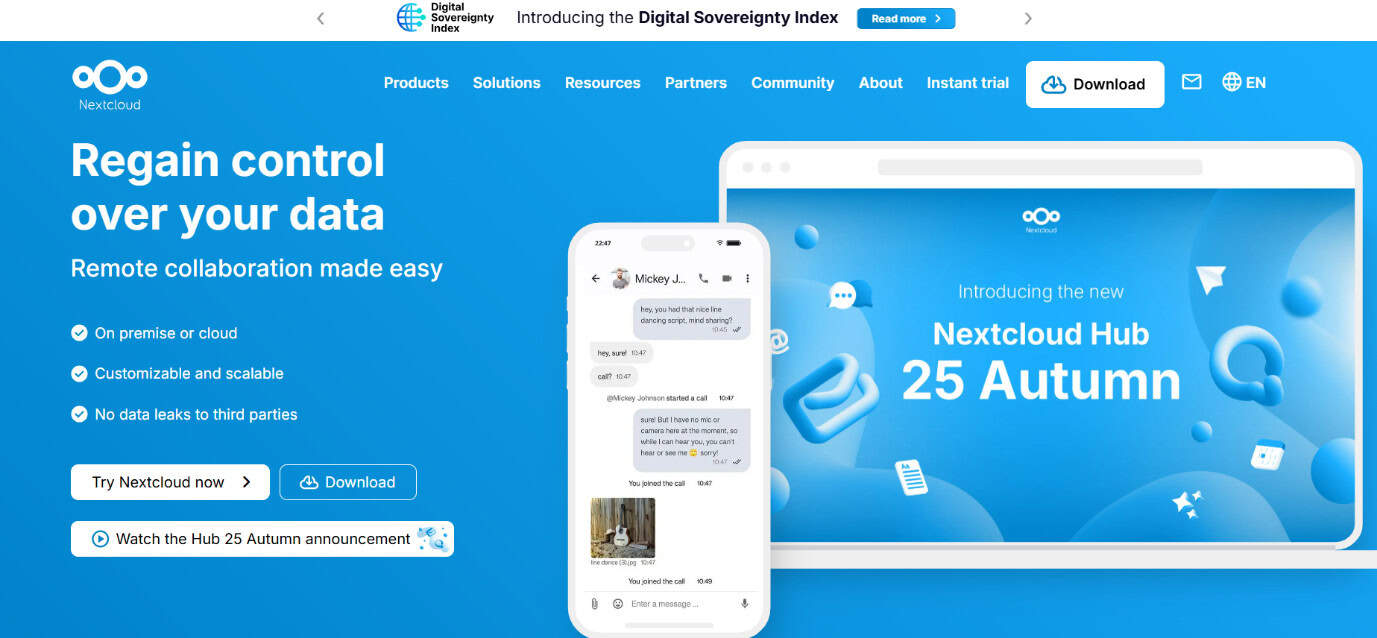
Nextcloud pulls together everything you need for digital teamwork. Email, video calls, and shared files stay private with full encryption and on-premises hosting. Whether you want to run Nextcloud on a Raspberry Pi or go with a hosting provider, it works well for both newbies and pros, and comes packed with integrations to make daily work smoother.
Key Features:
- Total control. It is fully open source and customizable
- Voice/video calls via Nextcloud Talk
- Universal file access and groupware for calendars, contacts, and mail
- Ironclad security with strong compliance
- Easy integration with favored devices and hosting platforms
Pros:
- Always free if you self-host
- Plenty of storage features and options for expanding
- File encryption for added privacy
Cons:
- Running your own instance takes some effort
- Support is best for paying customers
- Some setups may feel complex at first
Pricing: For Enterprise support, Nextcloud offers four premium plans, starting at 100 users and 37.49€/user/year.
16. Twake
Twake is designed as a digital workspace that brings together everything a team needs. So you get chat, file sharing, project management, video calls, and document collaboration all in one platform! Whether you’re organizing discussions or setting tasks, Twake makes teamwork easy. Security gets a strong emphasis with encrypted storage and strict permission controls, so you never have to stress about privacy or compliance. Its tool integrations and real-time collaboration keep everyone connected and productive, and best open source Discord alternatives.
Features:
- File storage with advanced permission controls
- Team calendars and smooth task management
- Integrates with external apps like Jitsi, Zapier, and office tools
- Low-bandwidth, stable video calls
- Real-time document collaboration for seamless teamwork
Pros:
- Rich toolkit for teams working together
- Real-time collaboration makes editing group documents a breeze
- Strong integration options with other popular services
Cons:
- App language options are somewhat limited
- Not available on every platform
- Limited integration with some other third-party apps
Pricing: Free, Standard at €4.19/month, Premium at €10.39/month if billed yearly, and Enterprise can be customized.
17. Matrix
Matrix shakes up the world of online chatting by offering an open, decentralized system for instant messaging and calls. No central authority, just pure flexibility across devices and apps! Built with security at the heart, Matrix supports end-to-end encryption for both direct and group messaging. Developers love it because they get to build bots or custom solutions, and everyday users can join public or private chat rooms with just a click. Its bridges and APIs help link communication without worrying about vendor lock-in.
Features:
- Real-time messaging and VoIP/WebRTC support
- Open APIs for developers to create rich apps
- Joined server network keeps data durable and accessible
- Bridges with apps like Discord, IRC, or Telegram
- Good security tools including encryption
Pros:
- Free, open source, and easy to customize
- Supports communication across platforms and devices
- Secure from the ground up, with end-to-end encrypted chats
Cons:
- Learning curve for users new to decentralization
- Managing system overhead can be time-consuming
- Maintaining efficient operation across multiple servers takes extra work
Pricing: Free
18. Element
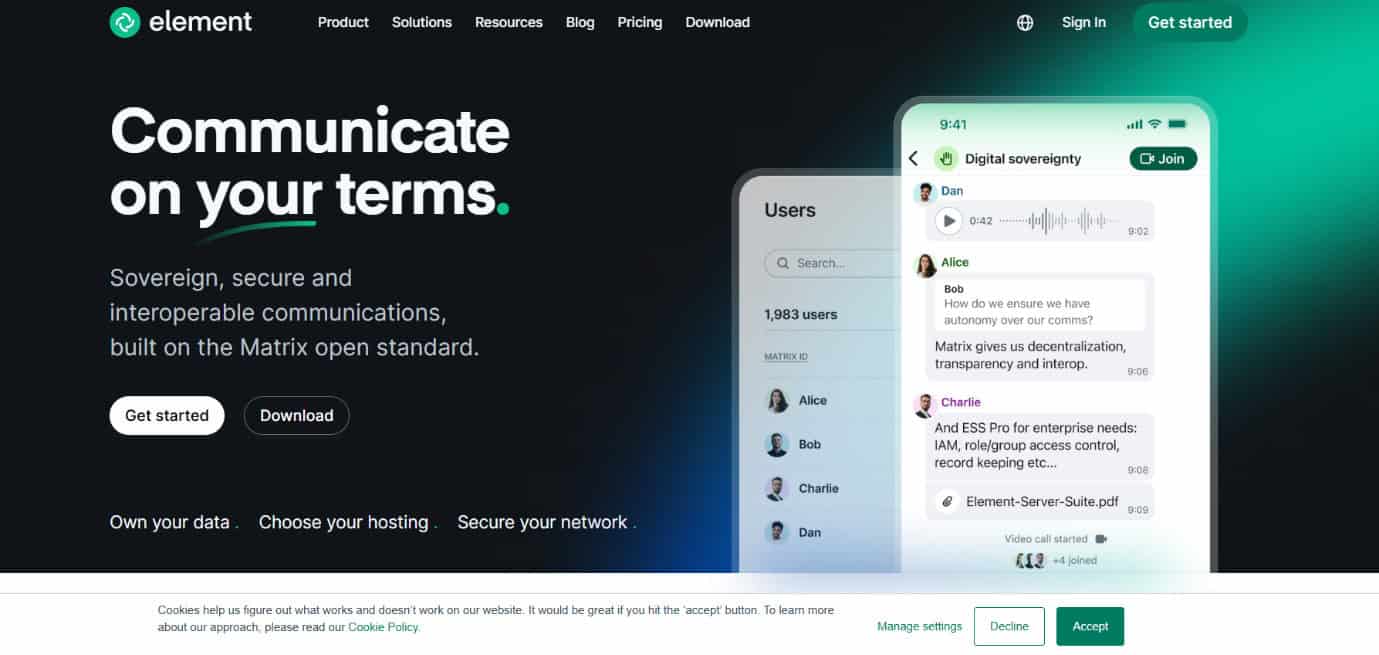
Element is another best open source Discord alternatives, which is all about secure communication built on the open Matrix standard. With its decentralized approach, each organization or user can choose where and how to host their chat app. Element combines instant messaging, video, and voice calls, and even bridges to other apps, making it versatile for teams of any size. The platform’s admin tools help tailor rooms, manage access, and set permissions, making it one of our best open source Discord alternatives.
Features:
- Decentralized hosting for digital sovereignty
- Connectivity over the open Matrix network
- End-to-end encrypted chat, voice, and video
- Admin controls, Access Control Lists, and SSO for streamlined security
Pros:
- Total data security with strong encryption
- Supports community-driven development and collaboration
- Allows self-hosting and flexible deployment
Cons:
- Some features could use simplification for new users
- Mobile app can have occasional hiccups
- Not every feature is as refined as in older, more established apps
Pricing: Free Starter pack. Paid packages range between $5-$10 when paid annually.
19. Wire
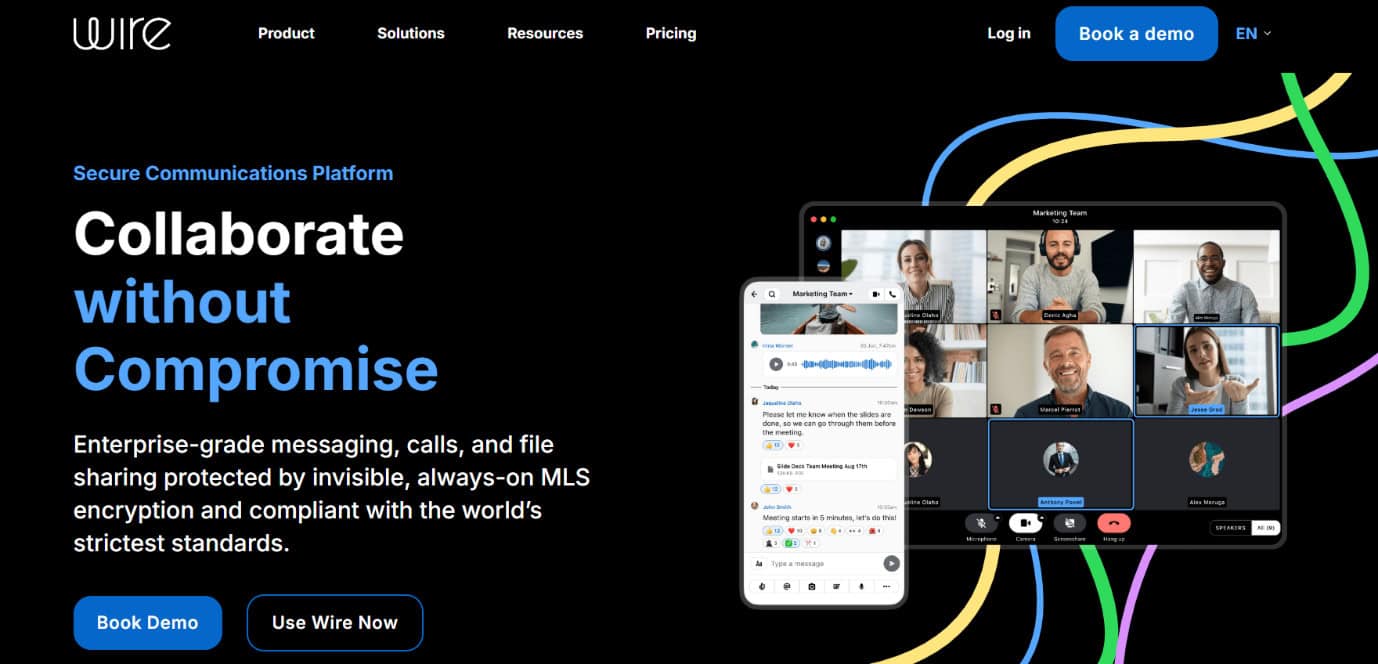
Wire is a privacy-focused chat and collaboration platform trusted by big organizations worldwide. With end-to-end encryption, it’s built for companies and public institutions where data protection is a must-have. Wire runs on a federated framework, so different teams or branches can have their own spaces while maintaining tight control over shared information. The platform’s cross-device compatibility and support for large video conferences also make it ideal for everyday messaging.
Features:
- End-to-end encrypted messaging, calls, and file sharing
- Federated hosting for digital sovereignty
- Works across PC, Mac, iOS, and Android
- Self-destructing messages for extra privacy
- Complies with international standards, including GDPR and VS-NfD
Pros:
- Robust data security for high-trust environments
- Open source with regular community contributions
- Works on nearly every device and operating system
Cons:
- Registration requires email or phone number
- Some personal data collected for account setup
- User base is still growing, with a focus on enterprises over individuals
Pricing: Free plan. Wire for SMB plan at an annual payment of €8,94 per person/month.
Also Read: How to Restrict a Discord Bot to One Channel
Now you will no longer have a difficult time figuring out the best open source Discord alternatives after following this guide. For more helpful tips and tricks, stay tuned, and feel free to share your suggestions in the comments below.