If you have been trying to sharpen your typing skills, then you must have heard of KeyKey. The platform has helped hundreds of users get a hand in typing faster and increasing their productivity. But they often feel like some customization or tracking features are missing, making it difficult to fully enjoy the site. Don’t worry, if you are in the quest to find the best KeyKey alternatives for Windows, you’re at the right place! Let’s unravel this mystery.
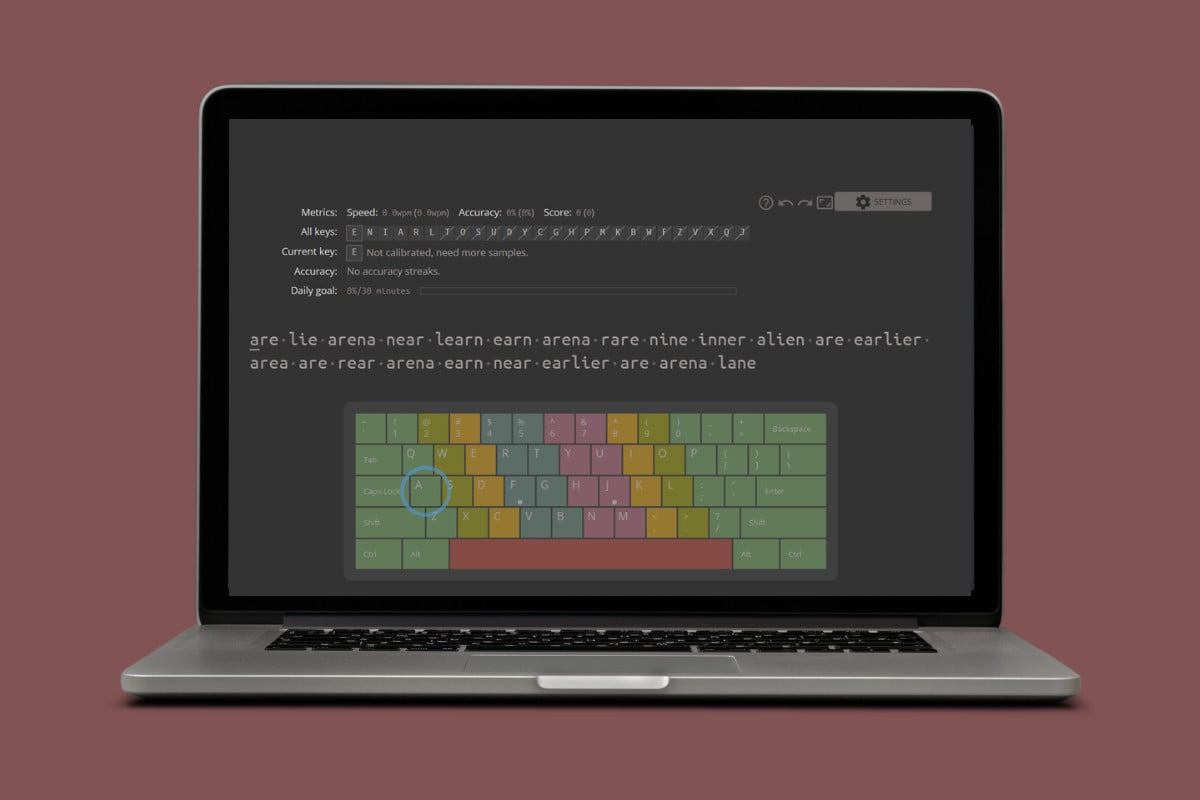
Best KeyKey Alternatives for Windows
Now you can enjoy several features that make your typing skills better and better every day.
1. TypingMaster
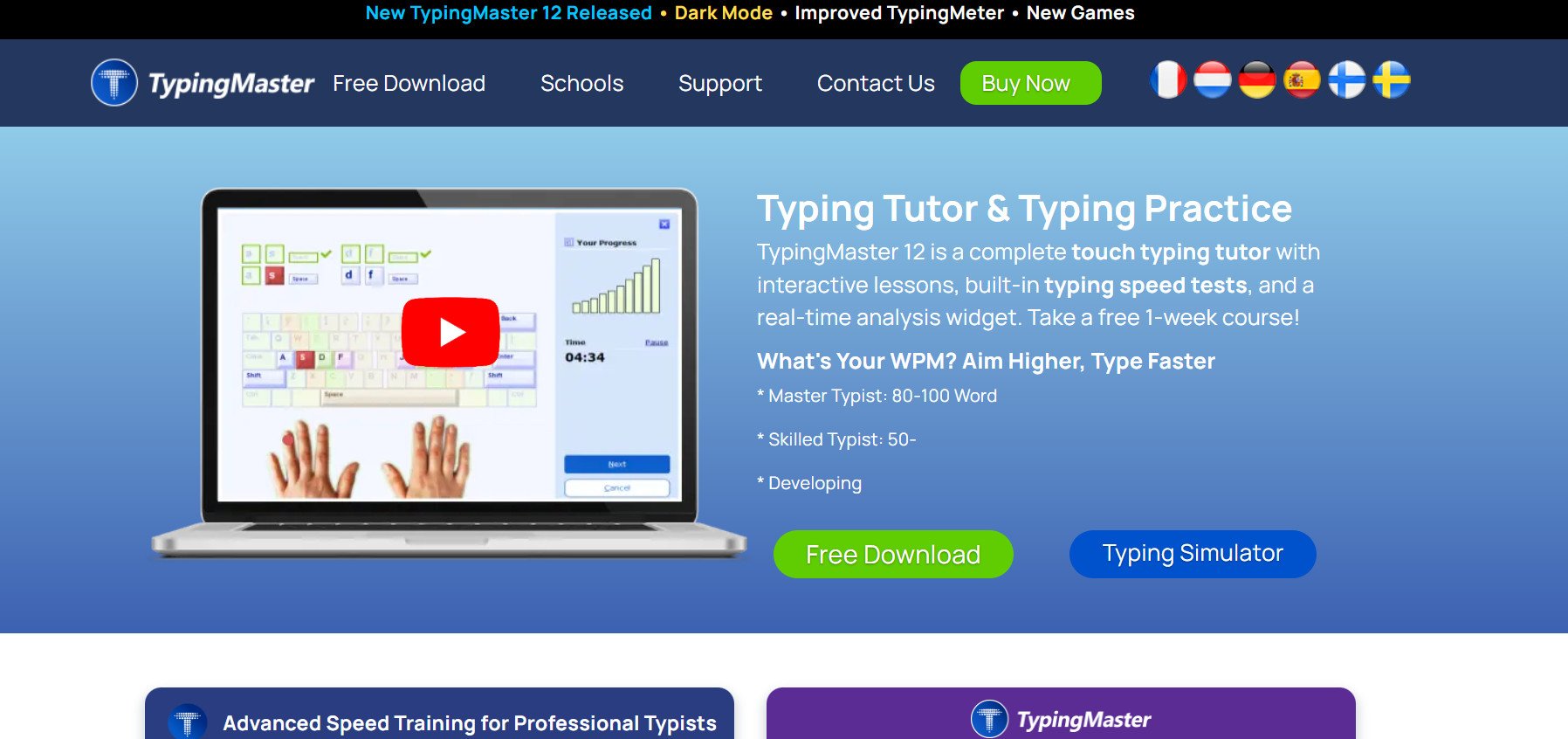
TypingMaster is one of those classic typing programs that’s been around forever. It’s a desktop app that digs deep into your typing habits and shows you detailed reports on accuracy, speed, and which keys give you trouble. Works completely offline, which is nice. They throw in some games and modules to keep things from getting boring during longer practice sessions.
Features:
- Adaptive training targets your weak spots.
- Progress charts track speed improvements.
- Games make practice sessions fun.
2. Typesy
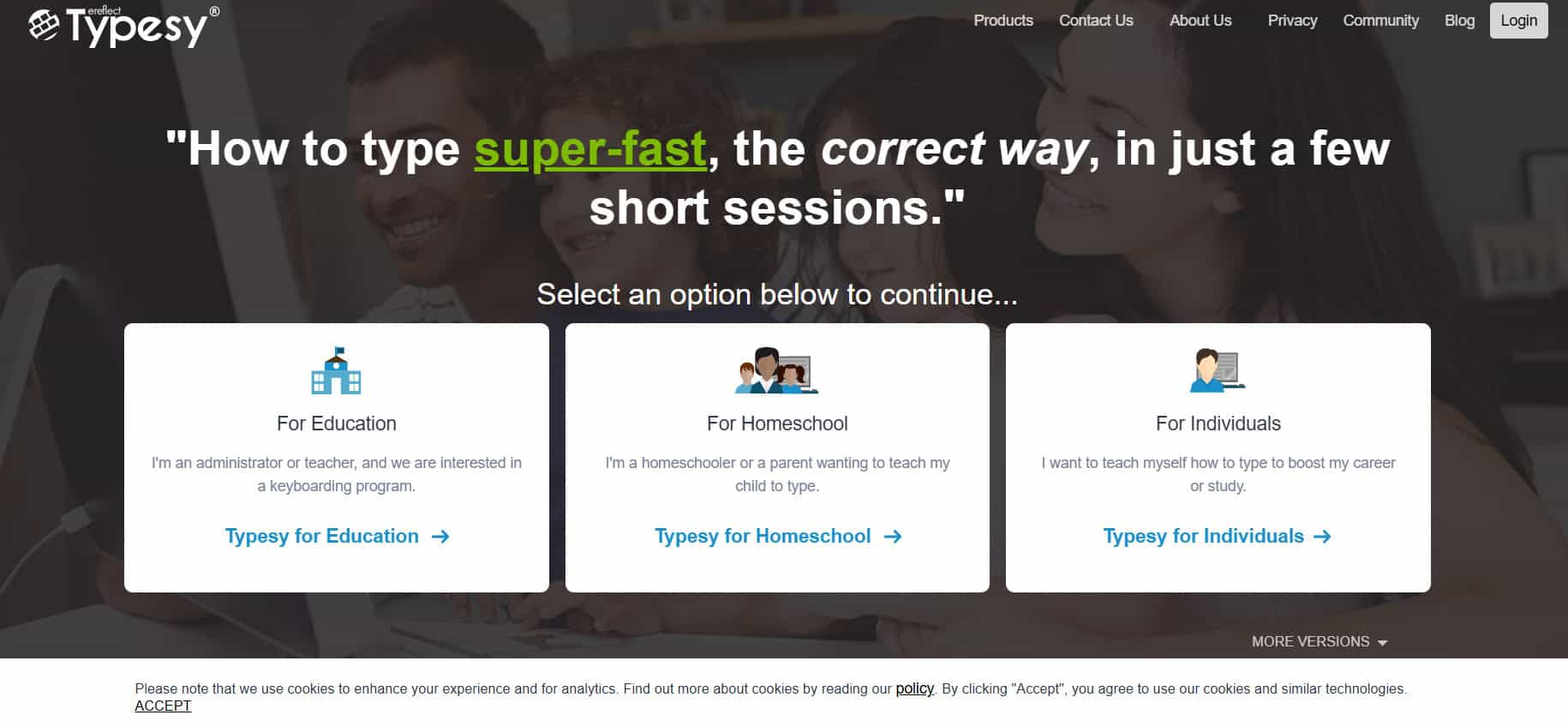
Typesy is really good for kids, but it works for anyone. It has tasks that actually help with critical and creative thinking, not just typing speed. You start at beginner level and work your way up on one platform. It adjusts to how fast you’re learning and tracks your progress individually.
Features:
- Single platform from beginner to pro.
- Adjusts to your personal pace.
- Keeps kids engaged with fun tasks.
3. RataType
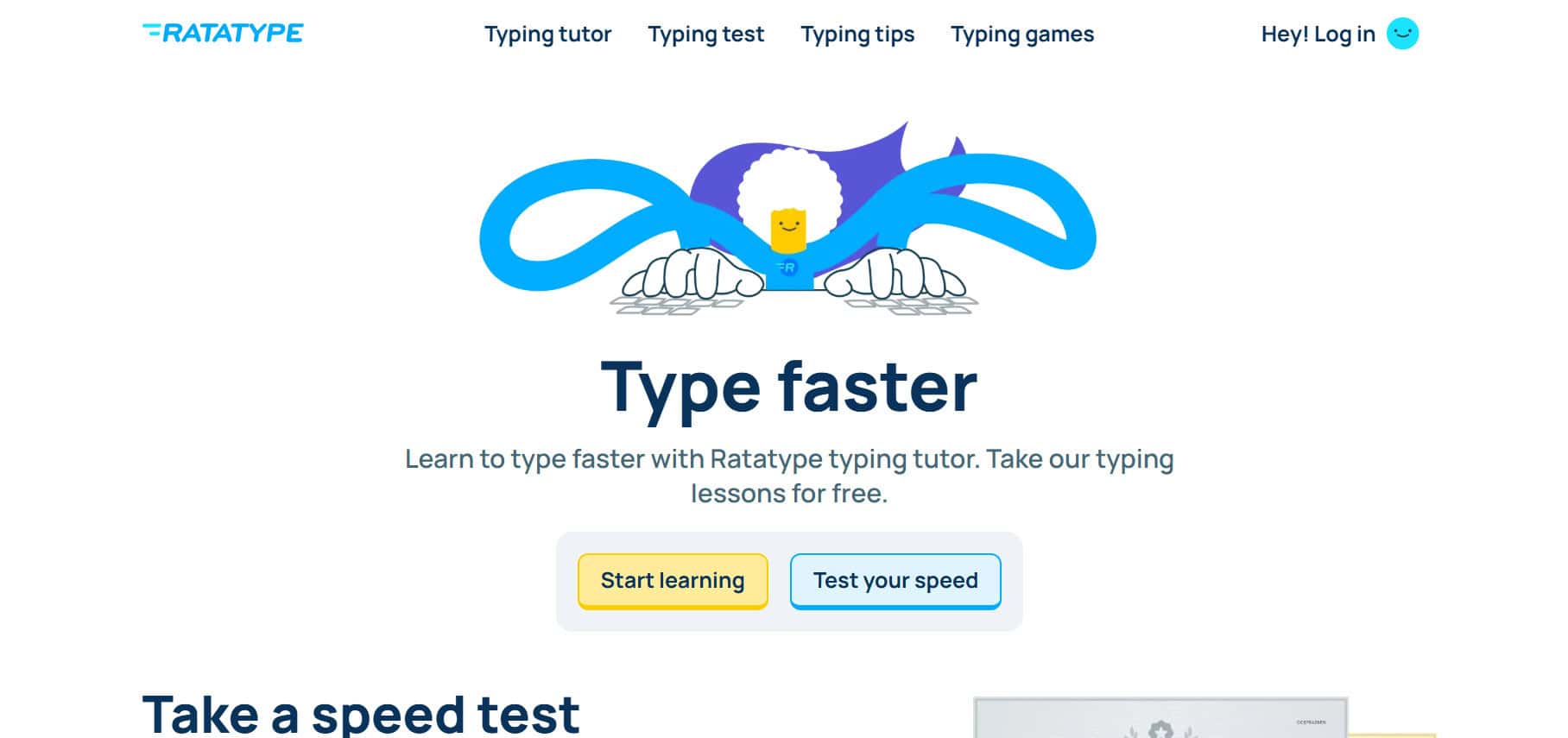
RataType keeps things super simple. Free typing practice with a speed test, and you get a certificate when you hit your goals. People like it because it’s straightforward, even though it doesn’t have as many bells and whistles as other programs. No complicated stuff getting in the way of just practicing, making it one of the best KeyKey alternatives for Windows.
Features:
- Free typing speed tests available.
- Earn certificates for achievements.
- Simple multilingual interface.
4. Rapid Typing Tutor
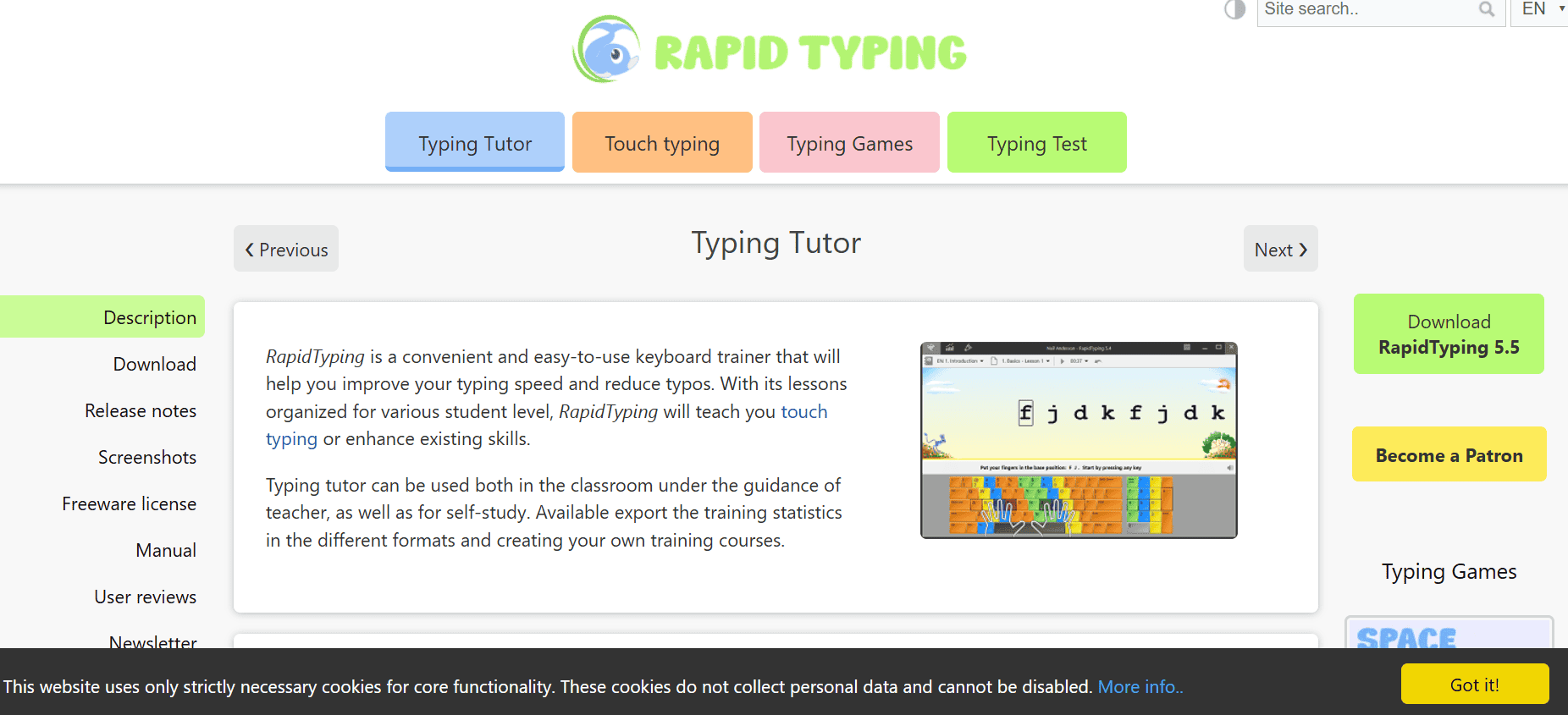
Rapid Typing Tutor works for both beginners and advanced typists. It has a colorful, game style interface that focuses on where your fingers should go and how fast you’re typing. Real time feedback tells you immediately which keys you’re messing up on, but it keeps things fun instead of feeling like homework. Multi user support is great if you have kids or want to use it in a classroom.
Features:
- Visual keyboard shows finger positions.
- Real-time stats track performance.
- Supports multiple users at once.
5. KeyBlaze
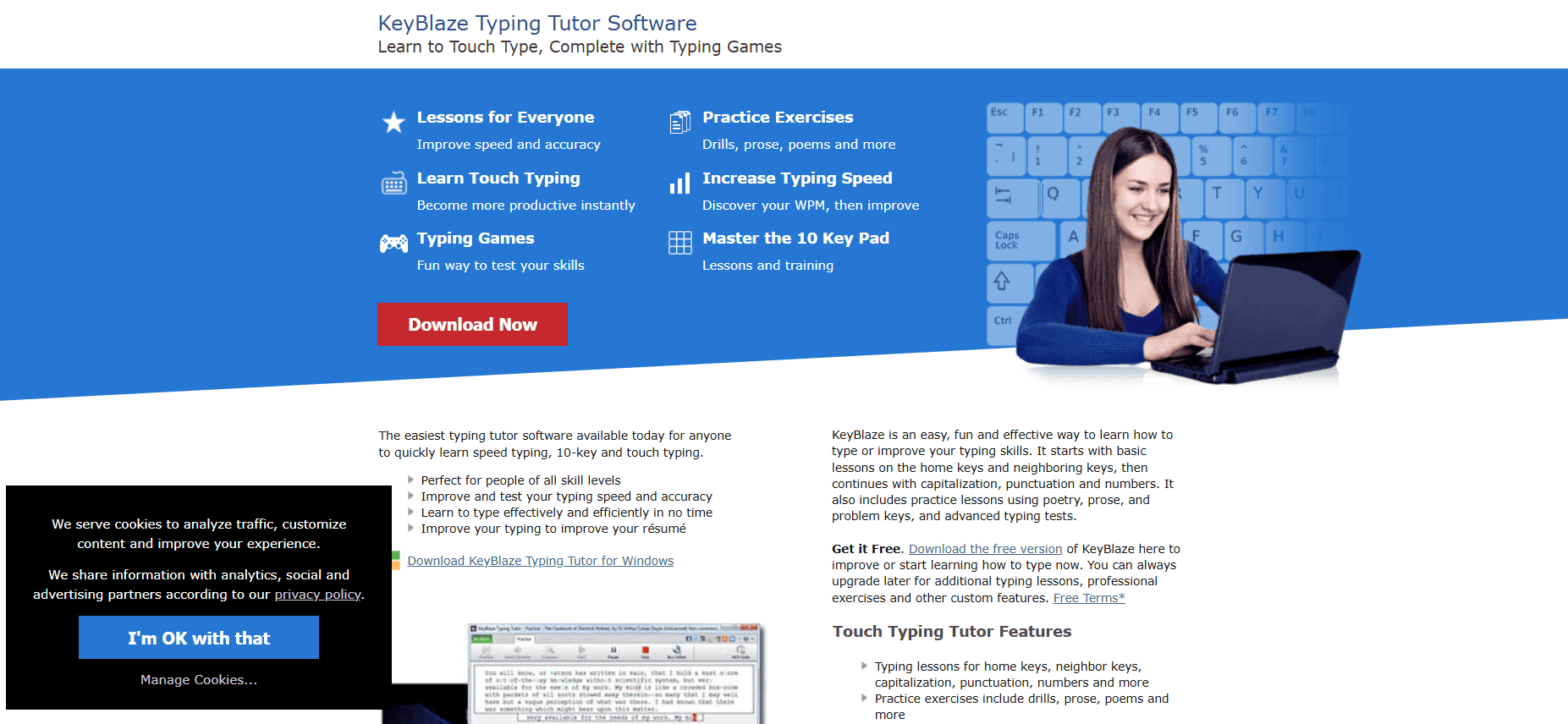
KeyBlaze Typing Tutor from NCH Software has structured lessons that start basic and build up to advanced stuff like numbers and punctuation. Voice guided lessons and a clean interface make it easy for beginners. They include video demos showing proper technique. Games keep it interesting as you go through the lessons.
Features:
- Guided lessons track your progress.
- Voice instructions teach technique.
- Interactive games test skills.
6. NCHSoftware
NCHSoftware is a complete typing tutor with cool features like dictation exercises and certificates you can actually use for job applications. It gives you a skills test at the start to figure out your level and shows your net and gross words per minute. Keyboard highlighting shows you which finger to use during practice, making it one of the best KeyKey alternatives for Windows.
Features:
- Audio dictation builds listening skills.
- Highlightsproper finger positions.
- Certificates prove your skills.
7. KAZ
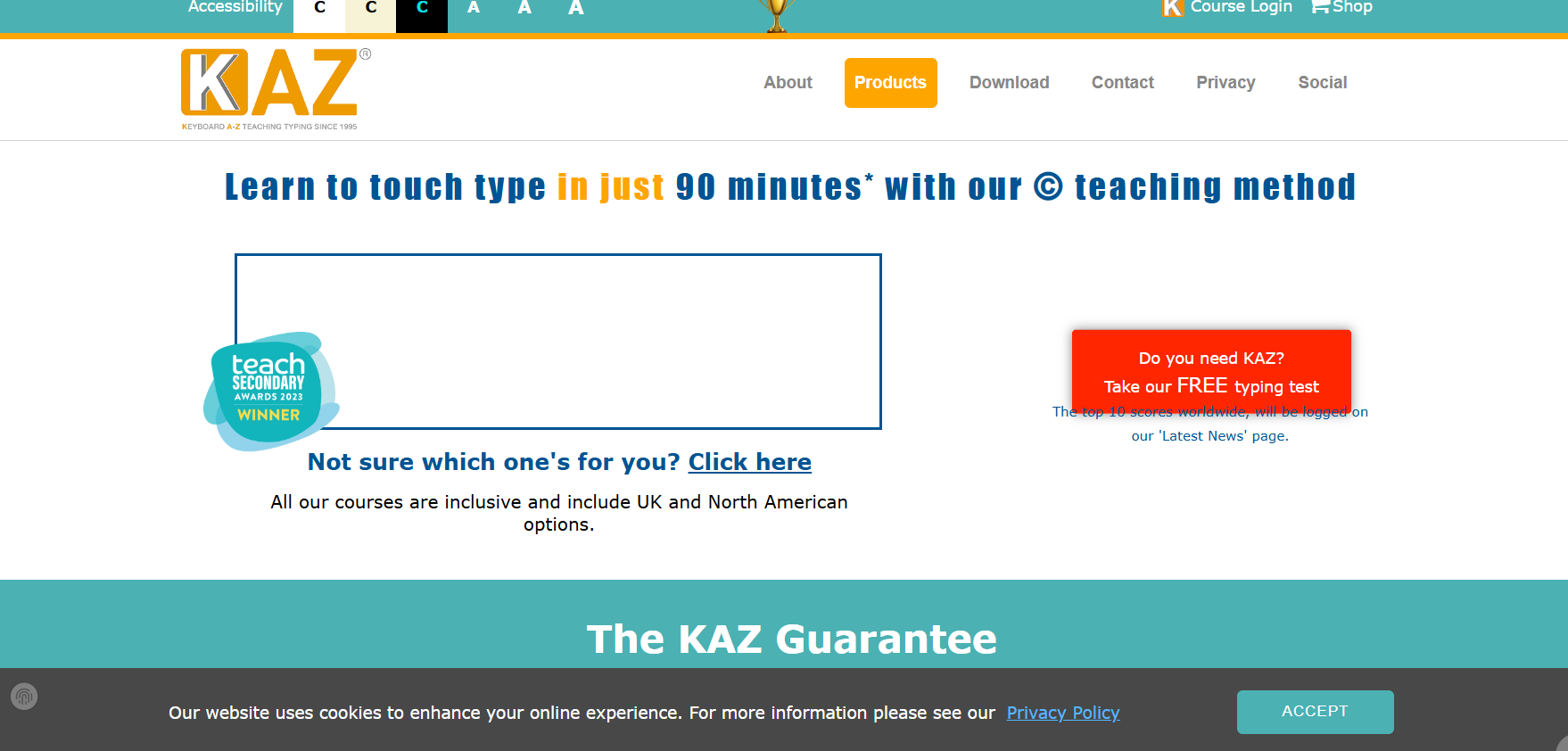
KAZ offers online typing training for both kids and adults using methods they’ve tested on over 18,000 students in UK centers. Touch typing accuracy improves fast through programs created by RSA and NVQ course experts. It’s set up for special educational needs and works on mobile devices too, so it fits different learning styles.
Features:
- Programs for kids and adults.
- Mobile access anywhere.
- University-tested training method.
8. TypingClub
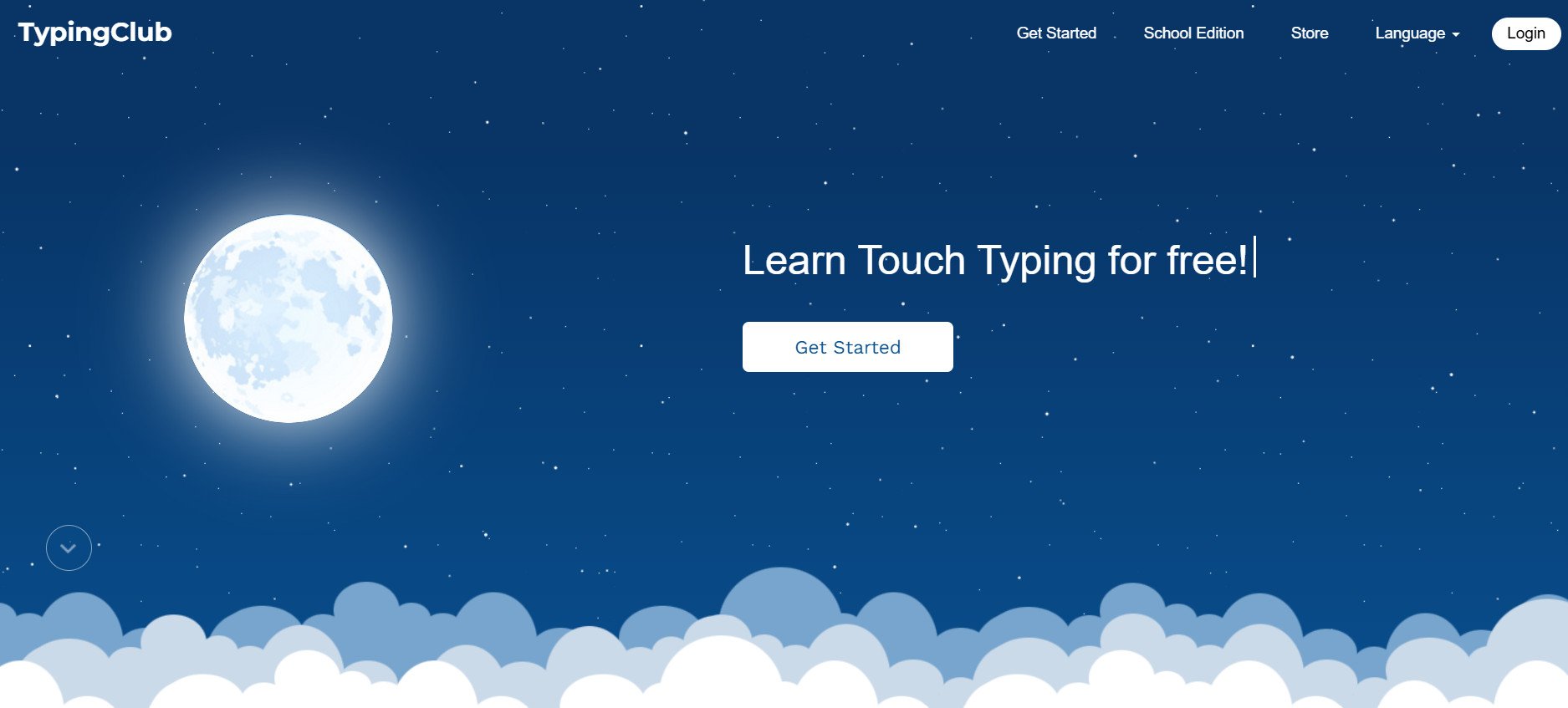
TypingClub is a web-based typing tutor that makes learning actually enjoyable by mixing interactive stories with practice. You go through guided lessons with videos and animations that show you how to position your hands and move correctly. Makes it way more interesting than basic typing programs. Keeps you motivated while you build actual touch typing skills.
Features:
- Offers over 600 lessons with visuals.
- Includes video tutorials for finger placement.
- Syncs progress with a free account.
9. Keybr
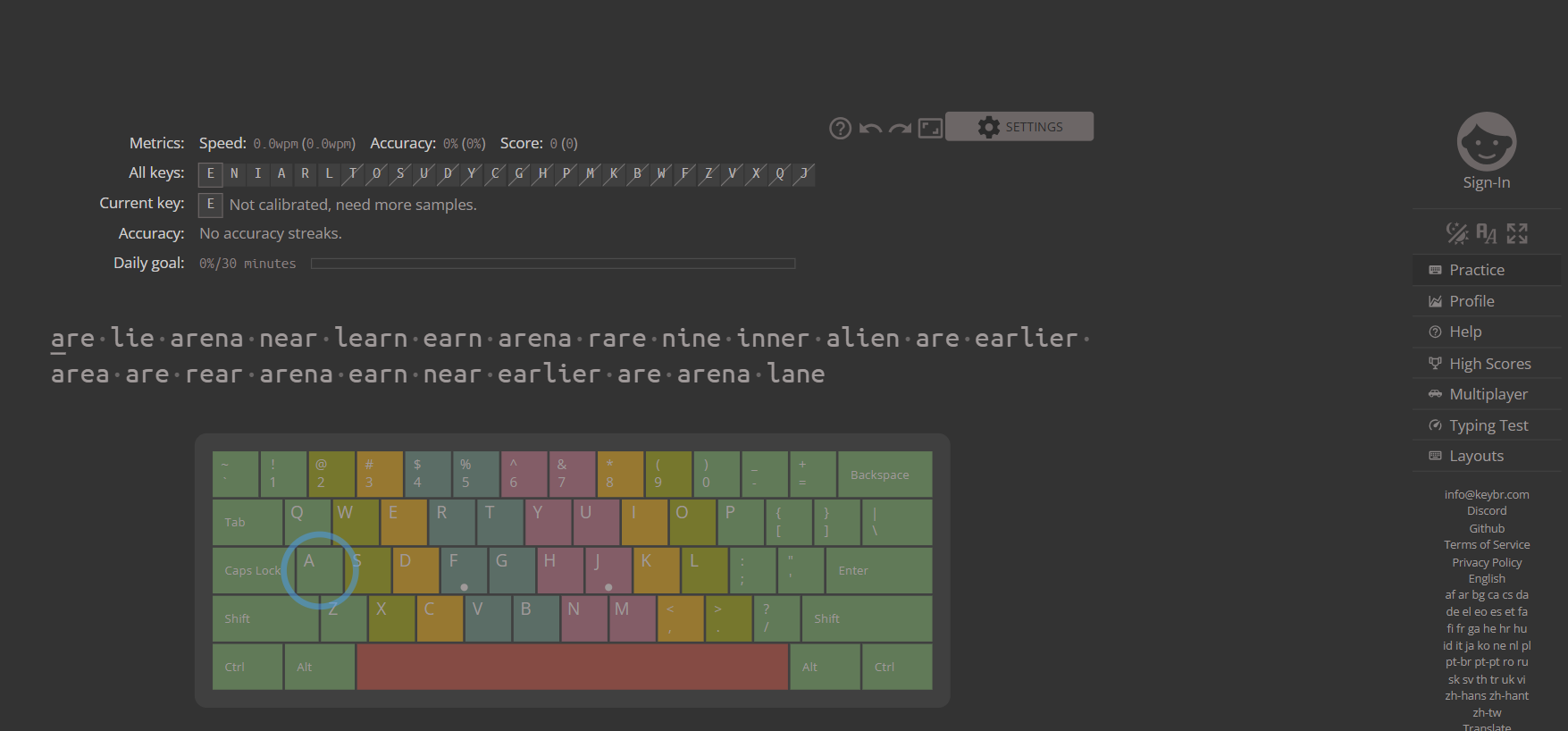
Keybr keeps things simple and focuses on muscle memory. It uses smart algorithms to figure out which letters you struggle with and drills those specifically. The interface is super clean with no distractions, and you get detailed stats on speed, accuracy, and keystroke patterns. Good for people who want serious practice without extra fluff, making it one of the best KeyKey alternatives for Windows.
Features:
- Adaptive lessons hit weak keys first.
- Clean interface blocks distractions.
- Tracks speed and errors live.
10. Monkeytype
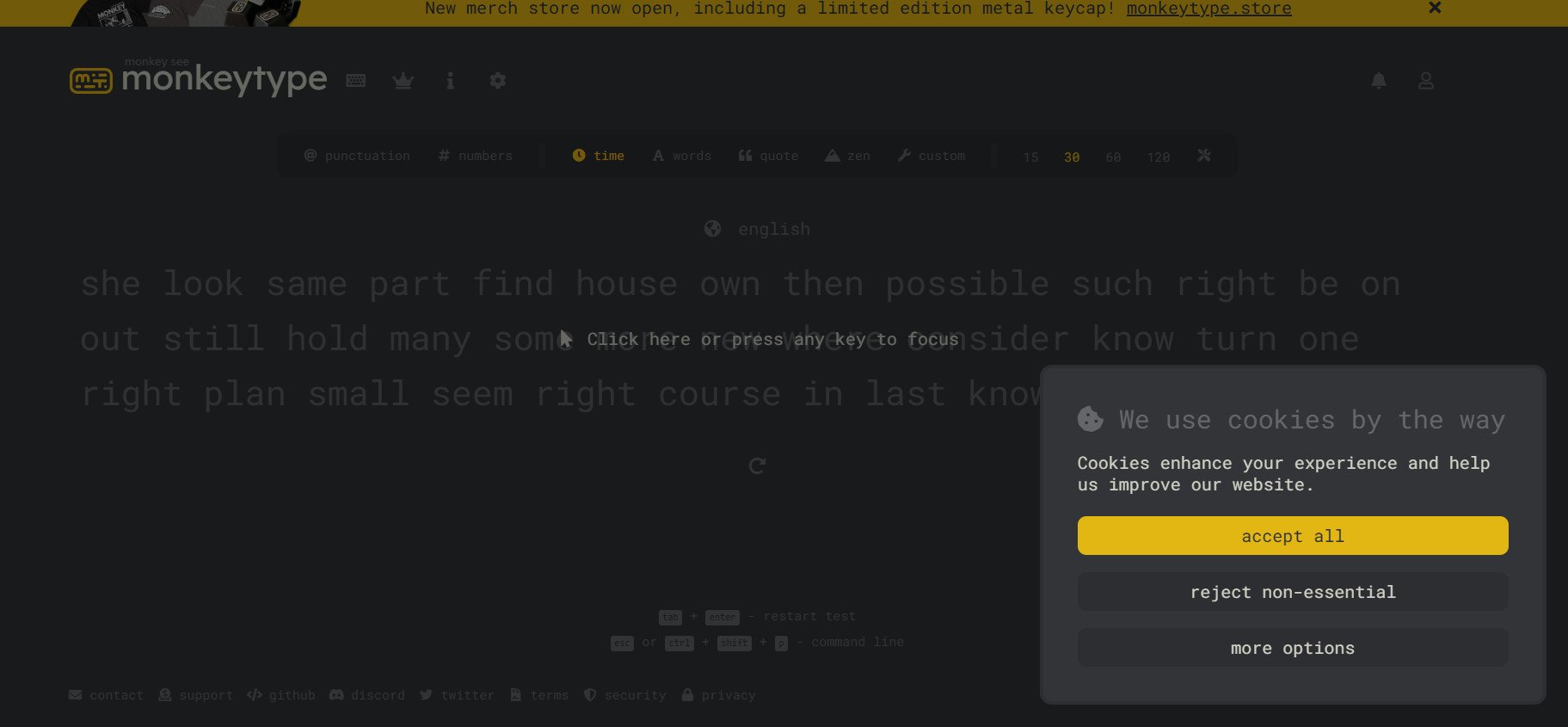
Monkeytype is a browser typing platform where you can customize everything. Test lengths, themes, word lists, all of it. The minimal design cuts out all distractions completely. Perfect for daily practice that doesn’t get stale because you can change it up however you want.
Features:
- Customize tests by time or words.
- Tracks accuracy and consistency live.
- Leaderboards for community challenges.
11. Typing Test
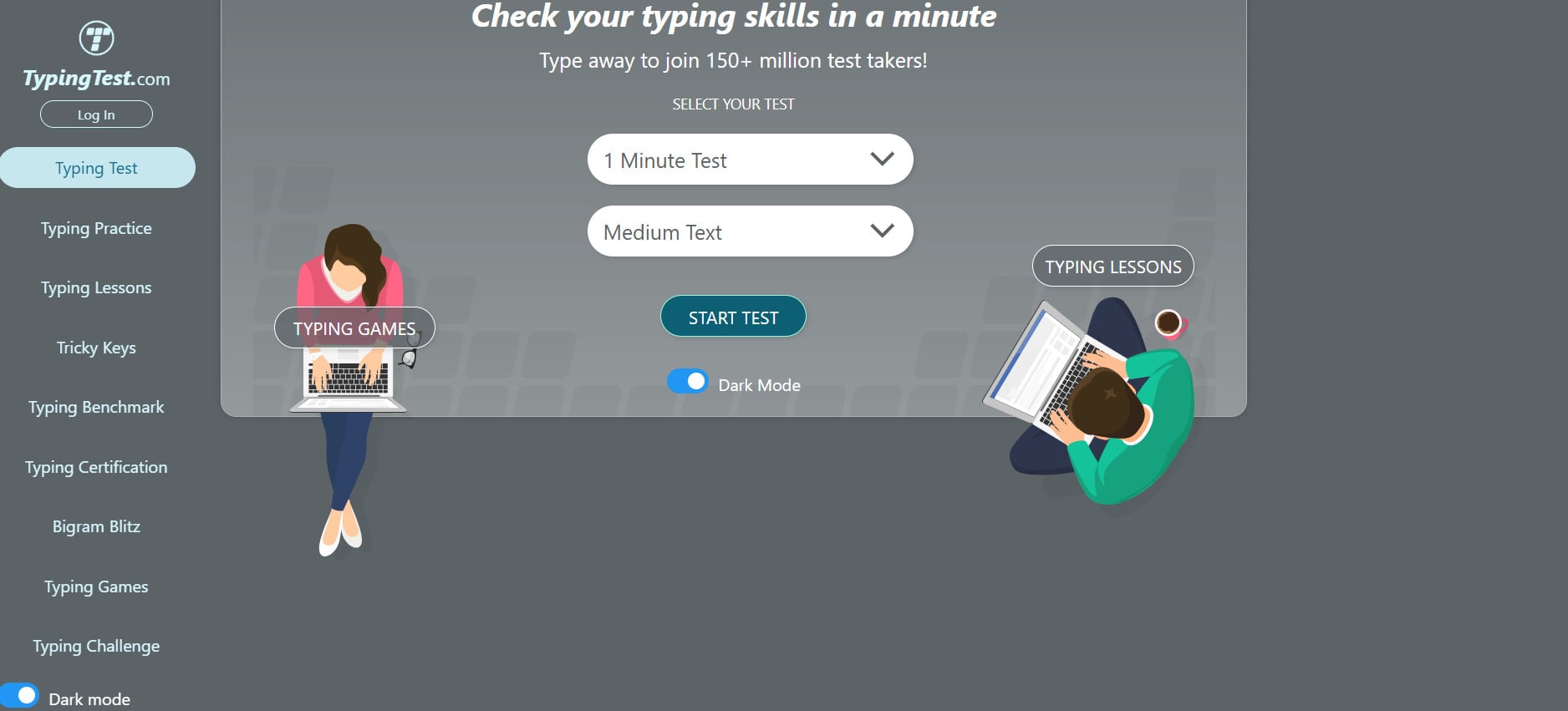
Typing Test sets up your practice like an online classroom. You get drills, quizzes, and progress badges as you improve. The web app takes you from beginner to advanced through focused lessons instead of just throwing random tests at you.
Features:
- Lessons build skills step by step.
- Games reinforce typing accuracy.
- Badges track your achievements.
12. Klavaro Touch Typing Tutor
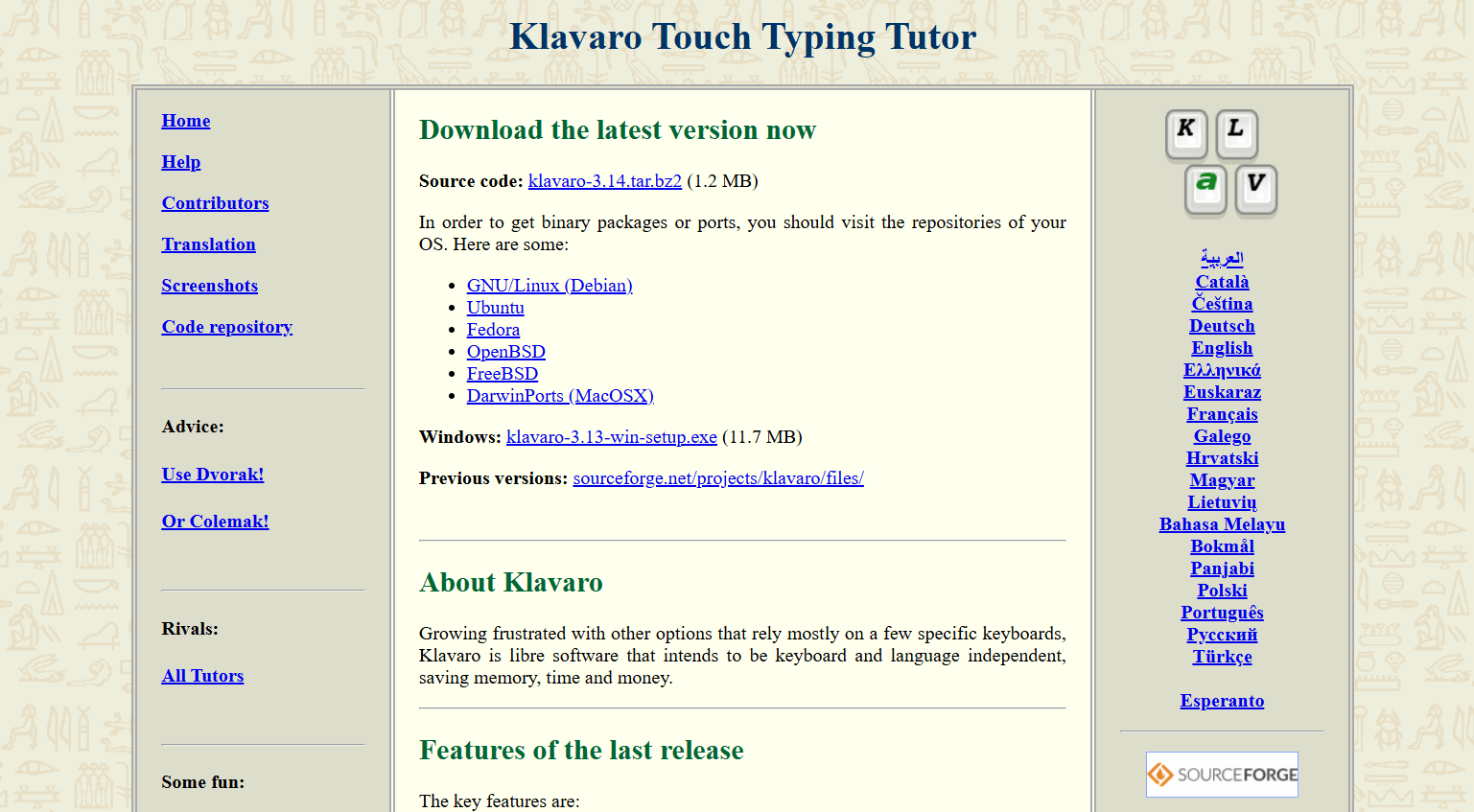
Klavaro is free and works on different platforms. Has structured lessons starting from basic finger placement all the way to advanced speed training. Supports over 20 languages. It’s a desktop program that works offline, so you don’t need the internet for serious training sessions.
Features:
- Lessons in 20+ languages available.
- Progress charts show improvement.
- Runs offline on all major OS.
13. Typing.com
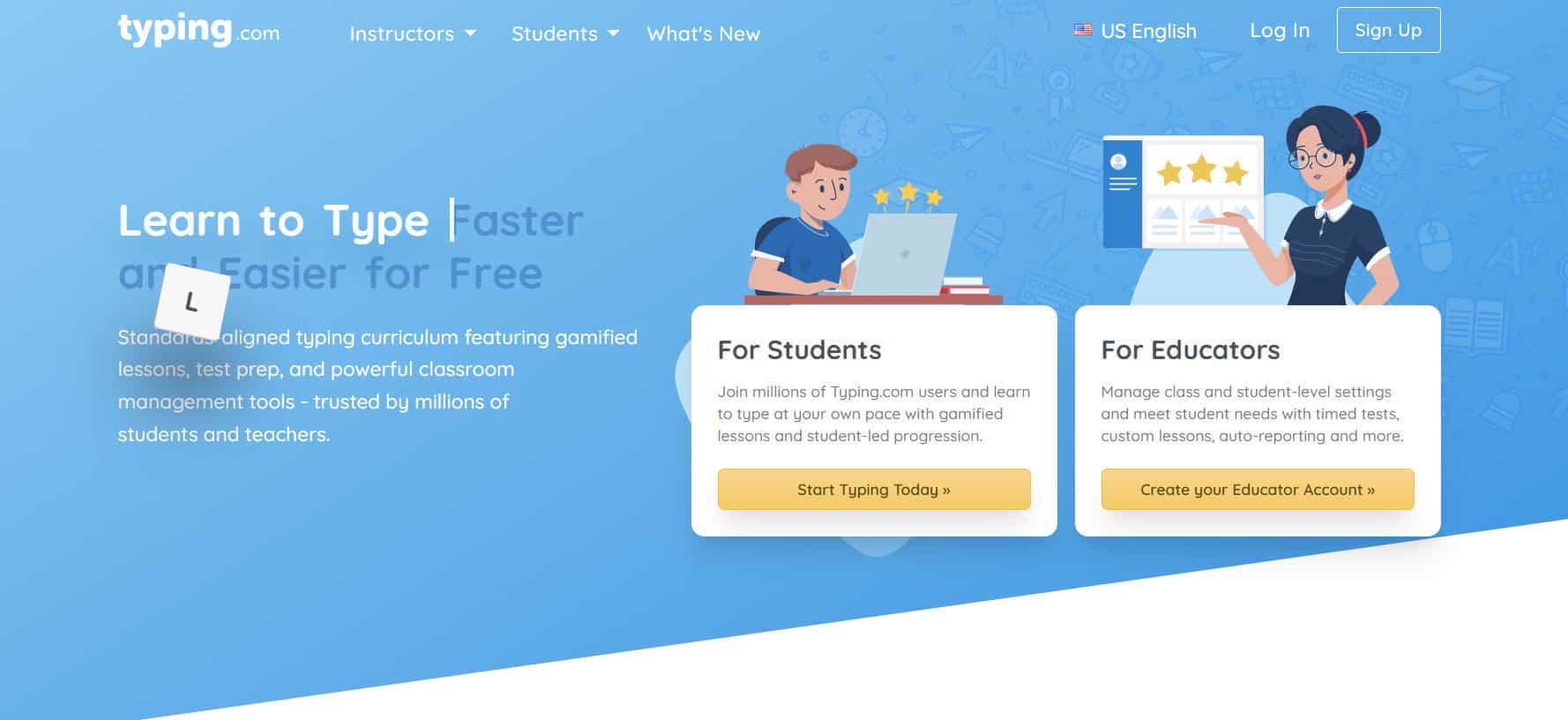
Typing.com is used in schools and offices everywhere, making it one of the best KeyKey alternatives for Windows. Combines lessons, games, and themed sessions with automatic tracking of your WPM and accuracy. You can actually see your progress over time through practice that stays engaging and doesn’t feel like you’re doing the same thing over and over.
Features:
- Full curriculum from beginner up.
- Games keep practice interesting.
- Tracks WPM and accuracy automatically.
14. ClickClack
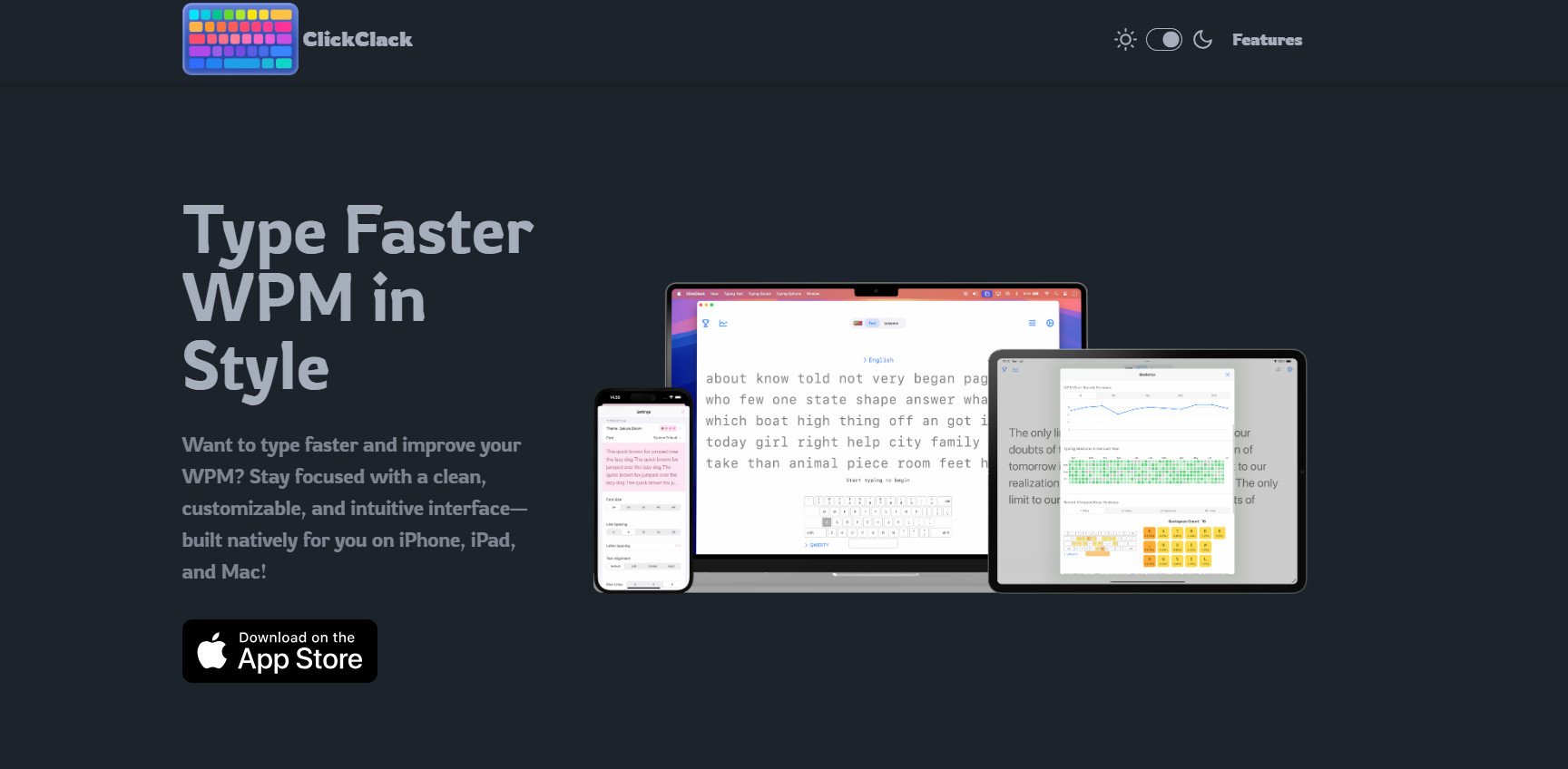
ClickClack turns typing practice into an actual game with interactive challenges, colorful themes, and smooth gameplay that hooks you. The modern approach makes it kind of addictive while you still get real improvements in your typing speed over time.
Features:
- Gamified lessons with visual feedback.
- Daily streaks build habits.
- Graphs show detailed progress.
Also Read: 20 Best Omegle Alternatives in 2026
Now you will no longer have a difficult time figuring out the best KeyKey alternatives for Windows. For more helpful tips and tricks, stay tuned, and feel free to share your suggestions in the comments below.