We have all used Quizlet to solve test papers and prepare for our upcoming exams. But you must have also been stopped midway to unlock the entire answer sheet. This is not only annoying but takes time from work, which leaves us wondering where there are other best free Quizlet alternatives for studying to switch to. The good news is we are here to get you answers!
Best Free Quizlet Alternatives for Studying
Now you can open up new possibilities for interactive learning and engagement that might fit your teaching style better.
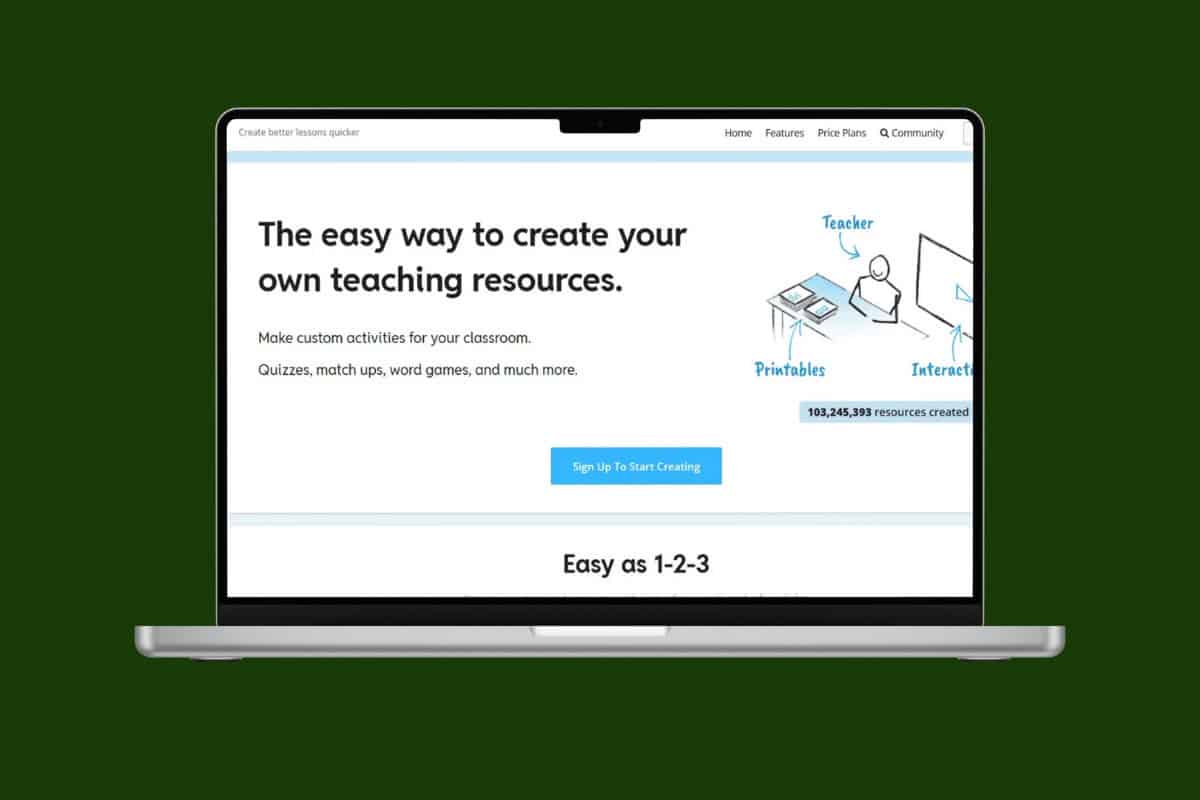
1. Wordwall

Wordwall helps teachers create both interactive digital activities and printable worksheets from the same content. With over 18 game templates like matching pairs, random wheels, and labeling games, it’s easy to switch between different activity styles. The platform is especially popular for language arts and vocabulary practice, coming up as one of the best free Quizlet alternatives for studying.
2. Blooket

Blooket turns review sessions into game time by wrapping question sets in different arcade-style game modes. You pick a game, plug in your questions (or reuse existing sets), and students earn power-ups, coins, and rewards as they answer correctly. That extra layer of strategy and collection keeps them hooked longer than a regular quiz would. After the session, you can pull reports from past games to see how the class did and which topics need another pass.
3. Wooclap

Wooclap leans into data and variety: it gives you 20+ question types so you can mix and match formats instead of relying on the same quiz style every time. Beyond just asking questions, it helps you reinforce learning with detailed performance reports and integrations with learning management systems. That means you’re not just running a fun activity, you’re also capturing insight into who’s stuck, who’s progressing, and where to focus your next lesson!
4. AhaSlides

AhaSlides gives you Quizlet-style quizzes but adds more room to build a full, flowing session around them. You can mix questions with intro slides, live polls, word clouds, Q&A segments, and even fun touches like a spinner wheel. It works well both in classrooms and in professional settings, helping you keep people involved while still looking polished and on-brand. The focus is on meaningful interaction, not just testing for the sake of it.
5. Slides With Friends
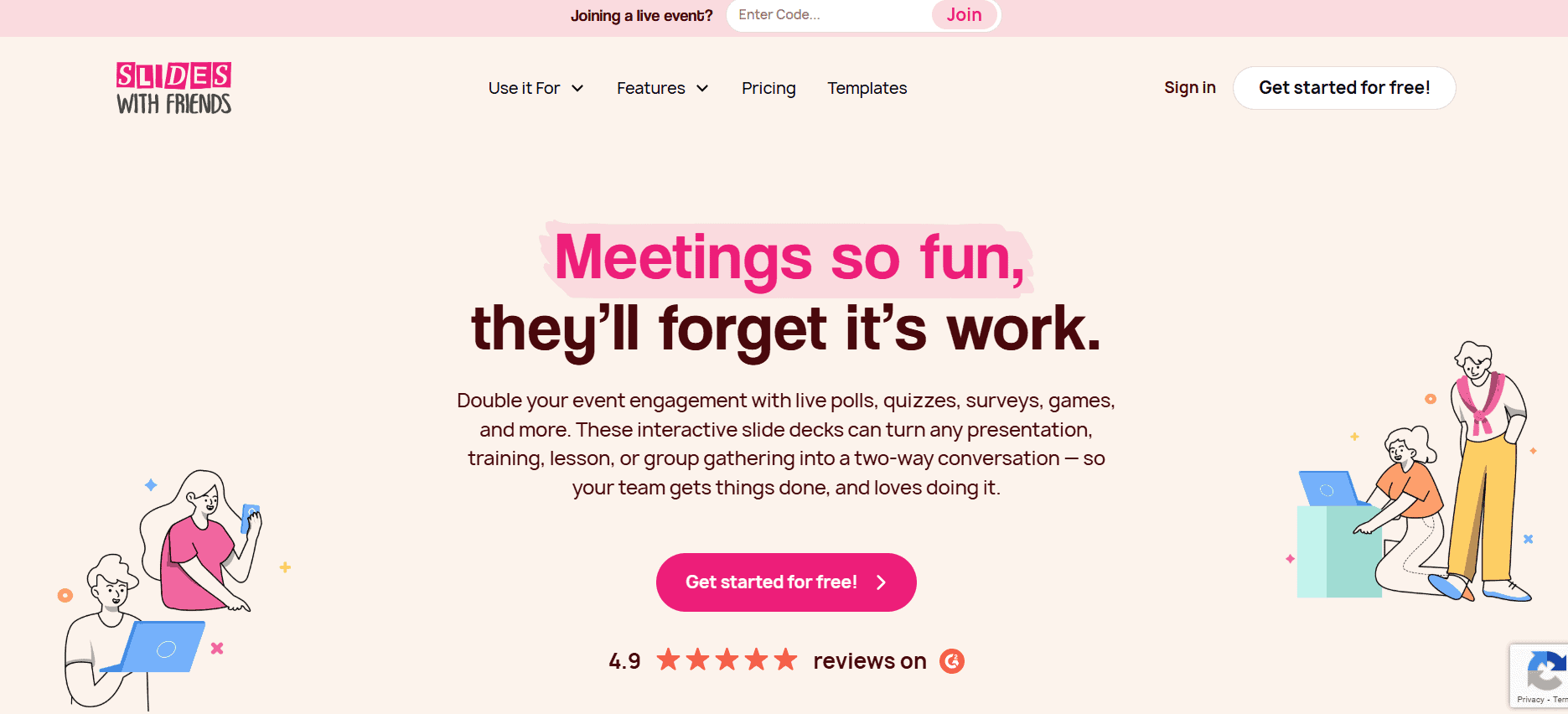
Slides With Friends is perfect when you want students or participants to take the lead instead of just answering questions. It lets people build and run interactive slide decks together, so presenting becomes more of a shared activity than a one-way lecture. Along the way, you can add live polls, Q&As, and word clouds right inside the slides, turning a basic presentation into something that everyone actively shapes and responds to.6
6. Brightful
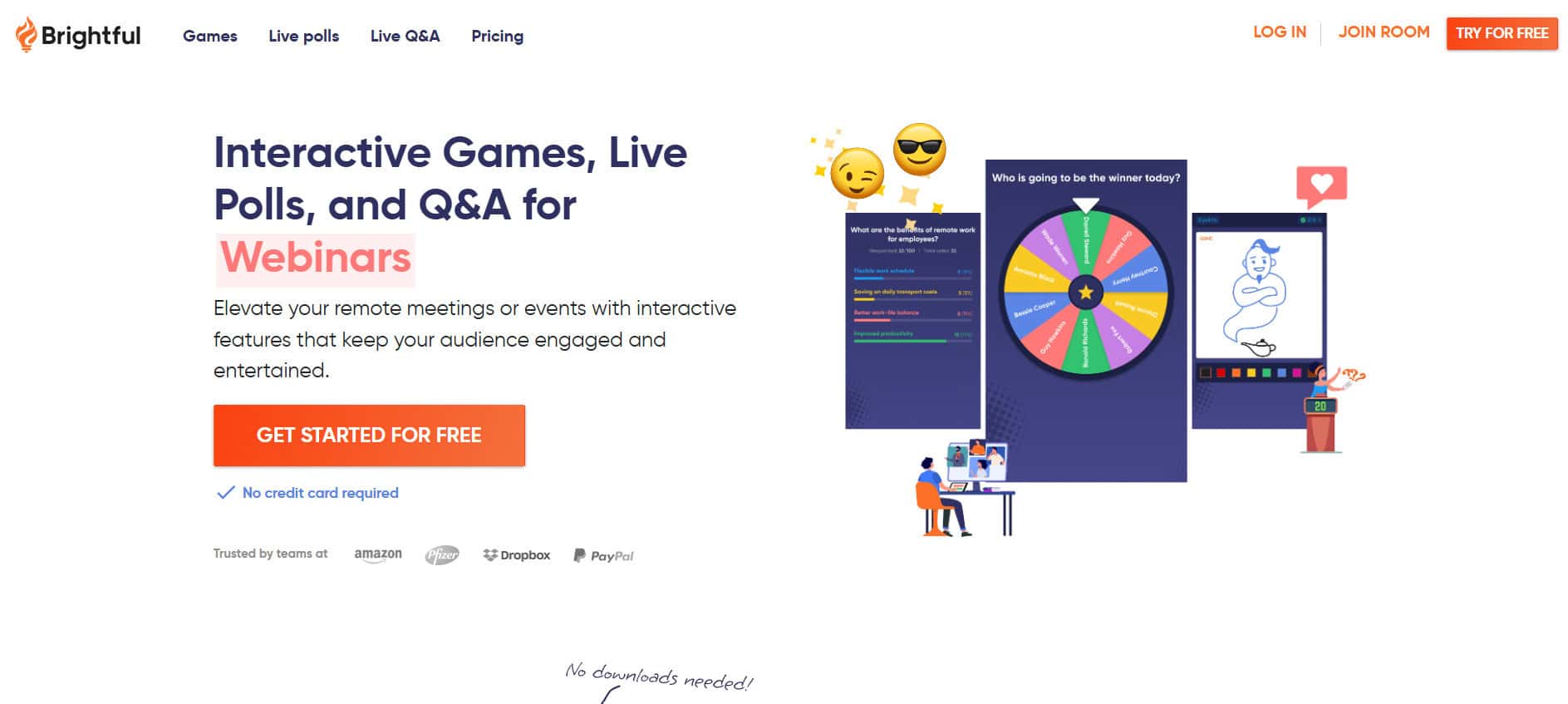
Brightful is all about using games to bring people closer together, whether they’re in a classroom or on a video call. Instead of just quizzes, you get icebreakers, team-building activities, and light educational games that teachers can easily facilitate. It’s especially useful for creating a friendly, social learning atmosphere, great for remote classes, workshops, or any group that needs a bit of energy and connection before diving into the serious stuff.
7. ClassMarker
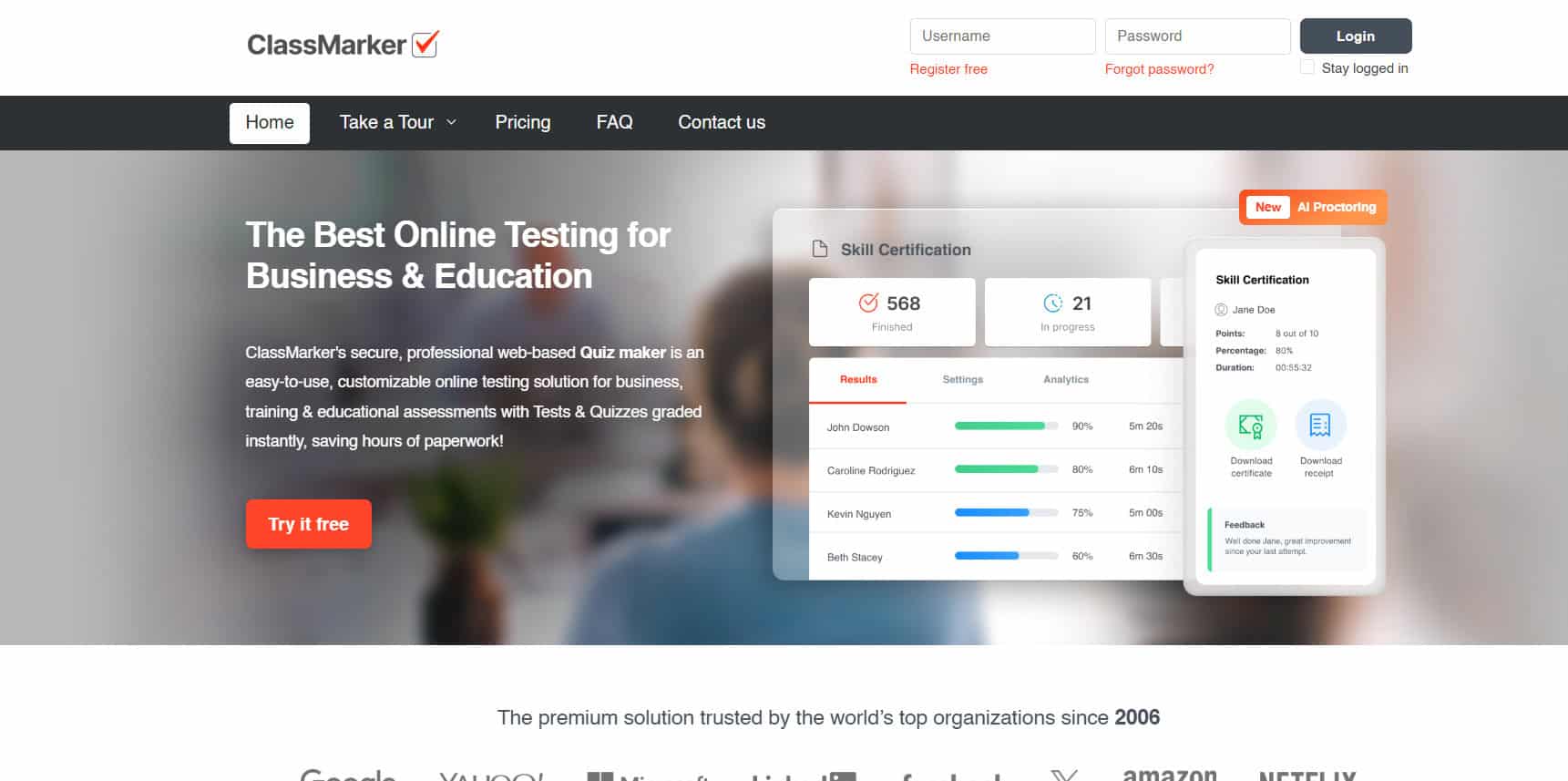
ClassMarker is what you reach for when you just want solid, serious testing without all the bells and whistles. It’s focused on creating and delivering quizzes, then helping you analyze how students perform. Because it isn’t trying to be flashy, you get more question types than in a typical game-based tool and far more options for customizing how those questions look and behave. If Quizlet is mainly about assessment, ClassMarker covers that job with more control and less distraction.
8. Acadly
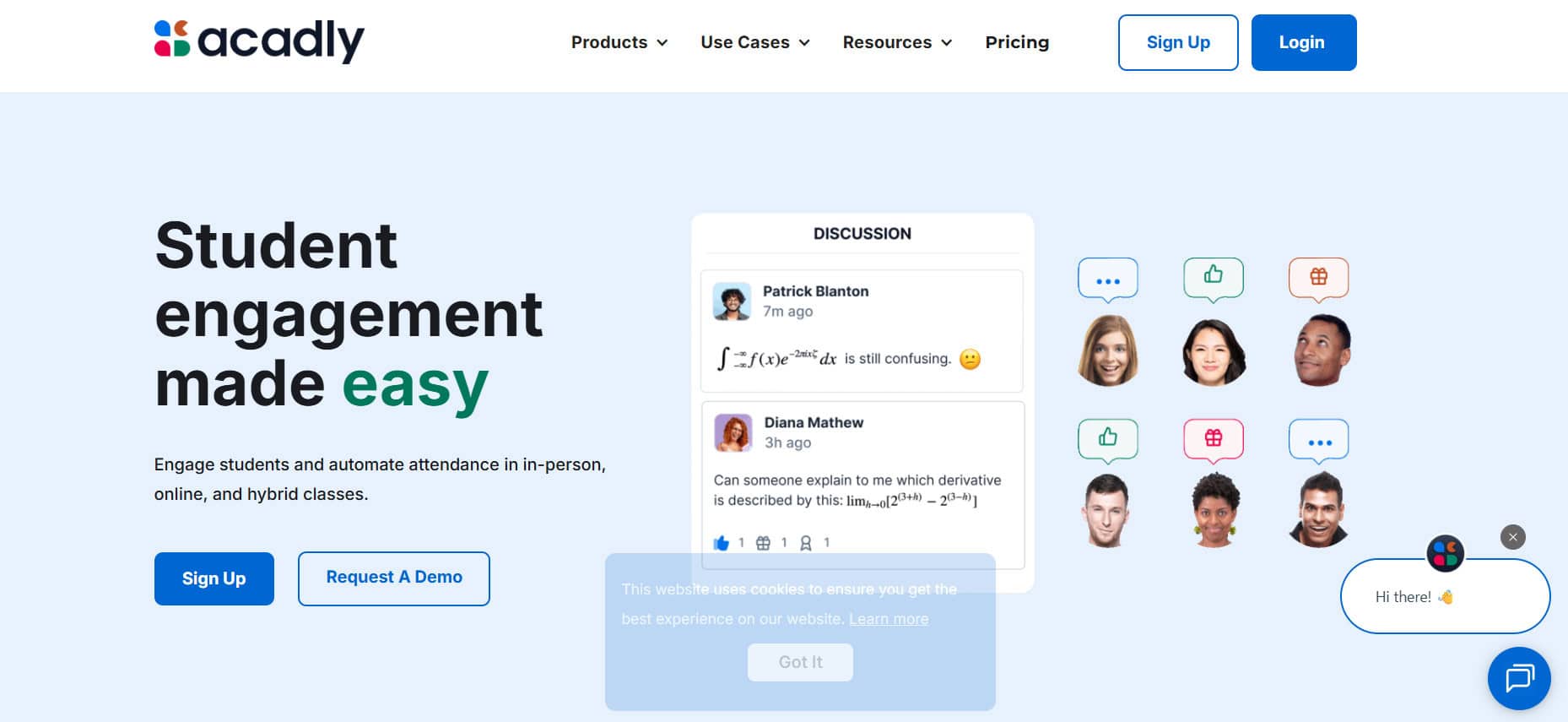
Acadly is built for instructors who want engagement to run before, during, and after class, not just in one quick quiz. You can take attendance, run live polls and quizzes, share full lessons and resources, and keep everything tied together in one platform. Students can drag and drop content, embed videos and images, and use backchannels to ask questions or share thoughts without disrupting the main flow. It ends up being one of the best free Quizlet alternatives for studying.
9. Slido

Slido sits comfortably between education and business, acting as an audience-interaction layer over your talks and meetings. You create a session, people join with a code, and you move through live polls, Q&As, and lightweight quizzes together. It leans more towards team meetings, trainings, and events than pure classroom play, opting for a clean, functional look instead of bright, game-like visuals. It also plugs straight into PowerPoint and Google Slides, coming up as one of the best free Quizlet alternatives for studying.
10. Mentimeter
Mentimeter is what you switch to when you want Quizlet-style interaction but in a more grown-up, polished format. You can build full presentations with live polls, Q&A, and word clouds baked in, so you’re not jumping between tools. It works really well in higher education and workshops for checking understanding, running quick sentiment checks, or collecting questions on the fly. The same setup easily carries over to team trainings and meetings, where templates and the AI presentation builder help you spin up engaging slides without spending hours designing.
11. Nearpod

Nearpod is a versatile teaching tool that combines interactive slides, quizzes, polls, and even virtual reality field trips. Teachers can run live lessons or let students work at their own pace. The platform integrates well with school curricula and standards, making it a favorite in education.
12. Vevox
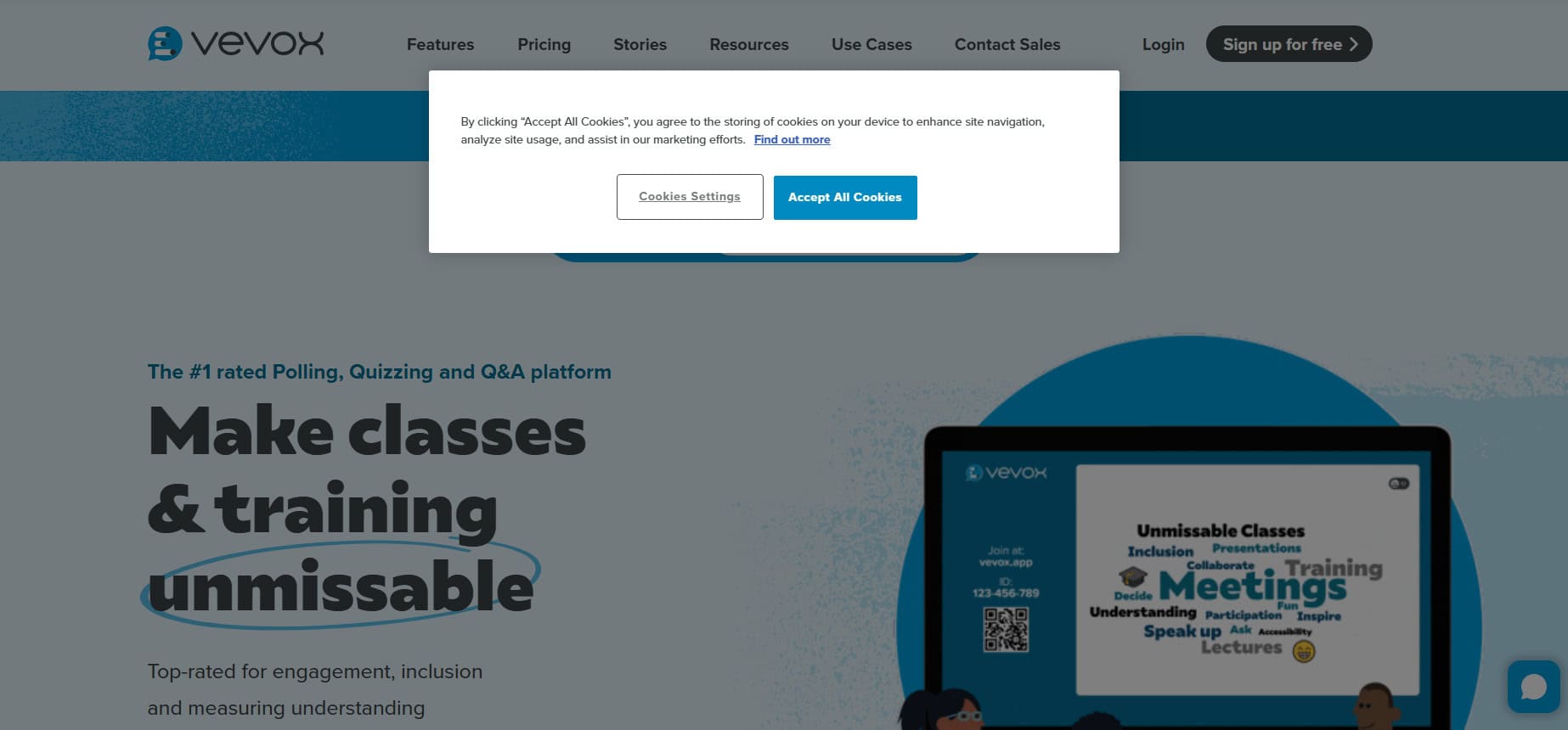
Another of the best free Quizlet alternatives for studying is Vevox. It is built for those big, live moments where you need to hear from a lot of people at once without the tech falling over. It plugs neatly into PowerPoint, which makes it a natural fit for corporate meetings, town halls, conferences, and large university lectures where slides are already the norm. You can run live polls, Q&As, and quizzes, and still handle a high volume of responses smoothly, so everyone gets a voice without slowing things down.
13. QuizWhizzer

QuizWhizzer turns traditional quizzes into exciting race-style competitions. Students see their avatars move along a game board as they answer questions correctly. It’s designed for self-paced learning where students work at their own speed but are motivated by the competitive racing element.
14. Beekast

Beekast is less about “pop quiz” energy and more about helping people think together. Instead of just testing knowledge, you use tools like mind maps, voting, and Q&A boards to spark ideas and get everyone contributing. It fits into group projects, workshops, and any session where collaboration matters as much as the content. Teams can also park agendas, resources, and notes in one place and later review a 360-degree view of engagement to see who participated and how the session went.
15. Crowdpurr
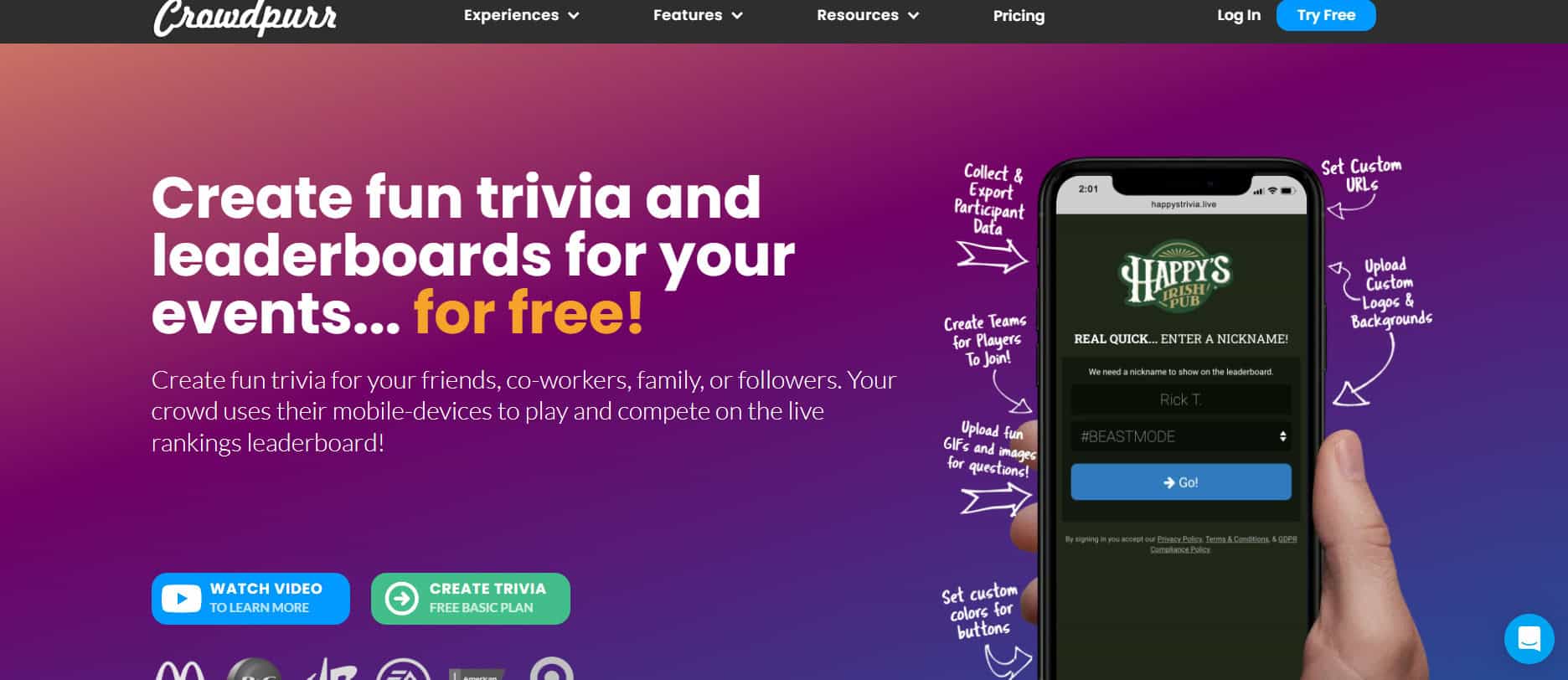
Crowdpurr is great when you want to energize a group of any size, from a classroom to a big live event. You can run trivia and bingo with custom point systems and fun modes like survivor or tournament, so every session feels a bit like a game show. On top of the usual polls and quizzes, it also throws in extras like live streaming, lotteries, social walls, VIP guest lists, and even a tradeshow booth mode, which makes it perfect for conferences, webinars, or in-person activations.
16. ClassPoint

ClassPoint is ideal if you live in PowerPoint and want Quizlet-style interaction without ever leaving your slides. You can drop in gamified quizzes directly inside your deck and customize the slides to match your style or brand. Therefore, it earns its position as one of the best free Quizlet alternatives for studying. During a live session, you move through your presentation as usual while collecting responses, scoring answers, and keeping the room engaged in real time, all inside the familiar PowerPoint environment.
17. Genially

Genially is what you go for when you want to move beyond standard quiz templates and really customize the experience. Its no-code editor lets you drag, drop, and tweak preset formats to create quizzes, self-assessments, and remediation paths that fit your class or team. But it doesn’t stop at quizzes, you can also build interactive images, maps, infographics, and data visualizations to make lessons. Moreover, the internal comms feel more like an interactive story than static slides.
18. Gimkit
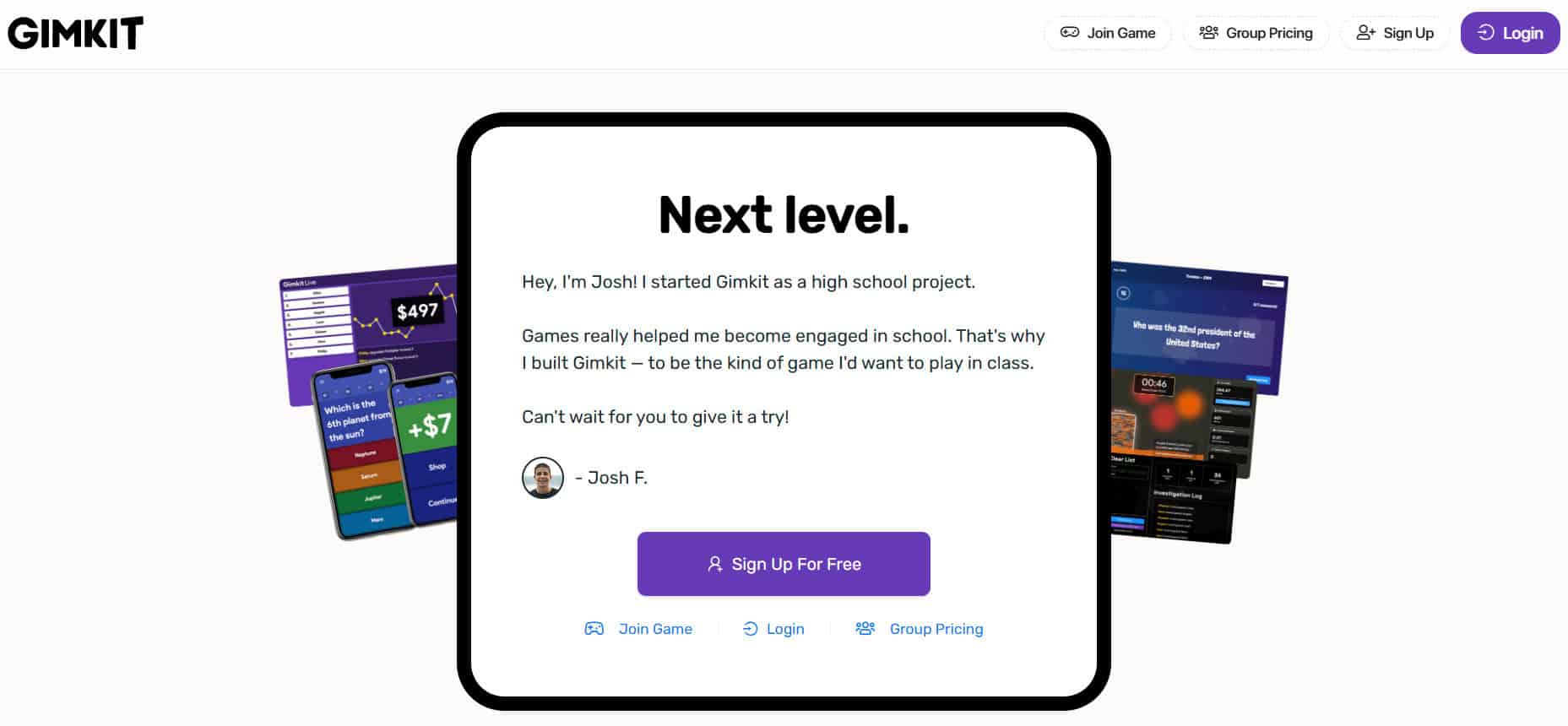
Gimkit feels like a video game wrapped around a quiz. Students answer questions to earn in-game cash and then spend it on power-ups and upgrades, which keeps them hooked way beyond a standard multiple-choice test. Instead of focusing only on live moments, it really shines in review and practice sessions, thanks to Smart Repetition that brings back missed questions more often. Each student gets a tailored question mix, so they quietly work more on what they struggle with most.
19. Quizalize
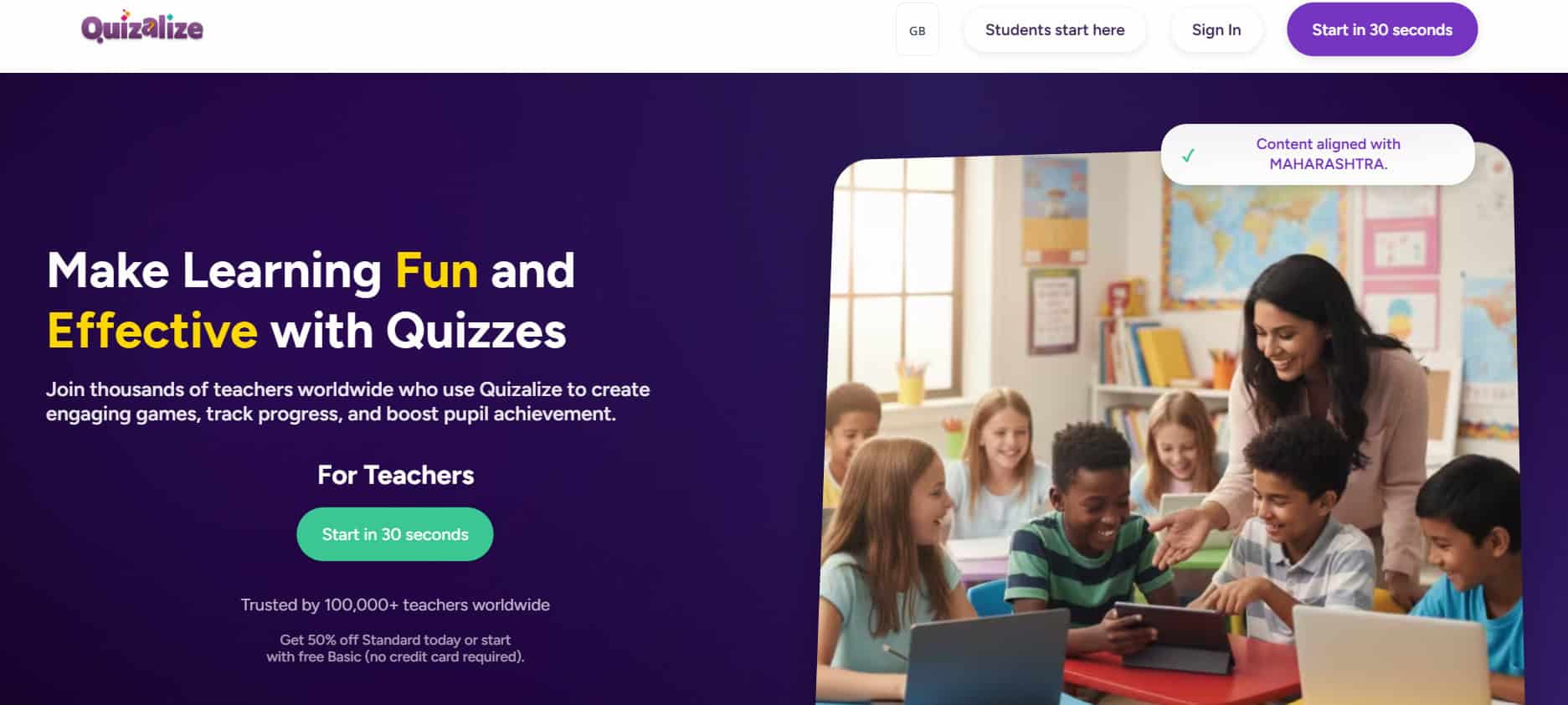
Quizalize pairs competitive quiz games with smart analytics, making it one of the best free Quizlet alternatives for studying. Teachers can identify which students need help and automatically assign tailored follow-up activities. The platform supports mastery-based learning and differentiated instruction, helping every student move forward at their own pace.
20. Poll Everywhere
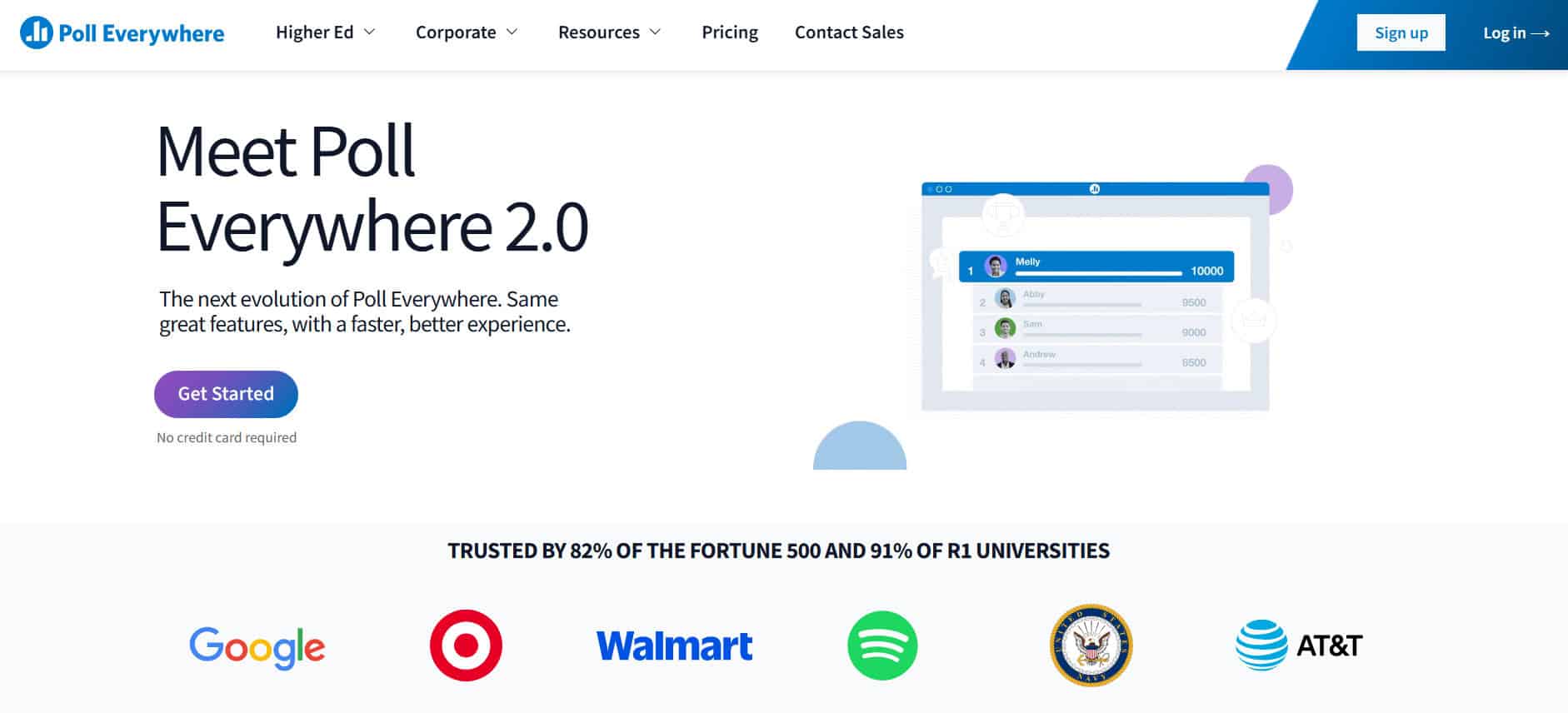
Poll Everywhere keeps things very simple and is ideal when you care more about opinions and feedback than flashy game mechanics. You can ask questions through polls, surveys, clickable images, and basic quizzes, then watch responses update live as students or colleagues answer from their devices. It feels more like a survey and discussion tool than a game, which makes it fit naturally into lectures, workshops, and work meetings where you want the group’s voice without all the visual noise.
21. Baamboozle
Baamboozle is a nice fit if Quizlet feels too loud or busy for younger learners. It keeps things simple with easy live quizzes and interactive polls that focus on participation, not flashy graphics. You can use different question formats, like quick polls and word-based prompts, to check understanding and keep kids involved without overwhelming them. It’s built with shorter attention spans in mind, which makes one of the best free Quizlet alternatives for studying.
22. Wayground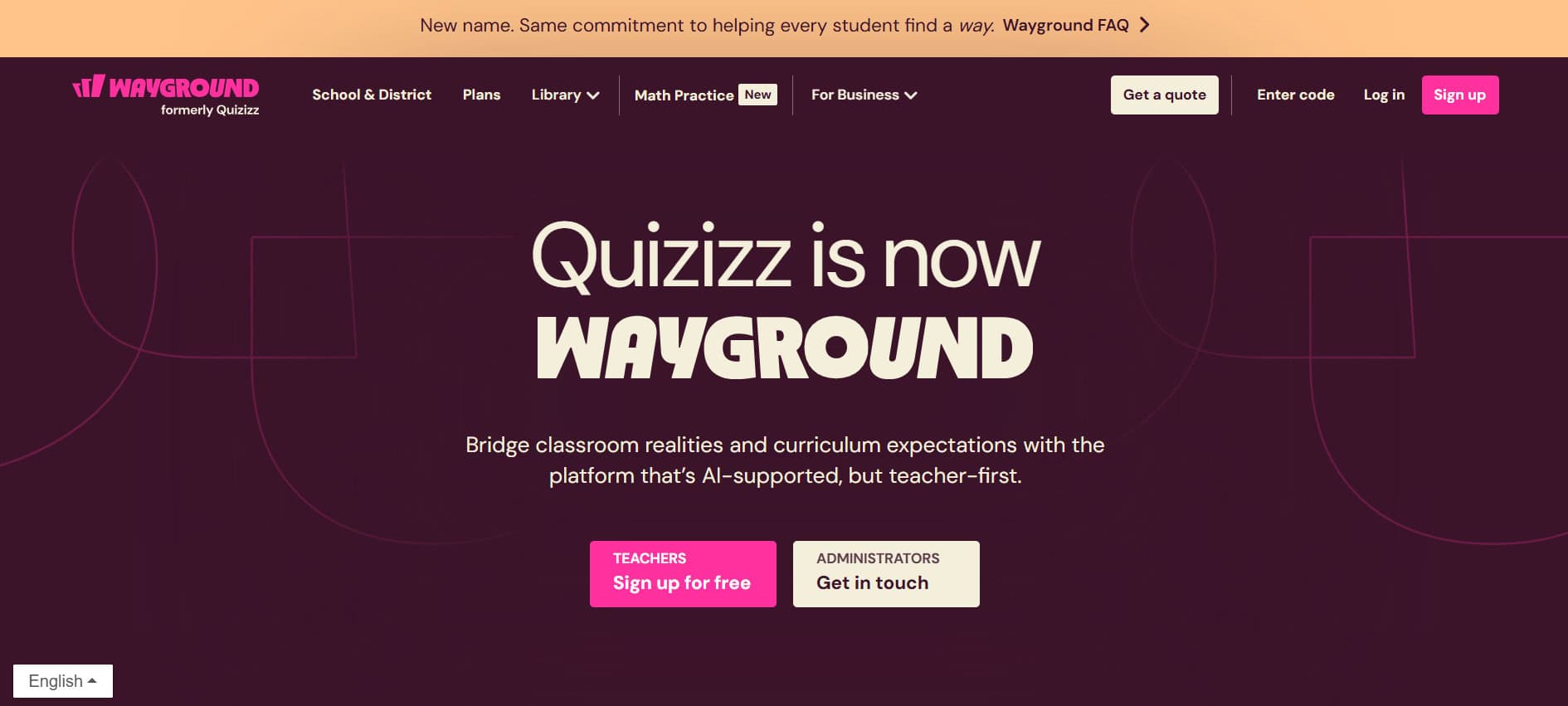
Quizizz cranks the gamification up a notch, with live leaderboards, team modes, and adaptive difficulty that keep things competitive but still fun. It’s great in class because you can create different versions of the same quiz for different levels, and there are 25+ accessibility options to better support every learner. Outside the classroom, it also works well in training sessions, where automated knowledge checks and spaced repetition help people actually remember what they learned instead of forgetting it the next day.
23. iClicker
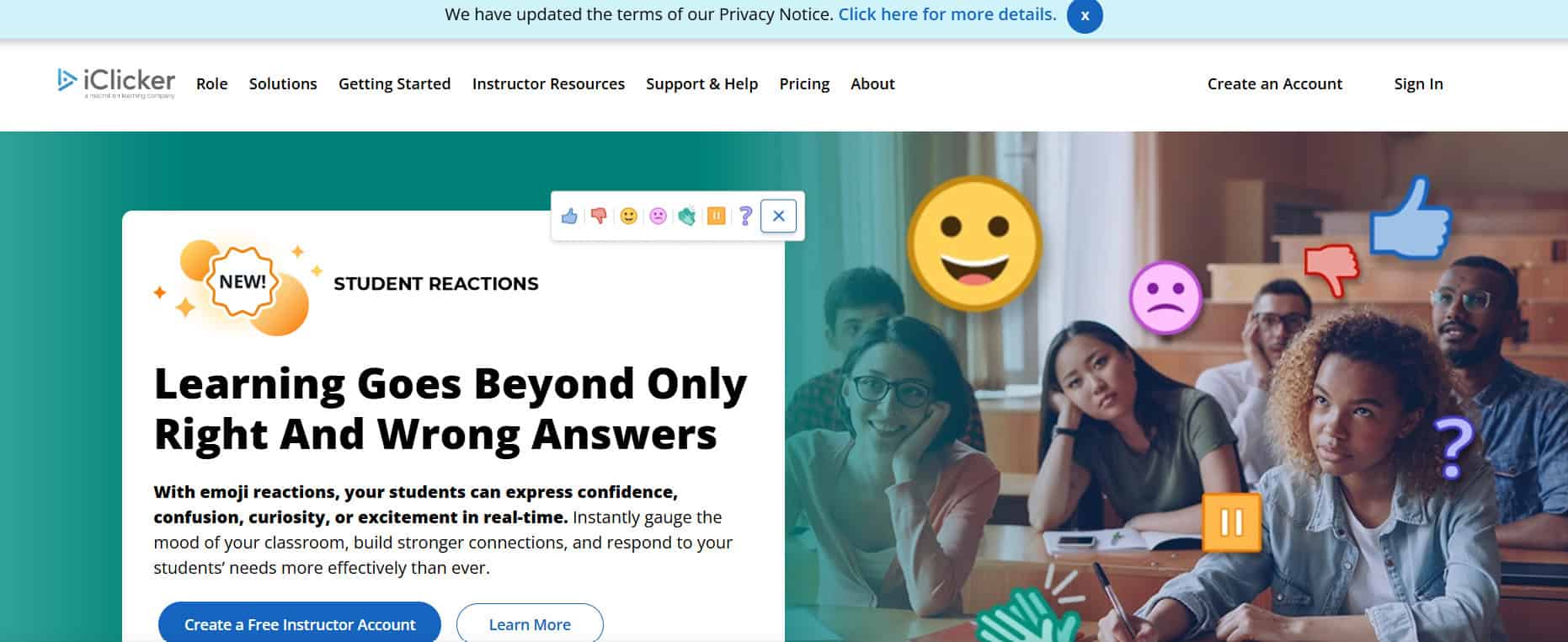
iClicker started with physical response clickers but now offers a mobile app to let students respond easily in class for polling, attendance, and assessment. It is especially popular in colleges and universities, combining traditional hardware with modern mobile options.
Also Read: How to Create a Quiz on Instagram Story
Now that you have seen the best free Quizlet alternatives for studying, we hope your doubts are cleared with the methods shown in this guide. Keep visiting TechCult to know the latest tech walkarounds. If you have any queries or suggestions, do reach out to us in the comment section.