Green screen editing is nothing short of magic. They have the power to transform a simple room into a beach or the mountains. If you are new to video editing, you may find this skill difficult. But with the right tool, you can learn even the most complex features. While many apps need a paid subscription to unlock these effects, today we will show you some of the best free green screen software and Chroma key apps so that you can also access them. Let’s jump right in!
BEST FREE Green Screen Software: Chroma Key Apps in 2026
Now every beginner can start learning how to use green screen and make their edits one of a kind.
1. iMovie
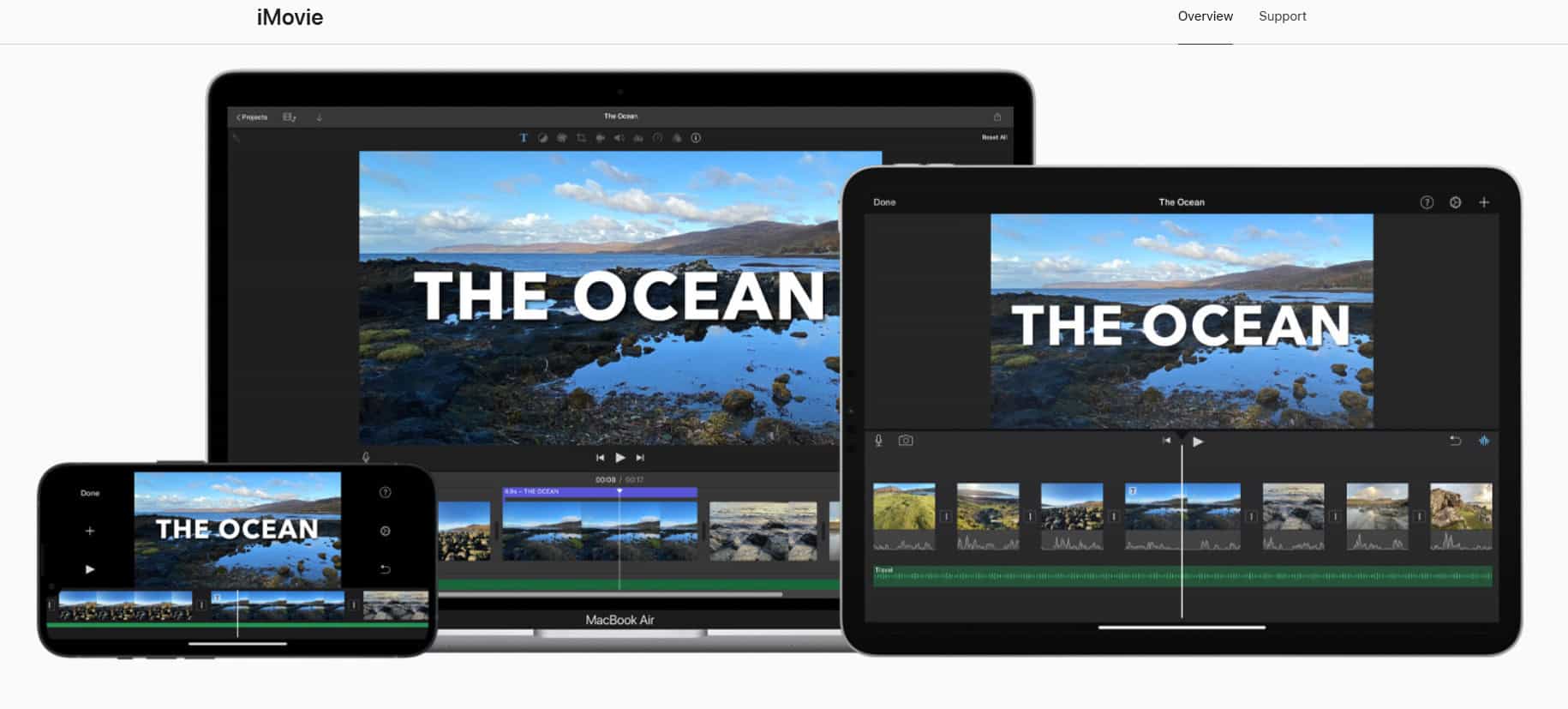
iMovie comes free on Macs with simple green screen effects that adjust strength or isolate background sections precisely. Built-in backgrounds and maps swap scenes instantly, and Cinematic Mode from iPhone 13 integrates directly for cross-device projects. Eraser tool cleans leftover edges while supporting iPhone, iPad, and Mac workflows seamlessly.
Features:
- Cinematic Mode support.
- Built-in backgrounds/maps.
- Cross-Apple device sync.
2. VSDC Pro Video Editor
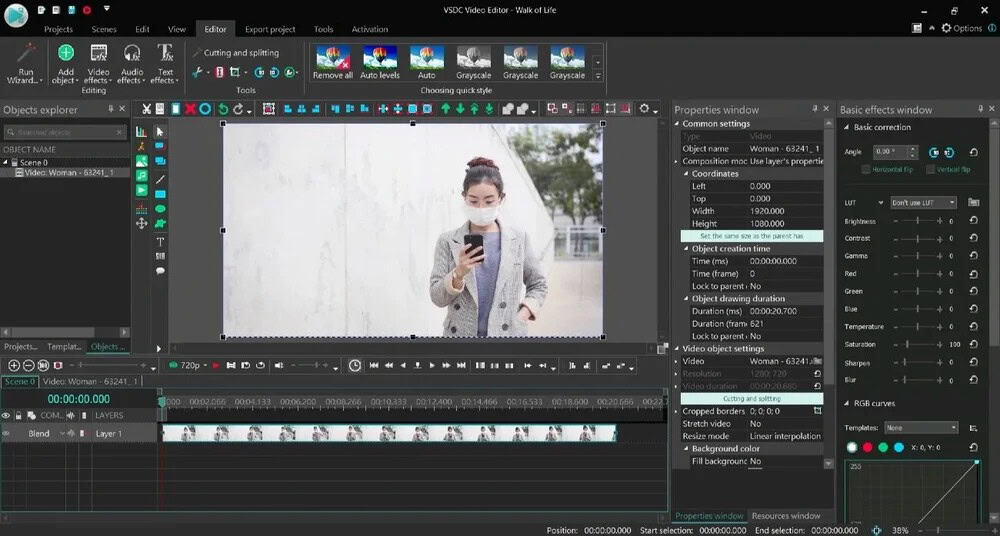
VSDC Pro Video Editor delivers a budget-friendly one-time purchase with HSL Chroma Key, removing any color via dropper plus manual tweaks. Free version covers basics while pro unlocks clipping masks, inverted masks, and text masks for creative composites. Lightweight design runs smoothly on older hardware without subscriptions.
Features:
- HSL color removal.
- Multiple masking types.
- One-time purchase fee.
3. Camtasia
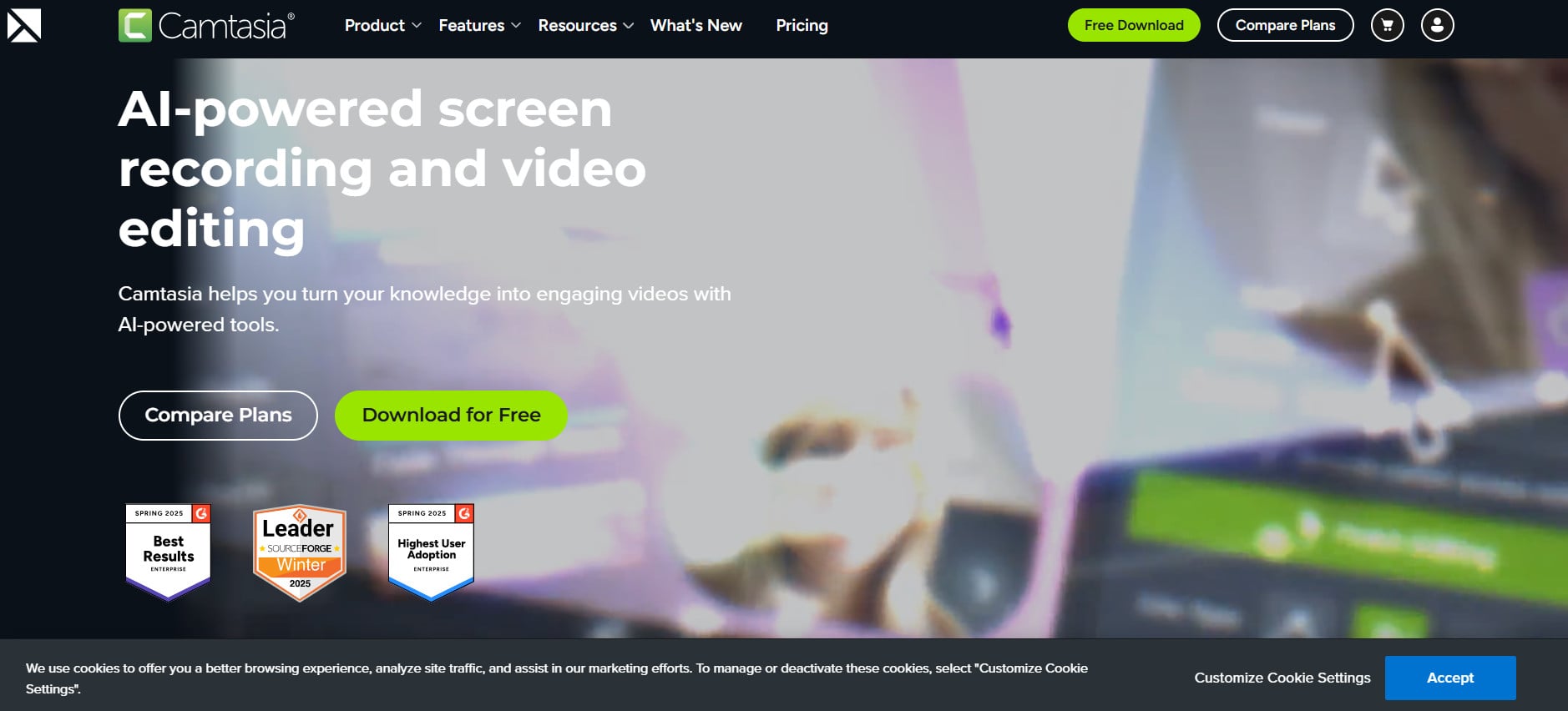
Camtasia combines screen recording with green screen editing, perfect for YouTubers capturing crisp webcam footage over custom backgrounds. Eyedropper picks any color while defringe sliders clean edges, and invert effects remove subjects instead for creative flips. Training video overlays stay locked during recordings.
Features:
- Webcam recording integration.
- Effect inversion option.
- Defringe edge cleanup.
4. Wondershare Filmora
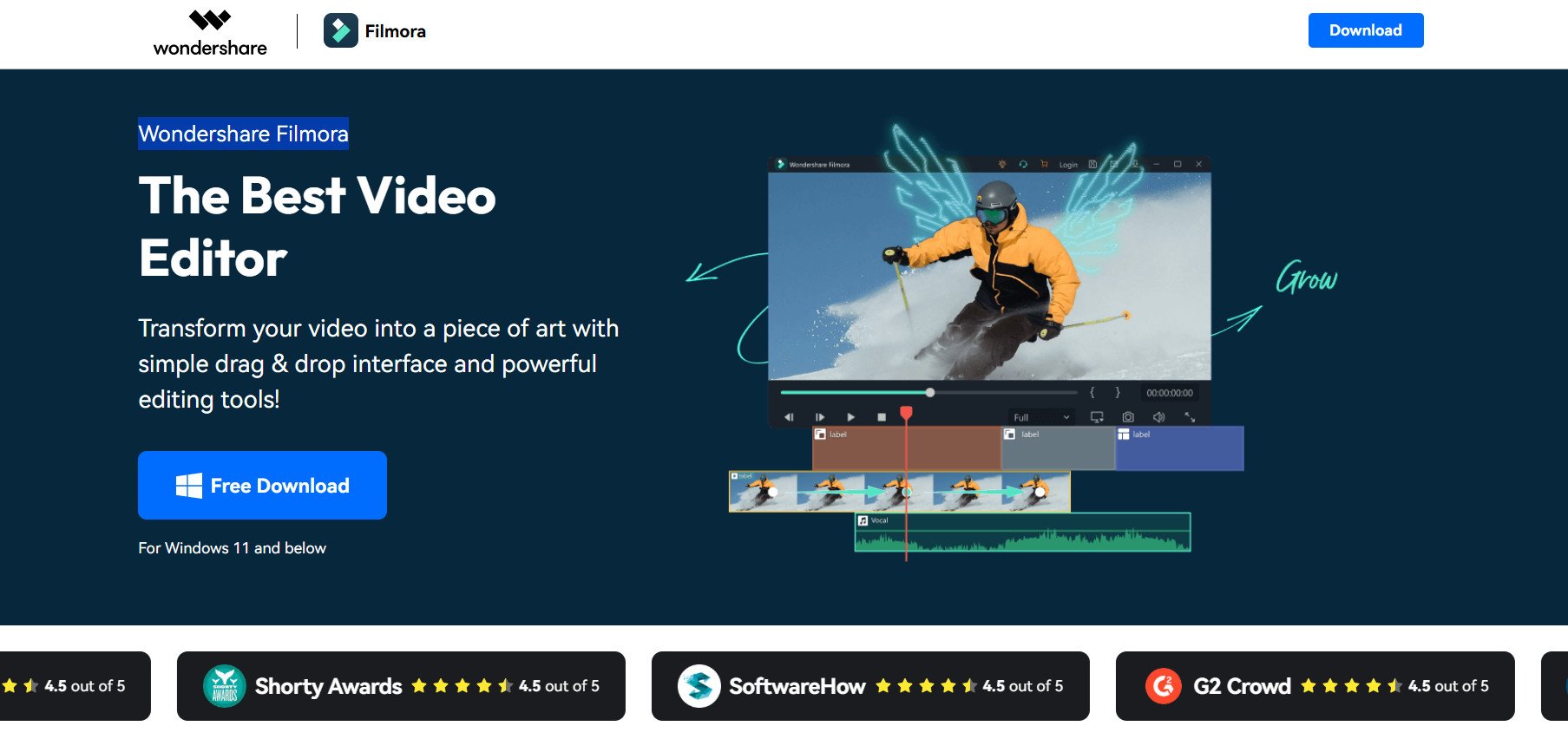
Wondershare Filmora packs 2D/3D compositing with motion tracking, keyframe animation, and Matte Cleaner smoothing key edges naturally. Extensive VFX libraries build motion graphics while full chroma controls handle spill suppression and color correction precisely. Blend methods layer complex shots that professionals demand.
Features:
- 3D camera solving.
- Matte edge smoothing.
- Motion tracking tools.
5. Final Cut Pro
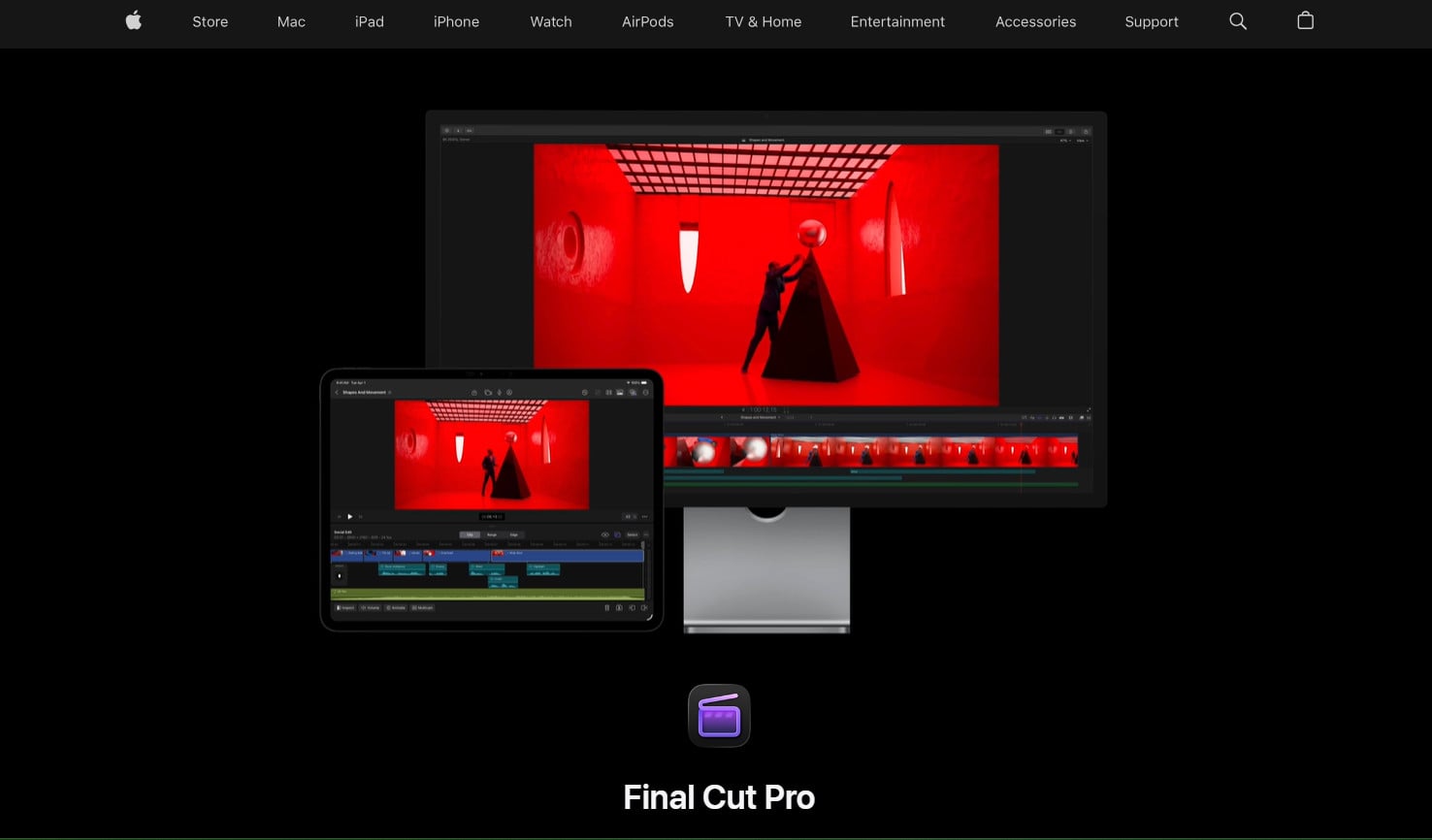
Final Cut Pro powers Mac workflows with 8K ProRes real-time editing on Apple Silicon plus chroma key for green/blue screen compositing. Multichannel audio cleanup reduces noise automatically, and 360° text plus 2D/3D animations integrate with Motion or Logic Pro. Exports optimize perfectly for iPhone delivery.
Features:
- 8K real-time editing.
- Audio noise reduction.
- Apple ecosystem integration.
6. Movavi Video Editor
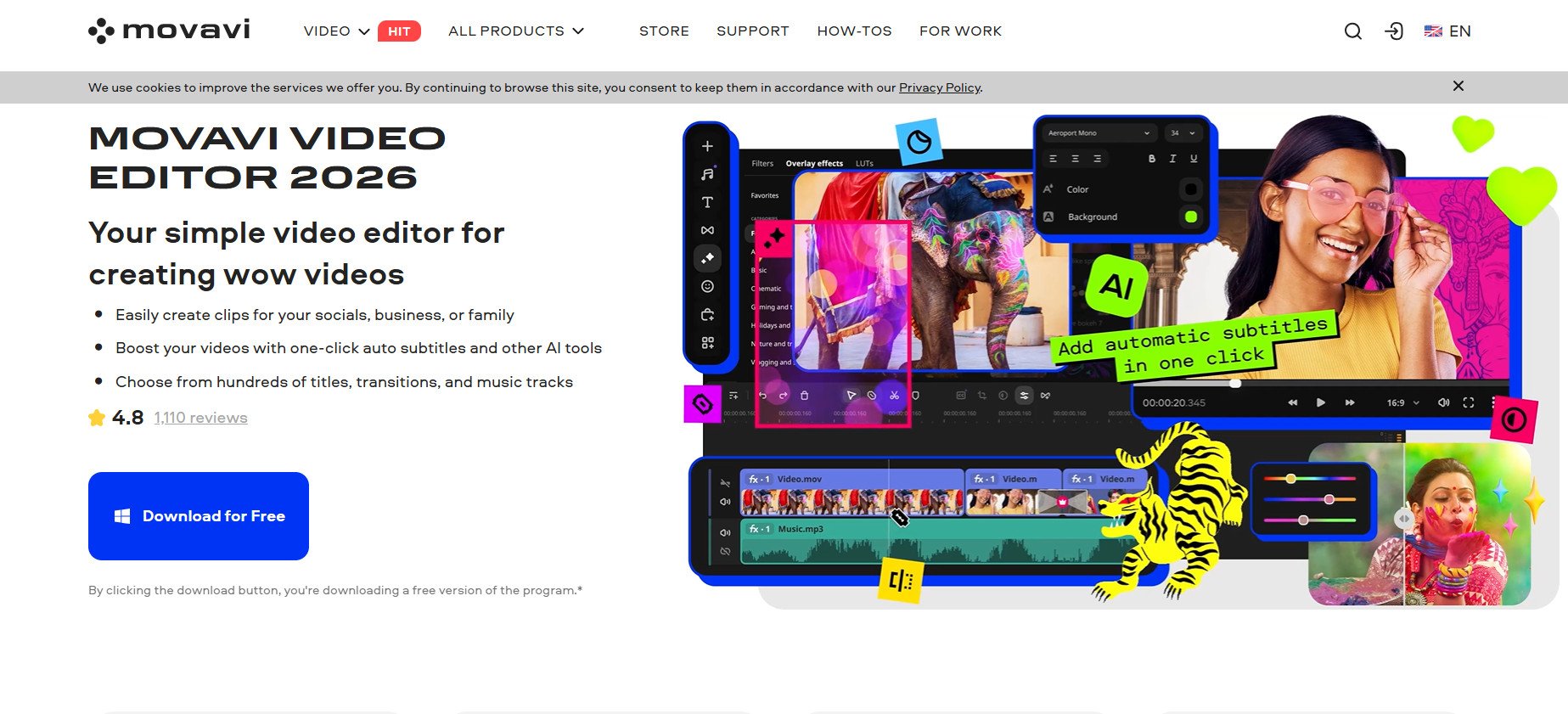
Movavi Video Editor simplifies for beginners through AI one-click background removal without green screens, plus dropper-based chroma key. Direct uploads hit YouTube, TikTok, or Vimeo instantly, and 2023 updates added edge/opacity sliders for refined control. Full videos assemble in 20 minutes flat.
Features:
- AI background swap.
- Social media exports.
- 20-minute video creation.
7. Shotcut
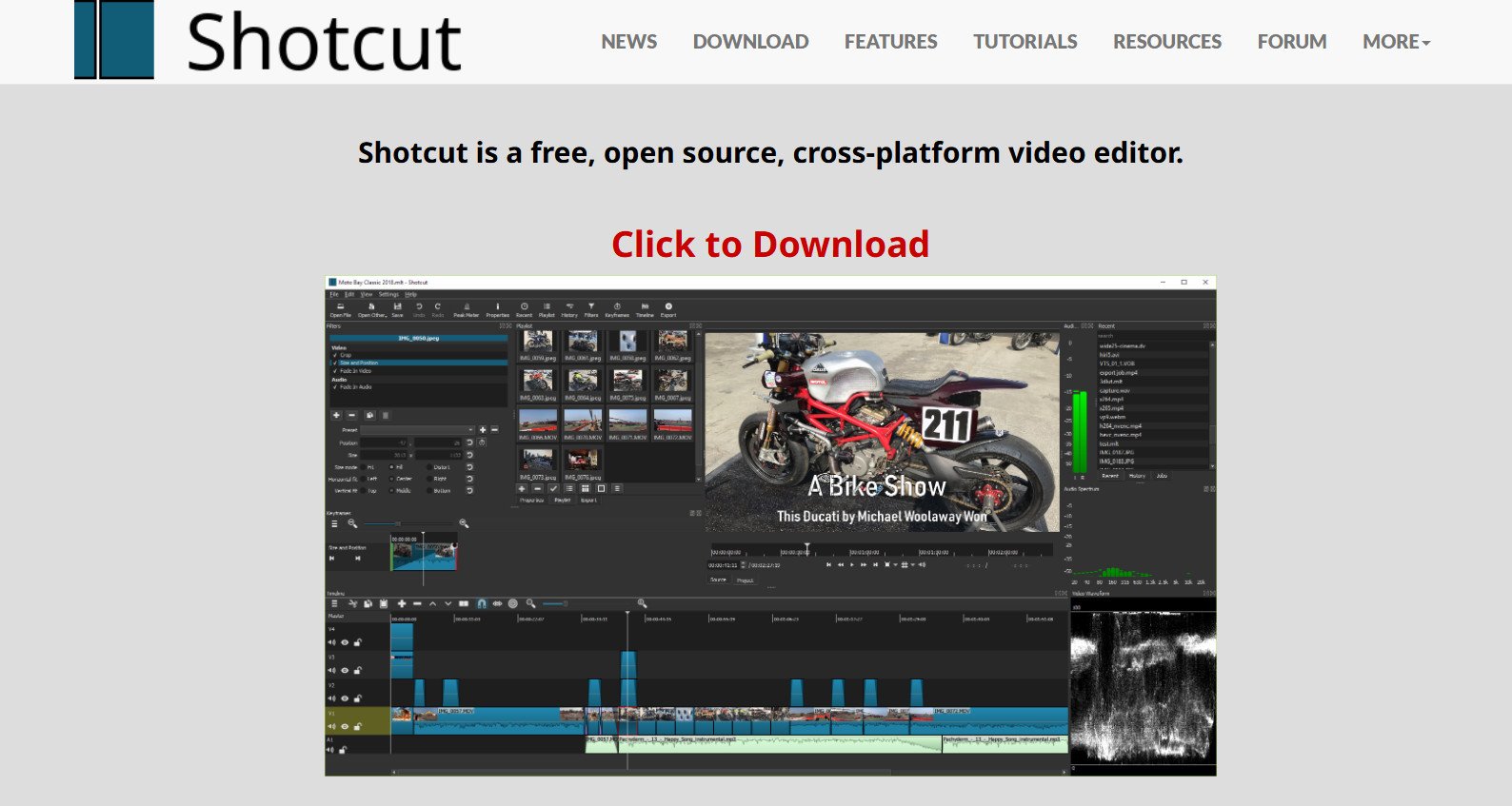
Shotcut leads open-source options with one-click green screen removal through color wheel or eyedropper picks, plus spill reduction sliders. Cross-platform freedom runs identically on Windows, Mac, or Linux, and advanced filter chains layer multiple keys for complex scenes. Beginners get quick results while pros build precision setups entirely free.
Features:
- Cross-platform identical setup.
- Filter chain layering.
- One-click keying tools.
8. PowerDirector
PowerDirector tops user-friendly choices with improved chroma key in its Picture-in-Picture designer for effortless multi-track blends sampling over three colors. Overlay rooms stock animated stickers and objects for any occasion, plus AI object tracking keeps elements locked during motion. Creativity flows without steep learning demands.
Features:
- Multi-color key sampling.
- AI motion tracking.
- PiP multi-track designer.
9. Lightworks
Lightworks bridges entry-level to pro workflows with customizable chroma key picking any color and Remove Spill sliders, cleaning edges cleanly. Tiered pricing spans free creator versions through professional suites, and real-time collaboration lets teams edit live. Adjustments prove optional since basic keys often nail results instantly.
Features:
- Real-time team editing.
- Tiered pricing plans.
- Custom color keying.
10. Adobe After Effects
Adobe After Effects dominates animation with chroma and luma keys plus rotoscoping, isolating subjects perfectly for natural composites. Motion graphics, particle systems, and 360/VR effects build lifelike environments, while data-driven 2D animation automates complex sequences. Professionals craft interactive visuals with unmatched depth.
Features:
- Rotoscoping isolation.
- 360/VR key support.
- Data-driven animation.
11. Adobe Premiere Pro
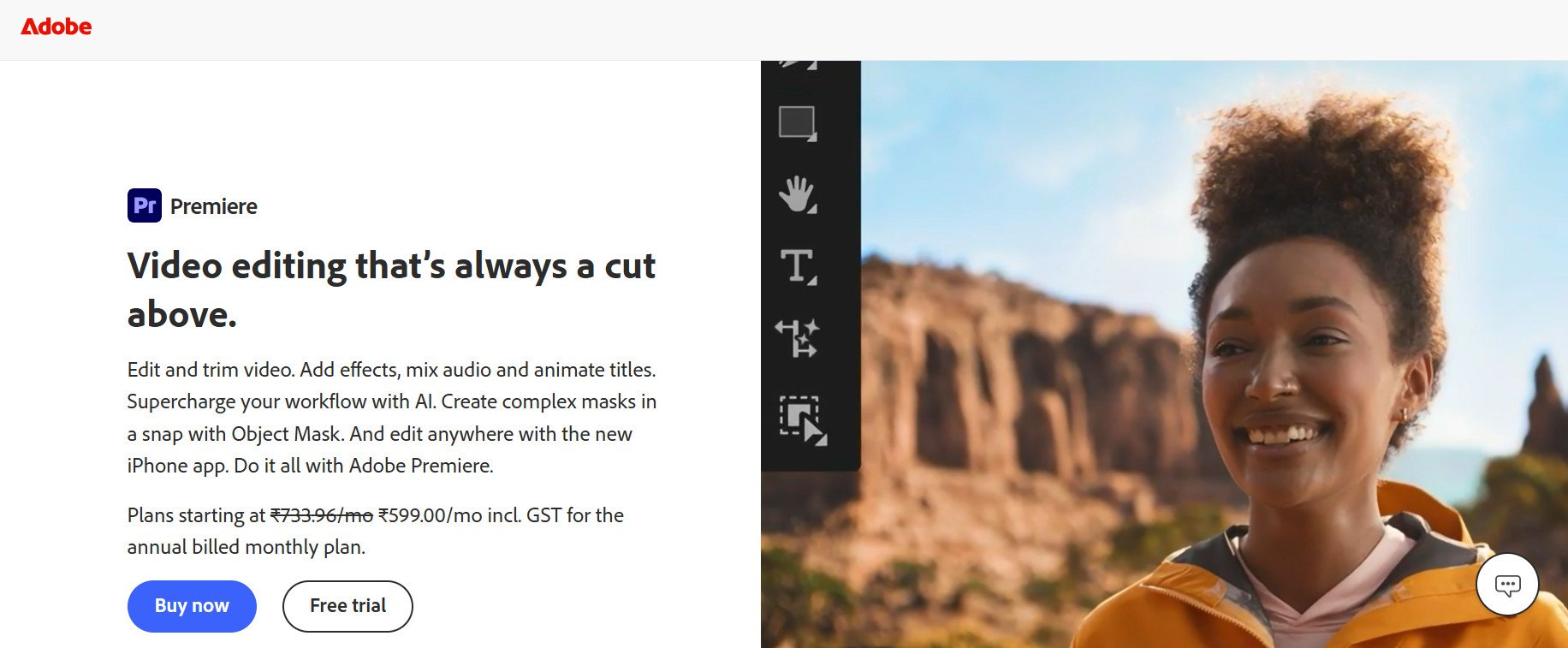
Adobe Premiere Pro sets industry standards with Ultra Key fine-tuning transparency, shadows, and spill for flawless composites across endless formats. After Effects integration flows seamlessly for motion graphics layering, and Auto Reframe keeps compositions tight across social aspect ratios. Precision controls demand practice but deliver broadcast quality.
Features:
- Ultra Key spill control.
- Auto Reframe tool.
- Format compatibility.
Also Read: 10 Best AI YouTube Video Summarizer
We hope that now you know the best free green screen software and Chroma key apps. Do not hesitate to drop a comment or suggestions in case you have any queries. Keep visiting TechCult to learn more tech-related walkarounds.