Filling out forms, testing software interfaces, farming resources in games, are some of the repetitive activities we do as Mac users. Clicking the same places hundreds of times can be boring and unproductive. Once the hand cramps start kicking in, you have no other way but to feel that there has to be a better method to go around doing the same tasks. An auto clicker is the best choice if you need to duplicate, schedule, or pre-program your clicks. They can take over these tasks and lessen your burden. If you are looking for some of the best auto clickers for Mac, then you’re at the right place. Let’s get started!

Best Auto Clickers for Mac in 2026
Say hello to better productivity and less workload with these top options.
1. iMouseTrick
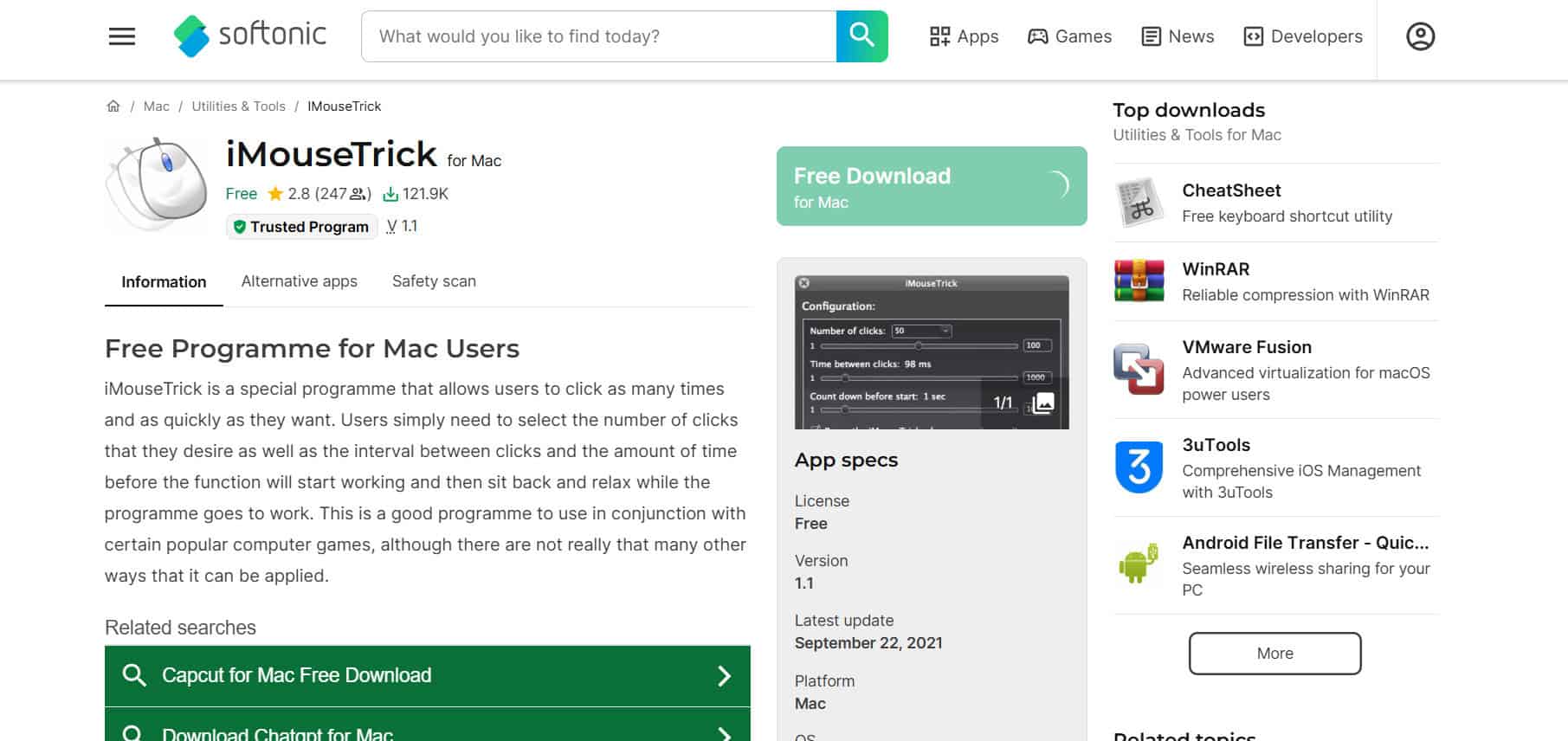
iMouseTrick keeps things simple and is great if you are just starting out with auto clickers on Mac. You can choose exactly how many clicks you want, set the delay between them, and even add a short timer before it starts. Once it is running, you can hide the window and pause the clicking while you work in other apps, adjusting values easily with slider-style controls.
2. Auto Clicker for Mac by MurGaa

Auto Clicker for Mac from MurGaa has been around for years and gives you plenty of control without feeling overwhelming. You can set how long to wait between clicks, limit the total number of clicks for games, and choose the action type, whether you want left, right, double click, or scroll up or down. It can be triggered with a keyboard shortcut or through the app itself, which makes it handy for beginners and intermediate users who are looking for one of the best auto clickers for Mac.
3. Dwell Clicker 2

Dwell Clicker 2 lets you click without actually pressing the mouse button. Move your cursor over a button, tab, or image, and it will trigger the click for you automatically. You can also use it to automate double clicks and directional actions, plus it supports recording and playing back keyboard shortcuts. A floating panel allows you to fine-tune the delay and behavior so it works the way you like.
4. Auto Clicker 1.0
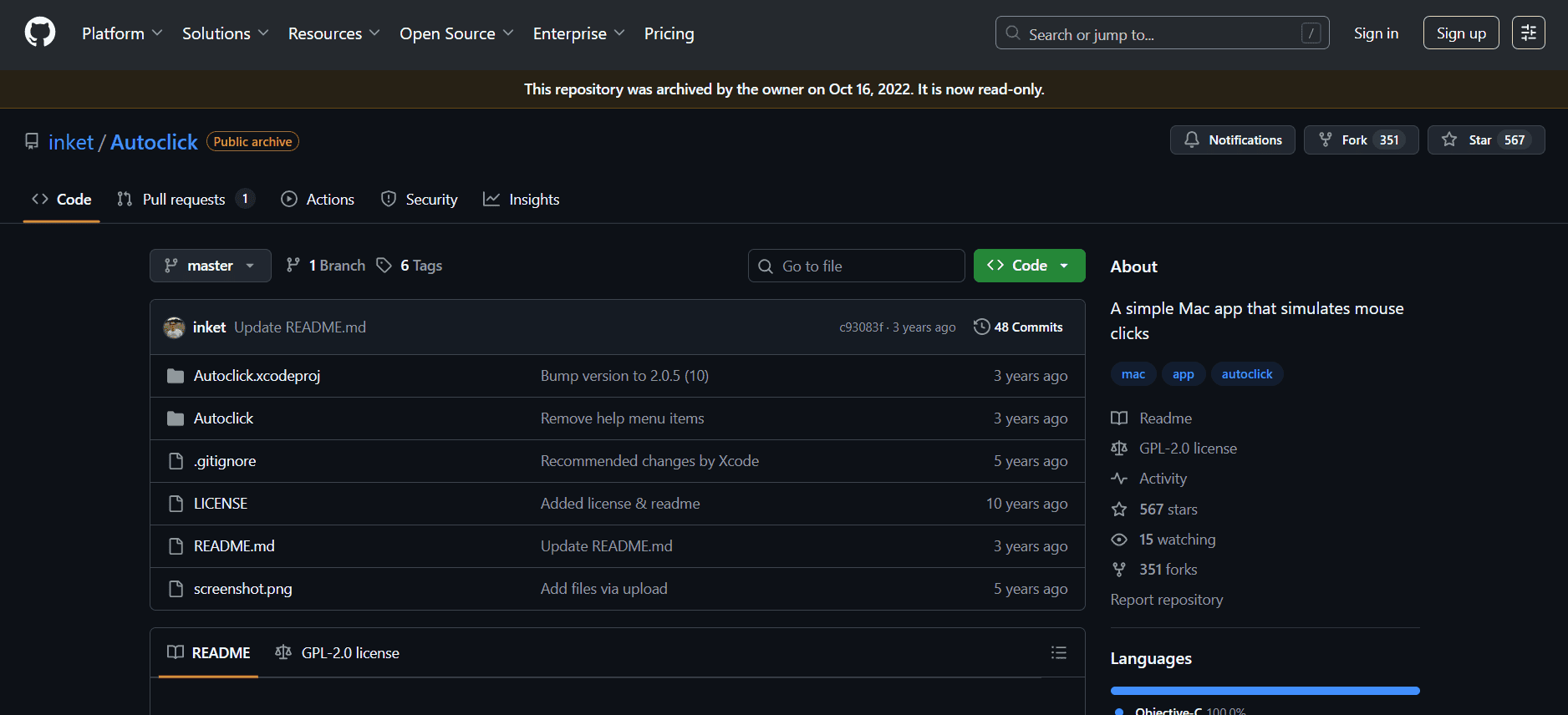
Auto Clicker 1.0 focuses on doing one thing well: repeating clicks at your current mouse position with minimal setup. It works on both Mac and Windows, so you can use it across devices to automate repetitive click tasks. You are able to define the time interval, click speed, and number of clicks, all through a straightforward interface that is easy to understand.
5. Mac Auto Clicker by Filehorse

Mac Auto Clicker from Filehorse gives you fine control over click timing, direction, and double clicks. You can set auto stop limits and adjust intervals without constantly typing exact numbers, which saves time when you are tweaking settings. The interface is clean and user friendly, although enabling it on macOS does require using an unofficial workaround, so it is better suited to users comfortable with that extra step.
6. Fast Auto Clicker by Murgaa
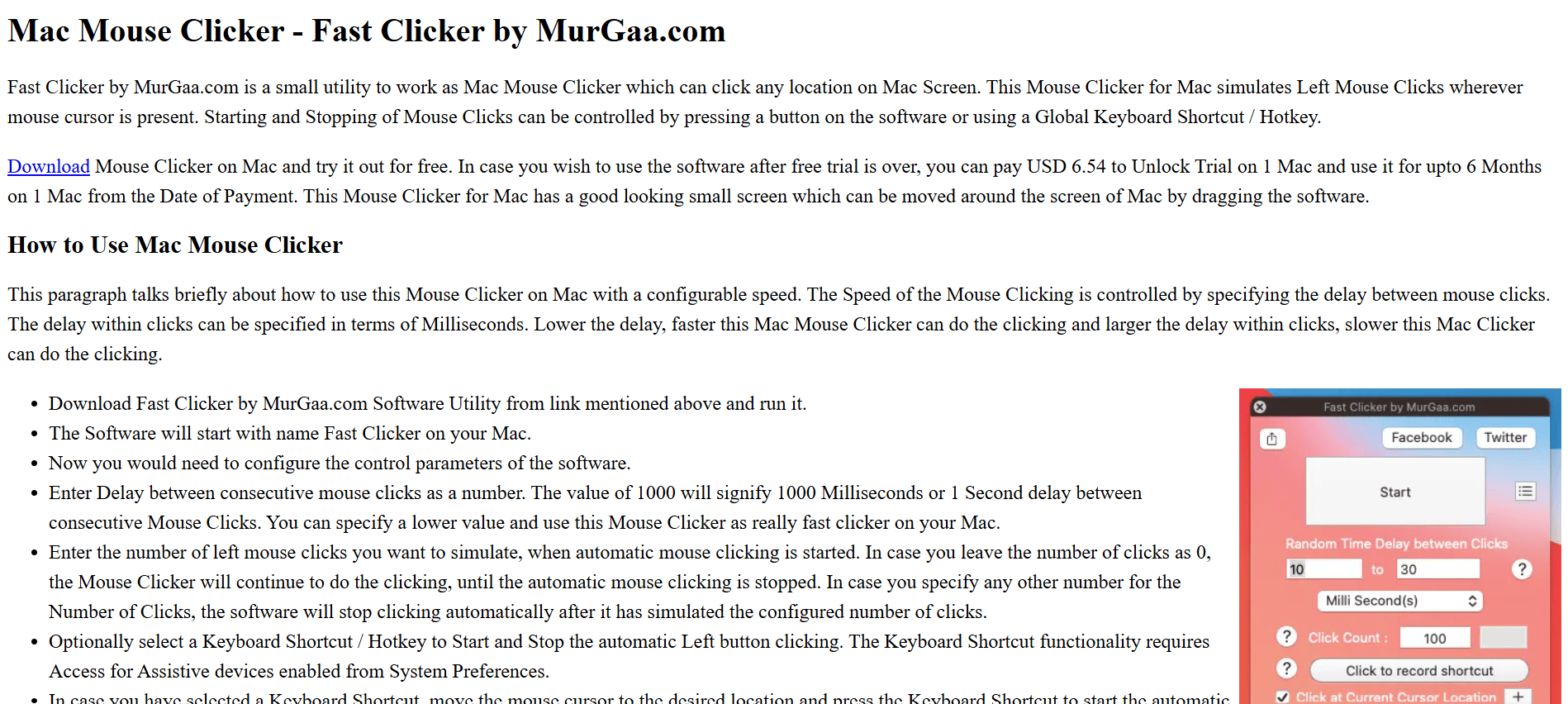
Fast Auto Clicker is a tiny tool that does one thing very well: fire off rapid clicks anywhere on your Mac screen. You can set a keyboard shortcut to start and stop it, choose how many clicks you want, and define the time gap between them. After it finishes the number of clicks you set, it stops on its own, which makes it handy for quick automation or click-heavy games.
7. Mac Random Mouse Clicker by Murgaa
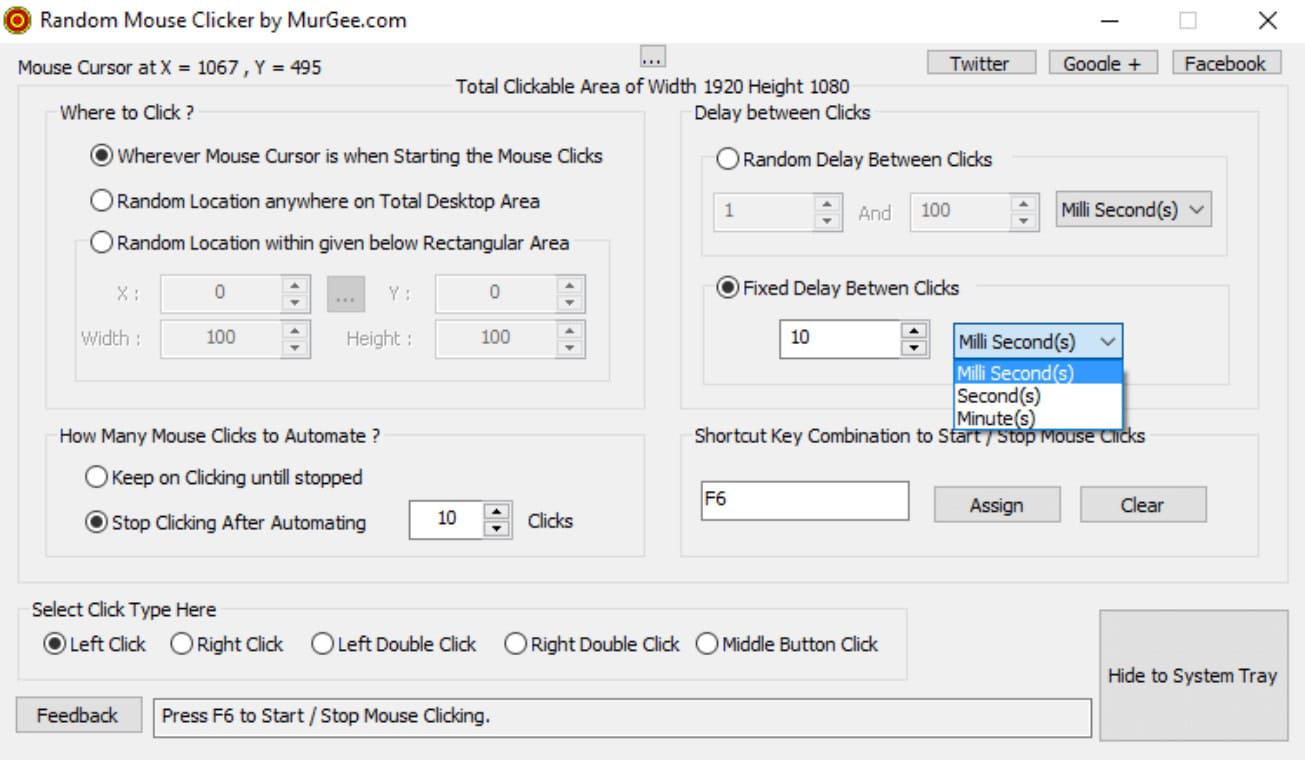
Mac Random Mouse Clicker lets you simulate left, right, or middle mouse clicks on your Mac with very little setup. You can hold buttons as long as you need, assign keyboard shortcuts to start and stop, and tweak whether delays between clicks are fixed or configurable. The interface is simple enough that even first-time users can get comfortable quickly, while the delay options make it one of the best auto clickers for Mac.
8. iClickMac

iClickMac is a lightweight auto clicker you can grab from the Mac App Store and run on most Mac versions. A small window lets you set the time gap between clicks, then you hit start and move your cursor wherever you want the clicking to happen. It is antivirus-checked, so it is safe and free of malware, and it includes useful extras like shortcut recording and different CPS sets. The downsides are that you cannot set intervals in milliseconds, and it only runs 20 clicks at a time before you need to restart it.
9. Mac Auto Clicker

Mac Auto Clicker is a more advanced but still easy-to-use option for automating unlimited clicks. You can define custom click patterns, precise time intervals in seconds or milliseconds, and even delay the start to give yourself time to get in position. It supports multiple ways to start and stop the action and lets you set timing between groups of clicks, not just single ones. Despite the powerful features, it is free to download and straightforward enough that gamers and power users can say it is one of the best auto clickers for Mac.
Also Read: 18 Best Auto-clicker Apps for Android Games
Now you will no longer have a difficult time figuring out the best auto clickers for Mac. For more helpful tips and tricks, stay tuned, and feel free to share your suggestions in the comments below.