Android emulators play a huge role in making your desktop an even better version of itself. They can transform and give access to any apps available on your phones. But with so many fake sites and malware concerns, one has to wonder what the current best safe Android emulator for Windows is. Don’t worry, today you will get all your answers!
Best Android Emulator for Windows (2026)
Now turn your computer into an Android phone with these top software.
1. NoxPlayer
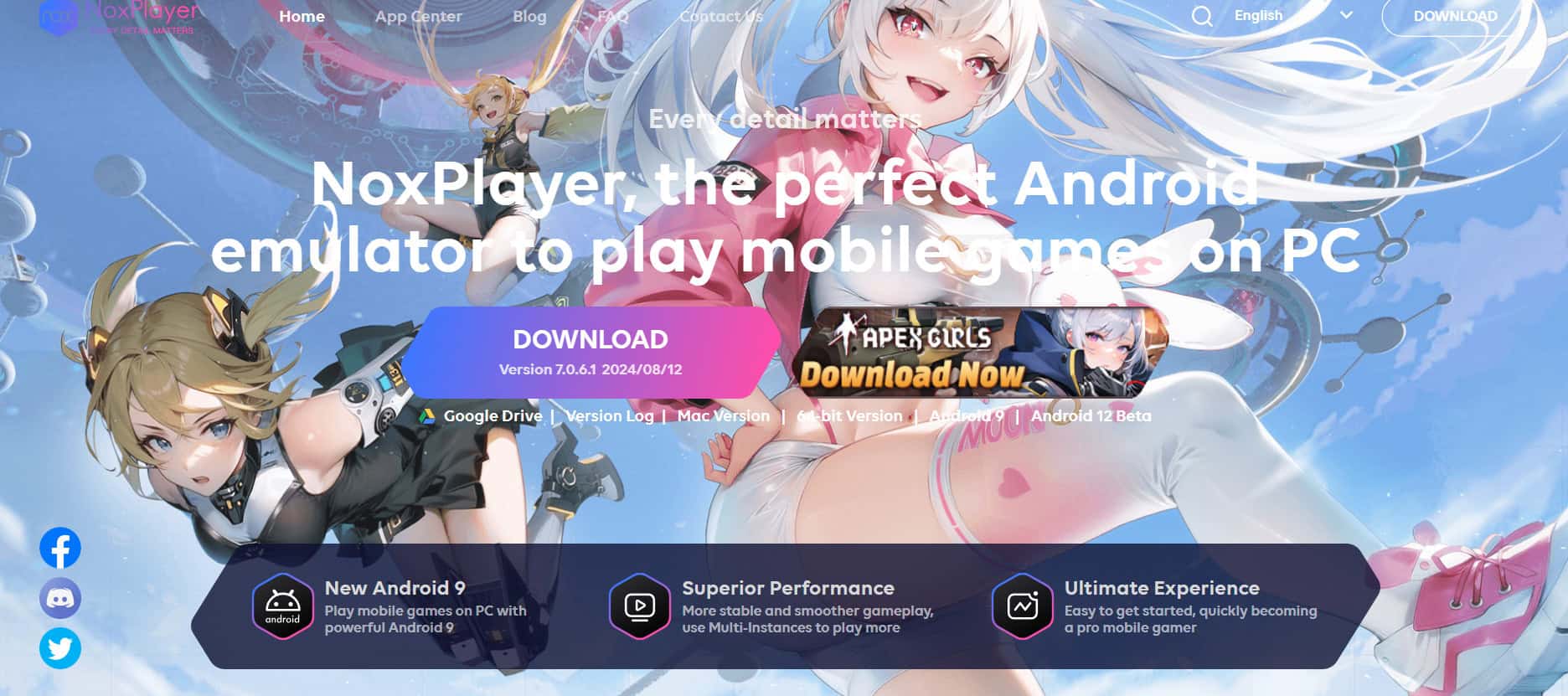
NoxPlayer strikes a balance between gaming performance and everyday Android app use on your PC. It brings multi-instance support, macro recording, gamepad and keyboard controls, plus customizable setups that work across a wide range of apps and games. You get virtual location tools and advanced button mapping too. While benchmarks sometimes show it lagging behind BlueStacks or LDPlayer, users stick with it for the easy customization and solid all-around flexibility.
2. Prime OS
Prime OS skips traditional emulation by running as a full Android-based operating system you install on your PC through dual boot or USB. That setup delivers native Android performance without any overhead, perfect for gaming or productivity tasks. You get true OS-level speed that feels built right into your machine.
3. Genymotion
Genymotion targets developers with cloud-based Android machines and strong testing features for QA teams or CI/CD pipelines. Configure multiple virtual devices picking Android versions, screen sizes, and sensors as needed. Pricing leans business-oriented and setup takes some work, but the scalability beats local emulators for serious development work.
4. Bliss OS
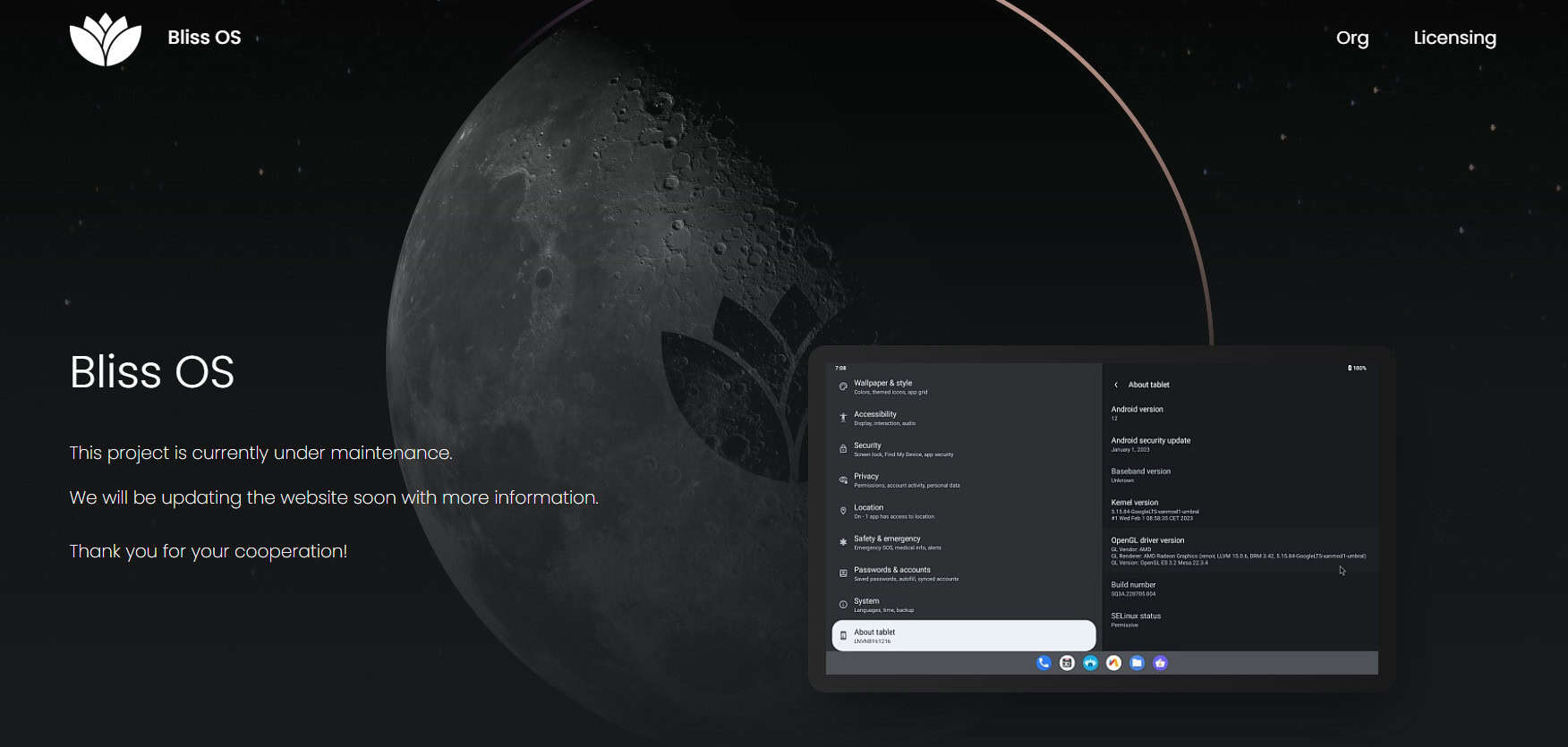
Bliss OS transforms your PC into a customizable Android operating system you boot from USB or install alongside Windows. It gives you deep control over the Android environment for testing, development, or custom workflows. Performance depends on your hardware and install method, but the freedom to tweak everything stands out big time.
5. BlueStacks
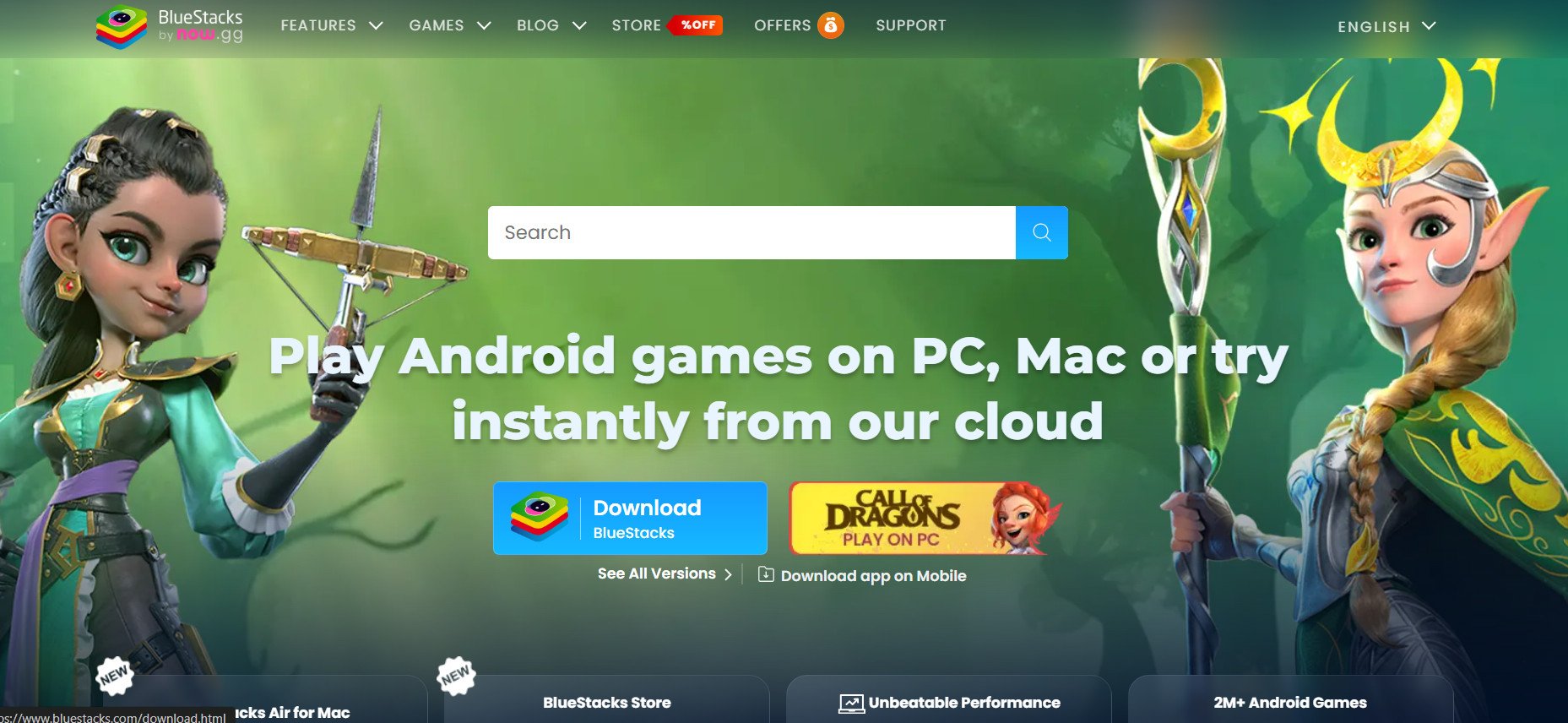
BlueStacks tops most “best Android emulator” lists thanks to its powerful performance on Windows and macOS with Google Play Store access plus APK support. It runs Android apps and games smoothly while offering key mapping, multi-instance running, and eco mode to cut resource use. Casual users and hardcore gamers both find what they need here.
6. LDPlayer
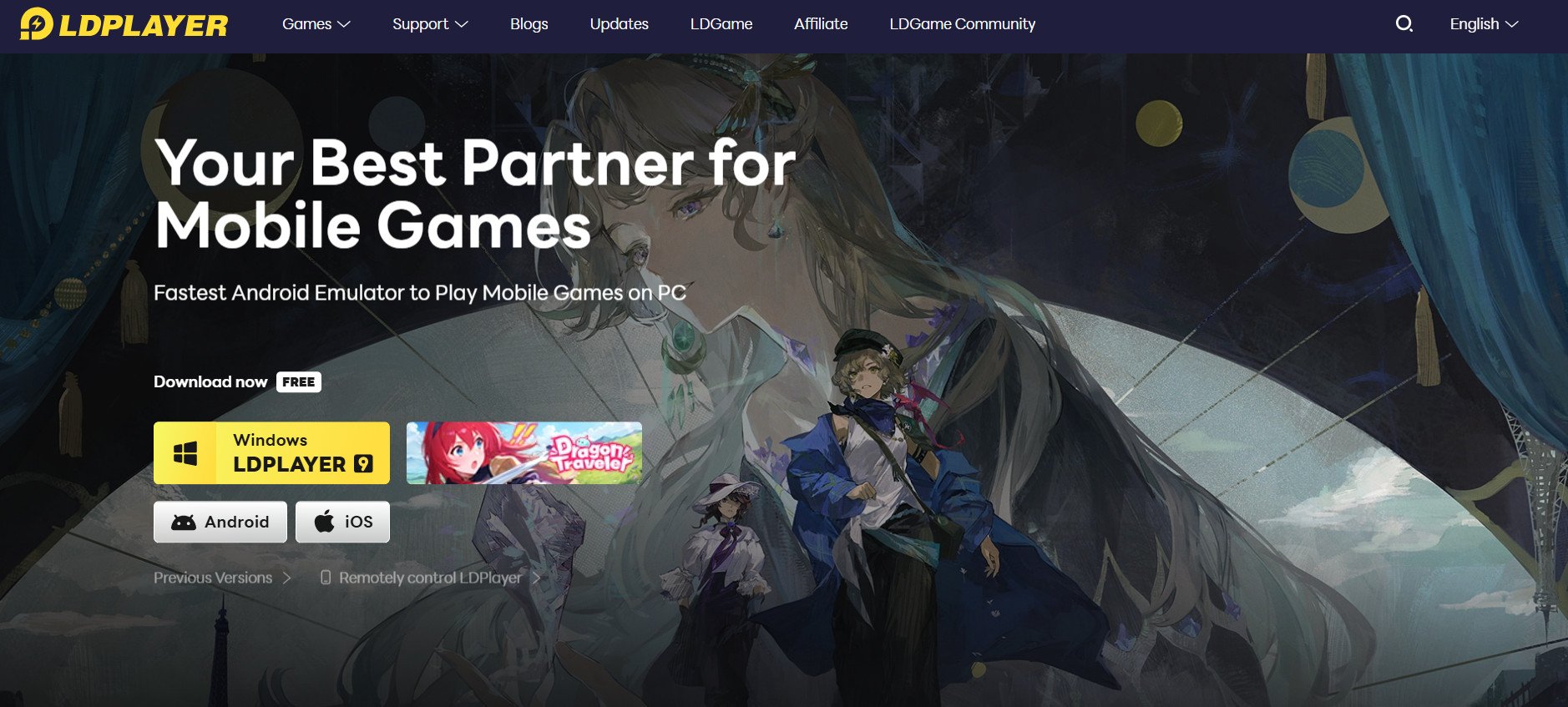
LDPlayer focuses on raw gaming speed, offering one of the fastest Android emulators with high frame rates up to 240 FPS with interpolation. Keyboard, controller mapping, and macro tools shine in demanding titles like PUBG Mobile or Free Fire. It runs well even on mid-range systems, which keeps competitive gamers coming back.
7. MEmu Play
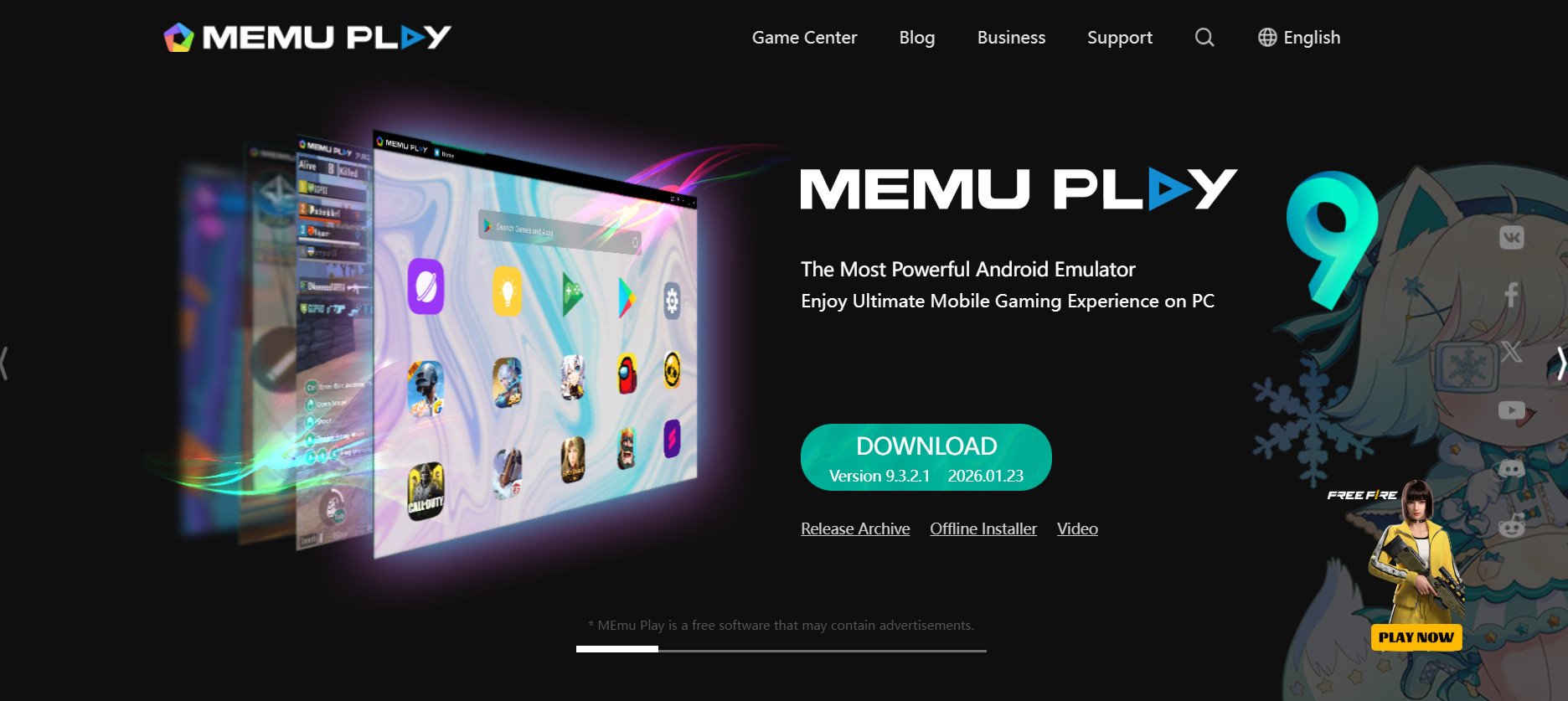
MEmu Play holds up strong as an Android emulator for Windows with solid support for both AMD and Intel chips. It handles apps and games equally well through an intuitive interface that feels smooth right away. Frame interpolation delivers real results. I tested Free Fire at native 60 FPS and bumped it to 120 FPS with interpolation on. The smoothness jumps out immediately with no extra input lag.
8. GameLoop
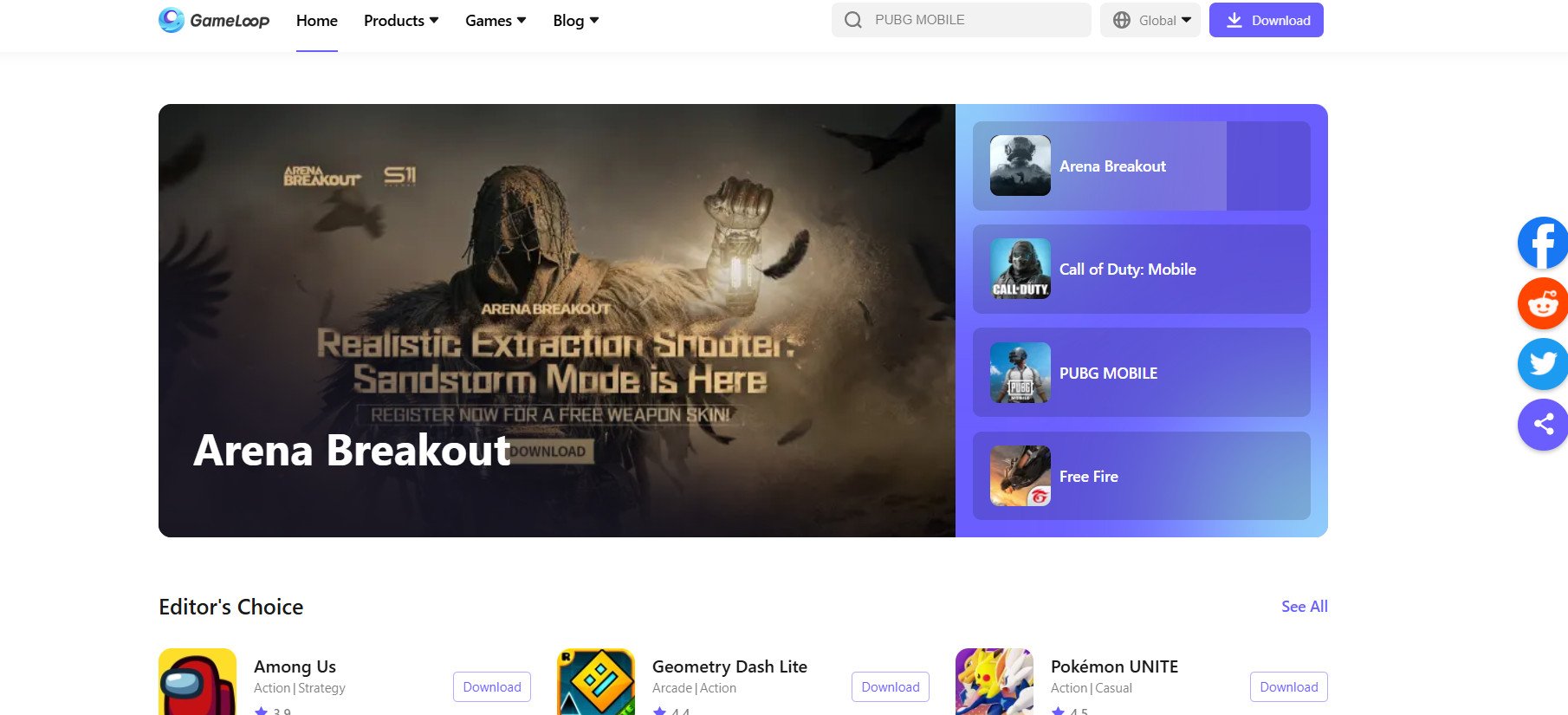
GameLoop serves as the official Android emulator for gaming hits like PUBG and Call of Duty Mobile, built straight by Tencent. It packs a special anti-cheat system to keep matches fair across the board. Speeds crush it for those specific titles, giving you the smoothest experience with guaranteed compatibility. Stick to these games and you won’t find better.
9. Droid4x
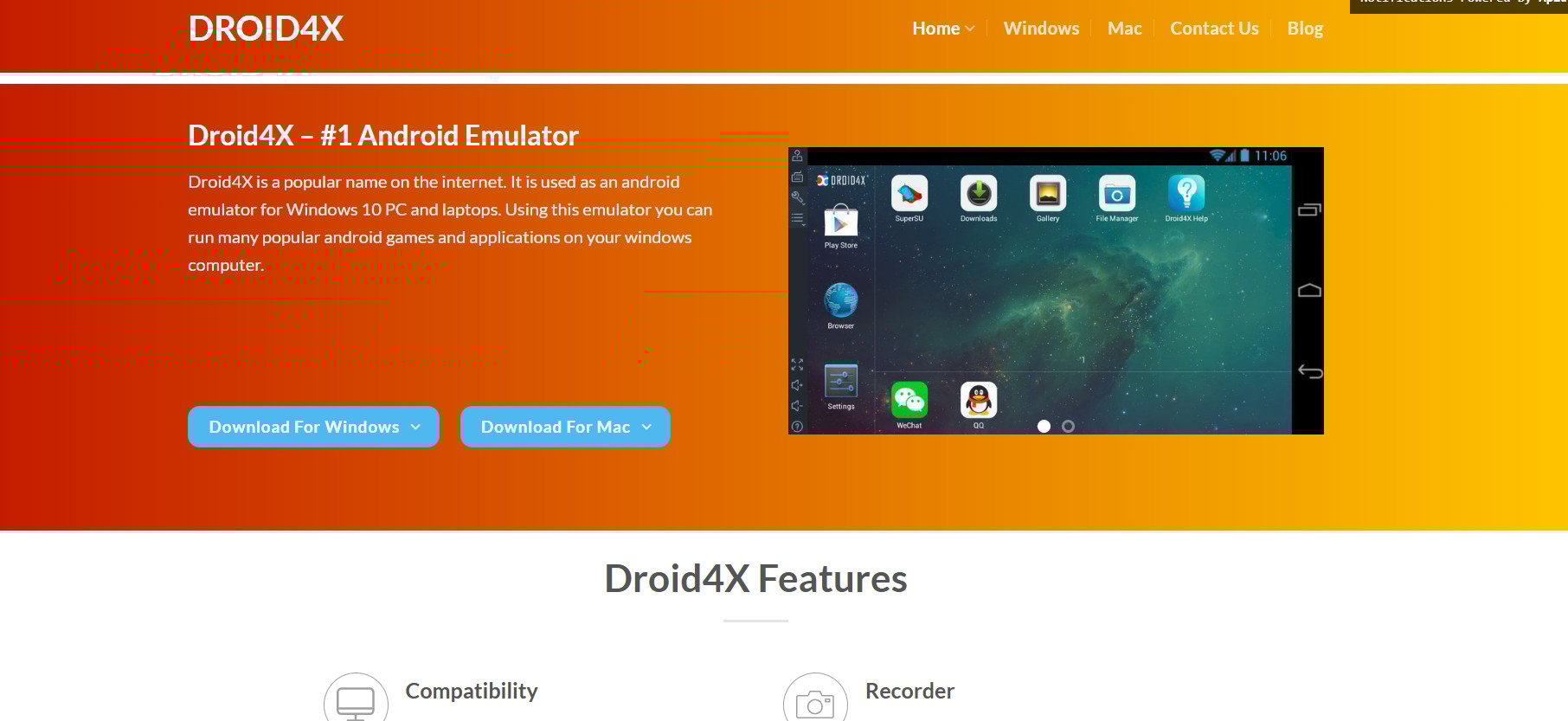
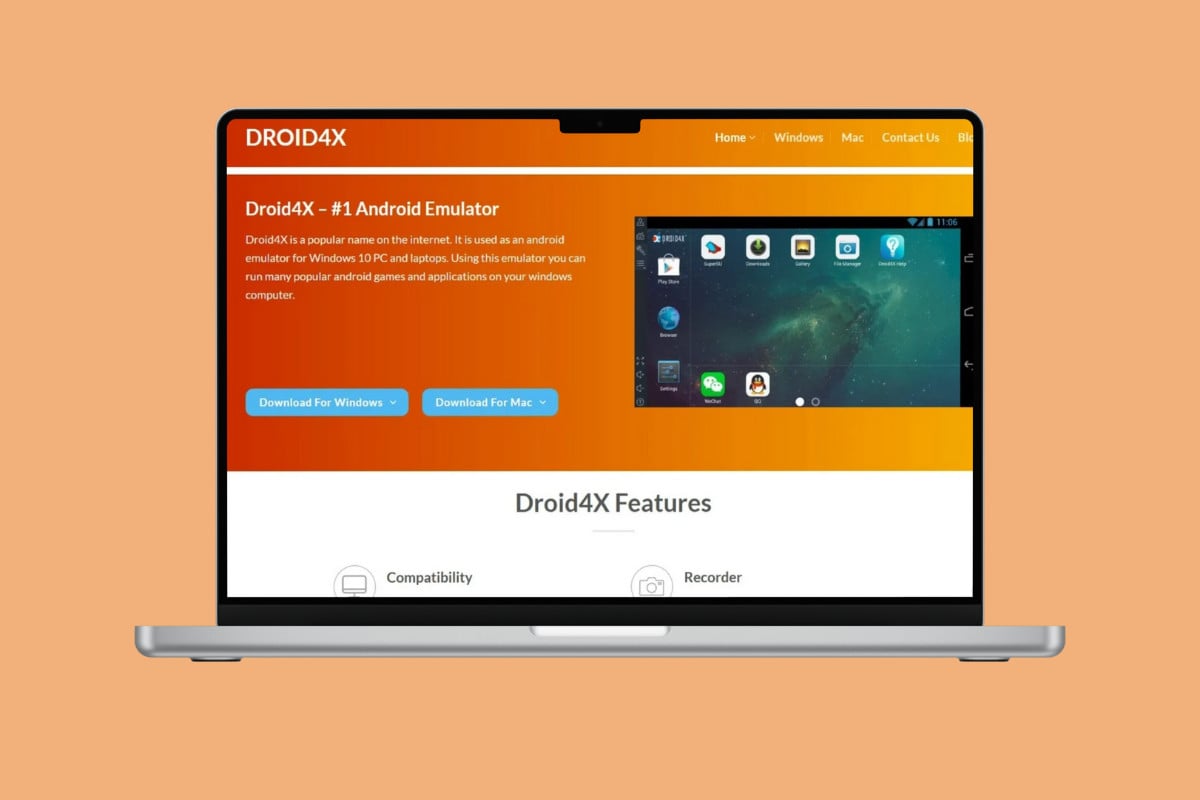
Droid4X turns Windows PCs into Android hubs for mobile apps and games from XP to 10. It handles most Play Store titles like Clash of Clans or Subway Surfers with custom controls and direct app downloads. Runs on Android 4.2 or above and just needs 2GB RAM to crank your PC into a gaming beast.
10. ARChon
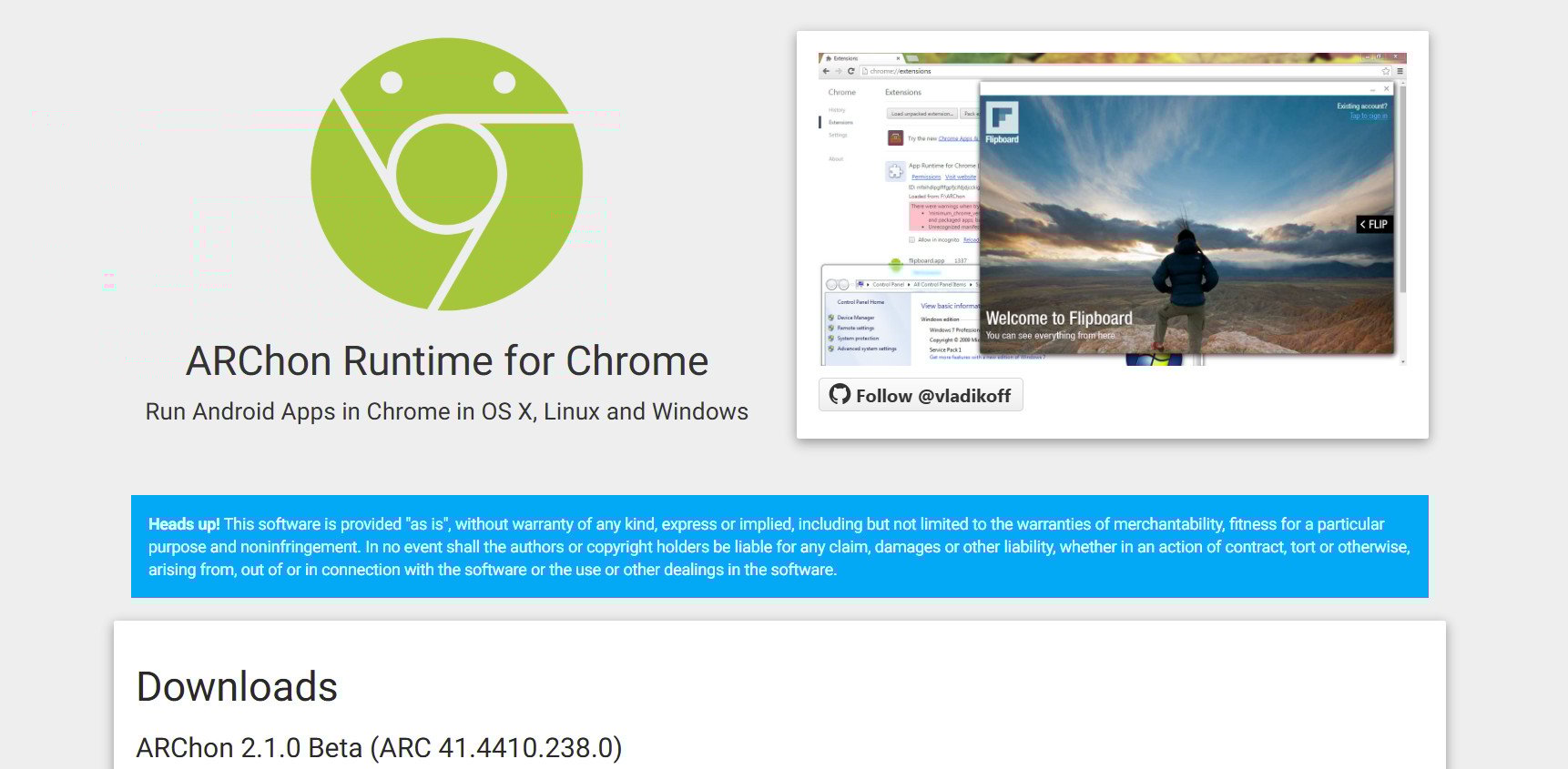
ARChon keeps things ultra-lightweight by running Android apps right inside the Google Chrome browser without any heavy installs. Load unpacked APKs converted through the chromeos-apk CLI and you’re good to go. Limited to Android 7 APIs without hardware acceleration, but it works great on locked-down IT laptops where software installs get blocked.
11. Ko Player
Ko Player ranks high for Windows 7 and up, especially running games like Call of Duty or Subway Surfers smoothly. Plug in gamepads, keyboards, or other peripherals for full immersion. It only needs a dual-core AMD or Intel CPU with 2GB RAM and runs Android 4 or higher. Match those specs, and you unlock everything without hiccups.
12. Android Studio Emulator
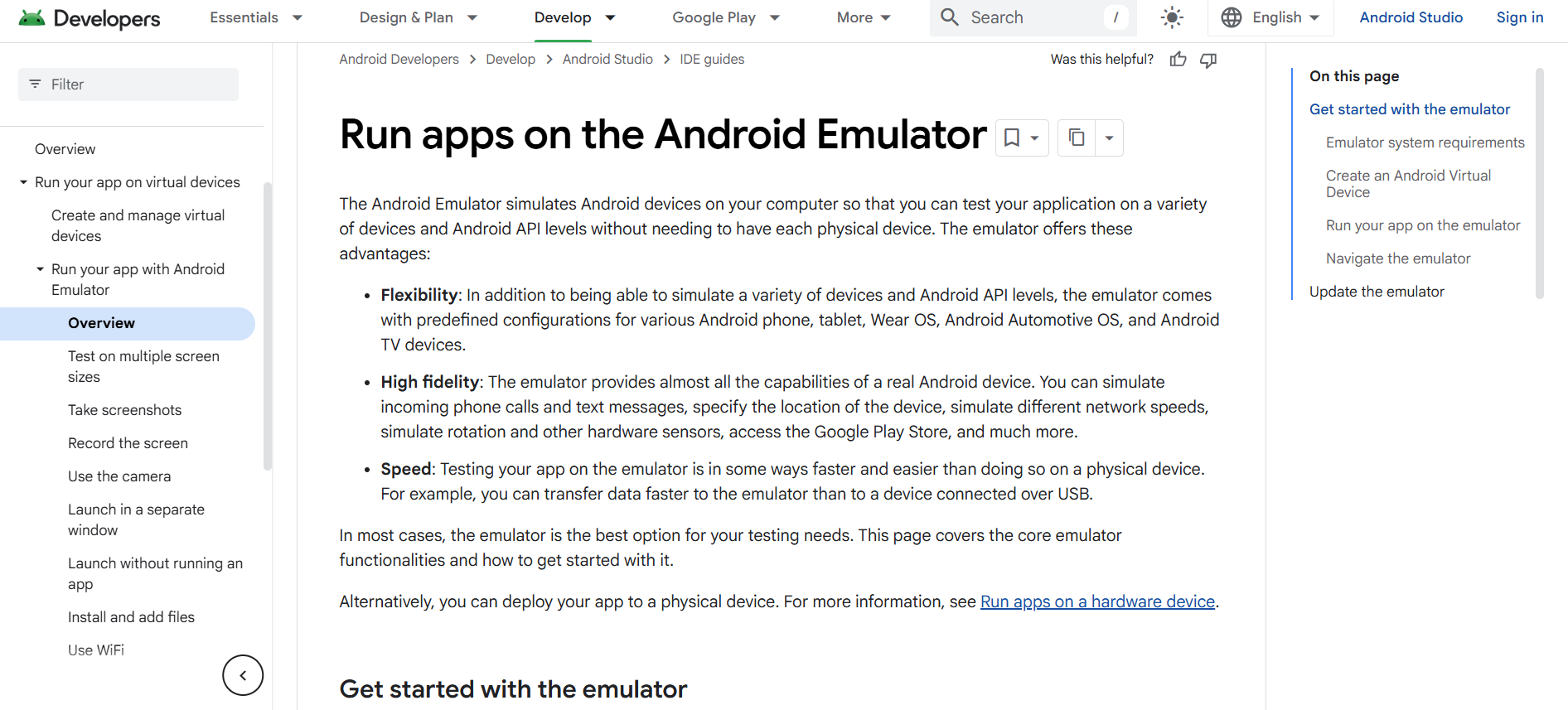
Android Studio Emulator comes straight from Google as the official tool built right into Android Studio for developers testing apps. It lets you try different Android versions and virtual device setups with deep ties to SDK tools. You can mimic screen sizes, OS versions, hardware configs, plus sensors like GPS, accelerometer, and battery levels. Access stays open to the newest Android versions too.
13. Xamarin Android Emulator
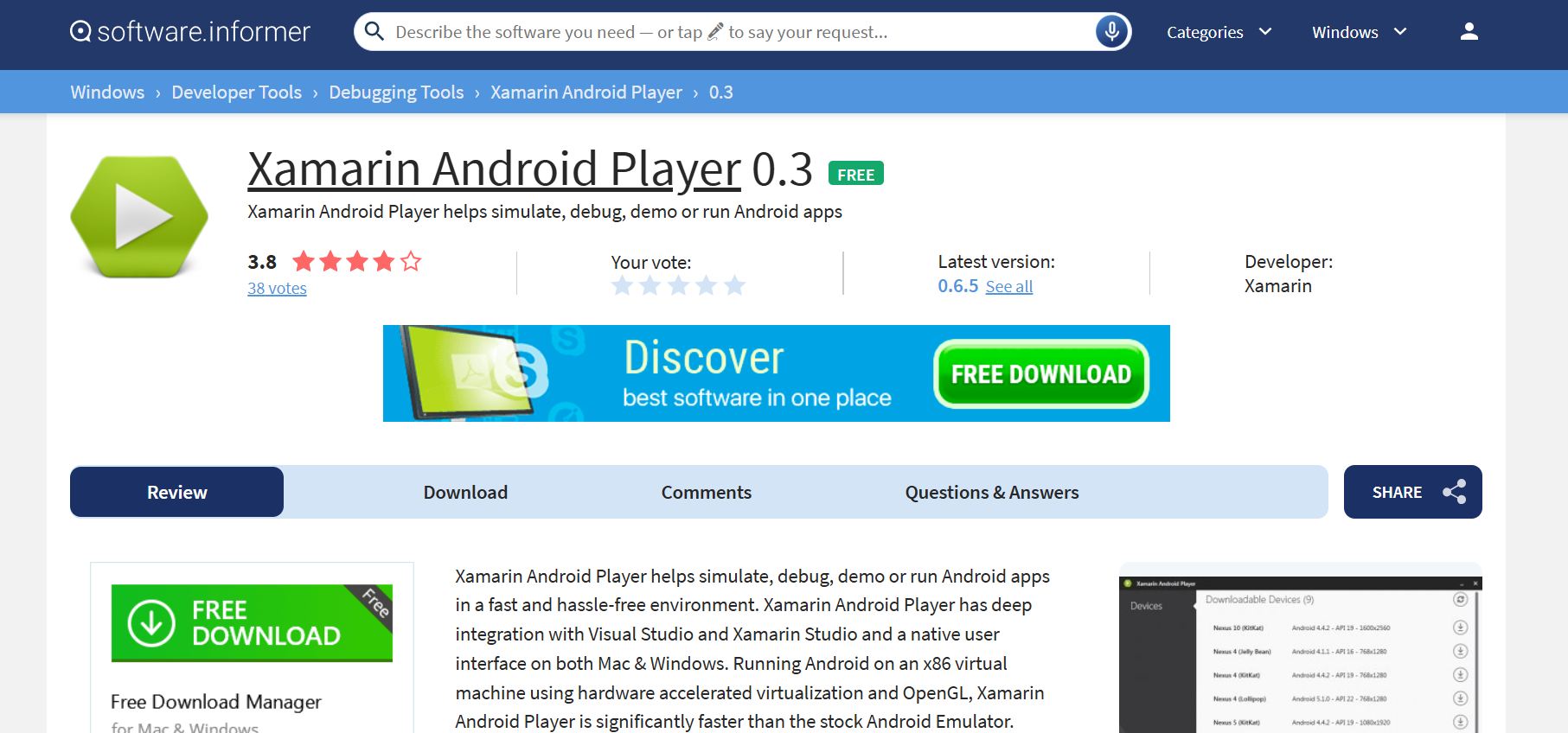
Xamarin Android Emulator fits right into Microsoft’s world for pros using Visual Studio. Developers lean on it hard for enterprise AI projects and building heavy-duty apps. Stays your go-to if you’re already in that ecosystem, creating serious stuff.
Also Read: 17+ Best KeepVid Alternative Sites (2026)
Now that you have seen the best safe Android emulator for Windows, we hope your doubts are cleared with the methods shown in this guide. Keep visiting TechCult to know the latest tech walkarounds. If you have any queries or suggestions, do reach out to us in the comment section.