Real software geeks recognise Softonic as one of the internet’s oldest software download portals. For years, people relied on Softonic to find everything from essential utilities to obscure freeware tools they couldn’t locate elsewhere. But Softonic’s reputation has taken serious hits over time. From ads to misleading download buttons, not everyone trusts the platform anymore. This is when exploring the best Softonic alternatives becomes important to get any software on your device. Let’s show you some of the top options today!

20 Best Softonic Alternatives
Want a safe alternative to Softonic? Start with official sources first, then use reputable app stores or download directories. Below are the best options plus what each one is best for, so you don’t end up clicking shady “Download” buttons or bundled installers.
1. Official Software Websites
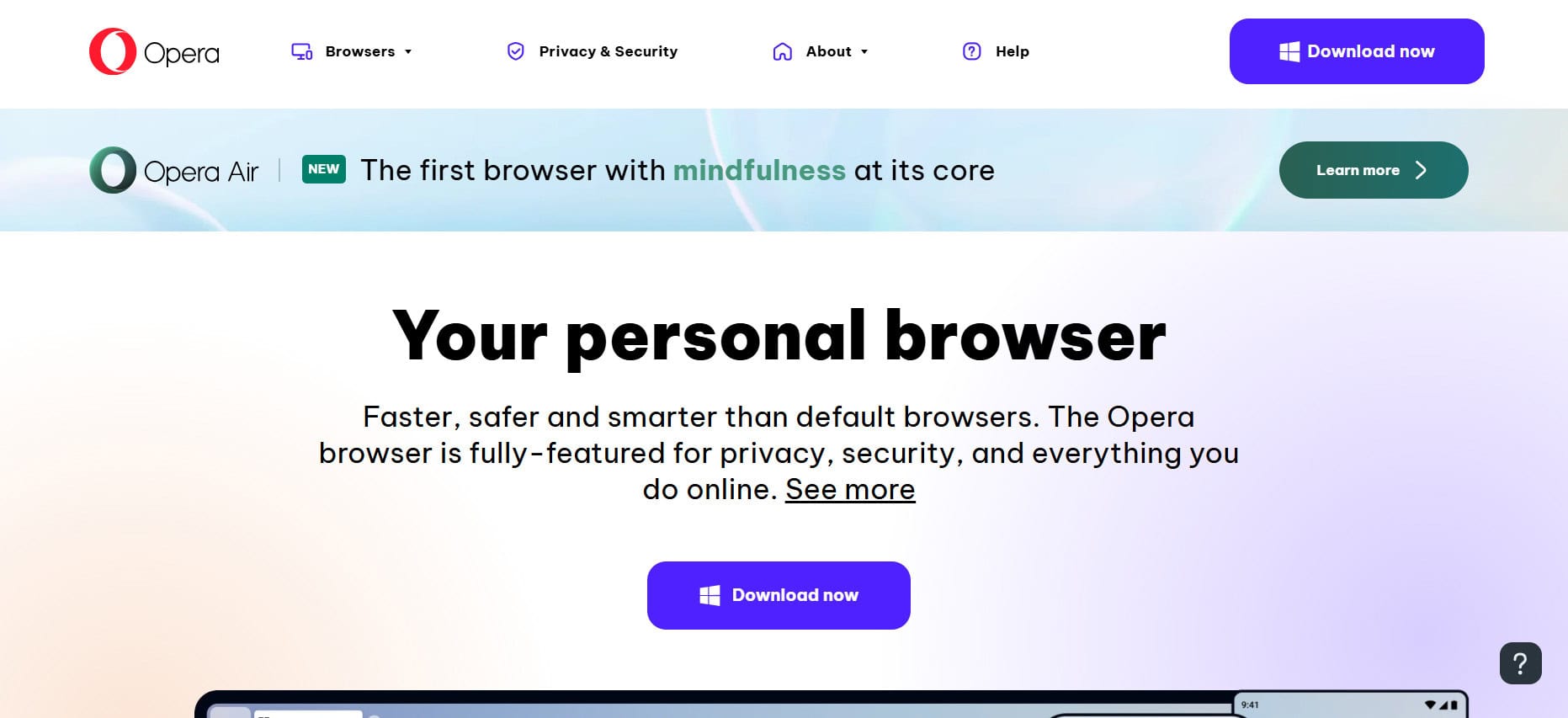
Getting any software directly from the official companies websites makes it is your safest bet for software like browsers or media players. When you search for an app, the real website usually pops up first in Google’s results, but always check the web address to make sure it’s legit. Some official sites try to sneak in extra programs during installation, so pay attention to what boxes you’re clicking. You won’t get any nasty surprises if you stick to the source. This method works great when you know what you’re after and don’t want to take any chances.
2. Microsoft Store

The Microsoft Store has gotten way better lately, especially with Windows 11. You’ll find tons of free apps that update themselves automatically, which is pretty convenient. Apps from the Store run in their own protected space, so they can’t accidentally break other stuff on your computer. Since Microsoft controls what gets listed, it’s basically the safest place to download Windows software. You might be surprised by what’s available beyond the obvious stuff. Worth checking before you go hunting for the best Softonic alternatives elsewhere.
3. Ninite

Ninite makes it dead simple to install a bunch of programs at once without dealing with annoying toolbars or bundled garbage. You just pick what you want from their website, download one file, and let it handle everything. No spam, no hidden extras, no nonsense. People who know computers love it, but it’s straightforward enough for anyone to use. Really shines when you’re setting up a new computer and need to get all your basics installed quickly.
4. FileHippo
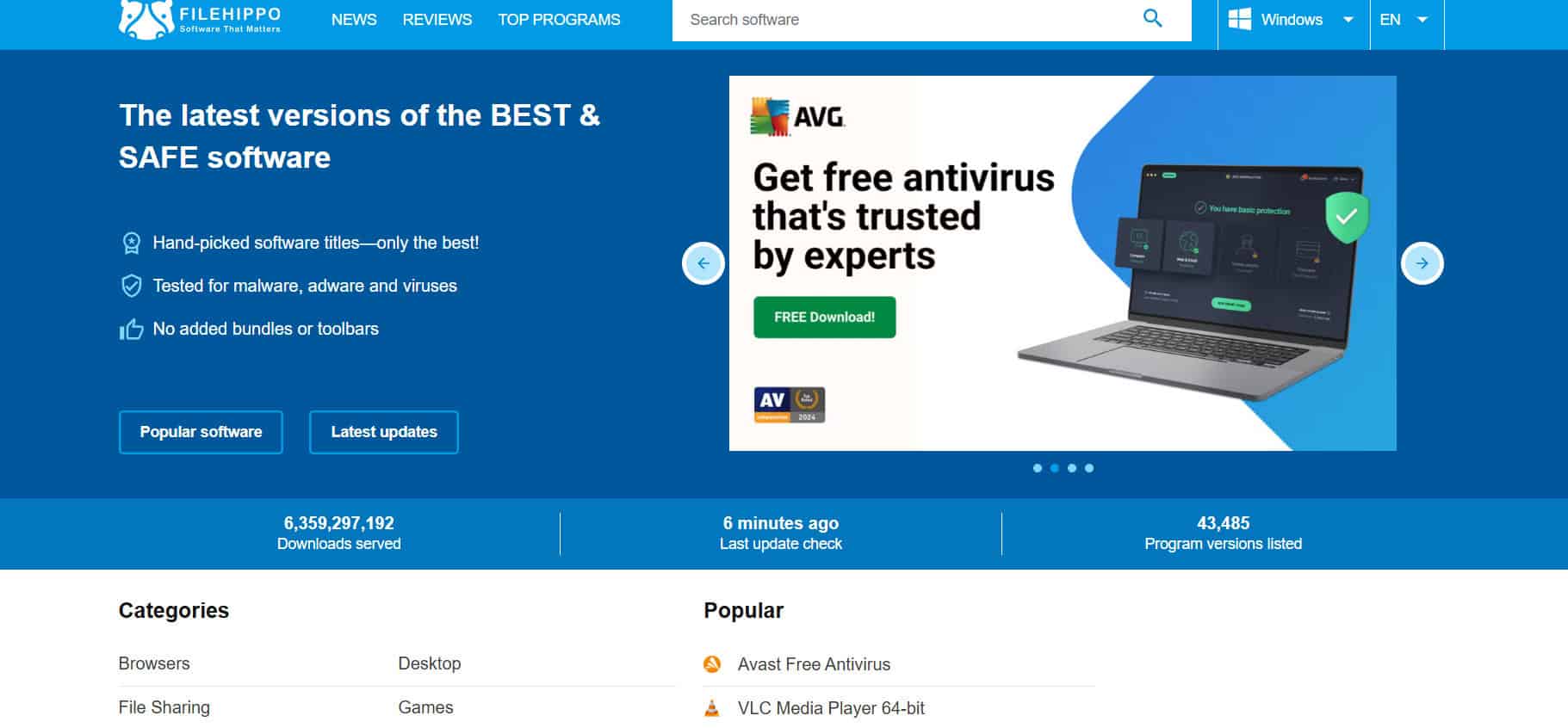
FileHippo keeps a solid collection of current software versions, and they also archive older ones if you need something specific for an older system. The site loads fast and doesn’t bombard you with sketchy pop-ups. Each program page shows you the version details and what it needs to run properly. People keep coming back because the downloads are clean and the site does a good job of screening for malware. It’s a reliable spot for updates.
5. FilePuma
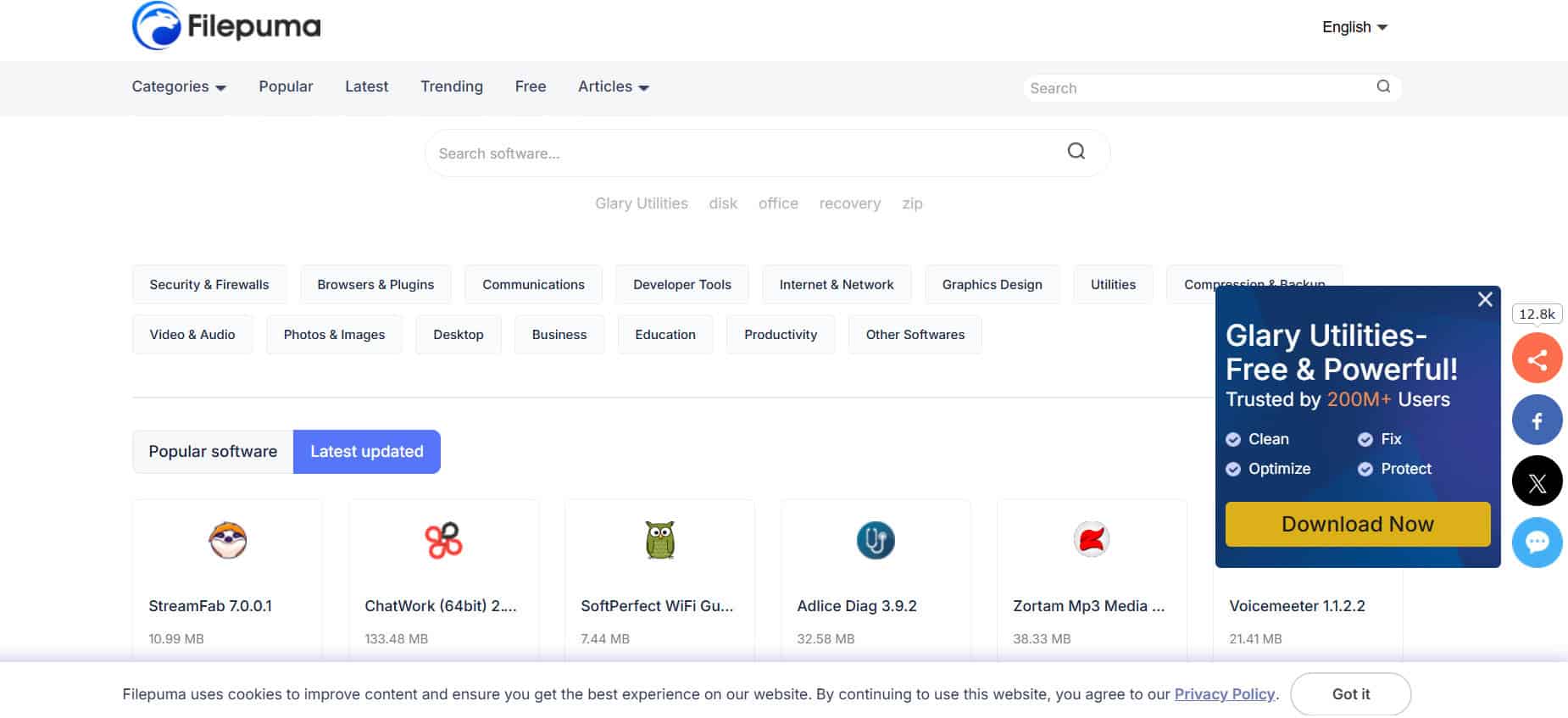
FilePuma works similarly to FileHippo but keeps things even more streamlined with better organization. Finding what you need is easier because everything’s sorted clearly. They’ve got this little tool that checks your PC for outdated software and points you straight to the new versions. It only covers Windows, but that narrow focus actually helps keep the quality consistent, making it one of the best Softonic alternatives.
6. FileHorse
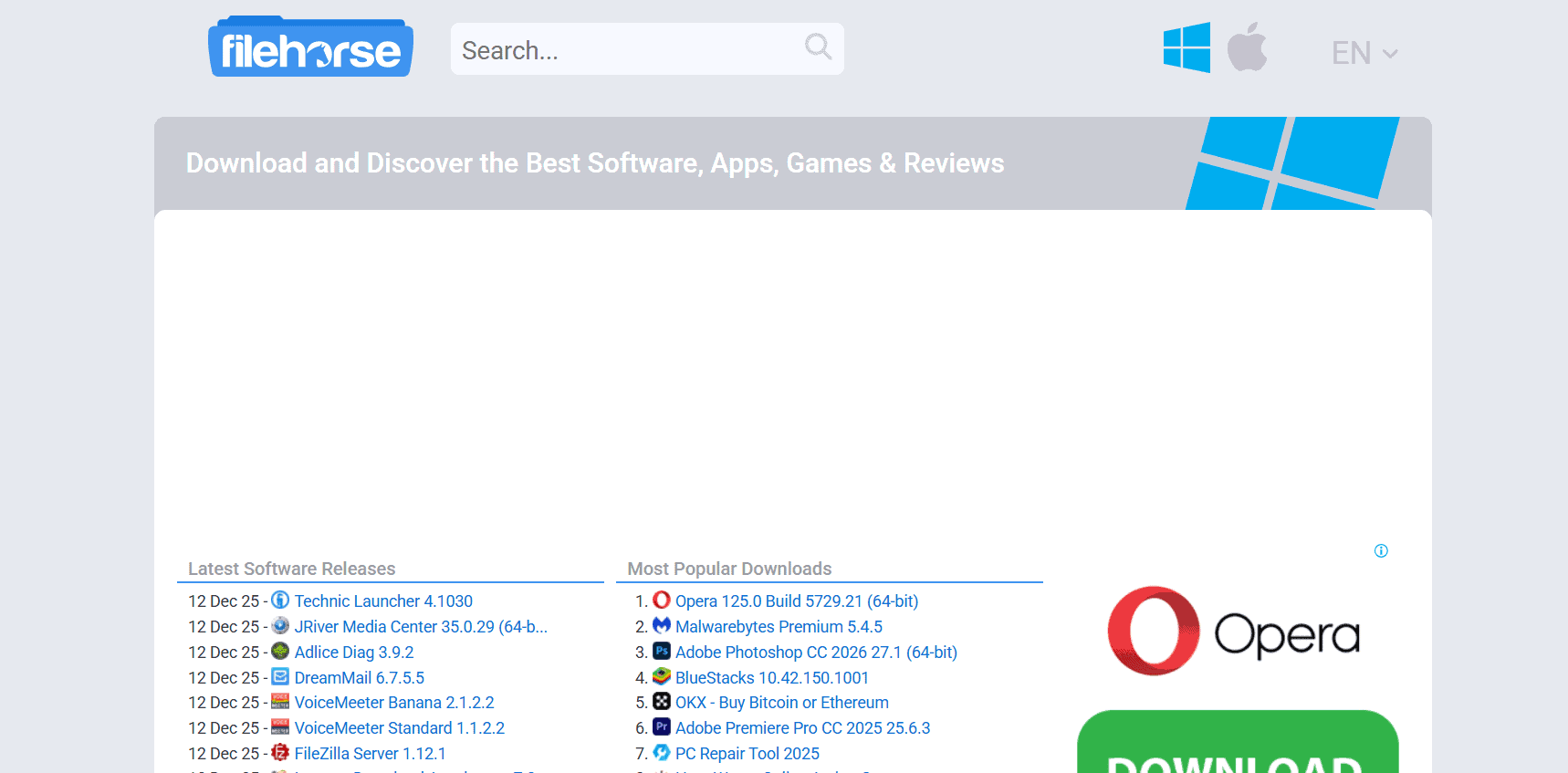
FileHorse doesn’t try to list every piece of software ever made. Instead, they stick to popular, commonly used programs. The front page shows recent updates to major apps, and individual pages have screenshots, compatibility info, and version history. Since they focus on well-known software, you’re less likely to stumble onto something sketchy. The straightforward design helps you confirm you’re getting the right thing.
7. Download Crew

Download Crew puts effort into reviews and detailed information about each program, which helps when you’re trying to decide what to get. Sometimes finding a specific app takes a bit of clicking around, but once you do, downloading is simple. The extra context is useful when you’re not totally sure what you need. It’s a bit more interactive than other sites, which some people appreciate even if navigation could be smoother.
8. Softpedia

Softpedia makes it easy to filter by operating system right away. Search for what you want, pick your system, then browse through free or paid options to narrow things down. Everything they list is current, and they include drivers and utilities alongside regular programs. The organized sections save you time when you need something that actually works with your setup. They verify what they host, so security is solid. The tech news sections are a nice bonus if you like to know what one of the best Softonic alternatives is.
9. Download.CNET

Download.CNET has millions of programs and games in a clean, searchable interface that tons of people use. You can browse or search directly, and you’ll see version info and previews before downloading. The site doesn’t throw aggressive ads at you or use confusing redirects. Their reputation helps keep sketchy software out, and the selection covers pretty much everything from work tools to entertainment. It’s big enough that you’ll usually find what you’re looking for.
10. SnapFiles
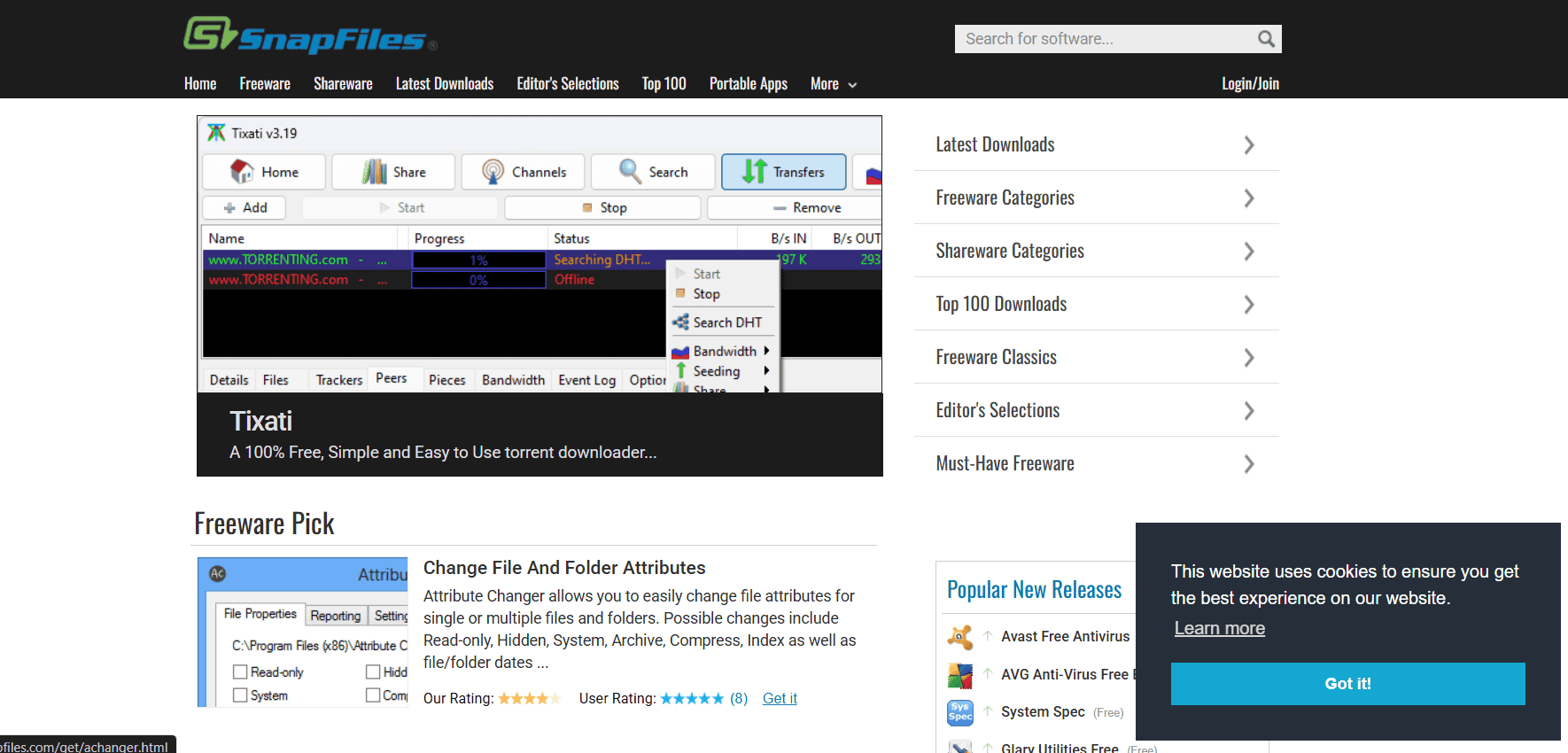
SnapFiles picks quality programs instead of just listing everything out there. They highlight a free app every day, which is a fun way to discover new tools. Separate sections for new releases and updates make it easy to stay current. They take security seriously and scan everything to keep malware out. Categories and ratings help you find good stuff faster. It feels more like getting recommendations from someone knowledgeable than just browsing a database.
11. FOSSHUB
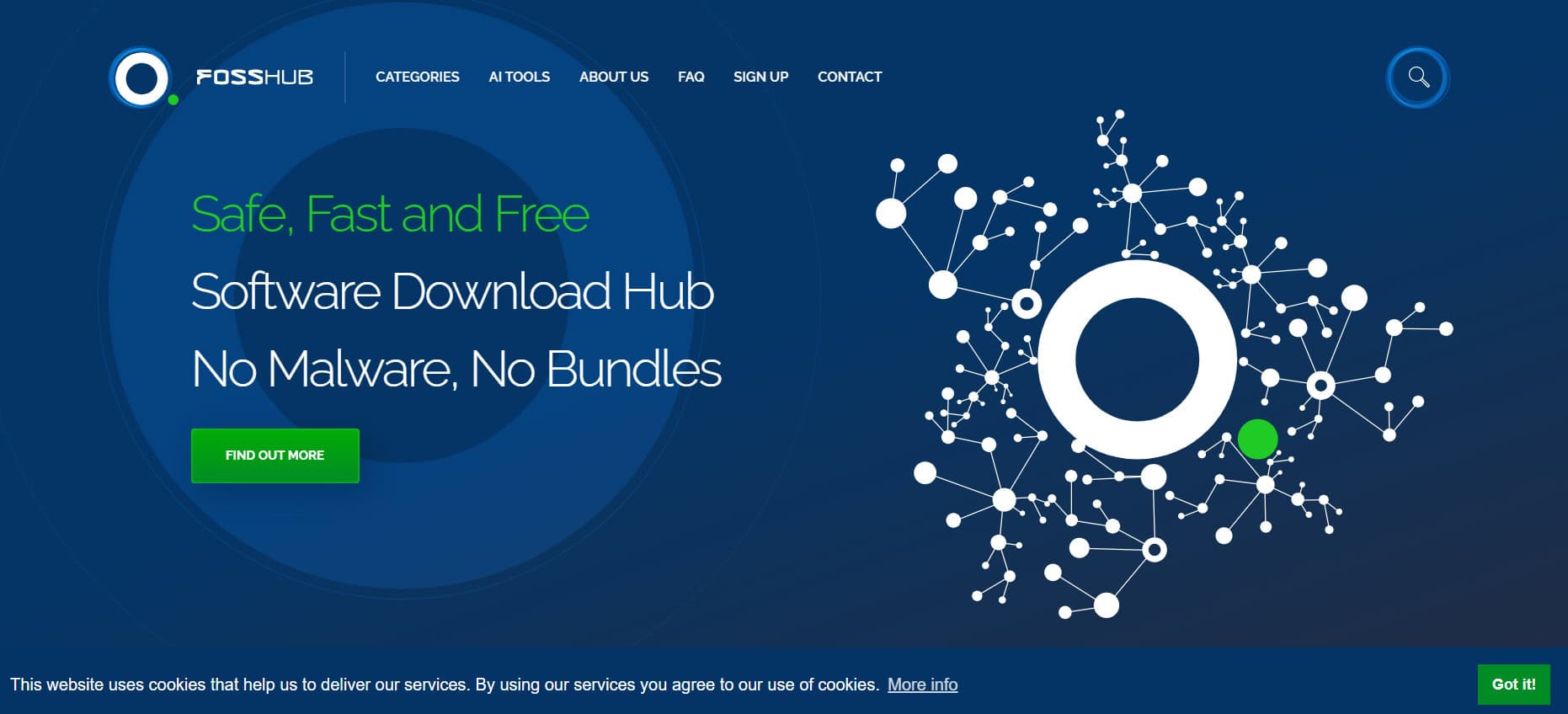
FOSSHUB doesn’t try to host everything under the sun. They keep their selection focused and scan every file thoroughly for malware. Over ten years of clean downloads have earned them millions of users worldwide. Developers upload their software directly, so you get the real thing without any middleman messing with it. If you want straightforward, secure downloads without the runaround, this is a solid choice. The site is one of the best Softonic alternatives and loads quickly, even if your internet isn’t great.
12. Donation Coder
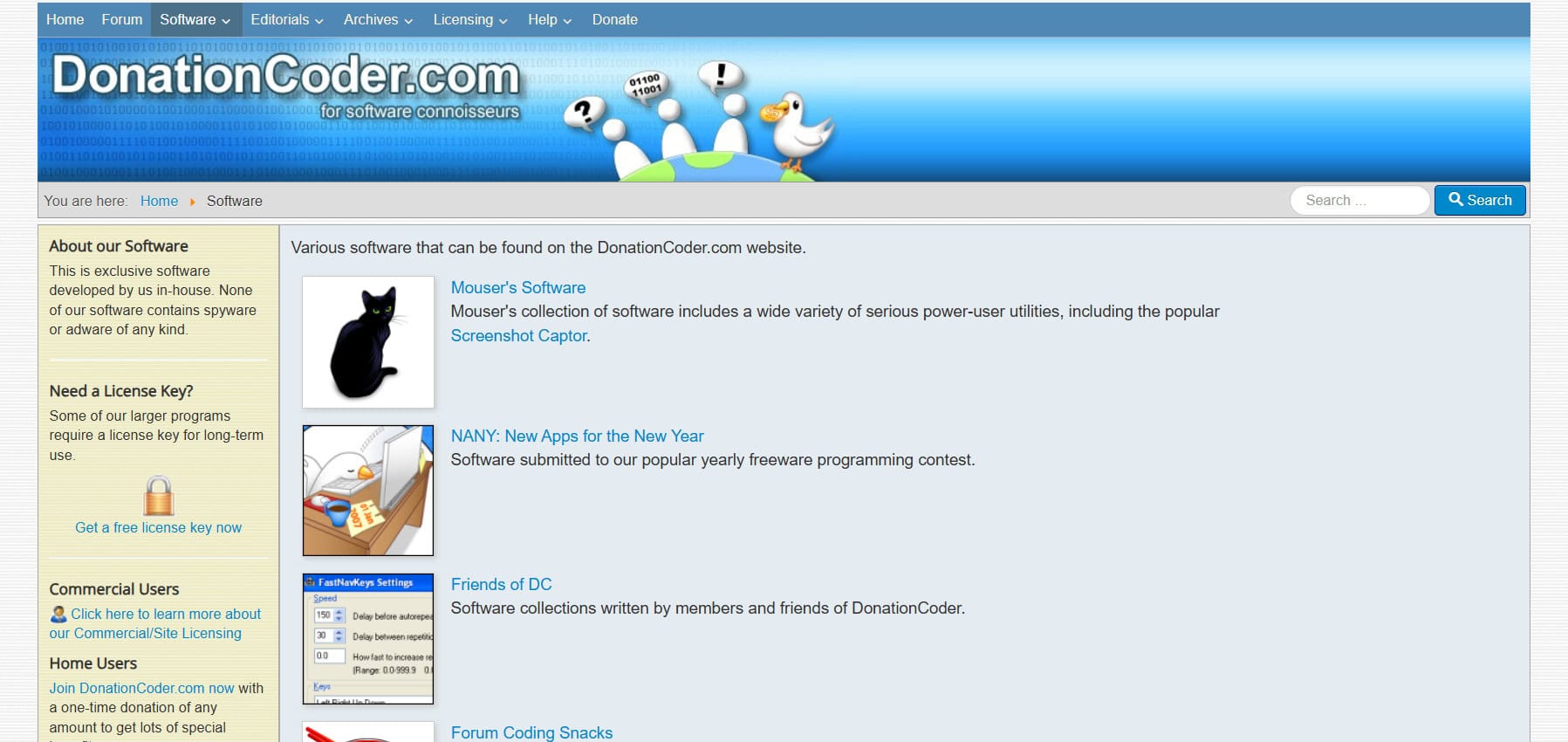
Donation Coder works on an honor system where everything’s free to download, but you can throw them a donation if you want. They only host software they’ve checked out, which makes it one of the cleaner sites around. No pushy ads or attempts to upsell you on anything. You’ll find utilities and specialized tools that might not show up on bigger sites. The donation model keeps things running without paywalls, and it creates a nice community vibe. Great spot to experiment with new software without worrying about what you’re getting into.
13. Uptodown

You might know Uptodown from their mobile app library, but their Windows section is just as good. Clean downloads, no viruses, and zero ads cluttering up the experience. The layout is modern and easy to navigate without pop-ups getting in your way. They cover a decent range of programs and do it reliably. If you’ve used them for Android apps, the Windows side gives you the same smooth, ad-free experience. Simple and trustworthy for regular downloads.
14. Giveaway of the Day

Giveaway of the Day offers one premium program for free every single day. Not all of them stay free forever, but the daily rotation keeps things interesting and lets you try expensive software without paying. They’ve been doing this for years and have a dedicated following because of it. If you like getting professional-grade tools on the cheap, bookmark the site and check back regularly. Eventually something useful will show up that fits what you need.
15. Free Download Center

Free Download Center has been around for twenty years, hosting thousands of Windows programs in a clean, well-designed interface. That kind of longevity means they’ve built up a tested collection you can rely on. Finding what you need is easy with their categories and search function, whether you’re after small utilities or complete software suites. Good balance between having lots of options and keeping the experience smooth. Solid choice when you need something quickly from one of the best Softonic alternatives.
16. Software Informer

Software Informer keeps their catalog smaller and focuses on quality picks. They cover the most useful apps across different categories and check everything for malware before posting it. There’s also a feature that looks at what’s already on your computer and suggests updates or better alternatives, which comes in handy for maintenance. If you’d rather browse a carefully selected list than wade through thousands of options, this hits the sweet spot.
17. SourceForge

SourceForge looks a bit dated, but the simple design actually loads really fast and hosts tons of open-source projects like utilities, drivers, media players, and productivity tools. Developers and users work together on projects there, and the download numbers are massive. They got rid of the sketchy bundled software back in 2016, so it’s much cleaner now. You don’t need an account to browse and download, though you can contribute if you know how to code. Still one of the best places for free, community-built software, especially Windows 10 utilities.
18. Bytesin.com

Bytesin isn’t well-known, but over a million Windows users visit every month because the site is organized well and downloads are straightforward. The design keeps things simple so you’re not wasting time searching. They stick to standard apps without going overboard, which makes it approachable for everyday stuff. The quality stays consistent because they focus on useful, verified software instead of just piling on options. Worth checking out if bigger sites feel overwhelming. It’s surprisingly good for its size.
19. GetIntoPC
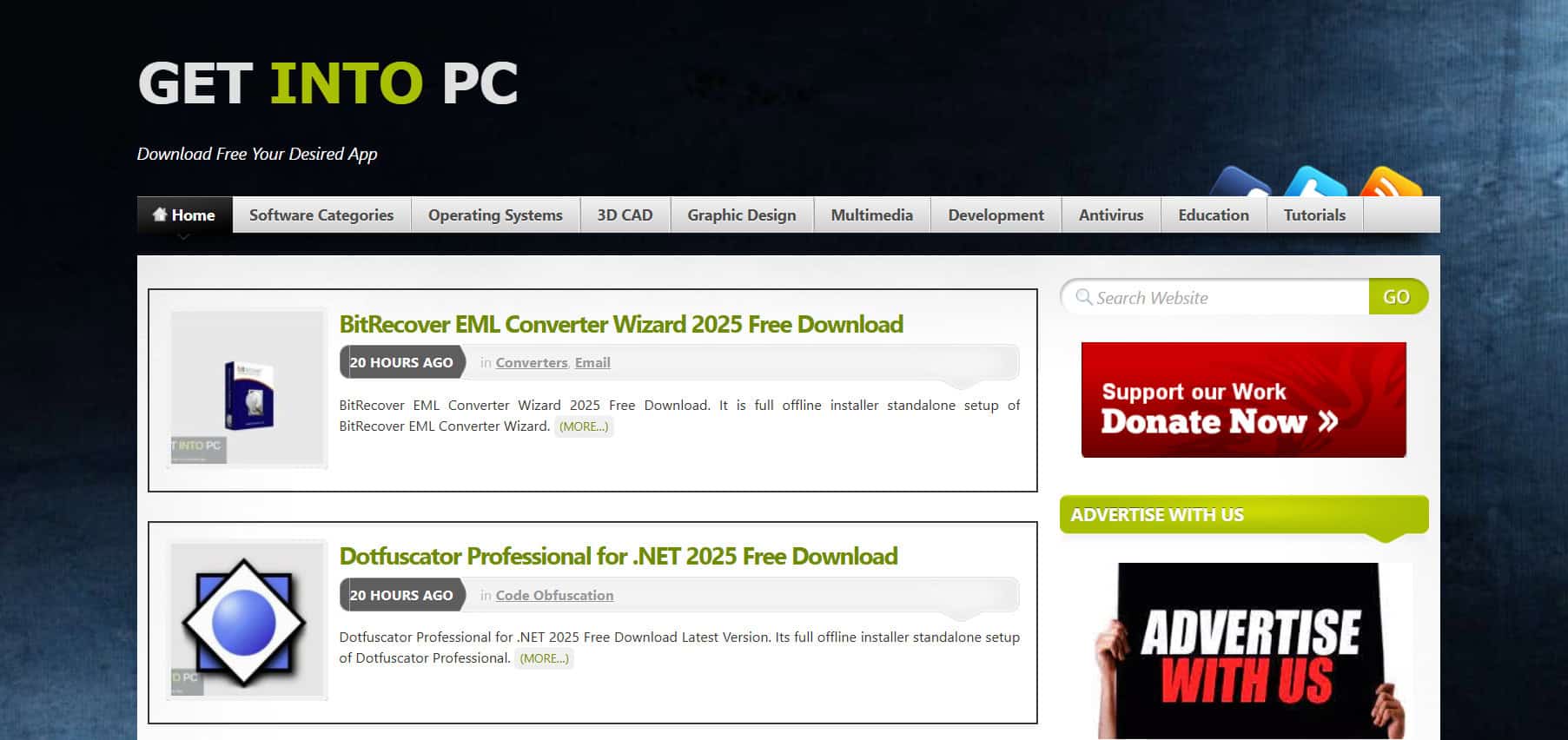
GetIntoPC serves around 10 million users worldwide with thousands of free programs, and their customer support actually helps when you run into problems. The collection ranges from popular tools to more specialized software, all available without fees or hidden catches. Finding what you want is easy, and they focus on clean installations without extra junk. People stick with them because they’re reliable and helpful, especially when you need quick access to common Windows apps. Having real support makes a difference compared to sites that just host files and ignore you.
20. MajorGeeks

MajorGeeks might look like it’s stuck in the early 2000s, but they’ve built serious trust over the years by hand-picking safe utilities. The team actually tests software before listing it, which cuts down on adware and bundled garbage. Really strong for system tools, drivers, security programs, and small utilities that bigger sites might not carry. If you care more about getting clean, reliable downloads than fancy design, this is still one of the best Softonic alternatives.
21. Brothersoft

Brothersoft has been doing this since 2002 and hosts over 200,000 free downloads covering everything from browsers and utilities to drivers, widgets, mobile apps, wallpapers, scripts, and games. You can download directly or use their mirror servers in different regions for faster speeds, which helps with bigger files that need their download tool. The huge selection means you’ll probably find both common programs and obscure stuff without much searching. People keep using it because of the variety and the mirror options for quicker downloads. Just find your software and grab it with plenty of choices for most Windows needs.
Also Read: Best FREE People Search Sites in 2026 (No Credit Card Required)
We hope now you can easily know the best Softonic alternatives outlined in this guide. Keep catching up with TechCult for more such new tech related walkarounds. If you have any suggestions or queries, do reach out to us in the comment section.