Ever been bored constantly scrolling through a long document? NotebookLM found the solution to making static PDFs, Q&A, and data into interactive information bases. Although many researchers, teachers, or students use it to make their work easy, it does come with some flaws. Some want more research examination or and control over their citations. Today, we will show you the best NotebookLM alternatives in both free and paid versions, so you can make the best choice for yourself!

Best NotebookLM Alternatives (2026)
Increase your productivity while decreasing your workload with these great options.
1. SciSummary
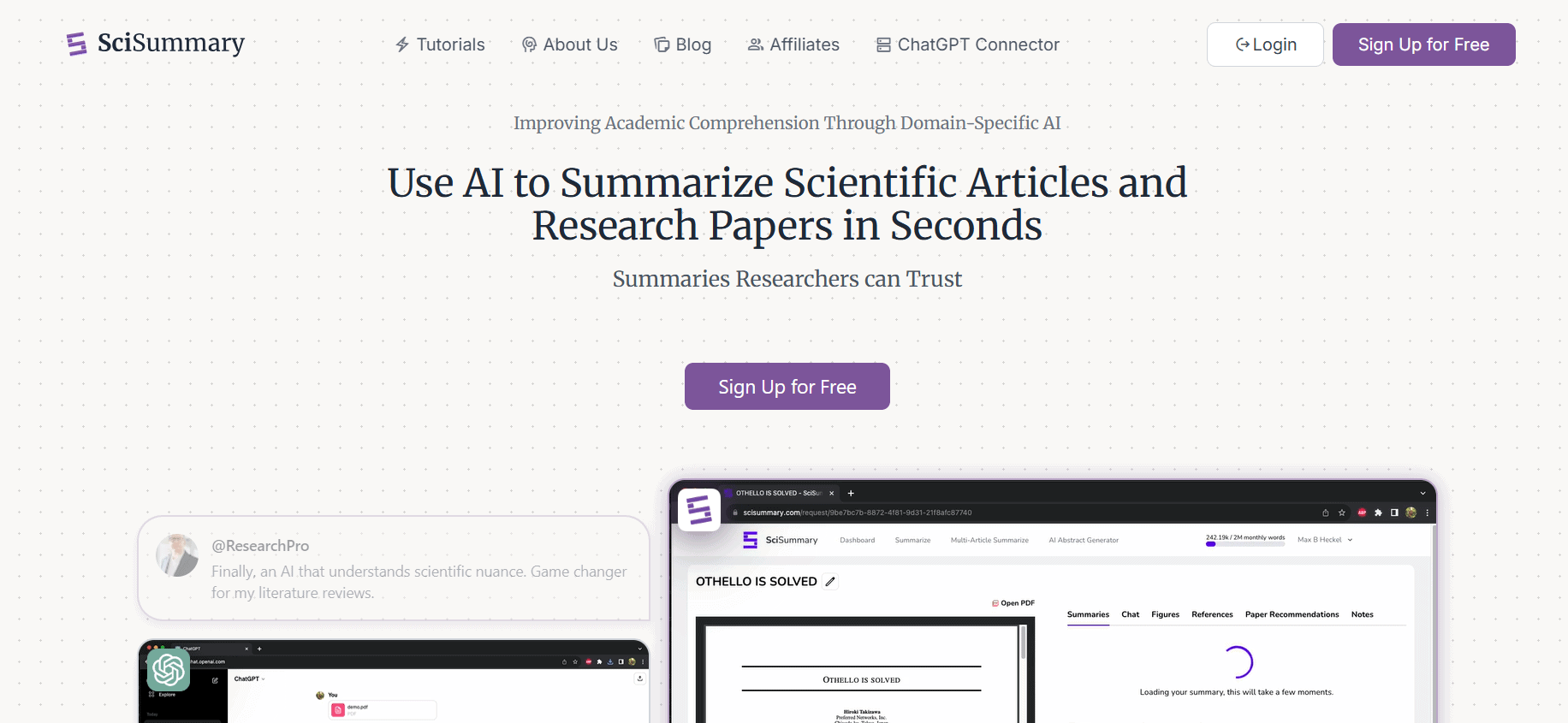
SciSummary makes digesting dense scientific papers quick and effortless. Upload a PDF or paste a link, and it will generate a clear, bullet-pointed summary highlighting the main takeaways. Designed for busy researchers, students, and professionals, it removes the need to read through lengthy PDFs line by line.
Pricing: Free; Premium at $4/month (billed annually) or $7/month (monthly).
2. Mem AI
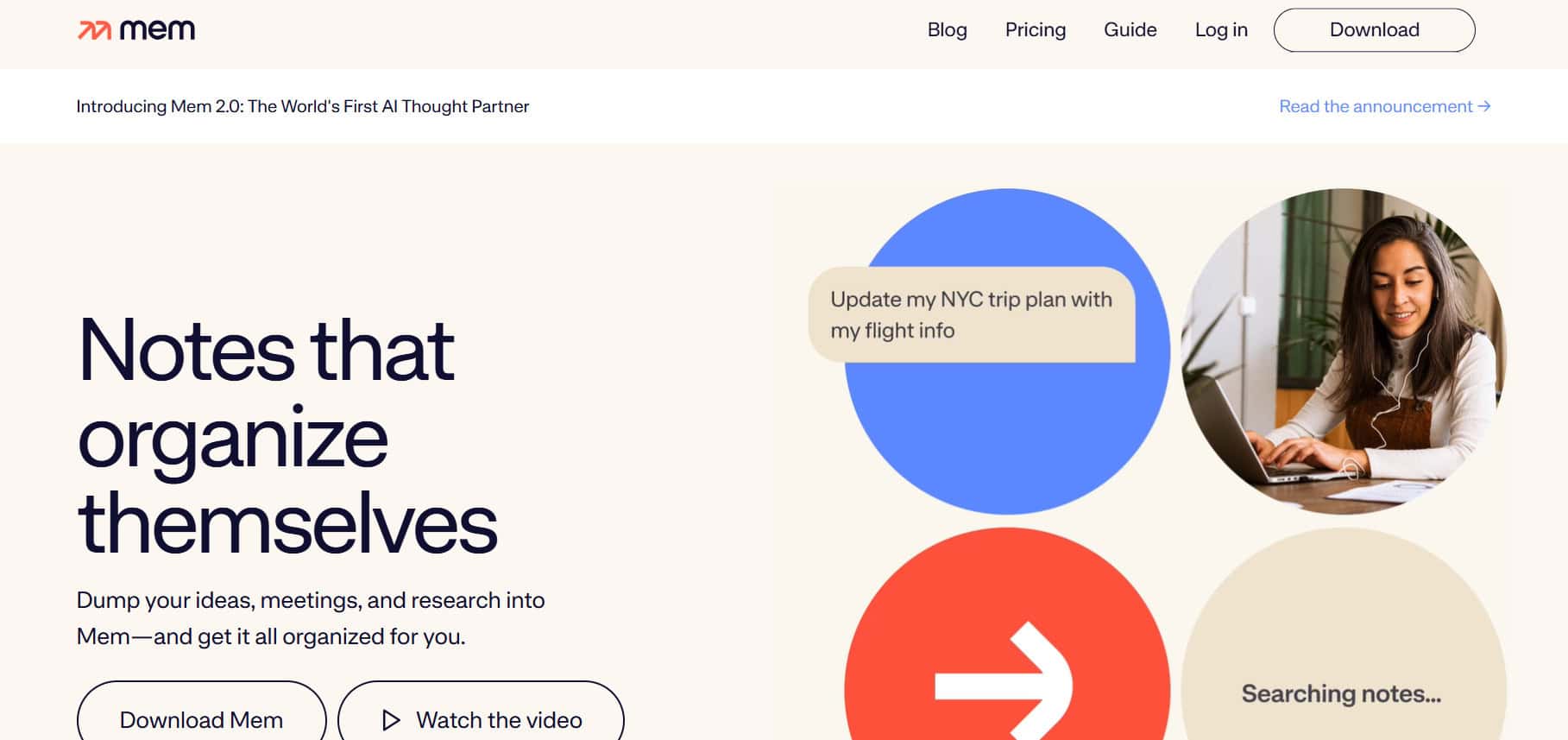
Mem AI offers users a notes app that organizes itself, making it the best choice for busy professionals and those who are overwhelmed by information. Not only this, it does manual filing, auto-organizes your notes based on context, and gives related content as you work. Capture notes from messages, emails, and the web, keeping your workflow super minimal.
Pricing: Free with 25 notes/month; Pro $12/month (annual) or $14.99 monthly.
3. Heptabase
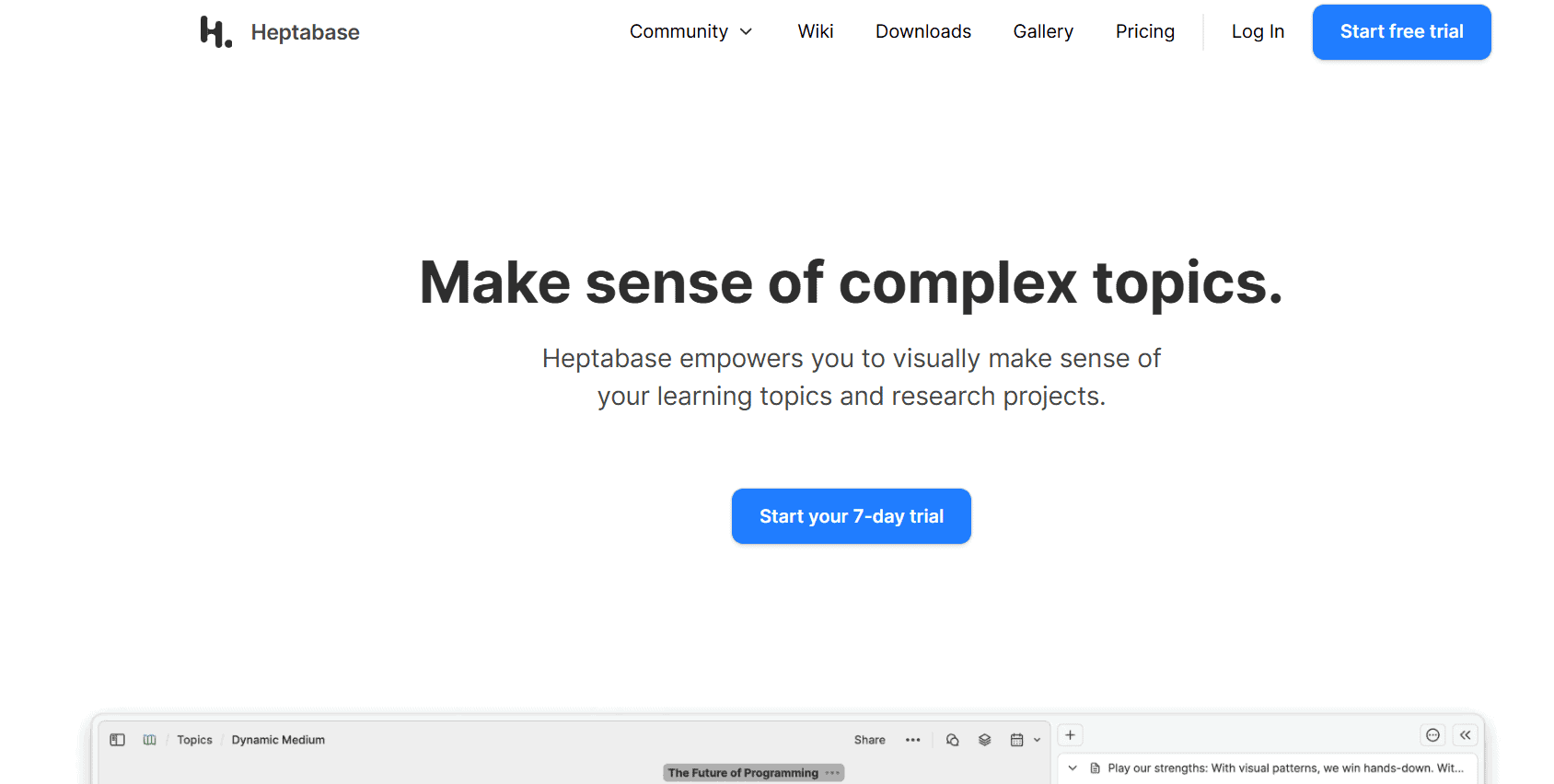
Heptabase flips how you think about note-taking! How? Through its spatial and visual approach. It’s like having an infinite whiteboard for your ideas, perfect for visual learners, researchers, and writers who are wasting a lot of time tackling subjects. You can arrange card-based notes visually, annotate PDFs inside the app, and transcribe audio or video to capture every insight.
Pricing: $11.99/month monthly; $8.99/month billed annually.
4. YouMind
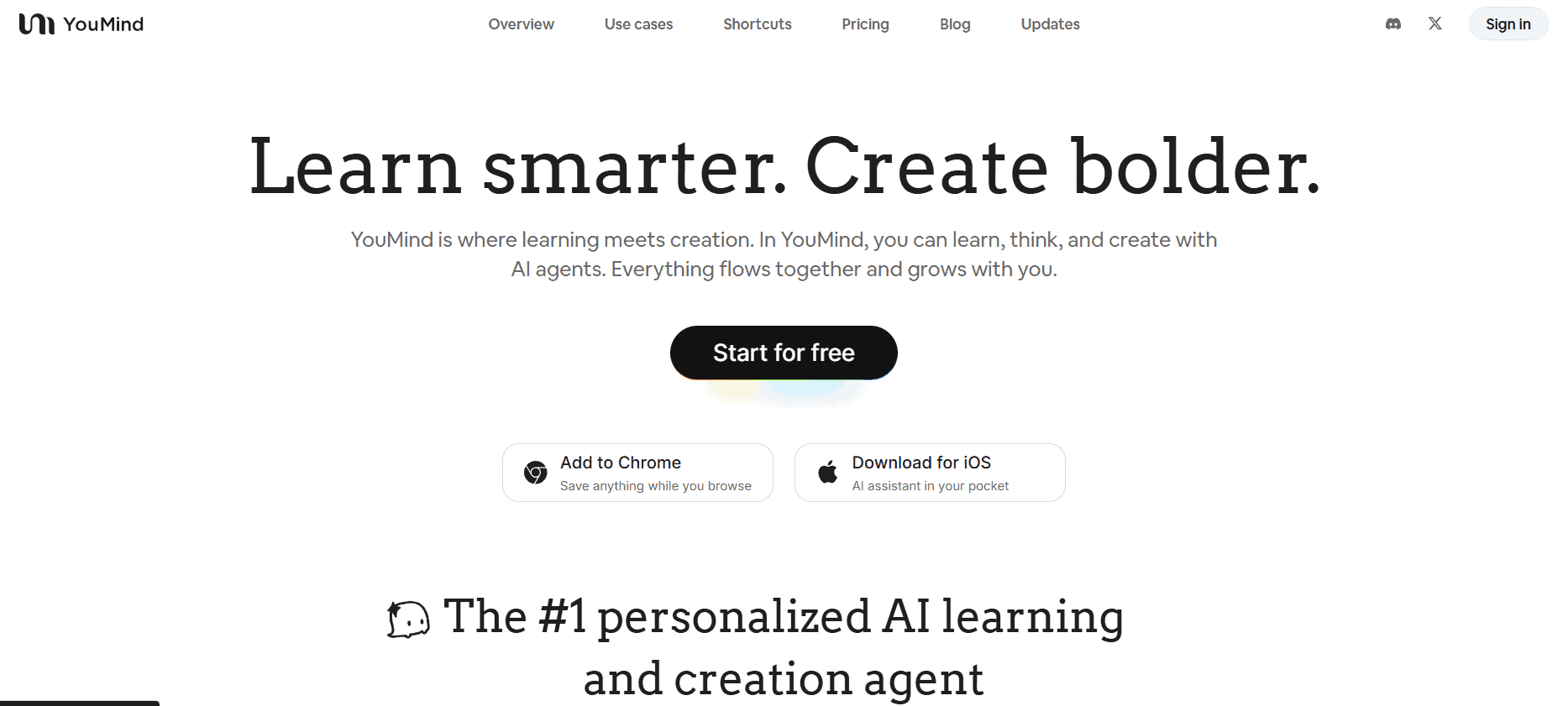
YouMind is another great option as an AI creation studio, which is tailored to content creators. You can choose from many AI models like GPT-5, Claude, Gemini, and DeepSeek. It also offers human-in-the-loop editing, and version control helps keep content clear and well-managed. You can get a browser extension or mobile app and use one of the best NotebookLM alternatives.
Pricing: Free with 2,000 credits/month; Pro $20/month; Max $100/month.
5. Notion AI
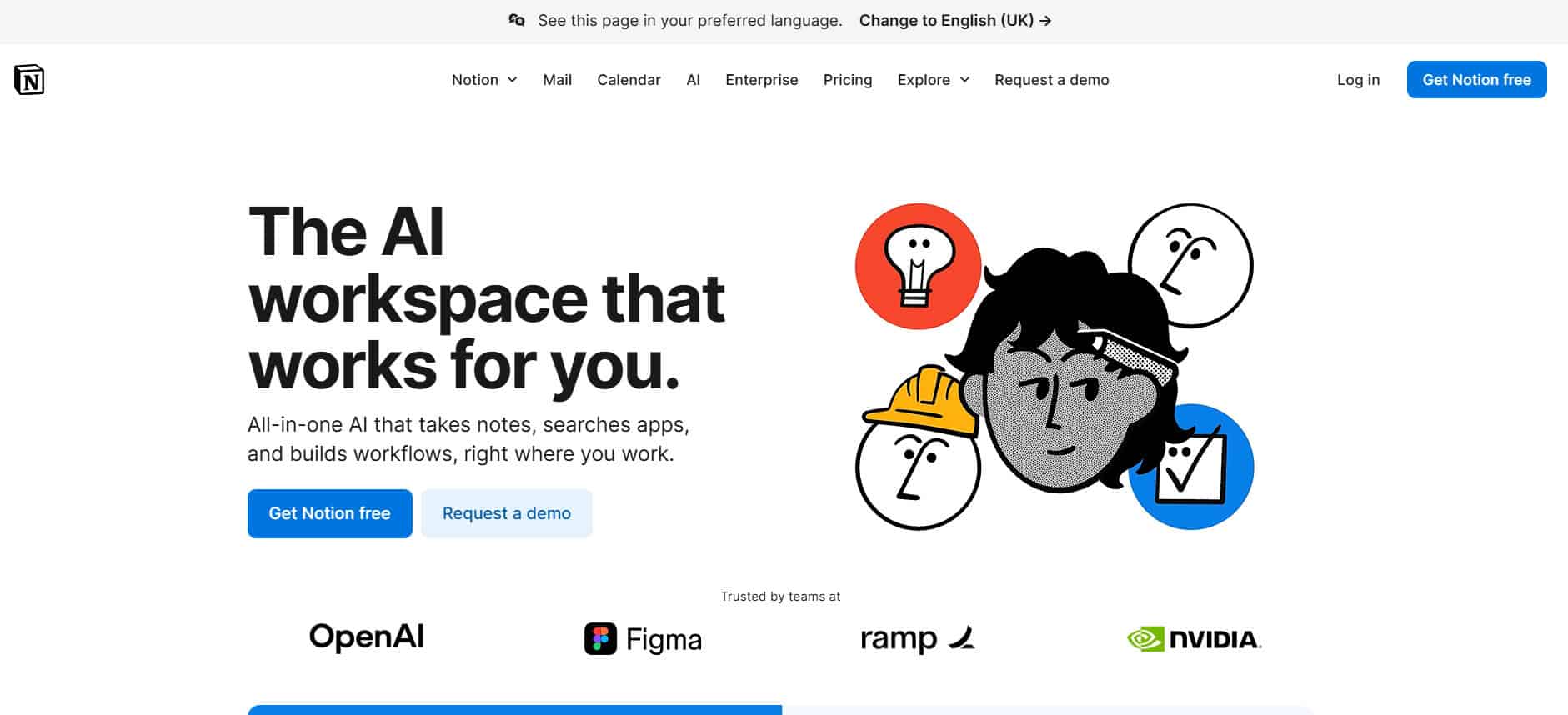
Notion AI is a popular all-in-one productivity app with smart writing assistants and database AI that understands your entire workspace. It supports real-time collaboration and multilingual content with tone adjustments. Users love its versatile tool for teams juggling notes, tasks, and project management.
Pricing: Free tier available; AI Business plan $20/user/month.
6. Obsidian
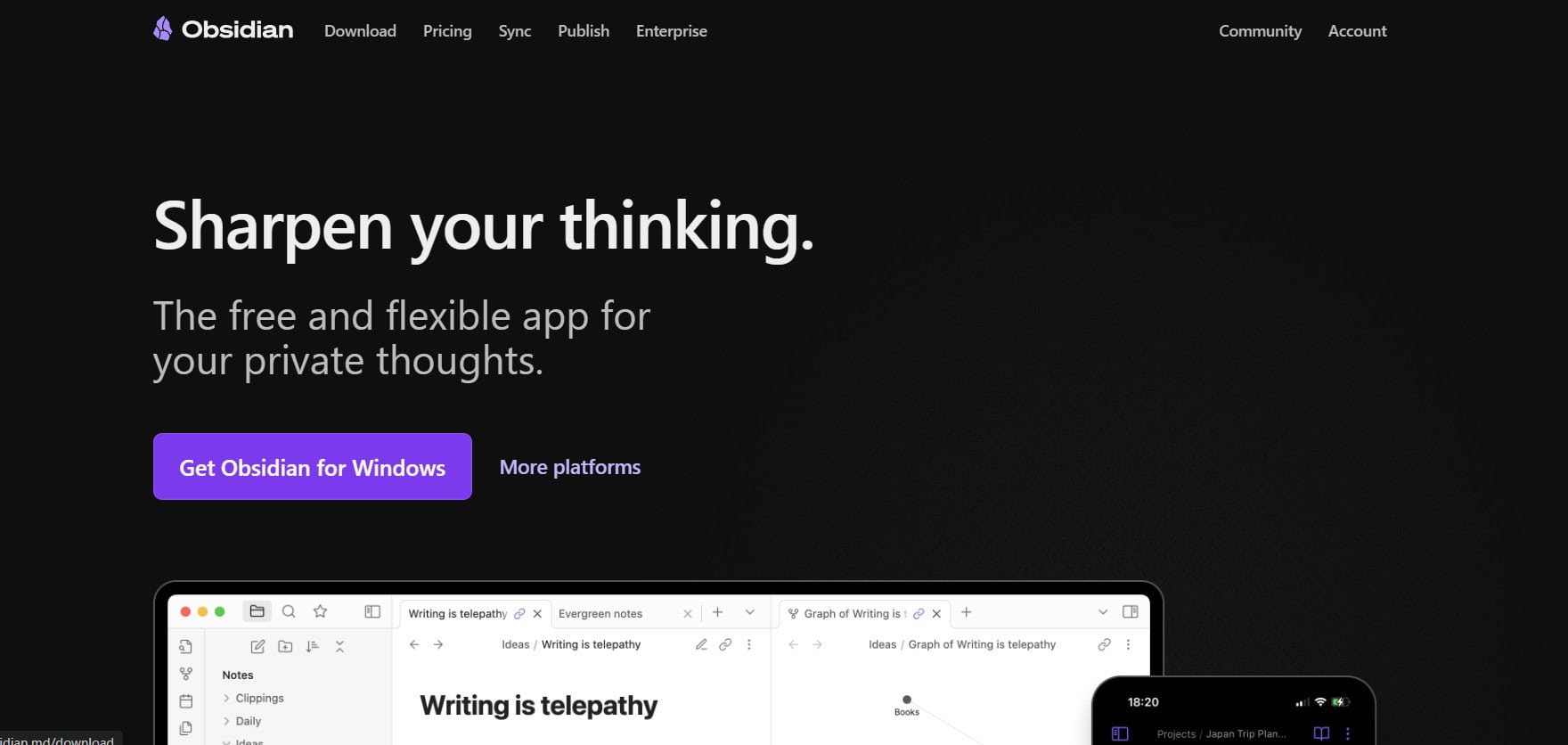
Obsidian is a favorite for people whose priority is privacy. You own your local markdown files entirely, and with hundreds of community plugins. You can customize your workflow very easily, too. It even works offline and has powerful bidirectional linking, and a graph view that brings your ideas to life visually.
Pricing: Free core; Obsidian Sync $4/month (optional); Publish $8/month per site (optional).
7. UPDF AI
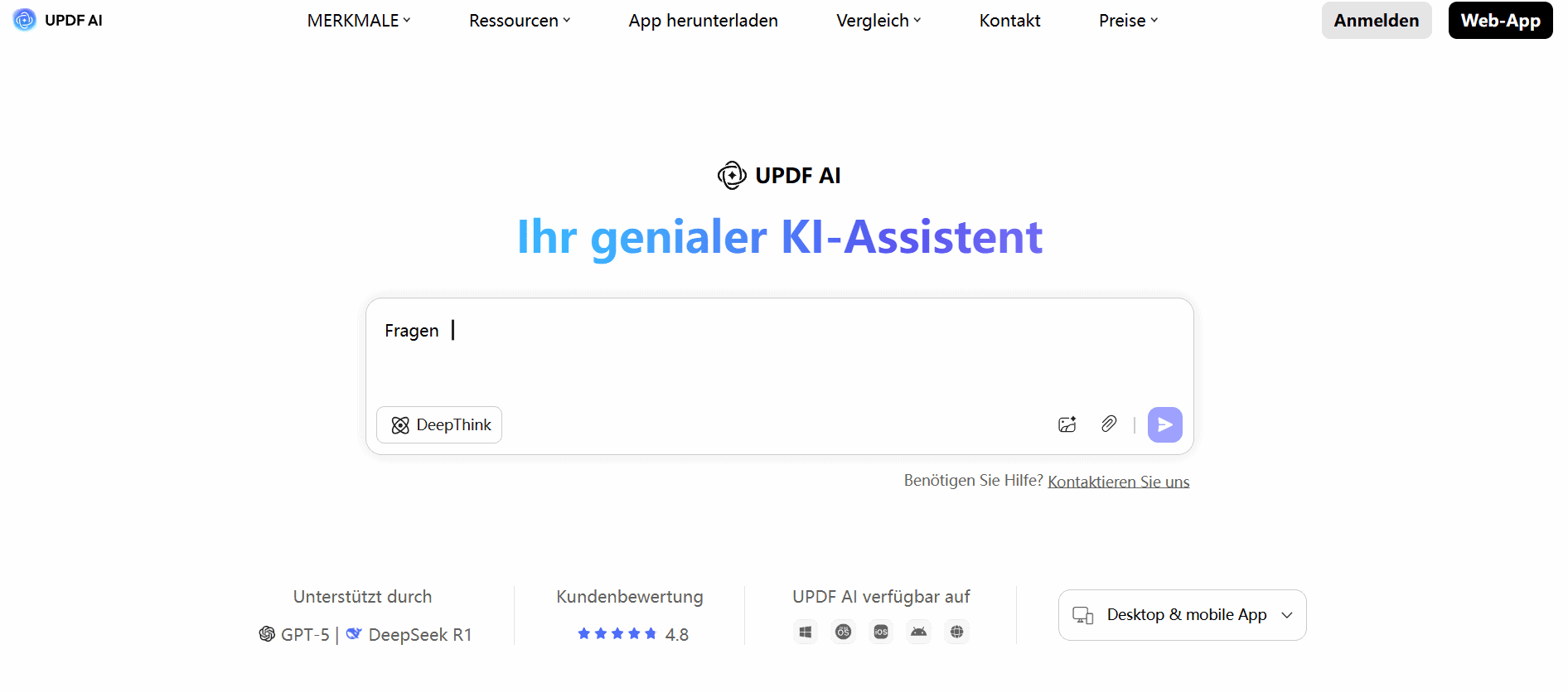
UPDF AI merges powerful PDF editing with GPT-4.1-powered AI features. People use it for summarization, translation, and querying. Perfect for users who want to work directly in PDFs because it can handle up to 100 documents simultaneously! It doesn’t end here; the platform offers cloud storage, multi-device access, and annotation tools, all wrapped in flexible pricing plans!
Pricing: Free trial; Pro yearly $39.99–$69; Pro lifetime $69.99; Assistant $79/year; UPDF Sign $69/year
8. Consensus
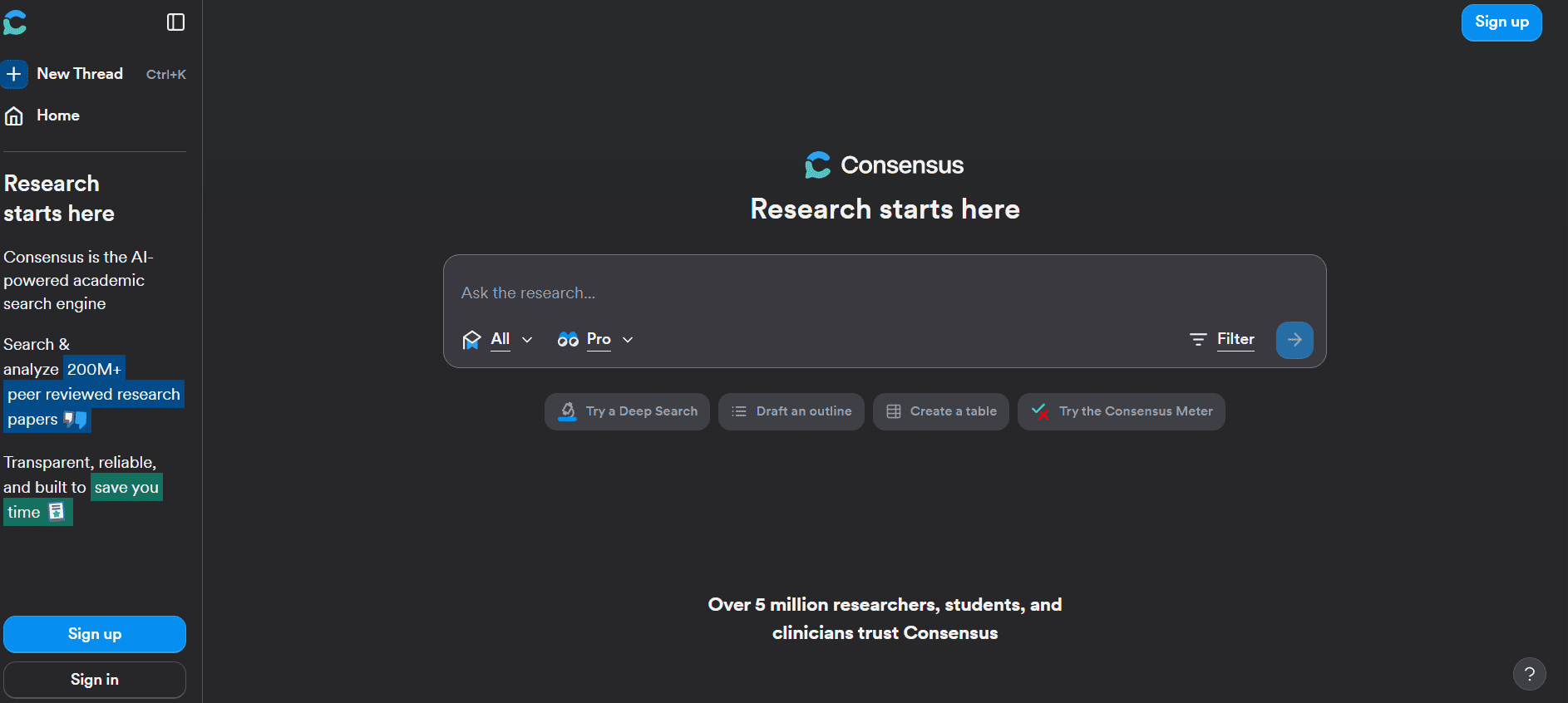
Consensus is a science-centric search engine. It is extremely popular for pulling together key findings from over 200 million peer-reviewed papers, delivering short, cited answers. Especially designed for quick, evidence-based insights, it helps users break down studies, have interactive chats with papers, and organize visual summaries for easy reference.
Pricing: Free; Premium $11.99/month; Teams $12.99/user/month
9. Claude
You may have heard about Claude, a conversational AI by Anthropic. It garnered so much popularity due to its contextual reasoning and extended memory. It supports web searching, file uploads, code generation, and deep analysis. Users admire its versatility with integrations and multimodal input which makes it useful for advanced research, brainstorming, and document synthesis. Truly one of the best NotebookLM alternatives!
Pricing: Free; Pro $17/month (annual billing); Max from $100/month
10. PDF AI
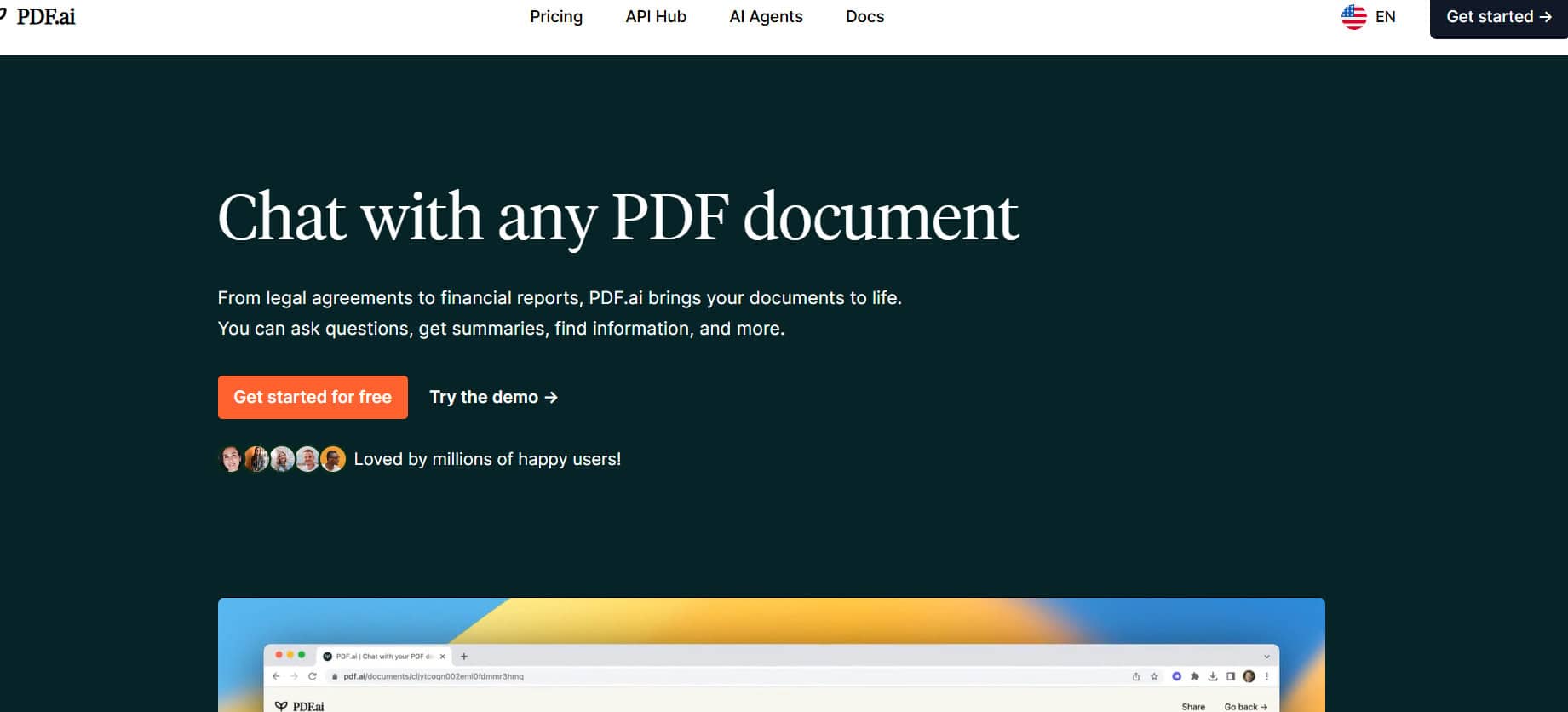
PDF AI is a chat-based PDF assistant excelling in quick question-and-answer sessions, document navigation, and table extraction. Rest assured, with advanced OCR capabilities and Whisper-powered audio features, it can handle a wide range of content formats. While not a research tool, it’s excellent for quickly exploring academic PDFs.
Pricing: Hobby: Free; Pro: $17/month; Ultimate: $27/user/month; Enterprise: $37/user/month
11. Elicit
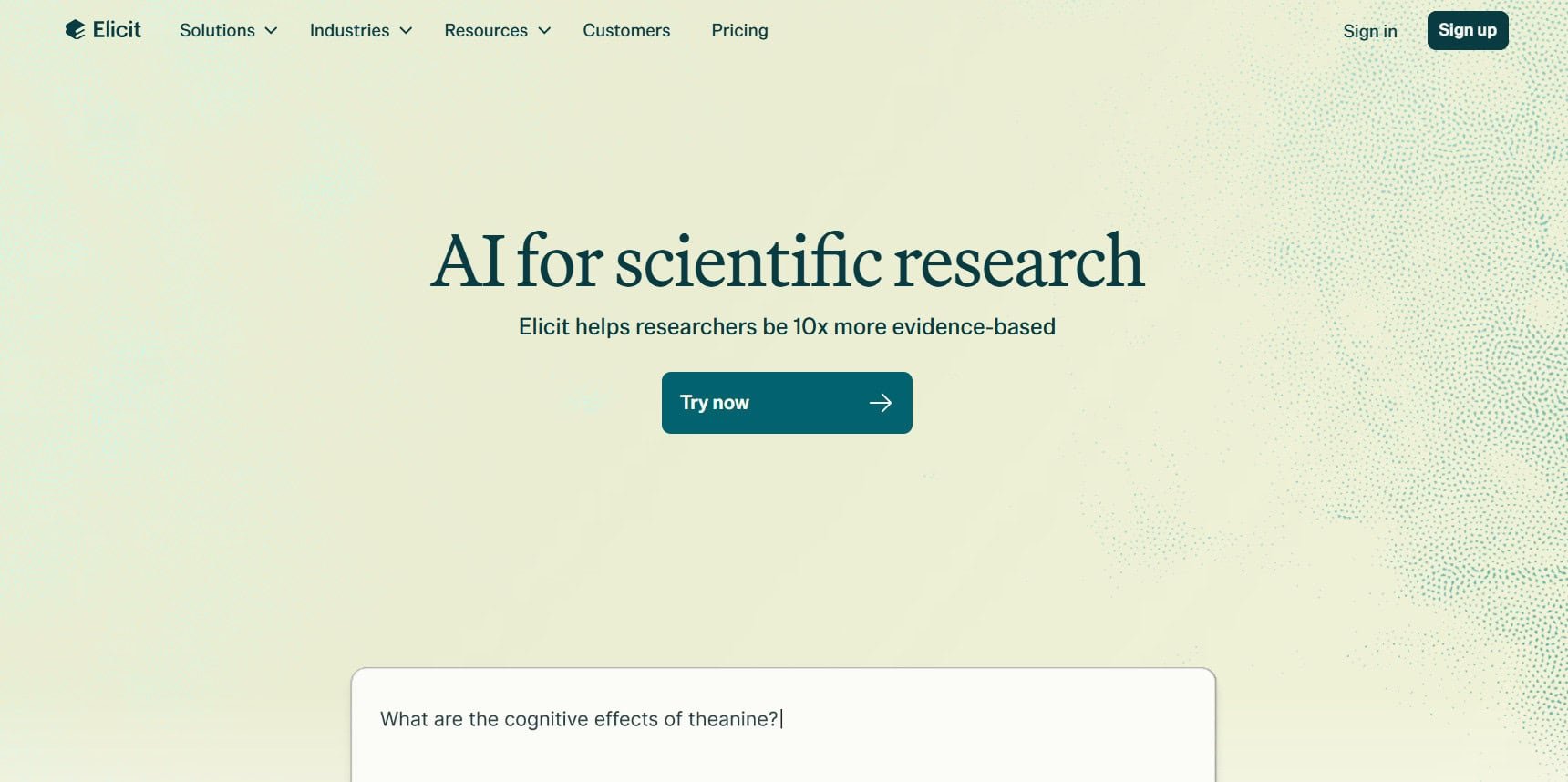
Elicit is a specialized AI tool that is designed specifically for literature reviews and evidence synthesis. It can undertake tons of tasks like paper screening, data extraction, and the creation of structured evidence tables across over 125 million research papers! This makes it ideal for evidence-based fields like health sciences, and much more.
Pricing: Free; Plus at $12/month; Pro at $49/month; Team plans at $79/user/month.
12. Humata

Humata is like your lightweight academic assistant! It specializes in PDF summarizing and rapid, document-level Q&A. With cited excerpts from your provided files, it instantly provides replies using GPT-4. It’s one of the best NotebookLM alternatives because it’s ideal for scholars and students who require quick insights without any hassle.
Pricing: Free; Student at $1.99/month; Expert at $9.99/month; Team at $49/user/month; enterprise plans available.
13. Scispace
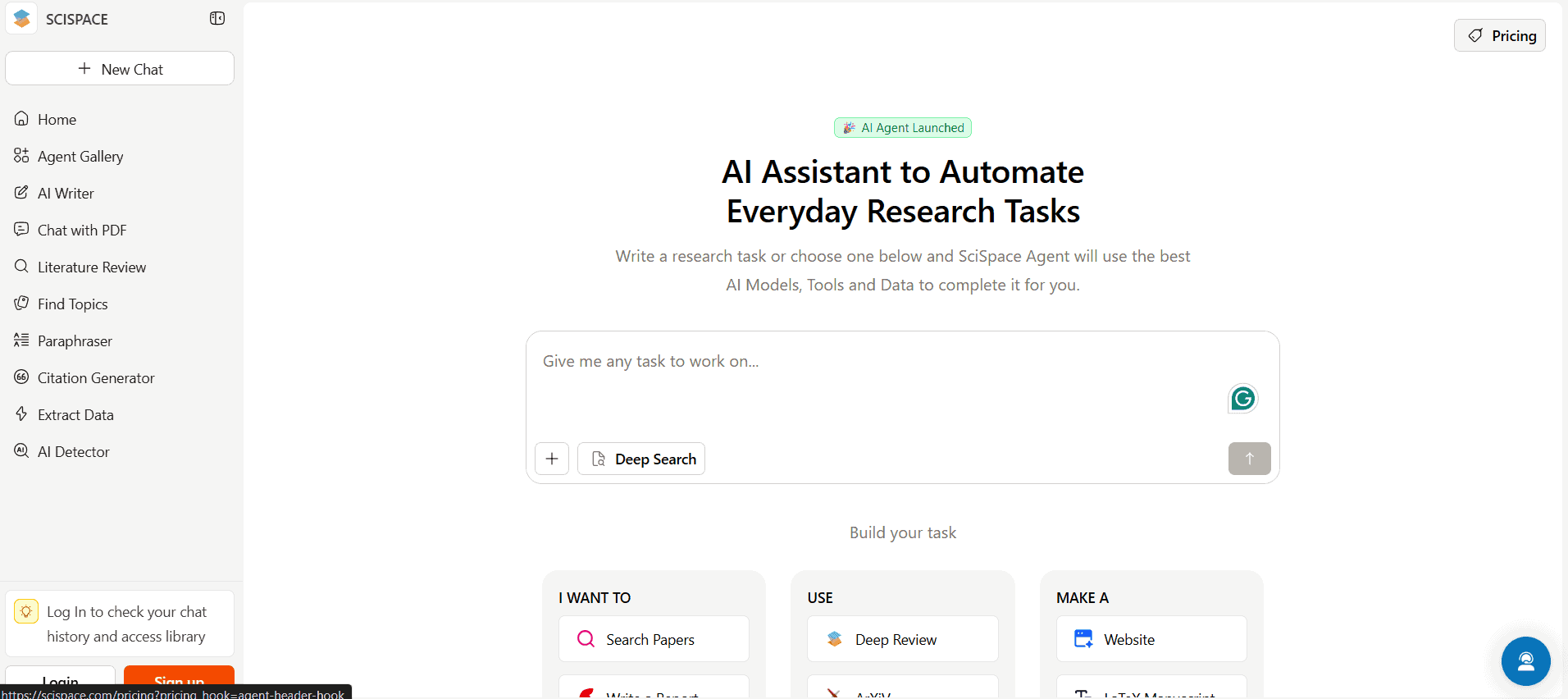
Scispace is a research platform built for engaging with difficult academic papers. Its AI Copilot feature means users can ask questions straight from uploaded PDFs and receive real-time, context-aware answers. You can also export data in various formats and simplify academic works with its citation generation, paraphrasing, and summarizing.
Pricing: Basic: Free; Premium: $20/month; Advanced: $90/month.
14. Reflect
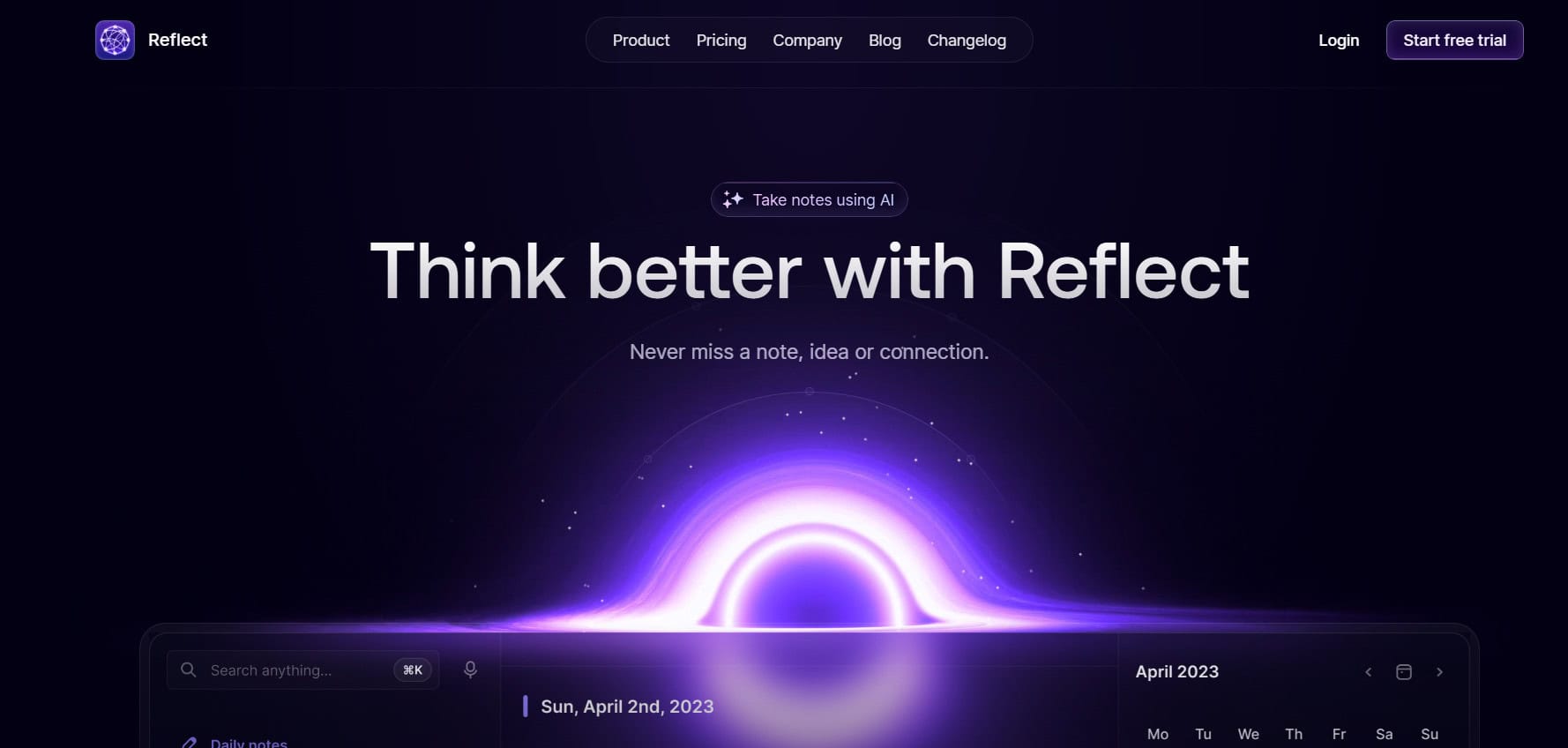
Reflect is made for solo users who want their notes simple, smart, and private. It focuses on easy networked notes, syncing them everywhere seamlessly, and giving you AI-powered voice transcription without overwhelming features. If you prefer minimal fuss but still want your calendar and notes connected, this is the best NotebookLM alternatives.
Pricing: Two-week free trial; then $10/month for full access.
15. Capacities
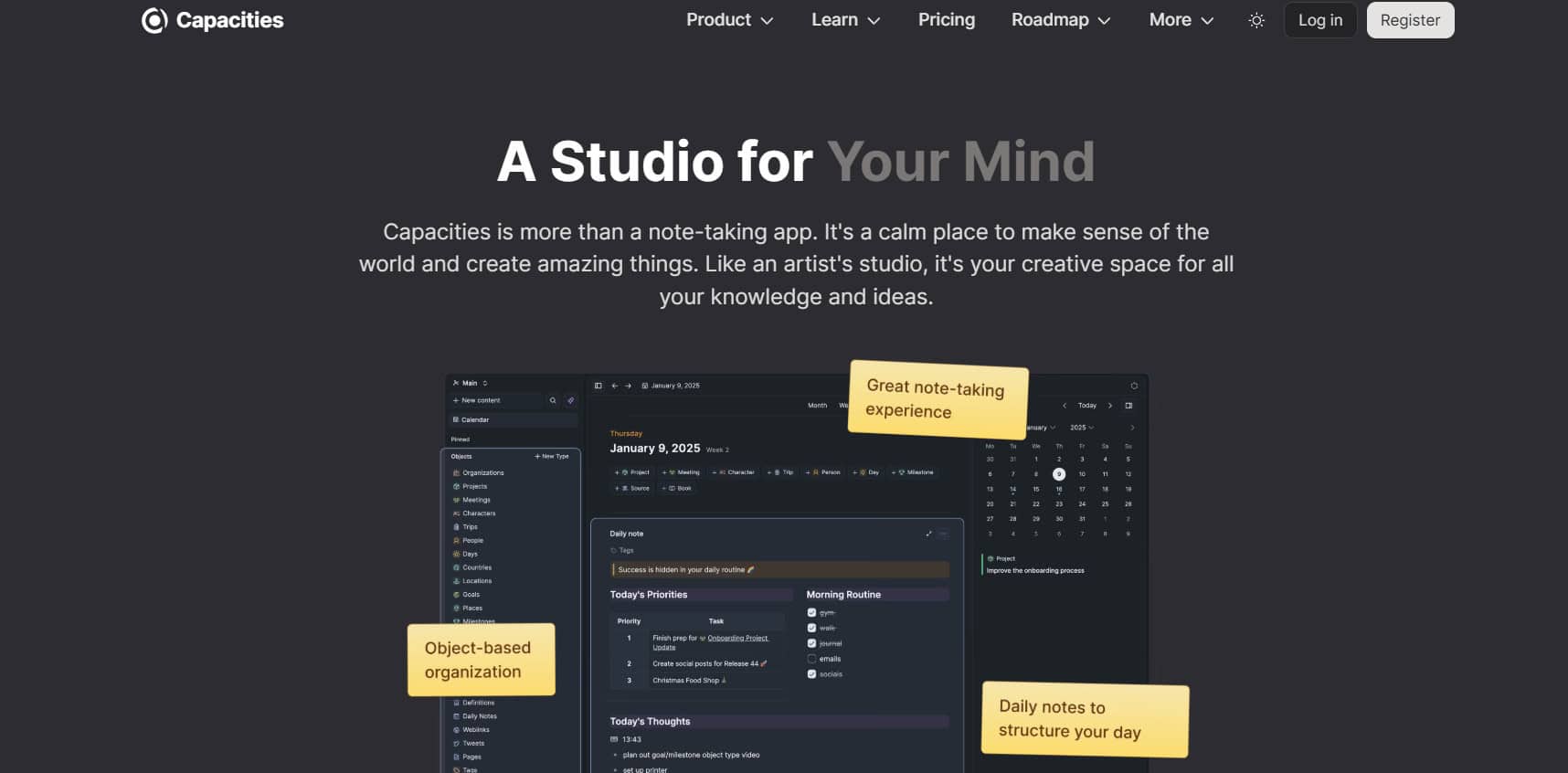
Capacities changes the game by treating everything as objects like People, Books, or Projects, each with custom properties. Why this works? Because this offers more structure than tags, less rigidity than folders. Perfect for knowledge managers handling varied data who appreciate GDPR-compliant, cross-platform solutions.
Pricing: Free with 5GB storage limit; Pro $11.99/month or $119.88/year.
16. RemNote

RemNote is a dream for students, medical professionals, and language learners because it combines notes and flashcards with spaced repetition. Alongside your notes, you can quickly build flashcards and other memory strategies supported by science to help you retain information over time. The interface is complicated despite its power, particularly if you’re not concentrating on study or retention.
Pricing: Free; Pro $8/month annual or $10 monthly; Lifetime $395 one-time.
17. Paperguide
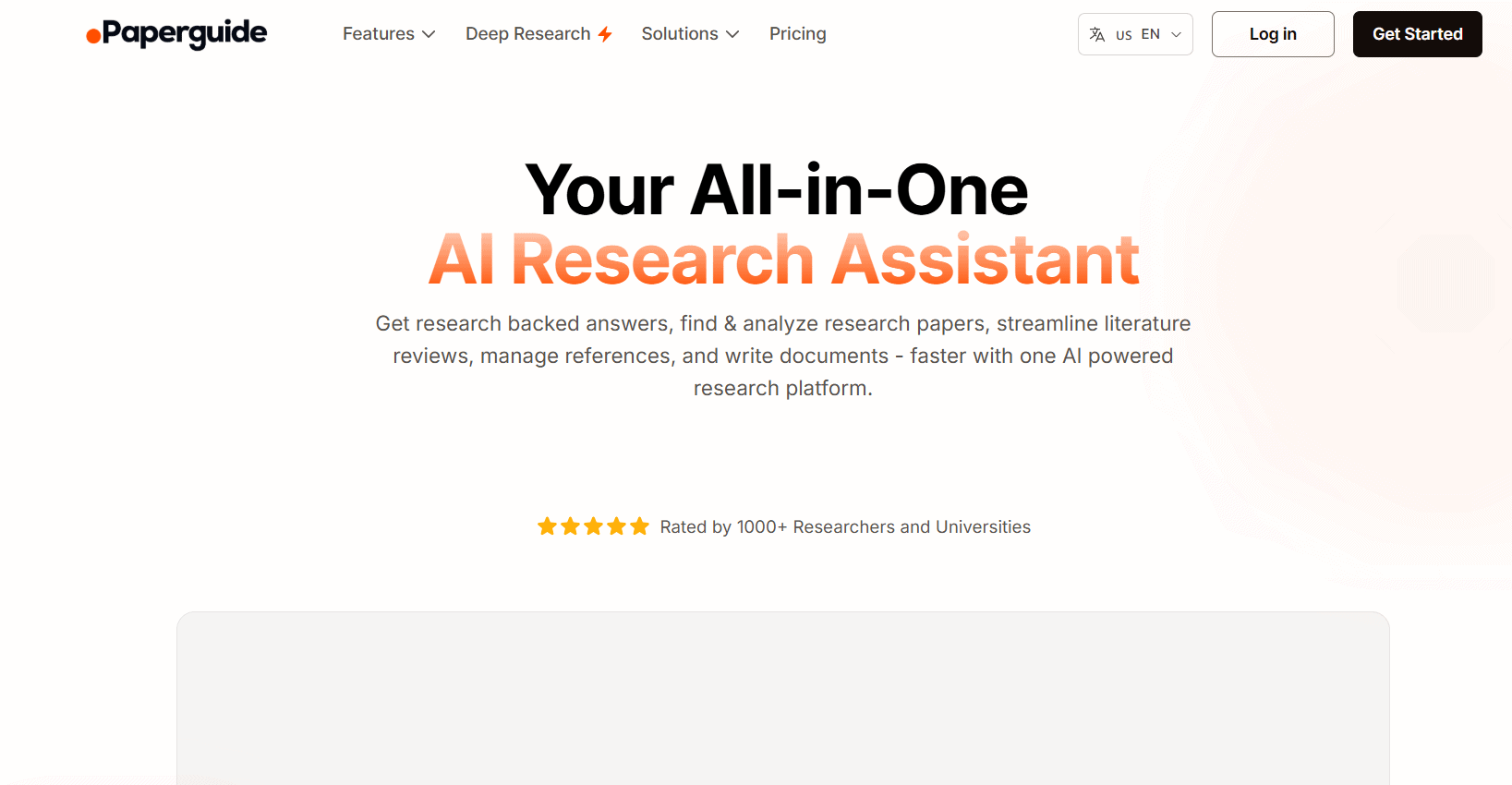
A powerful AI research assistant designed for academic workflows is called Paperguide. By providing AI-powered literature searches, systematic reviews, source filtering, and citation management, it goes beyond simply taking notes. It is one of the greatest NotebookLM substitutes because of its capacity to produce books and offer interactive PDF Q&A.
Pricing: Free; Plus $12/month (billed annually); Pro $24/month (billed annually).
Also Read: 10 Best Offline Translator Apps for PC
Now you will no longer have a difficult time figuring out the best NotebookLM alternatives after following this guide. For more helpful tips and tricks, stay tuned, and feel free to share your suggestions in the comments below.