Notion has been a fan-favorite for its notes, databases, wikis, project management, and collaboration tools. Productivity nerds love it for all the right reasons. But that doesn’t mean it does not have any drawbacks. The platform can be slow to load and have limited free features. This leaves many searching for other best Notion alternatives so they can do the same work without paying fees. If you’re one of them, this guide is your saving grace!

Best Notion Alternatives
From faster performance to features, these Notion competitors are here to save your day.
1. Standard Notes

Standard Notes keeps things clean by offering just a simple place to write. You get a left sidebar with your notes and a plain editor on the right. So, no distractions or flashy features. It’s perfect if you want a secure, encrypted space to write daily thoughts or journal. However, if you want to link notes or build complex knowledge, you might find it a bit too basic.
2. Evernote

Evernote is a classic for note-taking and clipping things from the web. It syncs across devices and has some AI to clean up and organize your notes if you pay for it. Templates abound for various workflows, while AI in paid plans organizes and tidies up your notes automatically. It isn’t flashy, but for sync and easy content capture, it’s down as the best Notion open source alternatives.
3. DeepNotes

DeepNotes elevates note-taking with a visual, card-based approach. You can zoom in and out, move cards around, and put ideas inside others. So, a bit like a detective piecing together clues visually! This makes it fantastic for projects, brainstorming, or creative writing. Just be ready to spend some time organizing your cards because it can get a bit slow for quick daily notes.
4. Tana

Tana stands out for its AI integration and unique approach to organizing notes. It’s all about supertags. Add one to a note, unlock workflows, custom fields, and connections tailored to that tag. Its voice capture is ideal for people who think out loud or want meeting notes processed automatically, saving time and effort. The platform is cloud-based and proprietary, but regular updates make it one of the best Notion open source alternatives.
5. OneNote

OneNote fits right into the Microsoft world and that’s why it’s a public favorite. The platform offers a freeform canvas for notes to type, draw, or paste anywhere you want on the page. This page can be edited by multiple people. Syncing through OneDrive is reliable, and all features come free, with more included in Office 365.
6. Capacities
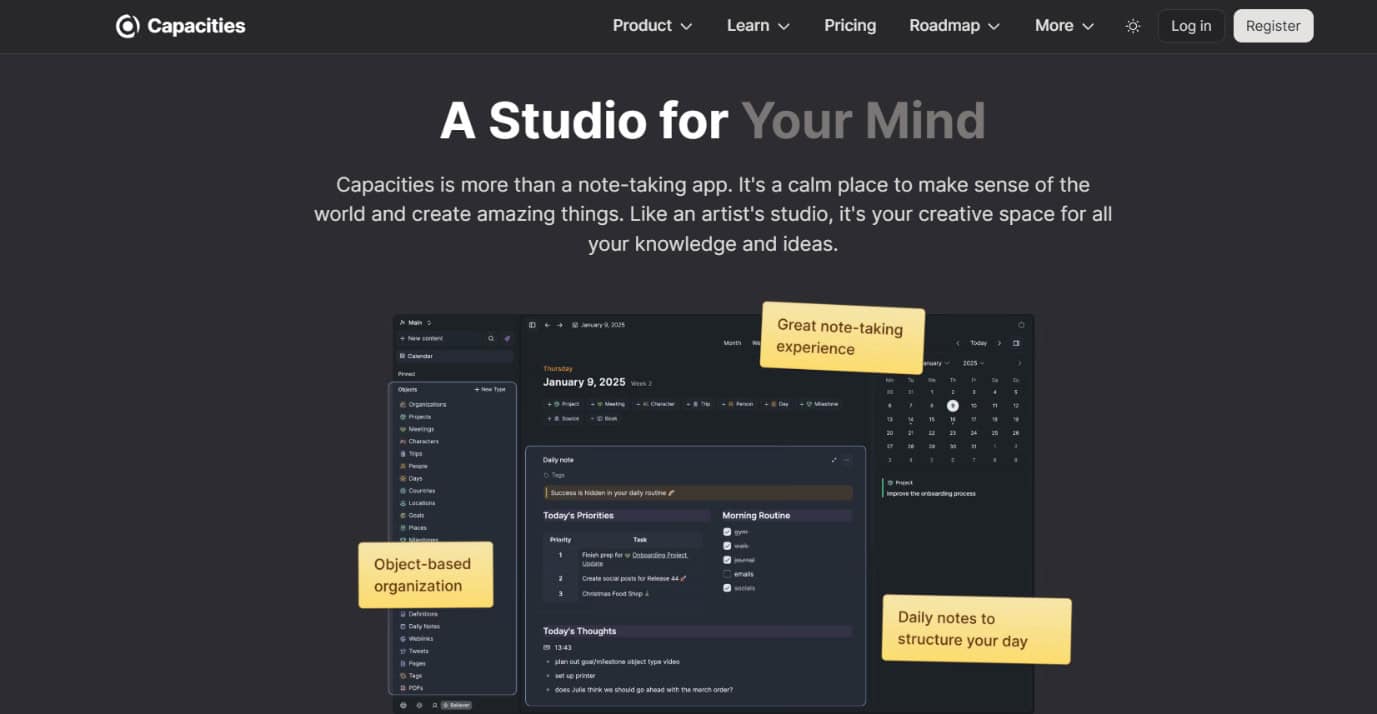
Capacities brings a creative spin to digital note-taking. So if you’re a visual learner, you’re in heaven! Instead of making every note just text, you get personalized object types like books, people, and projects. The daily notes feature also shows past relevant entries to whatever you’re working on, and studio mode lets you group related items. If rich media is your thing, Capacities will feel right at home.
7. Reor

Reor is a new but promising smart AI search that understands what your notes mean. You can find exactly the right note just by describing what you remember. So no need to even search keywords. While it’s still early and a bit rough around the edges, the AI search is impressive and shows a lot of promise.
8. Tangent Notes

Tangent Notes lets your ideas grow like branches on a tree. No, we are not kidding! Instead of folders or files, you have threaded notes that expand into related sub-notes, which lets you see how your thoughts connect as you work. The sliding panels help you follow your thought process visually. It’s handy for big brainstorming sessions or complex project planning.
9. NotePlan

NotePlan makes daily planning natural by blending your notes, tasks, and calendar into one tidy app. It is ideal for Mac and iOS fans. You get daily pages with tasks and events right alongside your notes. Markdown is there if you want it, and unfinished tasks roll over automatically.
10. AnyType
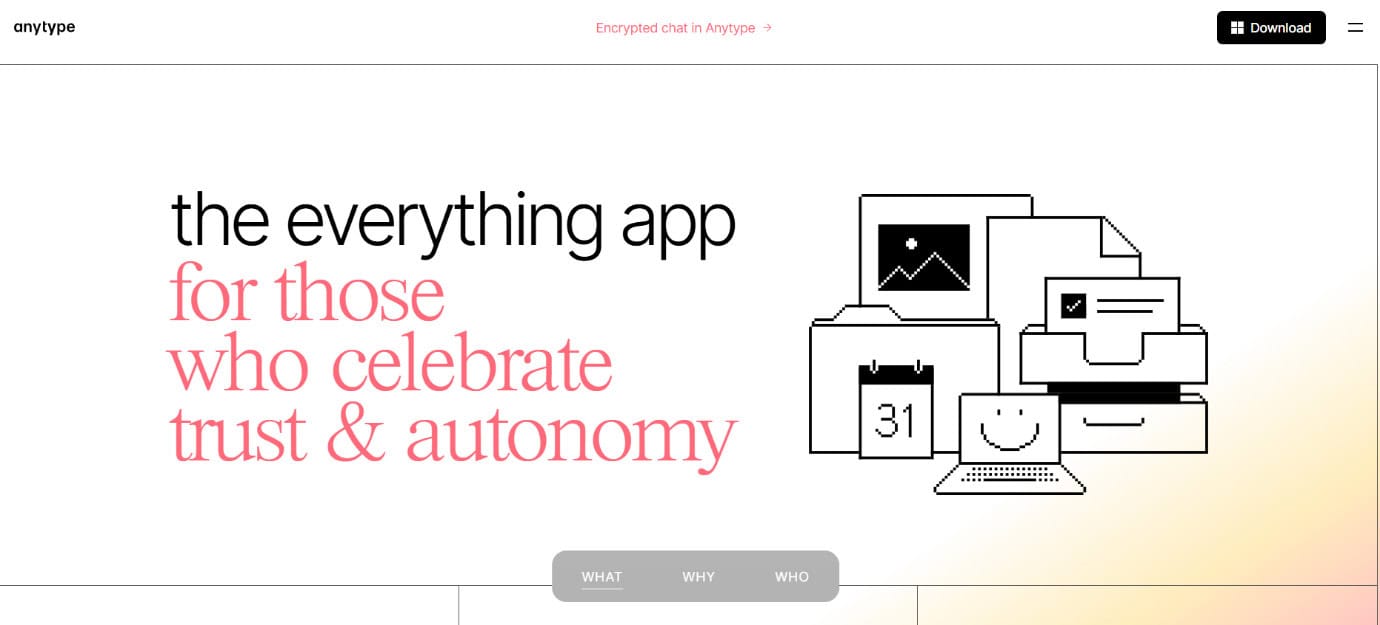
AnyType puts your privacy first by keeping all your data locally or synced securely through end-to-end encryption. It organizes notes as linked objects like books, projects, or contacts. This makes managing multimedia content like videos and PDFs super easy. It’s built for users who want note-taking without sacrificing control of their data, but it’s not designed for team use yet.
11. AFFiNE

AFFiNE aims to be the open source version of Notion, and it’s pretty close and one of the best Notion alternatives. It offers blocks, kanban boards, and lots of organizational features. It’s perfect if you want to build complex systems and have lots of options for how you organize your information. It can feel overwhelming if you just want a simple note app, but it really shines for deep users.
12. Joplin
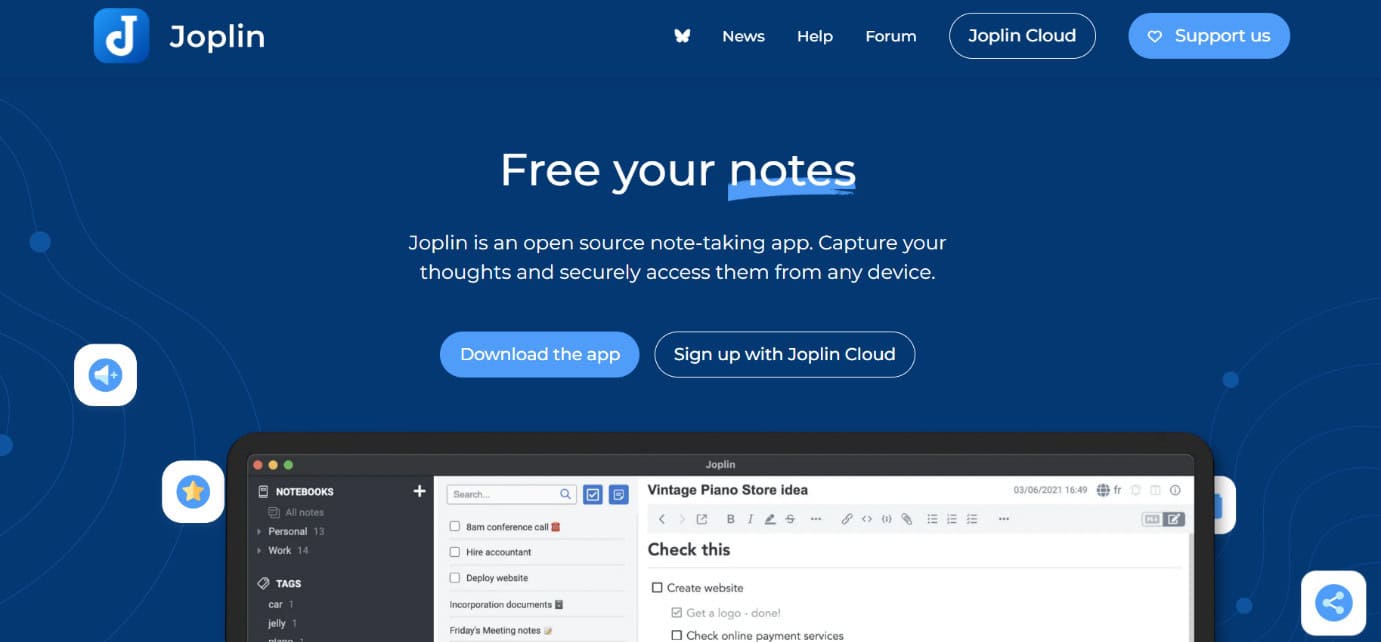
Joplin keeps things simple with an open-source, encrypted note app. Your notes sync securely across devices, and it supports tagging and notebooks to stay organized. Every note and notebook is end-to-end encrypted, and you choose where your data lives, from Dropbox and OneDrive to self-hosted servers. Great for anyone who cares about privacy and needs reliable basic note-taking without distractions.
13. AppFlowy
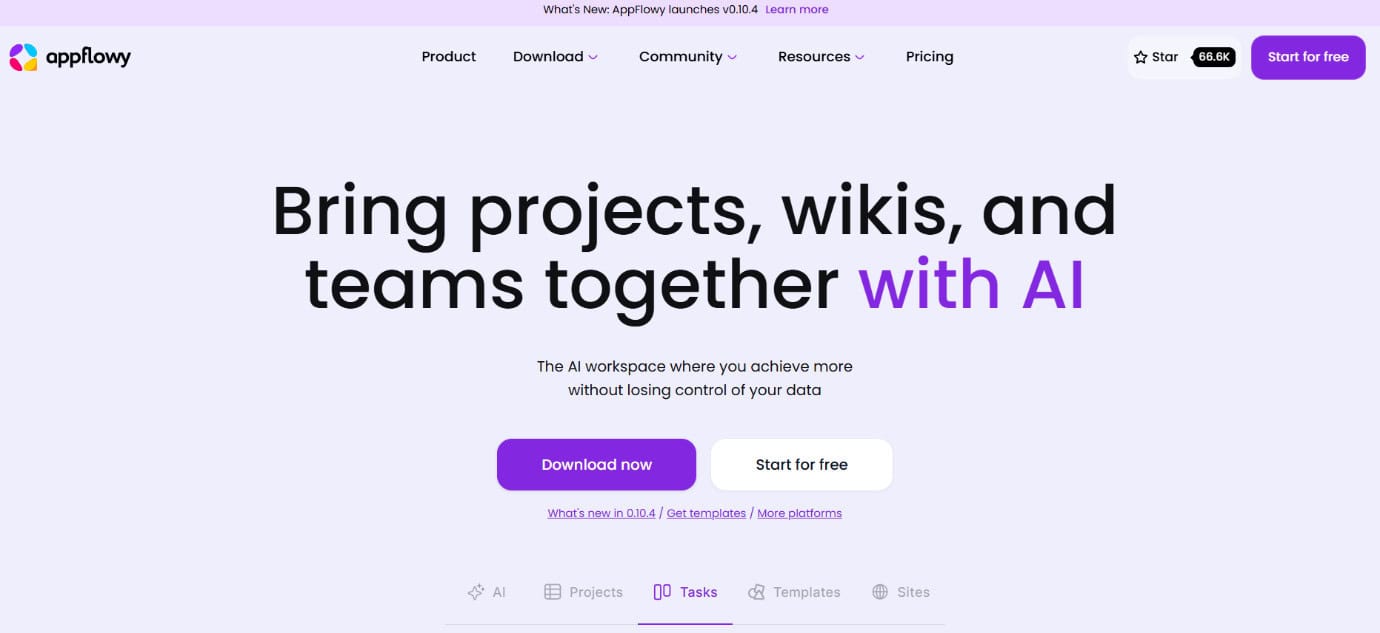
AppFlowy feels like Notion, but lets you keep everything stored locally. It offers databases, boards, and pages you control, with templates to work easy and fast. You can sync across devices yourself or pay for cloud sync. Great if you want privacy.
14. Logseq

Logseq is all about making outlining feel natural. Every bullet can turn into its own note, and you can easily map how ideas connect using the graph view. It also works great for daily journaling and flashcards if you’re studying. Journal-style notes put each day’s work on a canvas, and flashcards are built in for students who want to study or review. Everything stays local, so your notes are private.
Also Read: Top 10 OpenAI Sora Alternatives in 2025
Now you will no longer have a difficult time figuring out the best Notion alternatives after following this guide. For more helpful tips and tricks, stay tuned, and feel free to share your suggestions in the comments below.