With worldwide online connectivity comes a huge problem of not being able to communicate with other people. Translators have been around to tackle this issue and bridge communication gaps. However, if you’re in areas with low connectivity, your online translator may give up on you. Therefore, you should know other best offline translator apps for PC so you never stop conversing with friends!

Best Offline Translator Apps for PC
Whether it’s a work-related task or a personal conversation, these translators will ensure you never run out of things to catch up on with people.
1. Dual Clip Translator

If you’re looking for fast, on-the-spot translations, Dual Clip Translator is your go-to pick. It provides real-time translations right on the source text window, powered by Google and Microsoft engines. You can easily switch between the two, use hotkeys to translate clipboard text instantly, or even edit content on the spot. The software also supports OCR, font customization, and format settings, making it a handy tool for anyone who reads or works across languages regularly.
2. iTranslate

iTranslate brings the power of Apple Translate straight to Mac users. Supporting over 100+ languages, it automatically detects the source language and provides quick, reliable translations. The app has a simple layout, making it ideal for everyday users who want convenience without extra setup. While it works only online, its accuracy and speed make it worth the download from the App Store.
3. Babylon
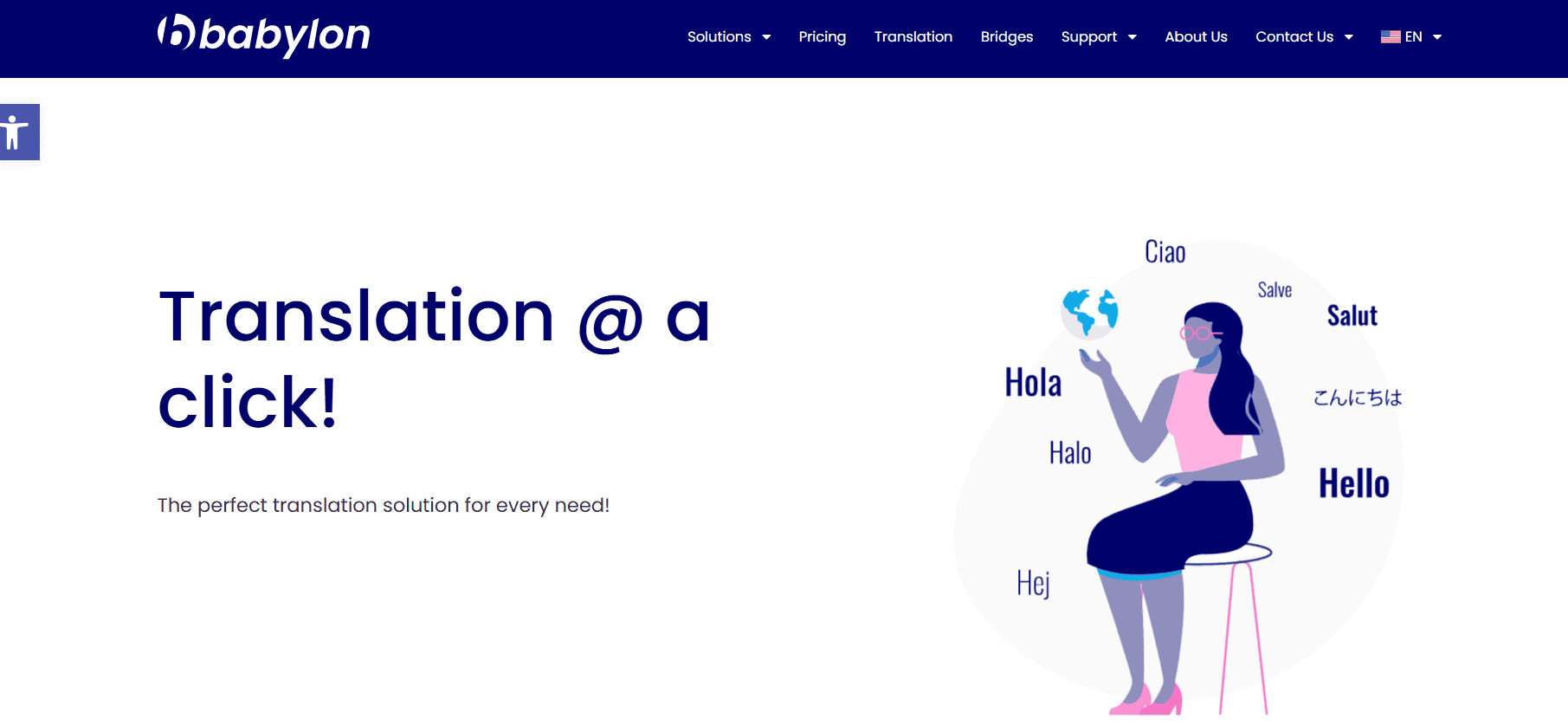
Babylon remains a powerful choice for users who need accurate translations with a professional touch. Its one-click activation and intuitive interface make it simple to translate documents or text in multiple languages. The tool runs on advanced linguistic algorithms to ensure accuracy and can even be deployed behind or outside a firewall for extra data security. You can customize directories, generate instant document summaries, and translate large volumes of content at high speed, perfect for businesses handling multilingual communication daily.
4. Mate Translate
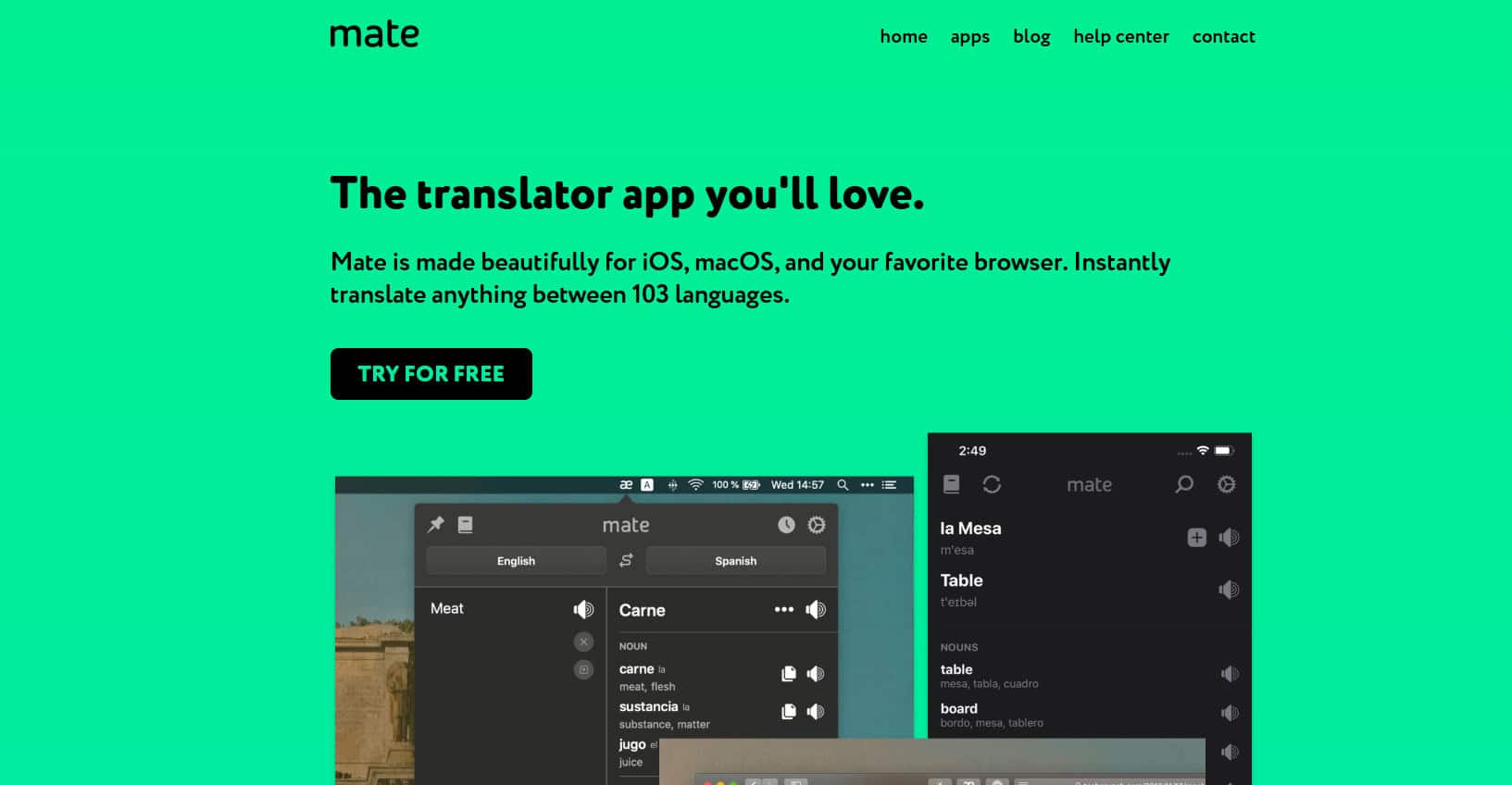
If you’re someone who constantly reads or works online, Mate Translate is the ideal browser extension. Available for Edge, it translates words, phrases, or full documents in over 100 languages without leaving your tab. Simply highlight any word and hover to see its translation instantly. You can also sync preferences across multiple devices, making it a smooth choice for those who work across different platforms. It even offers a paid option for human translation when you need a more refined touch, making it one of the best offline translator apps for PC.
5. Lingvanex

Lingvanex stands out for its offline capability and AI-enhanced translation features. Trusted by global organizations, it supports 91 languages and even converts speech into text with timestamps and proper punctuation. You can translate entire websites, adjust fonts and layout, and bookmark phrases for later use. Its built-in history feature ensures you never lose track of past translations, making it perfect for professionals and frequent travelers who need reliable results anytime, anywhere.
6. Google Translate

Google Translate remains a household name for quick, accurate translations across more than 100 languages online and many offline. It lets you translate not just text but also images and spoken phrases, making it useful in both daily life and business situations. You can download language packs for offline access or even use the handwriting tool to translate written characters. With its broad accessibility and instant results, it’s a must-have for anyone dealing with global communication.
7. PROMT Master
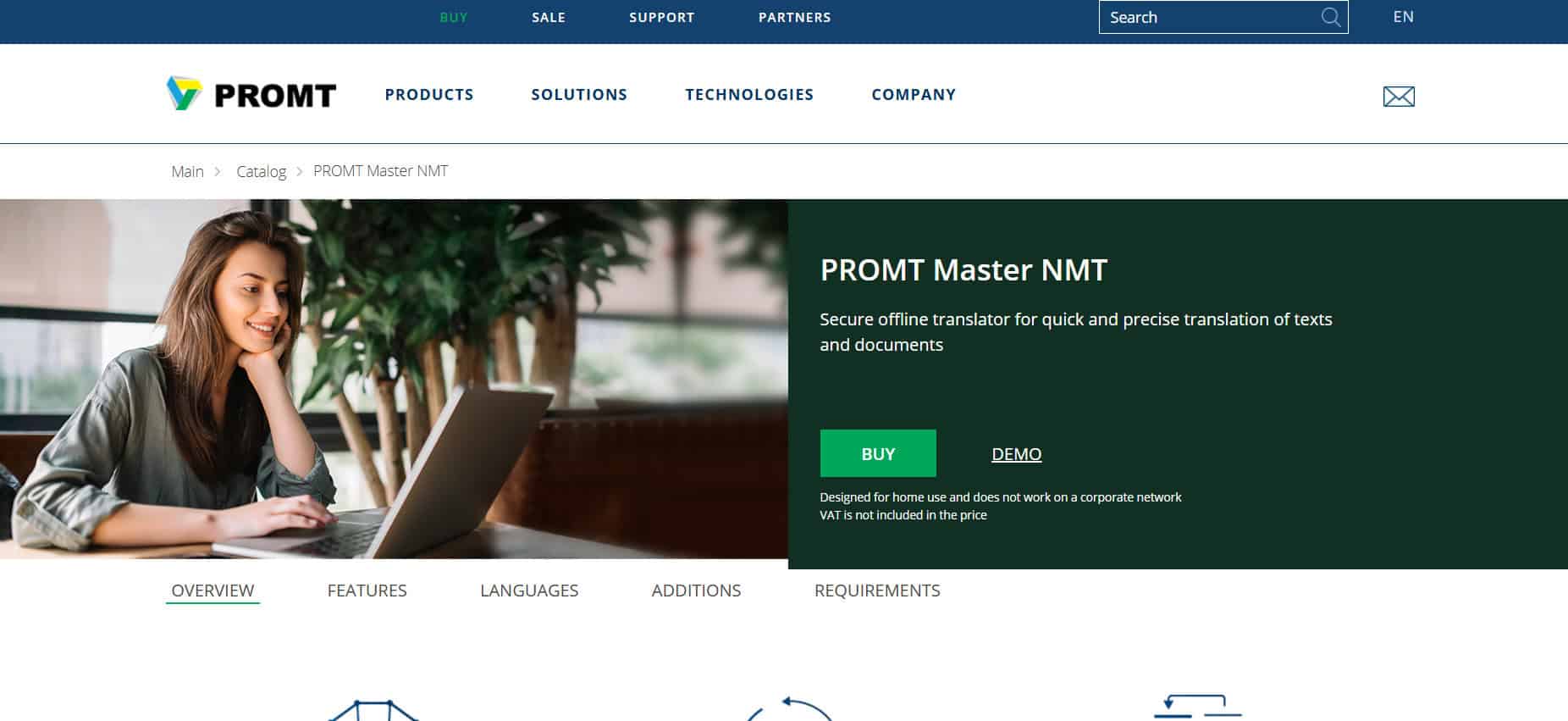
PROMT Master stands out for professionals who deal with international clients and documents daily. It supports multiple language packs and can translate formats like PDF, DOCX, PPTX, HTML, and XML with ease. The software integrates with SDL Trados, giving translators the ability to insert translations directly into source documents. Its domain-specific dictionaries ensure precise, context-aware translations across industries, making it one of the best offline translator apps for PC.
8. Just Translate

Just Translate is a simple yet efficient tool that automatically detects languages and even works offline thanks to built-in proxy support. Apart from translations, it includes a grammar checker and a text-to-speech feature, perfect for learners or presenters. You can translate entire websites or business documents effortlessly, and it recognizes tone and style to ensure natural results every time.
9. Microsoft Translator
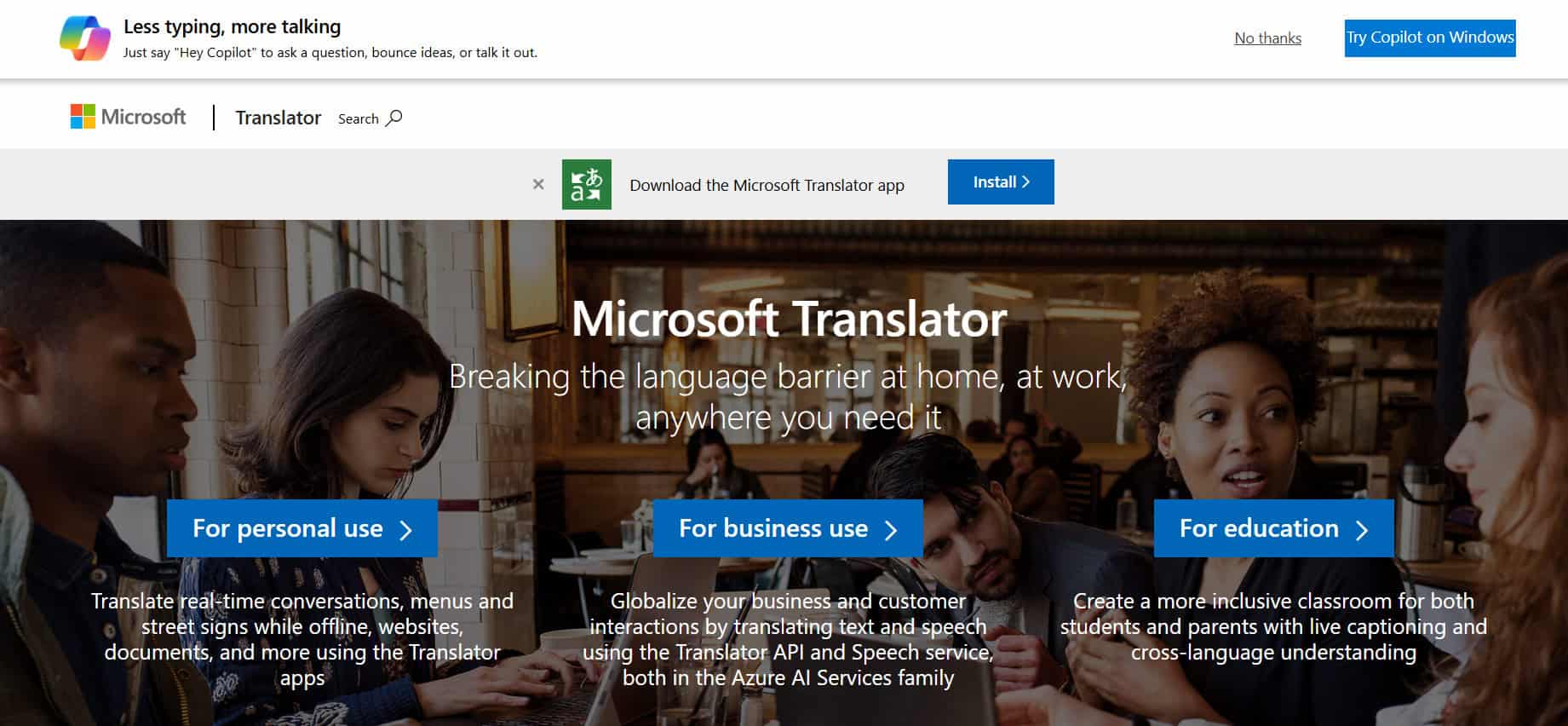
Microsoft Translator may support fewer languages than some competitors, but it shines in offline performance and camera translation. Just point your camera at any printed text—like menus or signs, and it’ll translate it instantly. The app supports voice pronunciation, a phrasebook for saved translations, and an option to share results with other apps. It’s simple, accurate, and designed for on-the-go users.
10. Sider
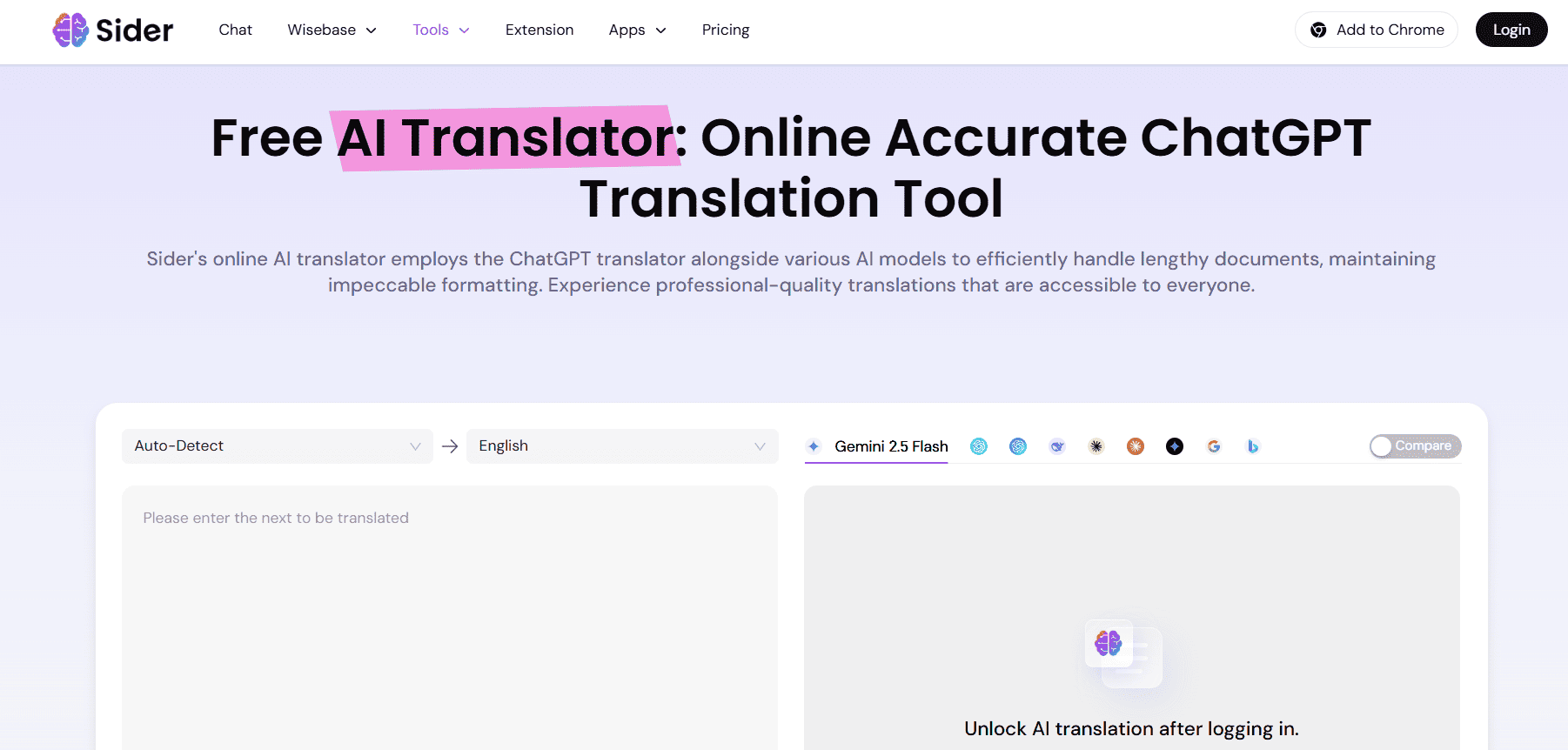
Sider AI remains a top-tier name in the translation world. It automatically recognizes up to 77 languages and even helps you learn pronunciation through a built-in speech feature. Grammar and spell-check tools polish your work for professional use, while integrated dictionaries and text-to-speech support make learning smoother. Premium users also get free software updates and access to language lessons, making it one of the best offline translator apps for PC.
11. Virtaal
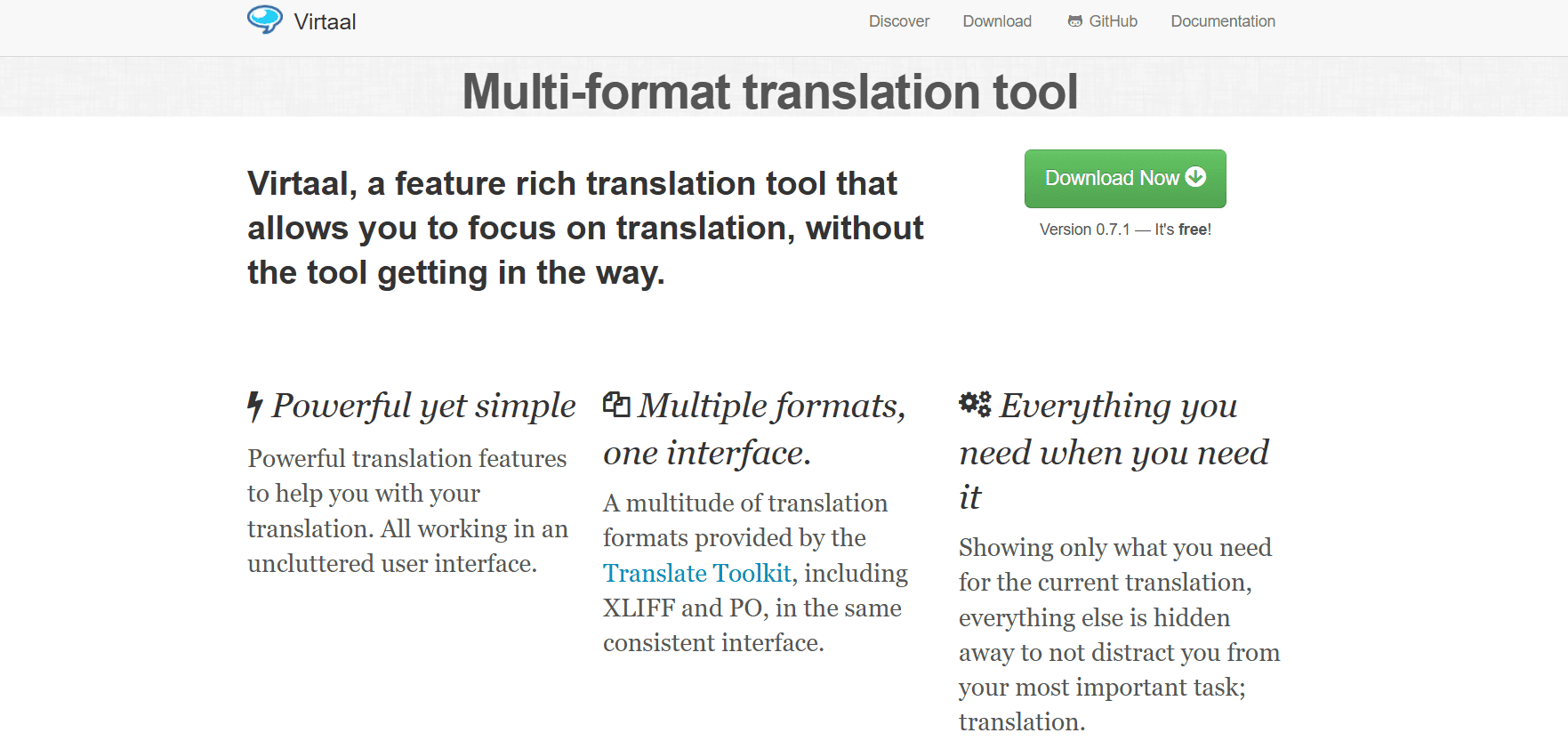
Virtaal is perfect for translators who prefer an uncluttered workspace with powerful features. This offline, multi-format software supports PO and XLIFF files and includes color highlighting, auto-complete, and quality checks. It also offers an integrated tutorial and terminology assistance, ensuring a smooth learning curve for beginners. With its simple drag-and-drop functionality and strong offline capabilities, Virtaal makes translation both easy and efficient.
Also Read: How to Change Voices in Google Translate
Now that you’ve followed this guide, you’ll no longer have a difficult time figuring out the best offline translator apps for your PC. For more helpful tips and tricks, stay tuned, and feel free to share your suggestions in the comments below.